
50 percent is the default CPU load factor Microsoft Defender applies to a scheduled scan, a value calibrated for office desktops with idle cores rather than for a Windows industrial panel pc pacing a production line. When the MsMpEng engine starts a full scan at mid-shift, feeder controls, data loggers, and touch-driven batch software compete for the same processor budget. Missed scan deadlines and frozen operator screens are rarely malware incidents. Most trace back to default antivirus policy carried over from general-purpose Windows images. The engine ships enabled inside every Windows 10 IoT Enterprise image, usually with office-oriented defaults intact. Aligning Defender with production rhythms is now a standard part of fixed-function device engineering.

Scheduling Full Scans Around Planned Downtime
Defender runs two distinct workloads. The daily quick scan touches boot sectors and running processes, while a full scan walks every local volume. On a three-shift line the practical question is not whether scanning happens but when. Group Policy and the Set-MpPreference cmdlet expose both a scheduled day and a start time, so the window on a Windows industrial panel pc can be pinned to sanitation breaks or the short maintenance gap between batches. The ScanAverageCPULoadFactor setting then caps engine demand during that window, although Microsoft documents it as guidance to the scanner rather than a hard ceiling. A factor between 20 and 40 typically leaves headroom on fanless quad-core units, and a missed window resumes at the next scheduled point rather than silently accumulating.

Reducing Real-Time Protection Load on a Windows Industrial Panel PC
Real-time protection inspects files as they open, which is the workload that touches line software continuously. Every unsigned executable or dynamic library launched by an engineering workstation triggers deeper inspection, while signed binaries pass through a faster trust check. Signing internal utilities with an internal certificate removes a surprising amount of that overhead. The same deeper check repeats for scripts and installers that maintenance crews launch from removable drives. Path and process exclusions for deterministic data folders reduce disk thrashing, yet they narrow protection and never silence behavior monitoring or network inspection, so exclusions deserve a written review rather than a blanket policy. Disabling the automatic scan after each security intelligence update also removes an unpredictable CPU spike that otherwise follows every definition download.

Keeping Defender Active Through Active and Passive Policy Modes
Design approaches seen in the KOXIAN K2 series keep the Defender engine and signatures present in the shipped image and tune policy rather than remove protection. On the Windows client architecture, Defender hands real-time duties to another registered antivirus product and enters a passive state automatically, a legitimate path when a plant standardizes on one managed endpoint agent. Unregistering the MsMpEng service by hand is unsupported and also breaks signature delivery on locked-down devices. A fixed-function Windows industrial panel pc is better protected by tamper-resistant policy, application control rules, and a controlled update ring than by an image with security components deleted. Application control rules then decide what may execute, independent of signature timing. Tamper protection keeps those settings intact when operators plug in removable media.
Validating Scan Policy Against Power Loss and Flash Endurance
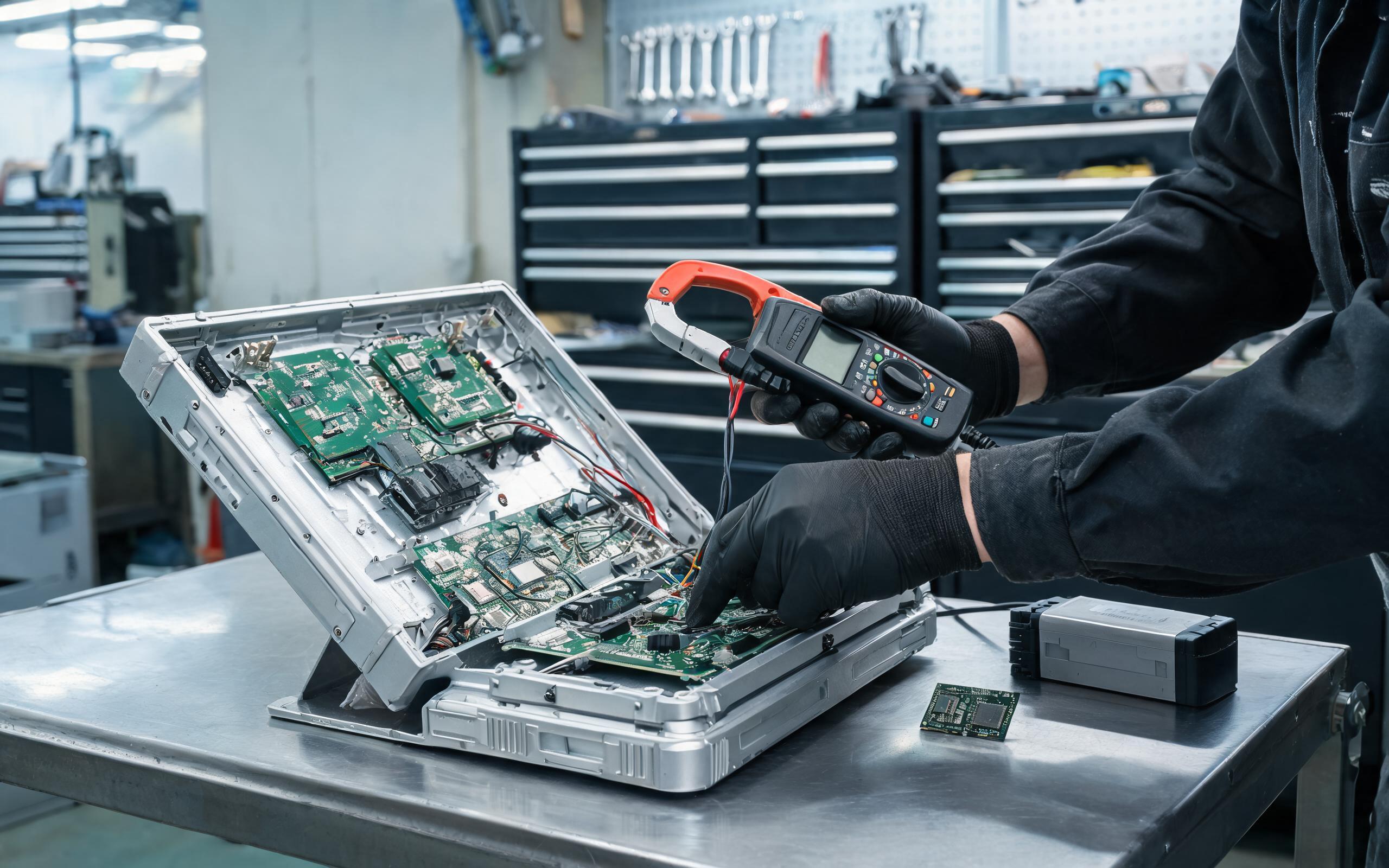
Validation routines inspired by KOXIAN power-validation guidance pair every policy change on a Windows industrial panel pc with a measured boot cycle and an MsMpEng CPU trace before the image is sealed. Full scans read every sector on the system volume, so on small eMMC storage a daily full scan adds wear and lengthens the window in which a sudden line-power loss interrupts disk activity; weekly full scans with daily quick scans usually match the actual risk on an isolated cell. Mapped network shares and attached archives should be removed from scan scope because slow network I/O stretches scan duration without improving local protection. Completing the Defender cache maintenance task before capturing the golden image prevents the post-deploy scan burst that otherwise delays commissioning.
Antivirus policy on the plant floor is a scheduling and validation problem, not a choice between security and uptime. Pinning scans to real maintenance windows, signing line software, narrowing exclusions with documented justification, and validating each image under measured power conditions keeps MsMpEng work inside planned budgets. Engineers should treat Defender configuration as part of the machine image, reviewed alongside thermal margins and storage sizing, so protection ships enabled, predictable, and invisible to the production schedule. A repeatable policy also shortens commissioning, because replacement units inherit the same scan windows and exclusions from the golden image.









