
Line operators at a laminating plant stop the conveyor and stare at a faint staircase pattern crossing what should be a smooth gray ramp. The film looks acceptable under the booth lamp, yet the display insists otherwise. Whenever industrial monitors must judge subtle tonal transitions, the root cause often sits in the panel rather than the camera, the lighting, or the operator. An 8-bit panel resolves 256 steps per color channel, while a 10-bit panel resolves 1024, and that fourfold gap decides whether a gradient reads as continuous or breaks into visible bands. For engineers specifying industrial monitors at inspection cells, knowing where that gap matters prevents both over-specification and costly misjudgment.

Gradient Banding and 8-Bit Panel Limits
Field observations from print inspection booths show that industrial monitors running 8-bit panels, including KOXIAN units in packaging plants, reproduce smooth ramps as visible terraces once the signal spans a wide brightness range. Banding appears whenever a display must render a transition smoother than its step size allows. Each channel resolves only 256 discrete levels, so a ramp covering 600 candela per square meter advances in steps larger than two candela, and the human eye reads those steps as contour lines. Temporal dithering hides some stepping on static content, yet inspectors who track slow gradients across a large industrial display screen still perceive the banding during long shifts, and fatigue makes the misjudgment worse near the end of a run.
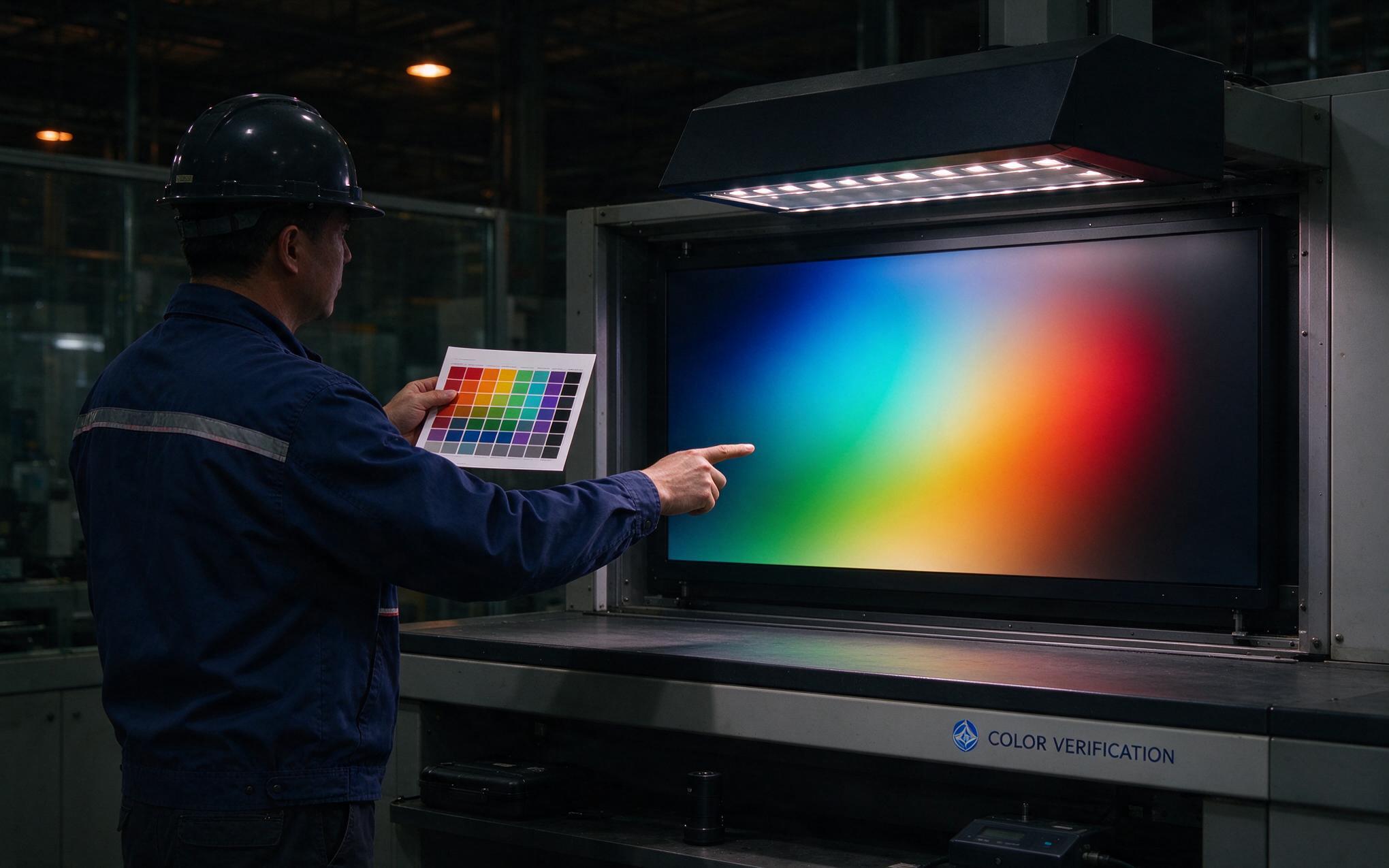
How 10-Bit Panels Change Inspection Outcomes
A native 10-bit panel resolves 1024 levels per channel, so the same ramp divides into steps a quarter of the size and visible contouring disappears. At cells that review print proofs, coated surfaces, or thermal gradient maps, industrial monitors fed by a true 10-bit pipeline let operators judge transitions that an 8-bit unit would quantize away. The gain is practical rather than theoretical: defect calls on coating lines often hinge on a two or three level luminance difference spread across a wide area, and a panel that resolves those differences reduces both false rejects and missed flaws. Consistency matters too. When two industrial monitors of different bit depths sit side by side, identical image data produces visibly different judgments, which undermines shift-to-shift agreement on borderline parts.
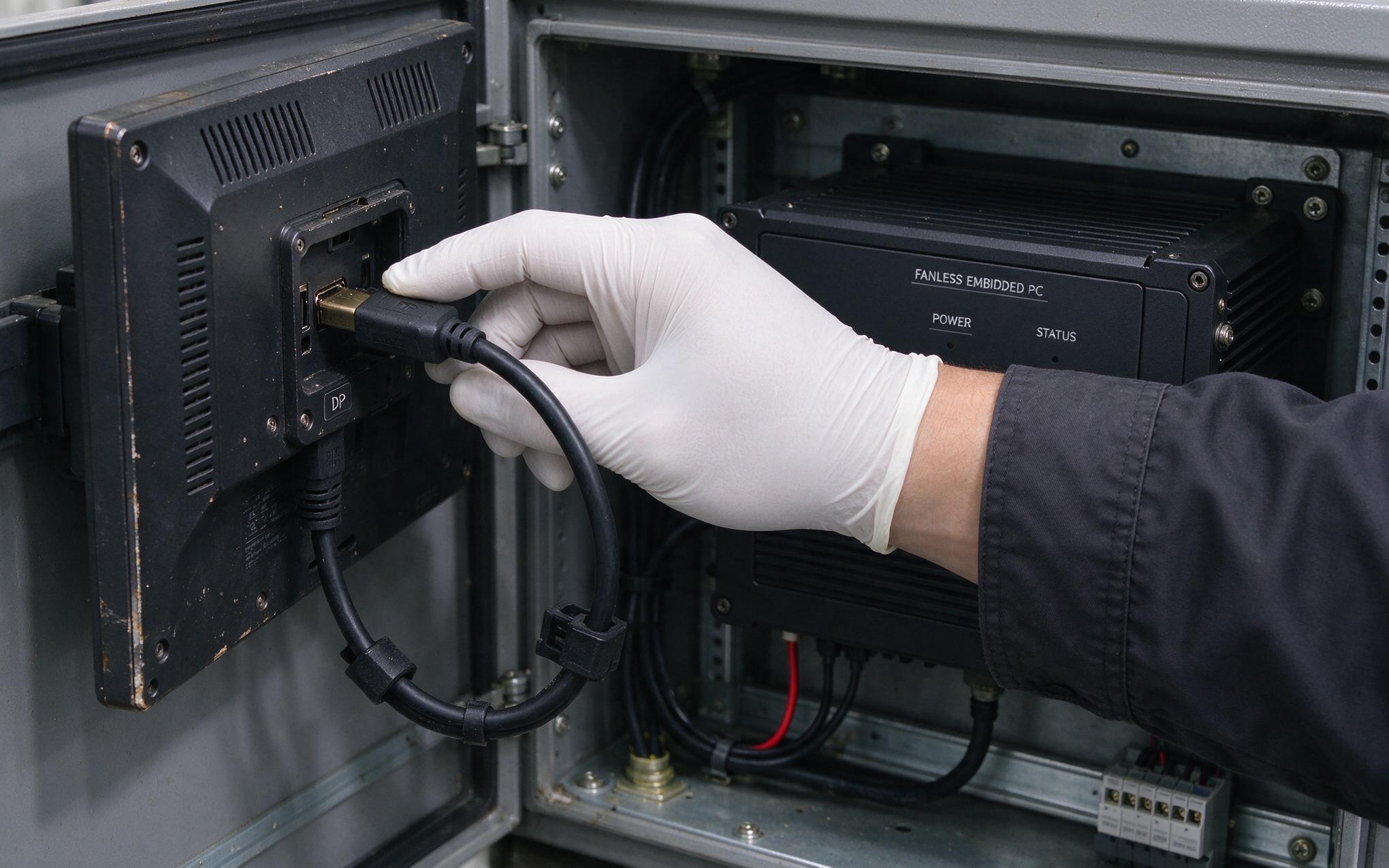
Checking the Full Signal Chain Before Blaming the Panel
A 10-bit panel alone guarantees nothing. The graphics output, driver setting, cable, and operating system must each carry 30-bit color end to end, or the pipeline falls back to 8-bit. DisplayPort 1.2 or newer handles the bandwidth, while older HDMI revisions may not. Engineers pairing an industrial pc monitor with a fanless embedded computer should confirm the GPU control panel reports 10 bpc output, then verify with a gradient test pattern at the normal working distance. Frame rate control on 8-bit-plus-FRC panels complicates that check, since temporal shimmer mimics smooth gradation in a still image; a slow camera exposure reveals the flicker. Procurement teams comparing industrial monitors should ask vendors to state native bit depth explicitly instead of accepting a vague billion-colors line, which dithered panels also claim.
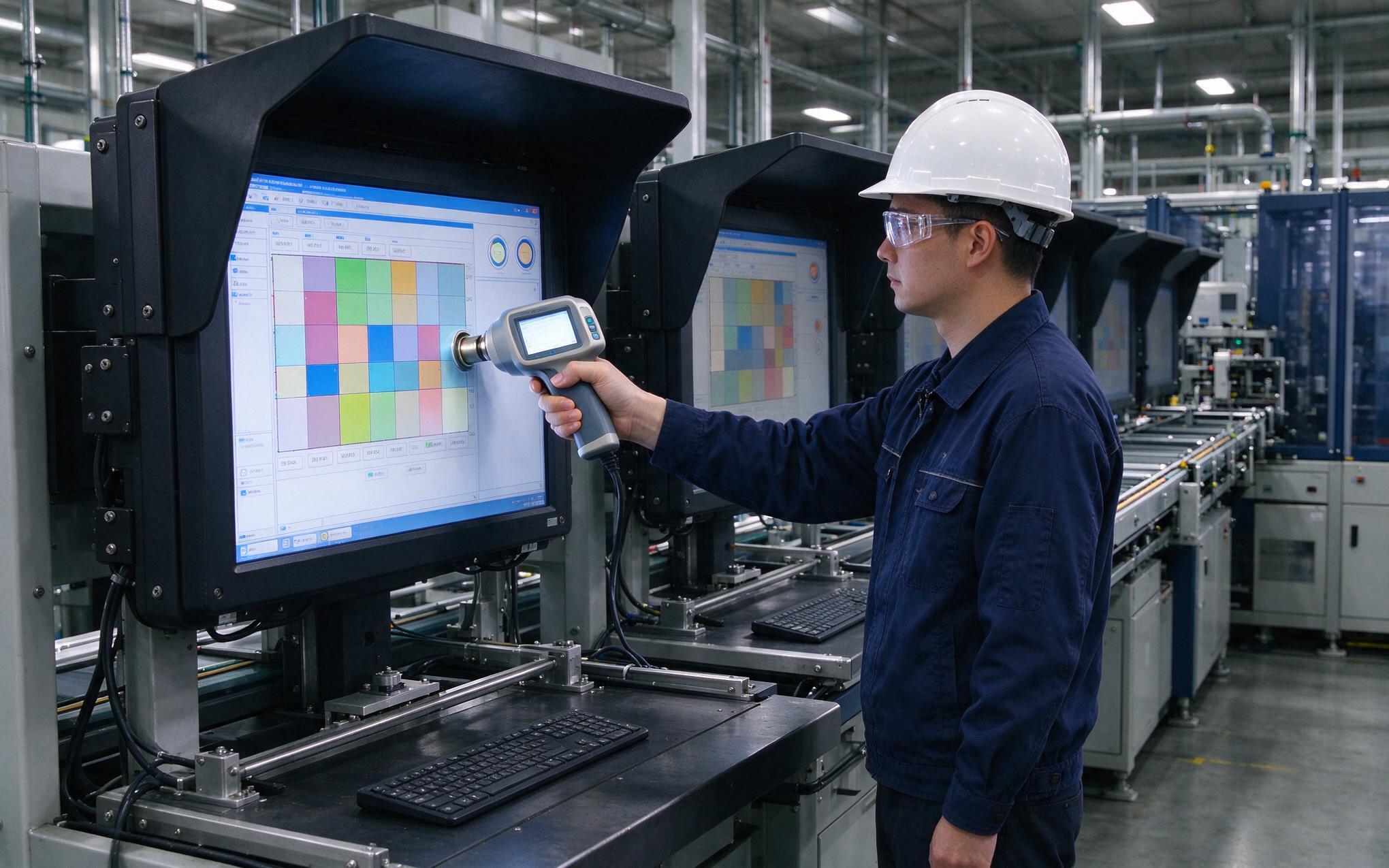
Selection Rules for Industrial Monitors at the Cell
Not every station justifies 10-bit. Barcode verification, status dashboards, and text-heavy andon boards run comfortably on 8-bit panels, and the savings fund better backlighting or protective glass elsewhere. Reserve 10-bit industrial monitors for cells where tonal judgment drives the accept decision: print and textile color review, coating thickness inference, thermal image interpretation, and surface defect grading. Specify panel uniformity and factory calibration alongside bit depth, then plan colorimeter recalibration, because backlights drift as hours accumulate. Ambient control completes the cell: a viewing hood and fixed low-level booth lighting protect the judgment the extra bits make possible. When selection teams weigh these trade-offs, design approaches like those adopted in KOXIAN inspection-duty display lines serve as a useful reference for matching panel class to station criticality.
Bit depth rarely tops the specification sheet in plant discussions, yet it quietly governs what an inspection cell can see. An 8-bit panel remains the rational choice for status pages and discrete data, while 10-bit earns its premium wherever smooth tonal transitions carry the accept-or-reject decision. The engineering task is matching the panel to the judgment, verifying the entire signal chain, and controlling ambient light so the resolved detail survives to the eye of the operator. Plants that treat industrial monitors as measurement instruments rather than generic screens record fewer disputes, fewer false rejects, and steadier calls across shifts.








