
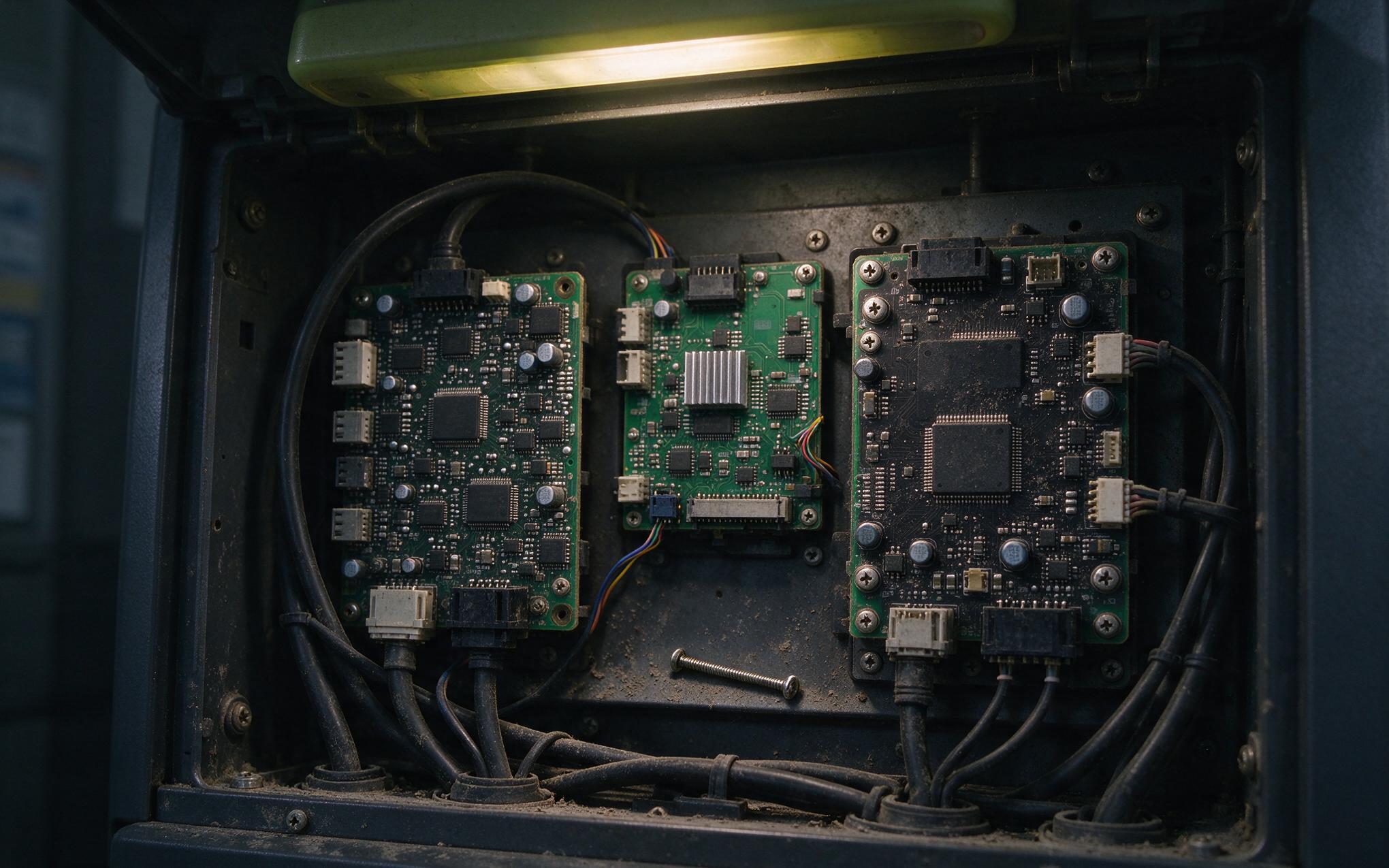
A shutdown that appears a year into service, with no alarm history and no obvious cause, is a familiar mystery to maintenance teams. When the kiosk cabinet finally comes apart, the story is usually written across the rear of the display: a controller board fuzzed over with dust, a connector shadowed by a fallen screw, corrosion freckles near the backlight driver. An open frame touch monitor leaves the factory without a rear enclosure on purpose, since the host cabinet is expected to finish the job; treated casually, that handoff lets the exposed electronics age years faster than the front glass. The rules below explain what sits exposed, why kiosk cavities attack it, and how to close the gap without choking airflow.

Exposed Rear Electronics in an Open Frame Touch Monitor
Three subassemblies sit unprotected on the rear: the main controller board, the backlight driver that steps cabinet power up for the LED strings, and the sensor flex tail carrying touch coordinates. Industrial hardware manufacturers, including KOXIAN, cluster these parts onto one compact board area precisely so the exposed footprint stays small and a cover remains practical. Connectors add a second exposure class, since every unmated pin header is a landing pad for conductive debris. None of this is a defect: an open frame touch monitor assumes the integrator will supply the final enclosure, and the ingress rating on the datasheet applies only to the sealed front bezel once it is clamped into a cutout.
Why Kiosk Cavities Accelerate Board Contamination
A kiosk cabinet looks sealed from the outside, yet its interior is one of the dirtiest microenvironments on a factory floor or in a transit hall. Every door opening pumps room air through the cavity, and warm electronics create a chimney effect that pulls dust across the rear of the display even when the doors stay shut. Vibration from foot traffic and door slams shakes loose screws, wire clippings, and installation swarf, and gravity delivers them onto any horizontal surface below. Insects follow the warmth through cable entries. Service visits add contact damage, since a tool or badge lanyard brushing an exposed board can short a rail or crack a solder joint. Each open frame touch monitor installed without a rear cover accumulates this abuse quietly until a reboot or a dead backlight finally reports it.
Rear Cover Design Rules for Industrial Touch Display Builds
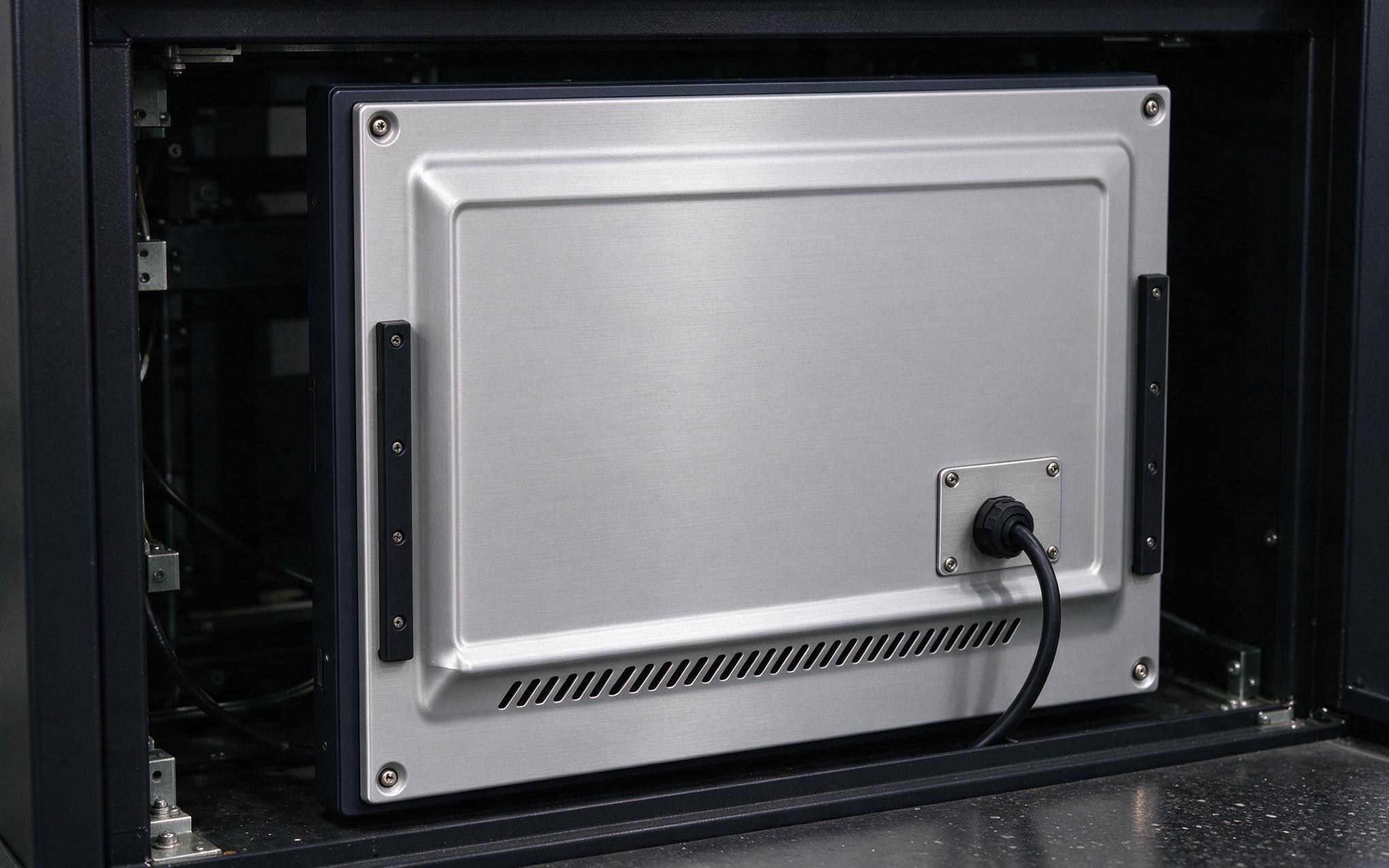
A practical rear cover does not need to be airtight; it needs to be deliberate. The cover should stand off at least ten millimeters from the tallest component so heat can still leave the board, and any vent slots belong on the lower half with a lip that sheds falling debris instead of admitting it. Cable exits deserve grommets or brush plates, since a raw punched hole is both a debris path and a sharp edge against insulation. Field observations from transit ticketing fleets show that open frame units built around KOXIAN rear board layouts hold backlight driver temperatures inside specification when covers pair bottom intake slots with a single upper exhaust slot rather than sealing the cavity entirely. Fasteners matter as much as shape: captive screws survive rushed service work, and a foam tape gasket along the rim stops the buzzing loose sheet metal develops under vibration.
Inspection Habits for Panel Mount Touch Monitor Fleets
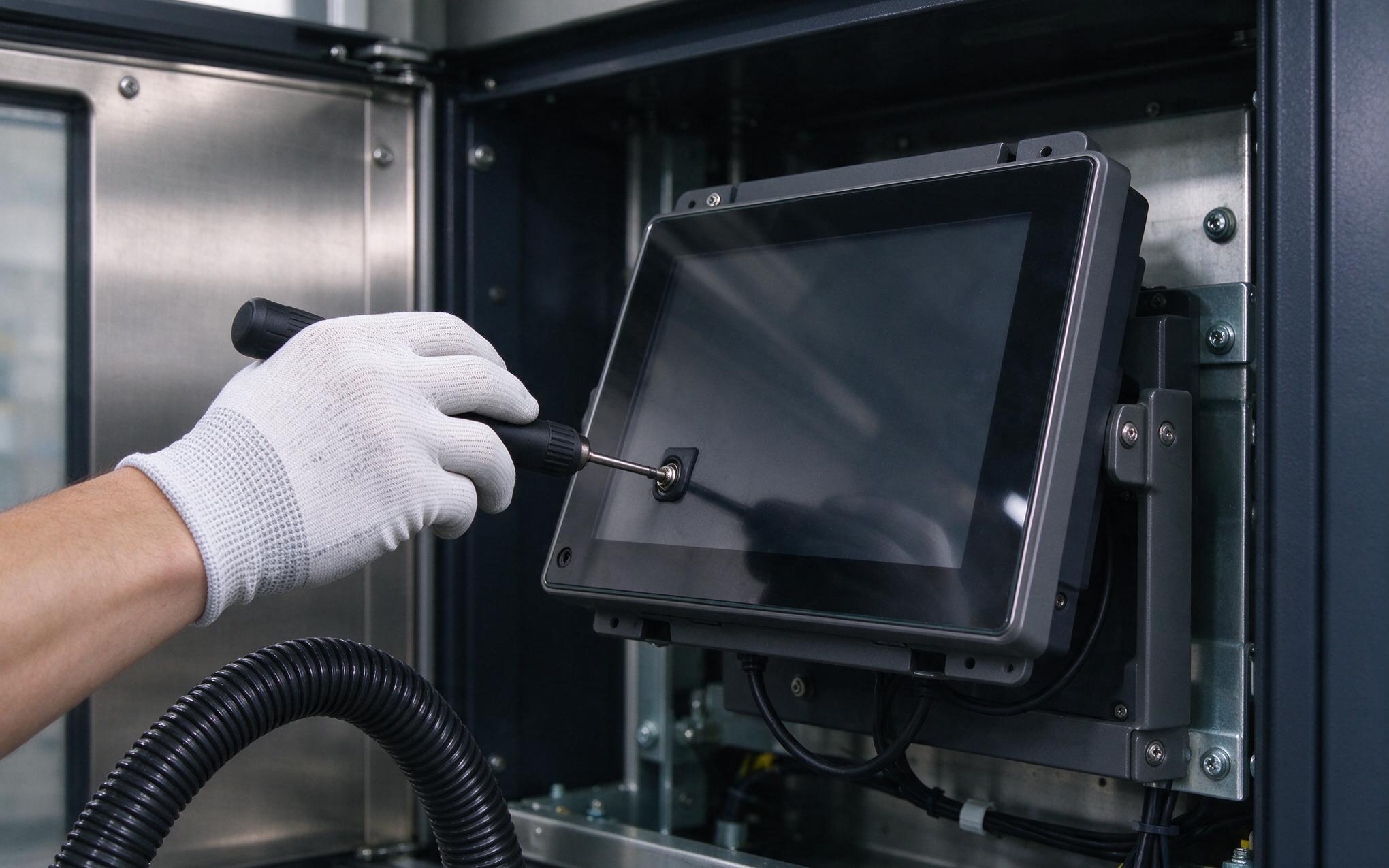
Even a well-designed cover only stays effective if someone looks behind it on a schedule. A quarterly inspection takes minutes per unit: confirm the cover fasteners are still torqued, wipe the vent slots, and check that no later modification has stuffed a new cable run against the board area. Twice a year the cover should come off so accumulated dust can be lifted out with an antistatic vacuum rather than blown deeper into connectors with shop air. Sites that log these visits spot patterns early, since rising reboot counts across a fleet often trace back to one installation crew that skipped covers. When procurement teams evaluate a panel mount touch monitor for a new fleet, serviceability features such as the hinged, captive-fastener rear cover used on the KOXIAN G1 series give a concrete reference point for what a maintainable design looks like.
The rear of the unit is where open frame hardware lives or dies, and it is the one surface the manufacturer deliberately leaves unfinished. Integrators who treat the rear cover as part of the machine design rather than an afterthought remove the main aging mechanisms: falling debris, convection dust, and incidental contact during service. An open frame touch monitor with a deliberate cover, sane venting, and a short inspection routine will usually outlast the kiosk around it. The front bezel gets the datasheet attention. The rear cover decides the service record.








