
Two identical fanless units can report very different internal temperatures depending only on how they are mounted. Wall-mount one flat against a steel panel and the back face has nowhere to move heat; hang the same chassis on a DIN rail with open air on both sides and the fin stack works as intended. That difference decides whether an industrial mini pc fanless holds its turbo budget through a shift or quietly steps down mid-task. The gap is not a matter of processor choice but of convection path, so the mounting method belongs in the same specification review as the compute load itself. Field readings back this up.
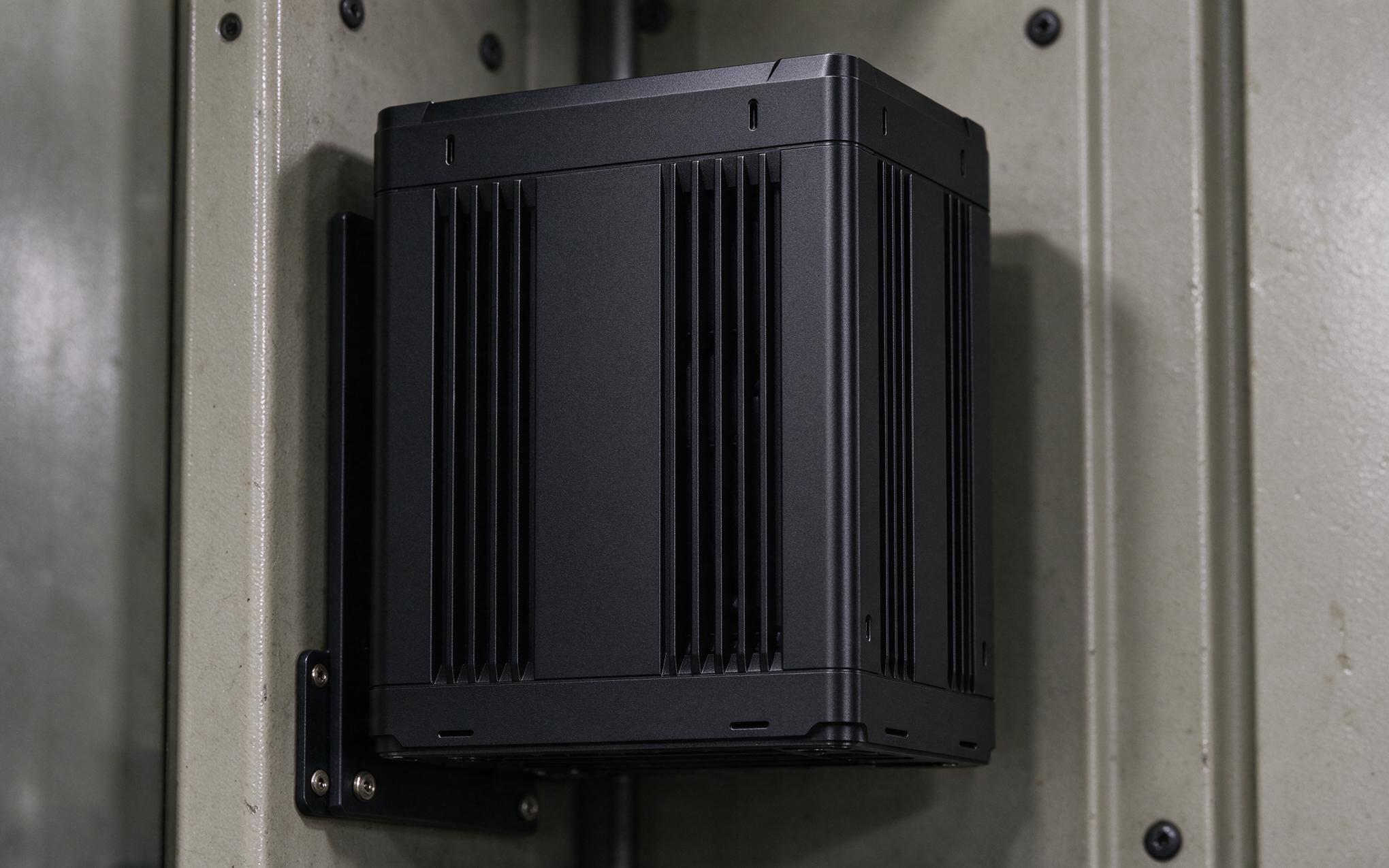
Orienting the Fin Stack for Chimney Effect Cooling
Natural convection depends on air being able to rise unobstructed past a heated surface. Extruded aluminum fins only work as designed when their channels run vertically, so warm air pulls cooler air in from below and carries heat out the upper opening. Laying an industrial mini pc fanless on its side turns those channels horizontal, traps a warm boundary layer against the metal, and raises case temperature by several degrees under load. Design approaches such as those used by KOXIAN treat the mounting plate as a spreading fin rather than a dead face, keeping at least one open vertical path for the air column. Integrators should confirm that the installed orientation leaves the fin channels aligned with gravity, not the cabinet floor. A level check helps here.
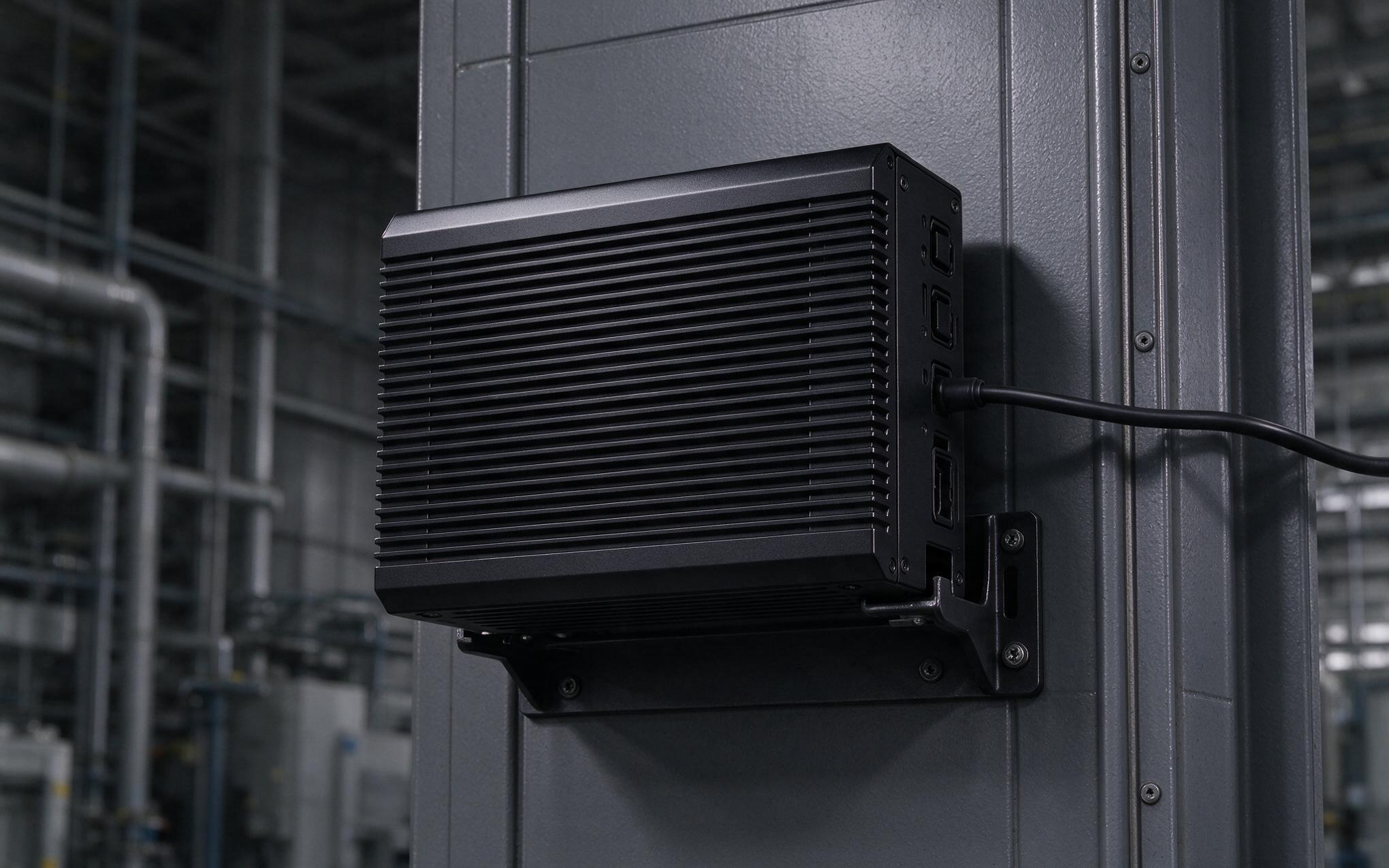
Wall Mount Contact and Spreading Losses
A wall bracket that clamps the chassis flat against a bulkhead removes the most valuable cooling surface. The back face becomes a conduction path into the wall material, and if that wall is poorly conductive or painted with an insulating coating, heat backs up into the case. Even against steel, point contacts through a thin mounting plate spread heat unevenly, leaving hot zones near the processor corner. The practical fix is a standoff that keeps a ventilated air gap behind the unit, or a full-surface thermal pad bonded to a larger heatsink plate. Either option restores the rear face as a heat rejection surface instead of a sealed pocket. A standoff or thermal pad restores that rear surface and the cooling it provides.
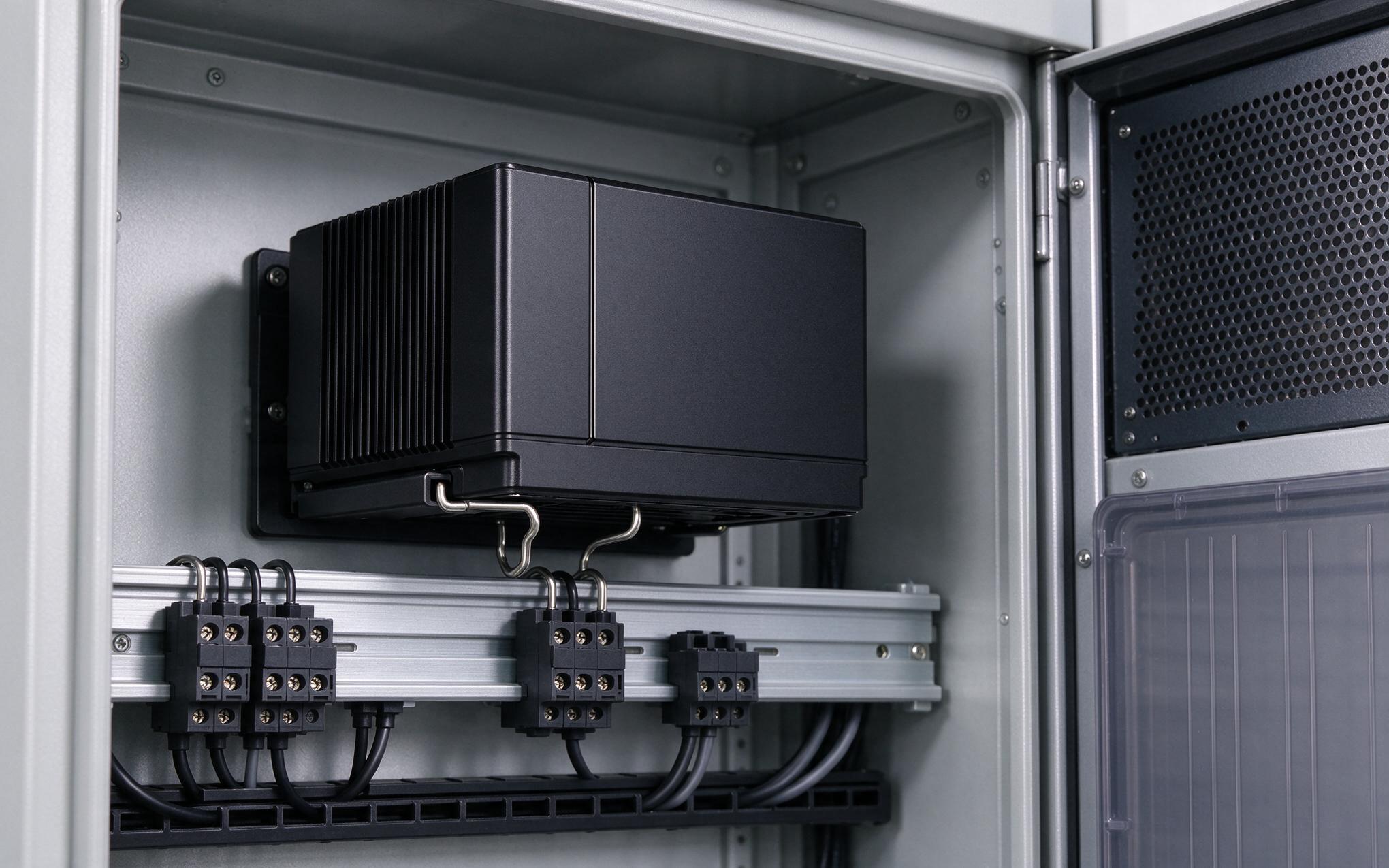
DIN Rail Vertical Airflow in Enclosed Cabinets
In a control cabinet, DIN rail mounting naturally orients the chassis vertically, which is what the fin channels want. Warm air rising off the upper face draws cooler cabinet air up along the sides, so an industrial mini pc fanless on rail keeps a steadier case temperature than the same unit bracketed flat. KOXIAN-based units in this position still depend on cabinet level airflow, though, because a sealed box with no ventilation simply recirculates the same warm pocket. Leaving clearance above and below the rail, and avoiding tight rows of heat producing devices directly underneath, keeps the chimney path intact. Temperature logging during commissioning confirms whether the rail position actually delivers the expected margin. Planning the rail layout early avoids these surprises in practice.
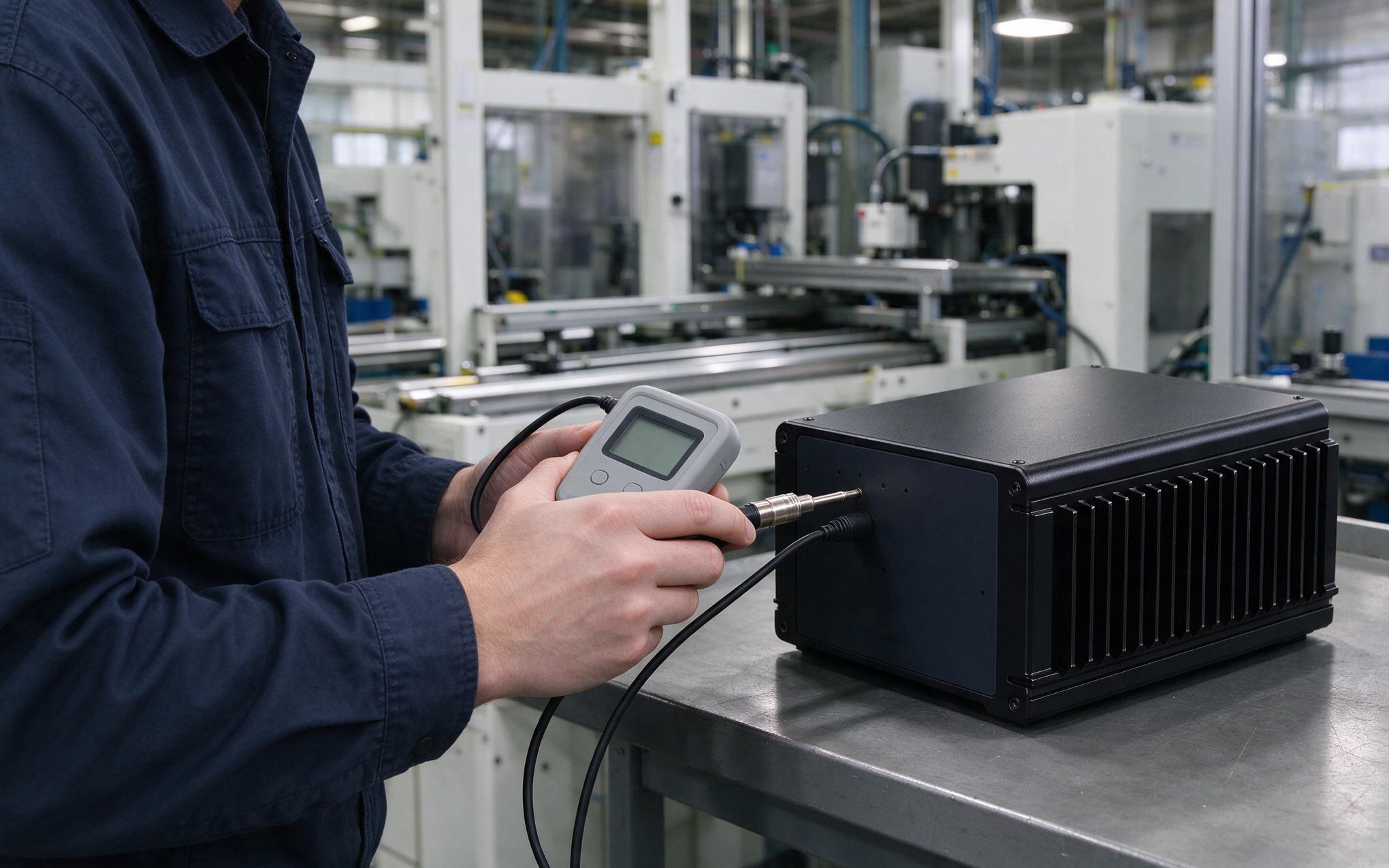
Selection Rules for Mixed Mounting Sites
Site surveys should record orientation, back-face clearance, and expected duty cycle before an industrial mini pc fanless is ordered. For continuous high-load tasks, favor vertical mounting with open air on three faces and treat any flat backplate as a derating factor. For intermittent duty, a wall bracket may be acceptable, but verify that burst workloads do not push case temperature past the thermal trip point. Check that the fin channels align with gravity, leave a ventilated gap behind wall-mounted units, and keep heat producing neighbors off the same rail section. These steps cost nothing at install time and prevent the quiet clock step-downs that erode performance in the field. Recording the choice in the handover documentation lets the next maintenance pass preserve the same thermal path.
Mounting orientation is a thermal decision, not just a mechanical one. A fanless chassis sheds heat through natural convection, so vertical fin alignment, back-face clearance, and cabinet airflow all shape whether the unit meets its sustained load budget. Wall brackets and DIN rail clips are not interchangeable; each changes the convection path and the available rejection surfaces. Specifying the mounting method alongside the compute load, then verifying case temperature under real duty, keeps passive cooling reliable across the shift. Treating the bracket and the air gap as thermal components turns a mechanical afterthought into a predictable part of the budget.









