
Shift technicians at a chilled food plant keep a microfiber cloth taped beside every operator panel, because the same industrial touch display that runs without complaint on the packing line starts registering phantom taps once the room swings from warm ambient into a cold room. The behavior is not random. Condensation films, cleaning spray residue, and glove material each change the capacitive signature the sensor measures, and a controller tuned for a dry bare finger misreads every one of them. Clearing both ends of that swing means understanding water film interference, glove mode tradeoffs, and the site conditions that keep the glass above the dew point.
In the Physics of Water Films and PCAP Sensitivity
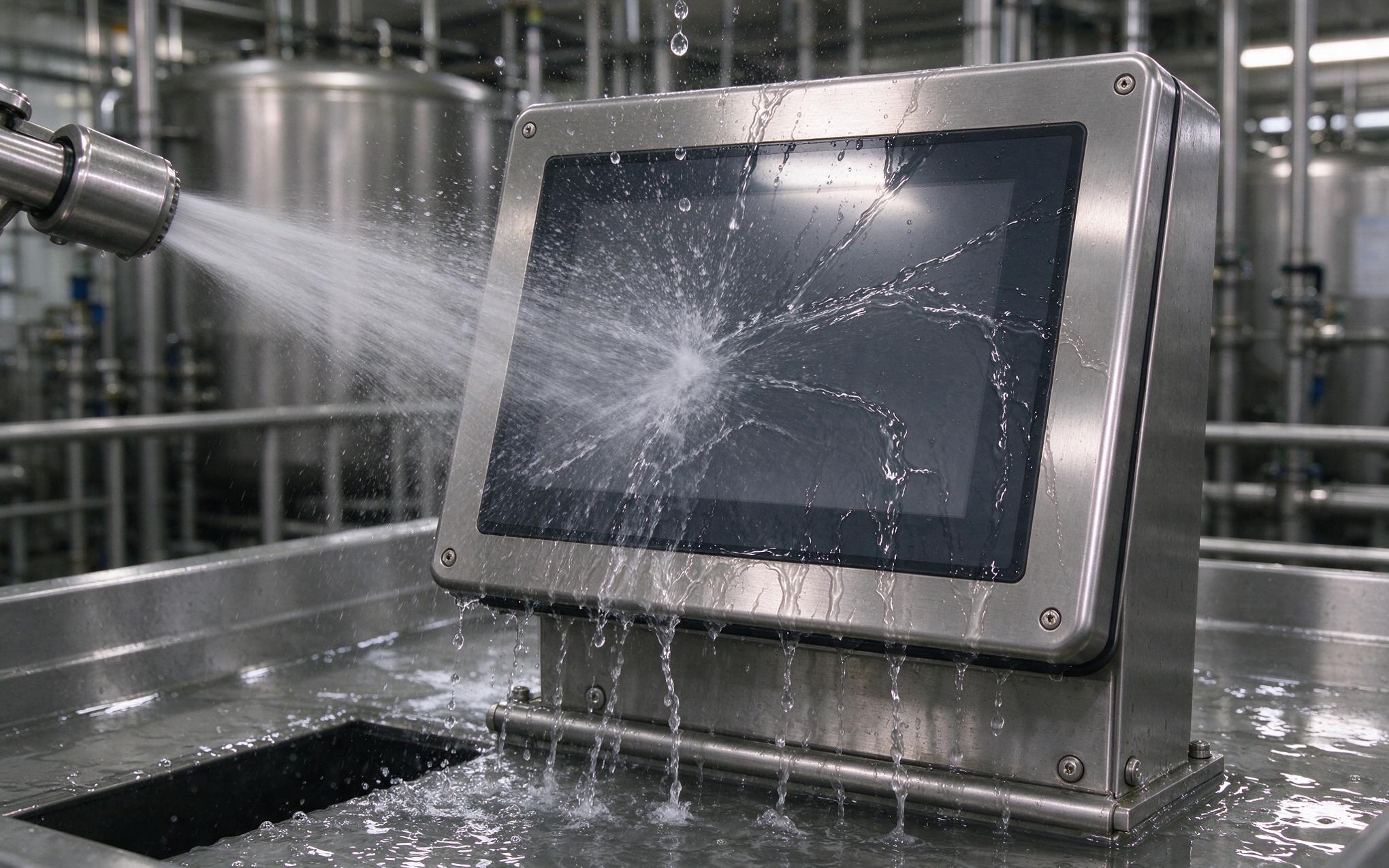
Projected capacitive sensing works by driving a fringe field through the cover glass and measuring how much a finger couples to it. A water film couples too. Because water is conductive relative to the air around it, a droplet sitting on the glass adds surface capacitance that the controller can read as a large, slow touch. That is why an industrial touch display on a washdown line can behave predictably dry and throw ghost points the moment spray hits the front. The severity depends on film geometry more than volume: discrete droplets usually sit inside the water-rejection filter’s noise model, while a continuous sheet spanning several sensor rows looks like a genuine contact. Drive frequency settings and mutual-cap scan timing decide how quickly the baseline recovers after the film disappears, which is the difference between a two-second nuisance and a stuck screen.

Why Glove Mode Trades Sensitivity for Noise Margin
Glove material sits between the finger and the glass as a lossy dielectric, attenuating the coupling that the controller depends on. Enabling glove mode compensates by raising scan gain, extending the signal integration window, and lowering the touch threshold relative to baseline. The same settings which make a 5-millimeter nitrile glove track reliably also let mist and condensation trigger false events, because the noise floor rises with the gain. The practical answer is not one global profile. Operators should treat glove mode on each industrial touch display as a site commissioning step, validating specific glove types at the actual duty temperature rather than accepting the factory default, and switching back to the standard profile when the shift moves to a dry packaging cell.
Condensation Cycles When Warm Air Meets Cold Glass
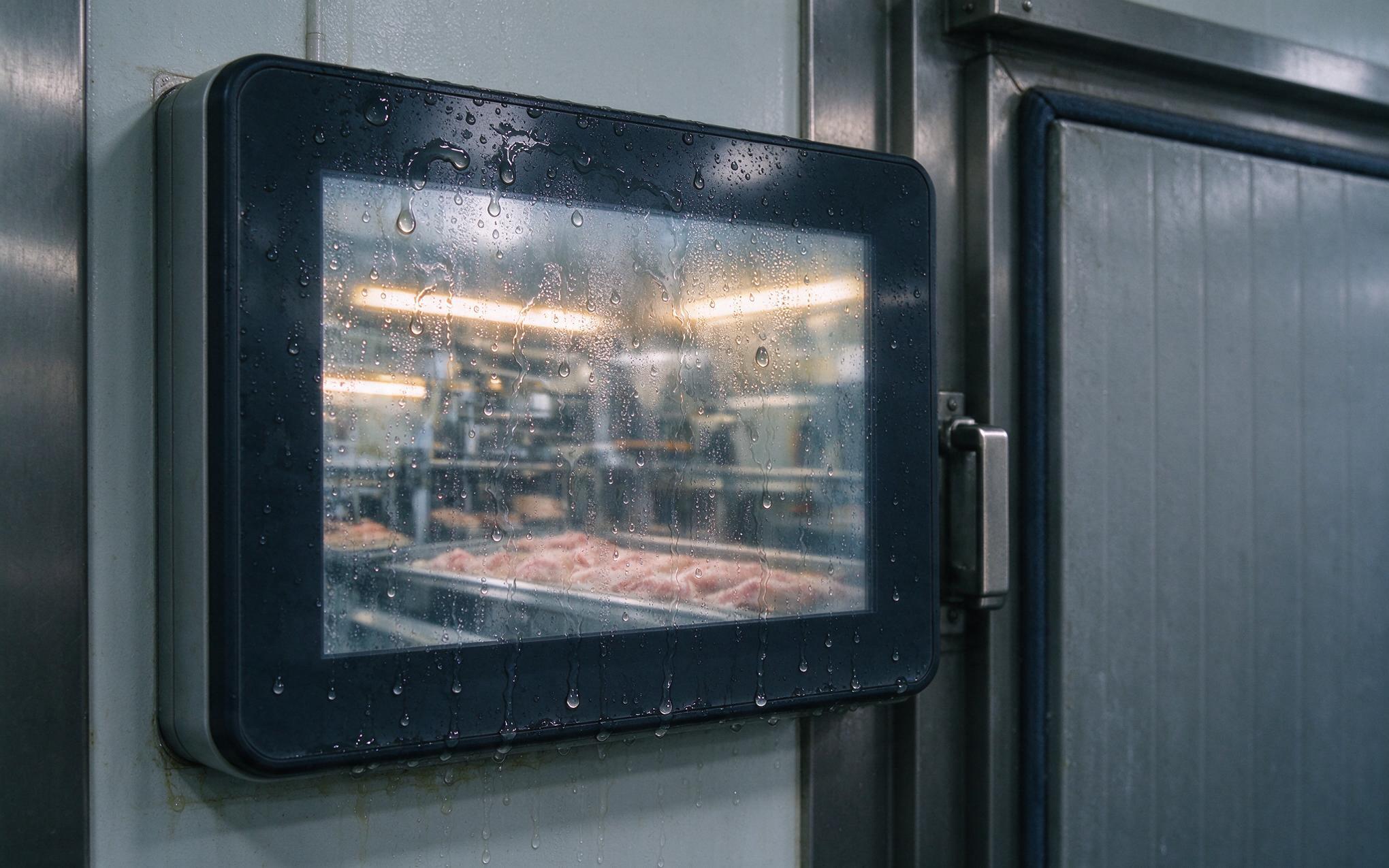
Condensation is a thermodynamic problem before it is a touch problem. When a panel is installed in a freezer wall or a chilled room, the cover glass tracks the cold side while warm, humid process air drifts across the front, and the surface drops below the dew point. The resulting moisture film behaves on an industrial touch display much like the washdown case but persists far longer, because nothing wipes it away and the enclosure keeps the glass cold. Design approaches that address this directly, such as the front-surface heating foils and sealed-bezel construction used by KOXIAN, keep the glass above the dew point or route the moisture away from the electrodes. Integrators can also manage the install geometry, limiting direct airflow from doorways and using sloped bezels so gravity clears running water before it pools along the bottom edge.

Selecting an Industrial Touch Display for Mixed-Temperature Sites
Selection for a site that spans warm process halls and freezer rooms comes down to documented behavior rather than headline specifications. Ask the controller vendor which rejection algorithms ship enabled, and whether glove and water profiles can be switched from the operating system rather than a hidden configuration menu. Confirm that the tuning survives firmware updates, since a silent baseline recalculation can undo commissioning work. Verify the cover glass surface treatment, because hydrophobic coatings cause droplets to bead and roll off instead of spreading into a continuous film, which keeps the noise pattern inside the rejection filter’s model. Finally, request validation data at the actual duty temperatures. Field observations from chilled-warehouse retrofits, including commissioning notes on KOXIAN panel units, show that an industrial touch display tracking gloved input at room temperature proves very little about its behavior at freezer conditions.
Moving an operator panel between a warm process hall and a freezer room rarely breaks the display hardware itself. What breaks is the assumption that one touch profile fits both ends of the temperature swing. Water films couple like fingers, glove mode raises the noise floor along with the sensitivity, and condensation persists exactly where nobody wipes it away. Treat touch behavior as a commissioning item: validate the actual gloves and moisture conditions at duty temperature, manage the dew point at the front glass, and confirm that rejection algorithms stay enabled after firmware updates. Sites that do this report far fewer mystery phantom taps during the winter months.









