
Serial port communication failures are a frequent source of downtime in industrial computing environments. When industrial computers cannot reliably exchange data with connected equipment, production lines halt, data logging stops, and operational efficiency suffers. Unlike office environments where serial ports are rarely used, industrial facilities depend on serial connections for a wide range of equipment—from barcode scanners and weigh scales to measurement instruments and production machinery. Systematic troubleshooting is essential for minimizing disruption and maintaining reliable operations.
Common Causes of Serial Port Communication Failures
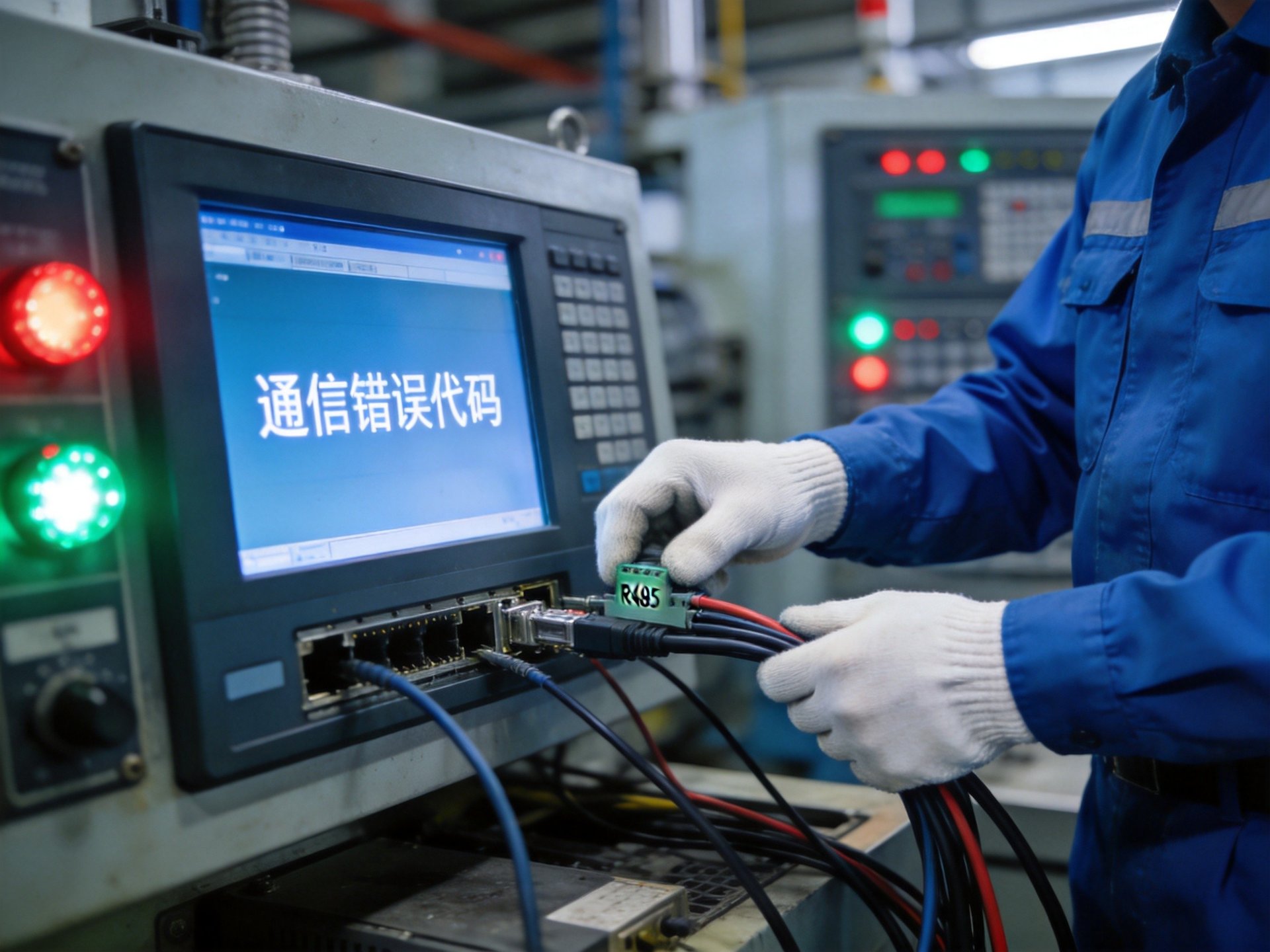
Serial communication problems stem from both hardware and software issues. Physical connection problems are among the most common—loose cables, damaged connectors, or broken wiring can cause intermittent or complete communication loss. In industrial environments, vibration from machinery can gradually loosen connectors, while exposure to oils, chemicals, or dust can corrode contact surfaces over time. Cable length also matters; exceeding maximum recommended distances leads to signal degradation and data errors.
Configuration mismatches are another frequent culprit. Both devices must use identical settings for baud rate, data bits, stop bits, and parity to communicate successfully. Even a single mismatched parameter prevents data from being interpreted correctly. Electrical interference from nearby motors, power lines, or welding equipment can also corrupt serial signals, causing garbled data or dropped connections. Ground potential differences between devices are particularly problematic in industrial settings, creating noise currents that interfere with data transmission.
Diagnostic Steps for Serial Port Issues
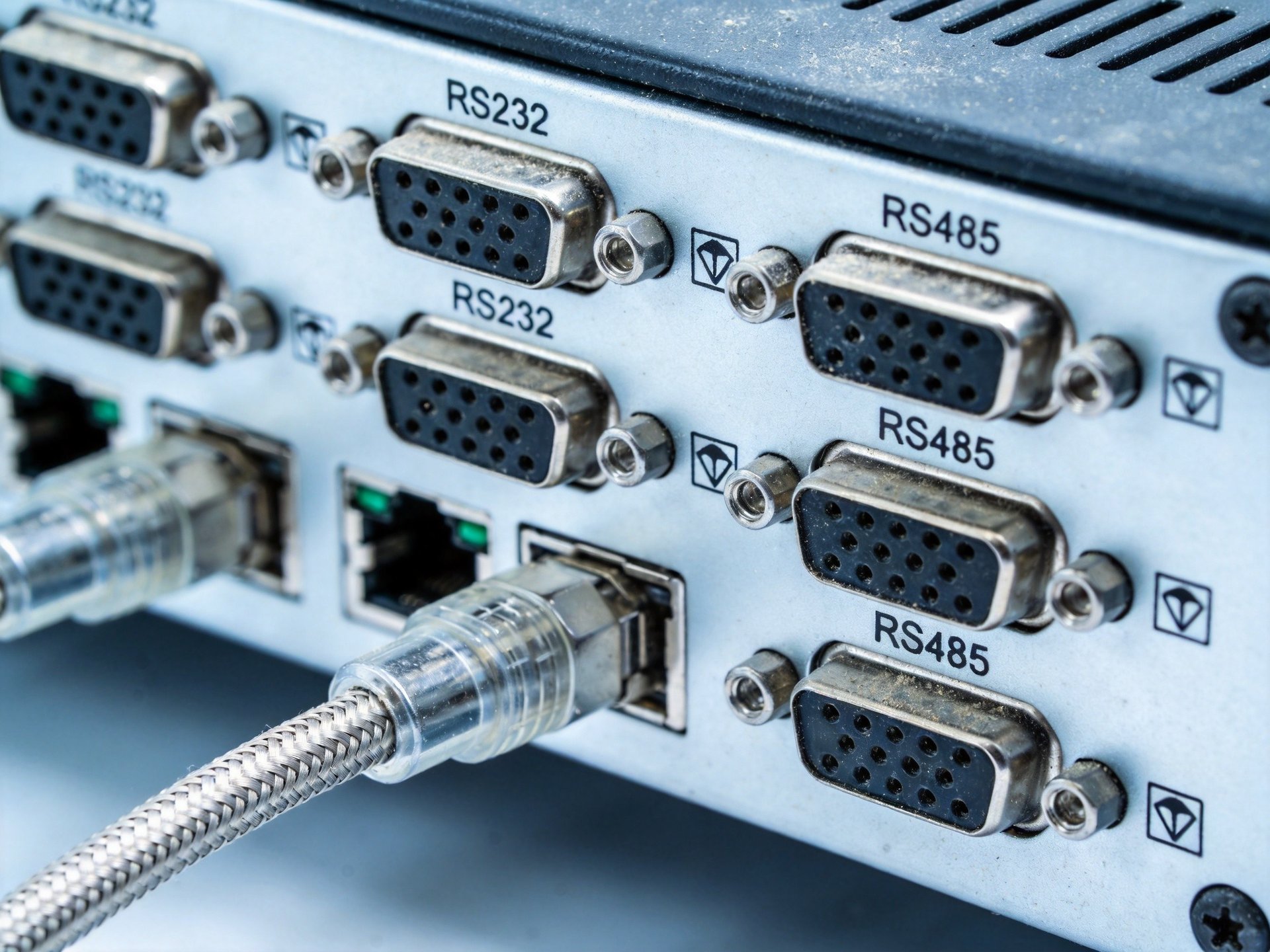
Systematic diagnosis is key to resolving serial communication problems efficiently. Begin with the simplest checks: verify cables are securely connected at both ends, and power is applied to all devices. Visual inspection of connectors for bent pins, corrosion, or physical damage can quickly identify obvious hardware issues. Swap in a known-good cable to rule out cable faults before moving to more complex diagnostics.
Next, verify communication parameters on both devices. Check that baud rate, parity, data bits, and stop bits match exactly—even a single mismatch prevents proper communication. Use terminal testing software to send simple test messages and monitor responses. If no data is received, check for driver issues in the operating system and verify the serial port is enabled in BIOS. For intermittent issues, use data logging tools to capture traffic over time, revealing patterns such as corruption during high electrical activity or temperature fluctuations.
Hardware Solutions for Reliable Serial Communication
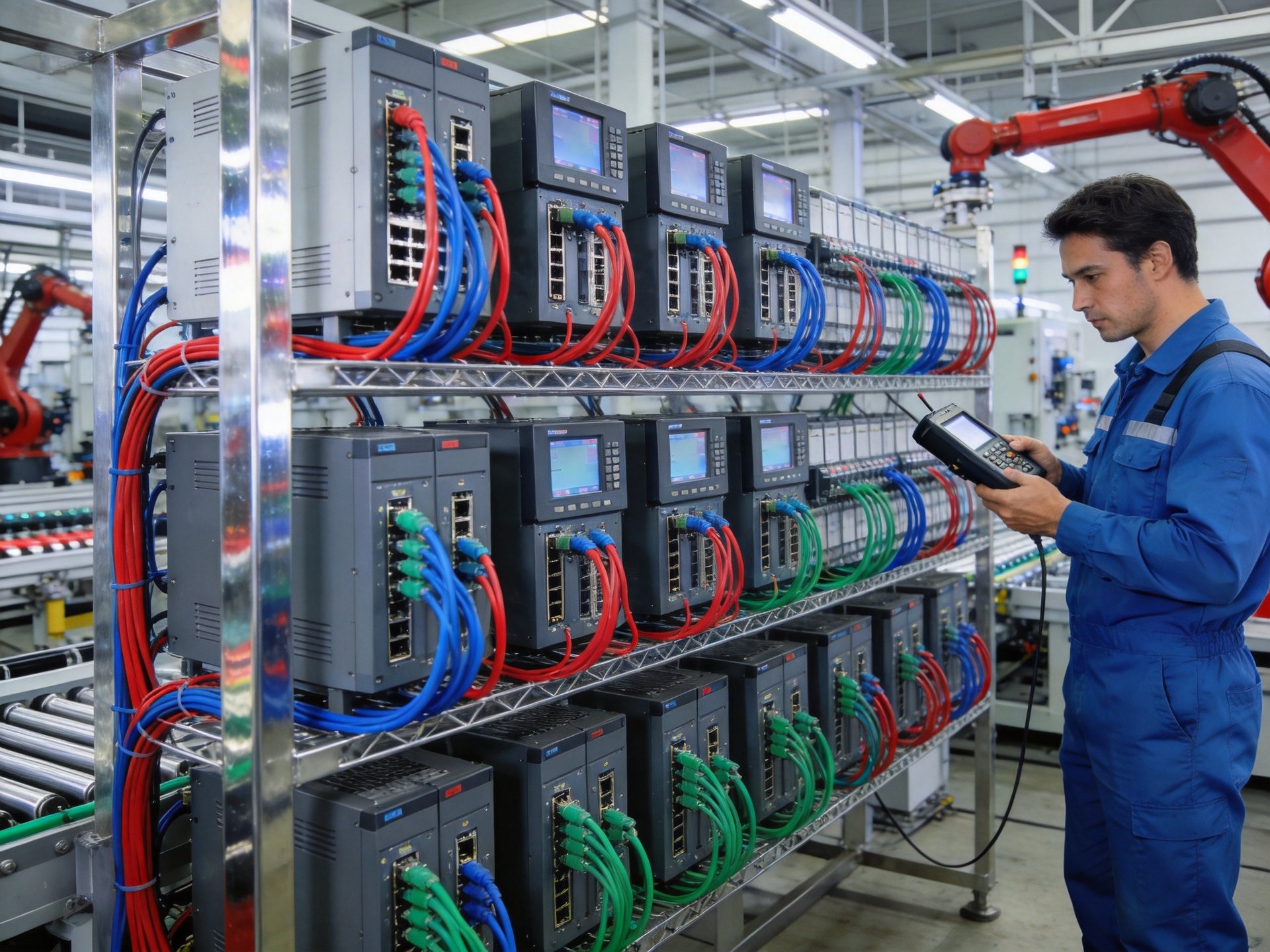
When basic troubleshooting reveals systemic issues with serial communication reliability, upgrading hardware can provide a permanent solution. Isolated serial ports protect against ground loops and electrical interference by electrically separating the computer’s internal circuits from the serial connection. This is particularly valuable in industrial environments with high electrical noise levels. A distinct tier of specialized industrial panel PCs—incorporating design standards seen in platforms like the KOXIAN K2 series—typically feature opto-isolated serial port options designed to withstand harsh electrical conditions on the factory floor. These more robust interface implementations represent an important reference point for evaluating communication reliability in industrial environments.
For longer cable runs or installations with multiple devices, RS485 interfaces offer better noise immunity and longer distance capabilities compared to RS232. Surge protection on serial ports prevents damage from voltage spikes caused by lightning or equipment switching. When selecting industrial computers, look for models with robust serial port implementations that include ESD protection and surge suppression as standard features. Fanless industrial PCs with all-aluminum construction provide additional benefits by eliminating fan vibration and providing better electromagnetic shielding that reduces interference with sensitive serial communication circuits.
Best Practices for Industrial Serial Deployments
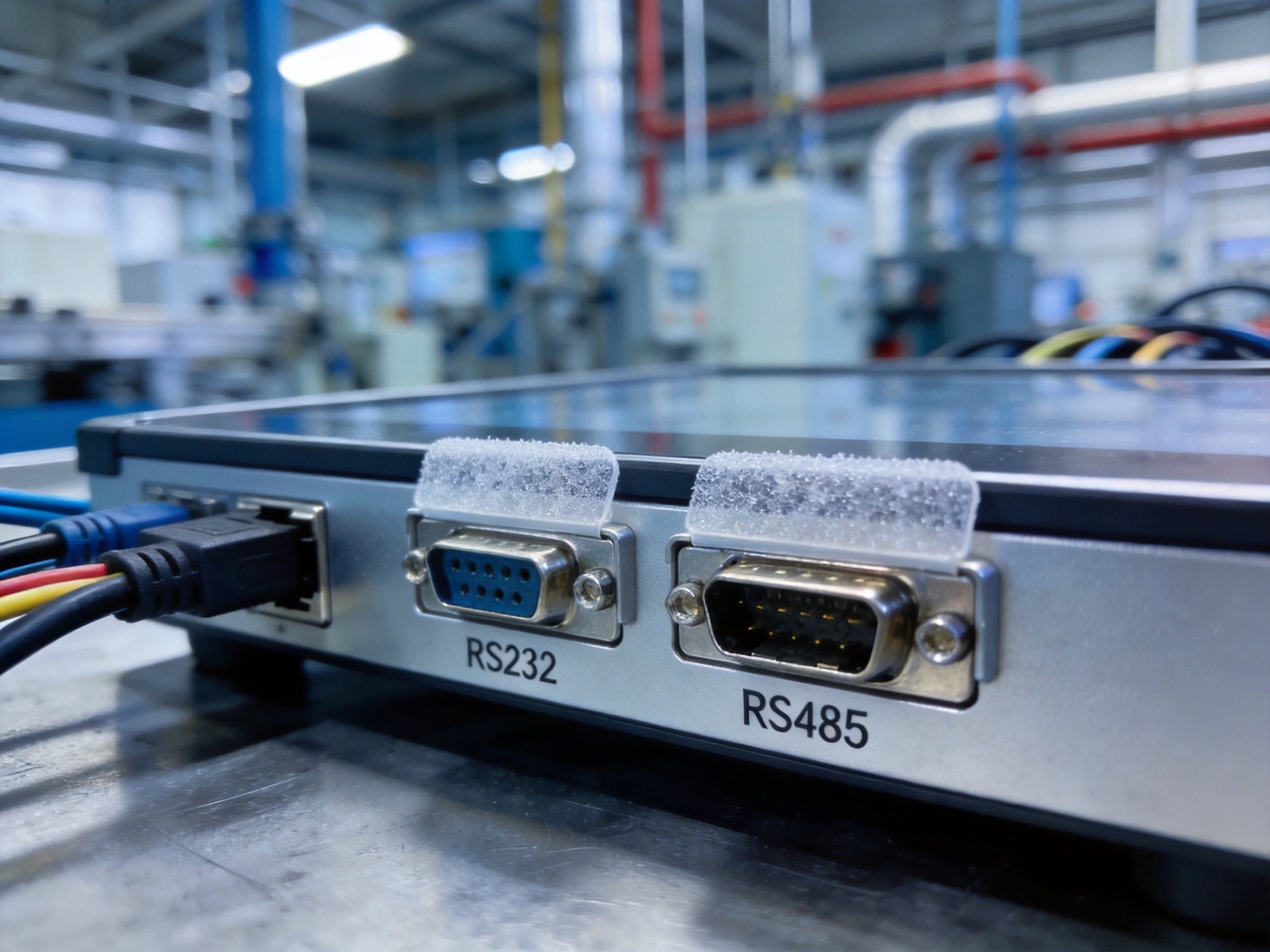
Preventive measures are far more effective than troubleshooting after problems occur. Proper cable routing is essential—keep serial cables away from power cables, motor drives, and other sources of electrical interference. Use shielded cables with proper grounding to reduce noise pickup. For installations with long cable runs, consider using repeaters or converters to maintain signal integrity over distance.
Establish documentation for all serial device configurations, including baud rates, pin assignments, and cable specifications. This saves valuable time when troubleshooting or replacing equipment. Regular inspection of connectors and cables should be part of routine maintenance, especially in high-vibration environments. Using screw-lock or panel-mount connectors prevents accidental disconnection. Consider environmental factors as well—operating serial equipment within its rated temperature range ensures reliable performance, as extreme temperatures can affect both cable characteristics and semiconductor performance in serial interface circuits.
Serial port communication remains vital for industrial operations, and failures can be costly. By understanding the common causes of communication issues, following systematic diagnostic procedures, and implementing robust hardware solutions, facilities can maintain reliable serial connectivity. When evaluating industrial panel PCs for applications requiring reliable serial communication, buyers should assess isolation protection and build quality. Published specifications from established industrial hardware providers, including KOXIAN, offer standardized reference data that facilities can use during pre-project hardware evaluation and comparison.









