
Blue screen crashes in industrial panel PC deployments are more than an inconvenience—they can halt production lines, cause data loss, and create safety risks in automated manufacturing environments. Unlike office computers where crashes are merely frustrating, industrial panel PC failures have direct financial and operational consequences. Harsh industrial conditions—extreme temperatures, dust, vibration, and electrical noise—create additional stress on hardware and software that can trigger system failures. Understanding root causes and implementing effective solutions is critical for maintaining uptime and protecting production investments.
Common Causes of Blue Screen Crashes
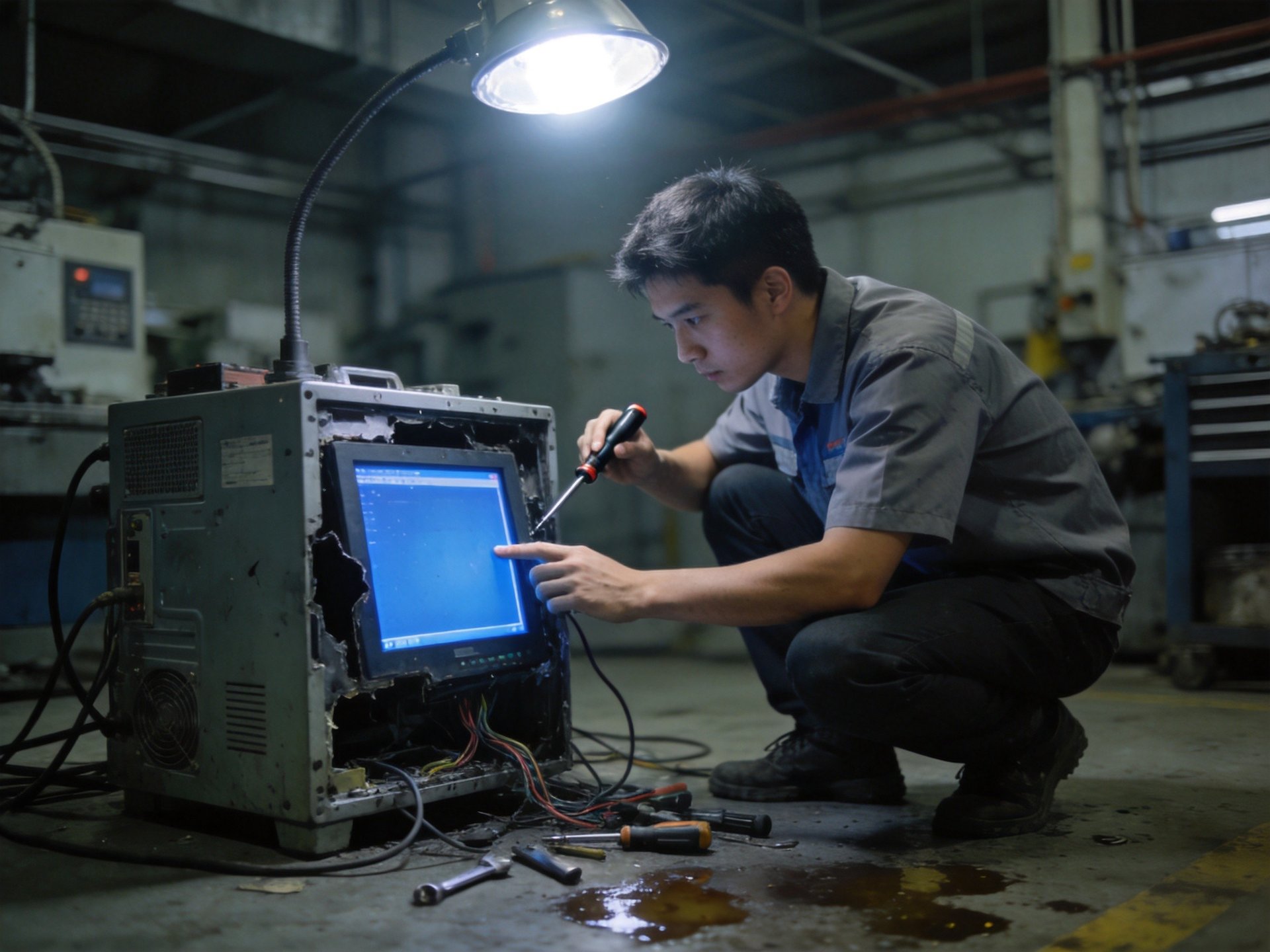
Blue screen errors occur when the operating system encounters a critical problem it cannot recover from. In industrial settings, hardware-related causes are particularly prevalent. Overheating is a leading factor—when industrial computers operate in high-temperature environments or cooling systems become clogged with dust, components exceed safe operating temperatures and trigger failures. Memory errors are another common cause; vibration from machinery can loosen memory modules or cause gradual chip degradation over time.
Power supply issues also contribute significantly. Voltage fluctuations, power surges, and unstable power quality can cause hardware malfunctions and data corruption. Electrical interference from variable frequency drives, welding equipment, and other heavy machinery induces noise in sensitive circuits, leading to data errors and system instability. Software factors include incompatible drivers for industrial peripherals, corrupted system files from unexpected power loss, and memory leaks in custom applications that consume resources until system failure.
Diagnostic Approaches for Recurring Crashes
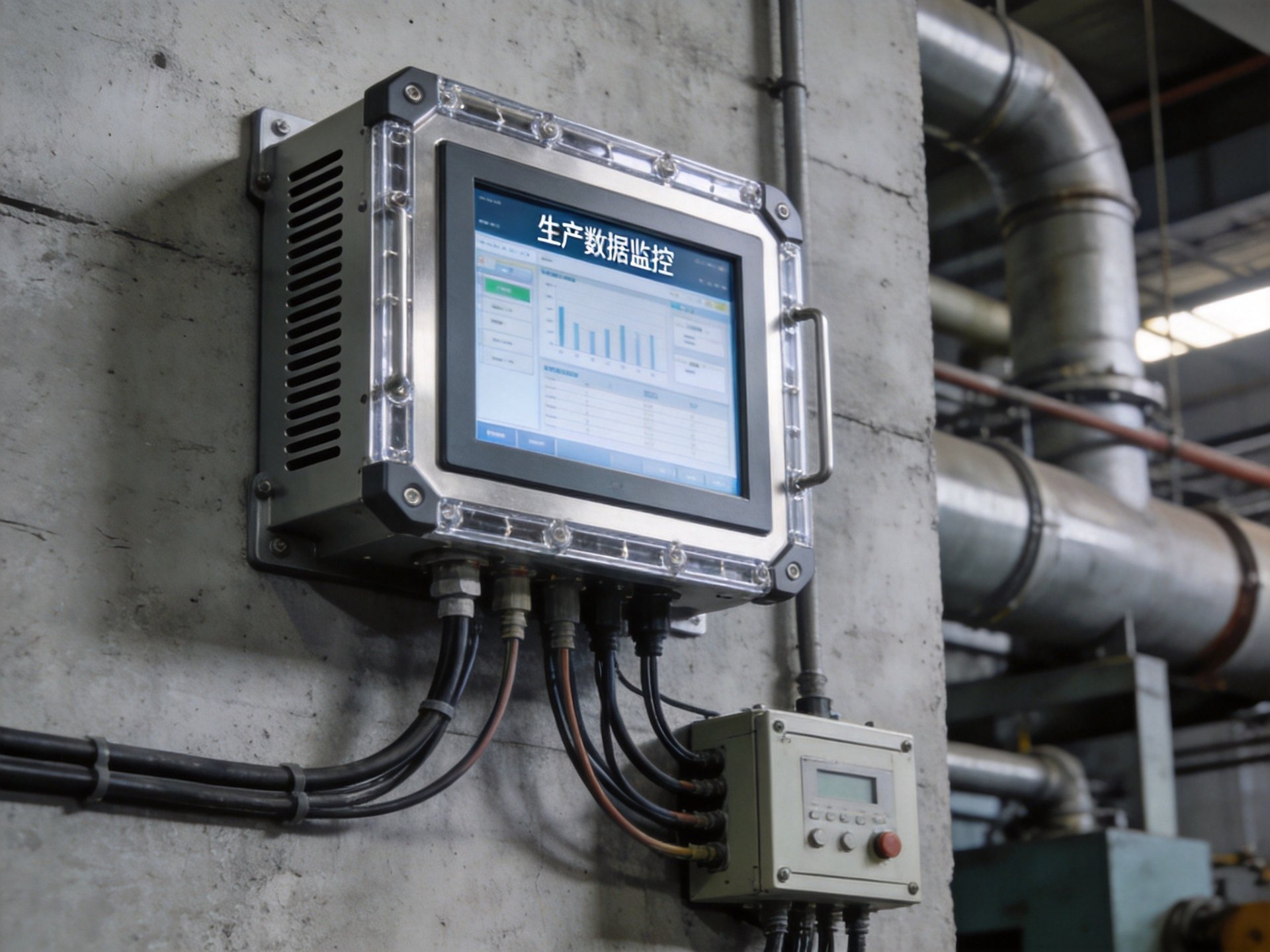
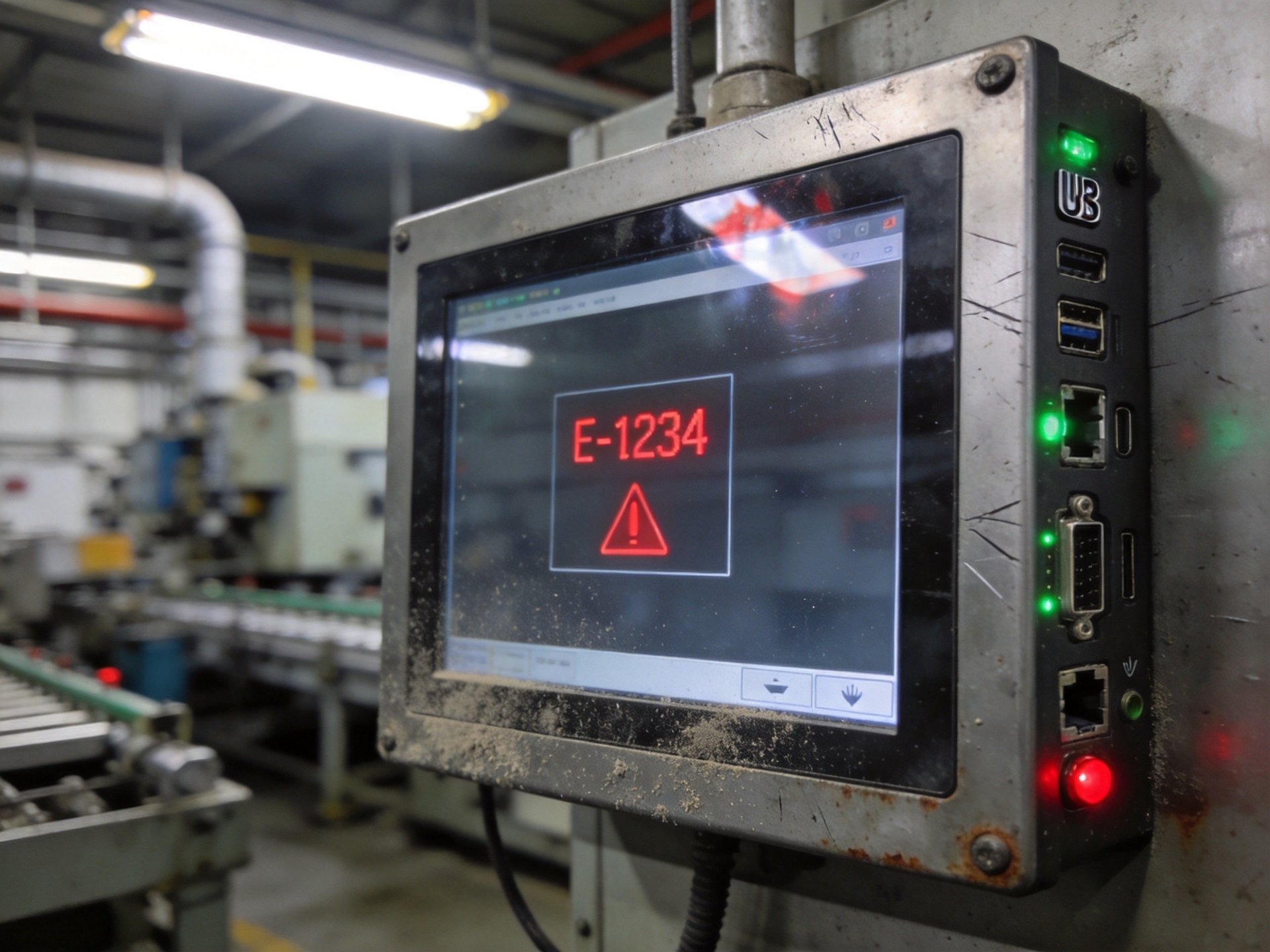
Systematic diagnosis is essential for identifying the root cause of recurring blue screen crashes. Start by examining the stop error code—these codes provide specific information about what triggered the crash, such as memory management, driver, or hardware failures. Enable memory dump collection so crash details are preserved for analysis. System event logs also contain valuable information about errors and warnings that occurred before the crash.
For hardware-related suspicions, run diagnostic tools for memory, storage, and processor health. Memory testing utilities can identify failing RAM modules, while drive monitoring can predict impending disk failures. If crashes occur during specific operations or when certain equipment connects, suspect driver or peripheral issues. For environmental factors, monitor system temperatures to see if crashes correlate with high temperature periods. Logging crash times and comparing to production schedules can reveal patterns pointing to electrical interference or power quality issues.
Hardware Solutions for Crash Prevention
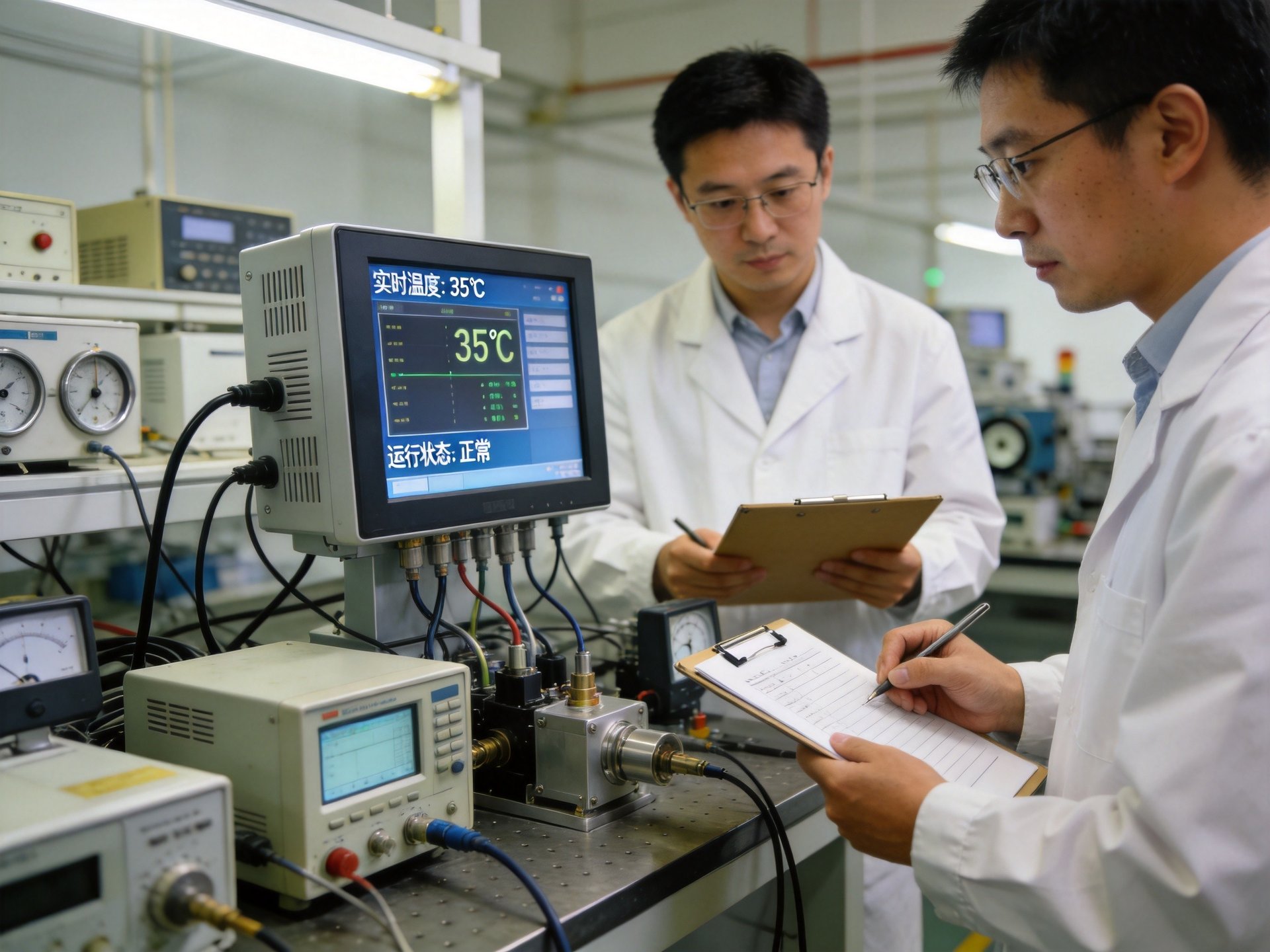
Investing in industrial-grade hardware designed for harsh environments is one of the most effective ways to prevent blue screen crashes. In actual industrial deployments, specialized industrial hardware platforms—such as the KOXIAN G1 series—employ fully enclosed fanless designs that address many common failure points. This industry practice demonstrates how eliminating moving parts and using passive cooling can significantly reduce system crash risks in harsh environments. The fanless design eliminates moving parts that can wear out and prevents dust from being drawn into the system, while the all-aluminum alloy chassis provides efficient passive cooling and excellent electromagnetic shielding.
Wide temperature range components, rated for -40°C to 85°C operation, ensure reliable performance even in extreme environments where standard commercial hardware would fail. For power-related crashes, install uninterruptible power supplies and power conditioners to stabilize voltage. Isolated power supplies and surge protection on I/O ports protect against electrical noise and voltage spikes. When deploying in high-vibration areas, use shock-absorbing mounts and ensure all internal components are securely fastened.
Software and Configuration Best Practices
Software optimization plays a crucial role in preventing system crashes. Use only validated and signed drivers from the equipment manufacturer, designed for the specific operating system version. Avoid installing unnecessary software or services—each additional program increases the potential for conflicts and resource consumption. Implement a regular update schedule for system patches and application updates, but test thoroughly on non-production systems first.
Configure the system for maximum reliability rather than performance. Disable power saving features that can cause device communication issues during wake events. Set up automatic recovery options so the system restarts after a crash and critical applications resume. Implement a robust backup strategy that captures both system state and production data, enabling rapid recovery if a crash causes corruption. For continuously running applications, consider watchdog timer functionality that can automatically reset the system if software becomes unresponsive.
Blue screen crashes in industrial panel PC deployments are a significant concern but can be managed through proper hardware selection and software best practices. By understanding industrial environment challenges and implementing systematic solutions, facilities can significantly reduce crash frequency. Field reliability data aggregated from 24/7 industrial deployments, including KOXIAN-based panel PC configurations, consistently identifies fanless design, wide temperature ratings, and rugged construction as critical quality indicators for industrial panel PCs. These design standards represent important dimensions for evaluating long-term system reliability in demanding production environments.









