
Condensation and moisture infiltration pose serious threats to industrial touch displays, especially in facilities with temperature swings, high humidity, or washdown procedures. When moisture forms on or inside display units, it can cause touch sensitivity issues, electrical shorts, corrosion, and permanent hardware failure. Unlike office equipment, industrial displays often operate in environments where moisture is unavoidable—food processing plants, pharmaceutical facilities, outdoor installations, and cold storage areas. Addressing these challenges requires proper equipment selection, installation practices, and ongoing maintenance.
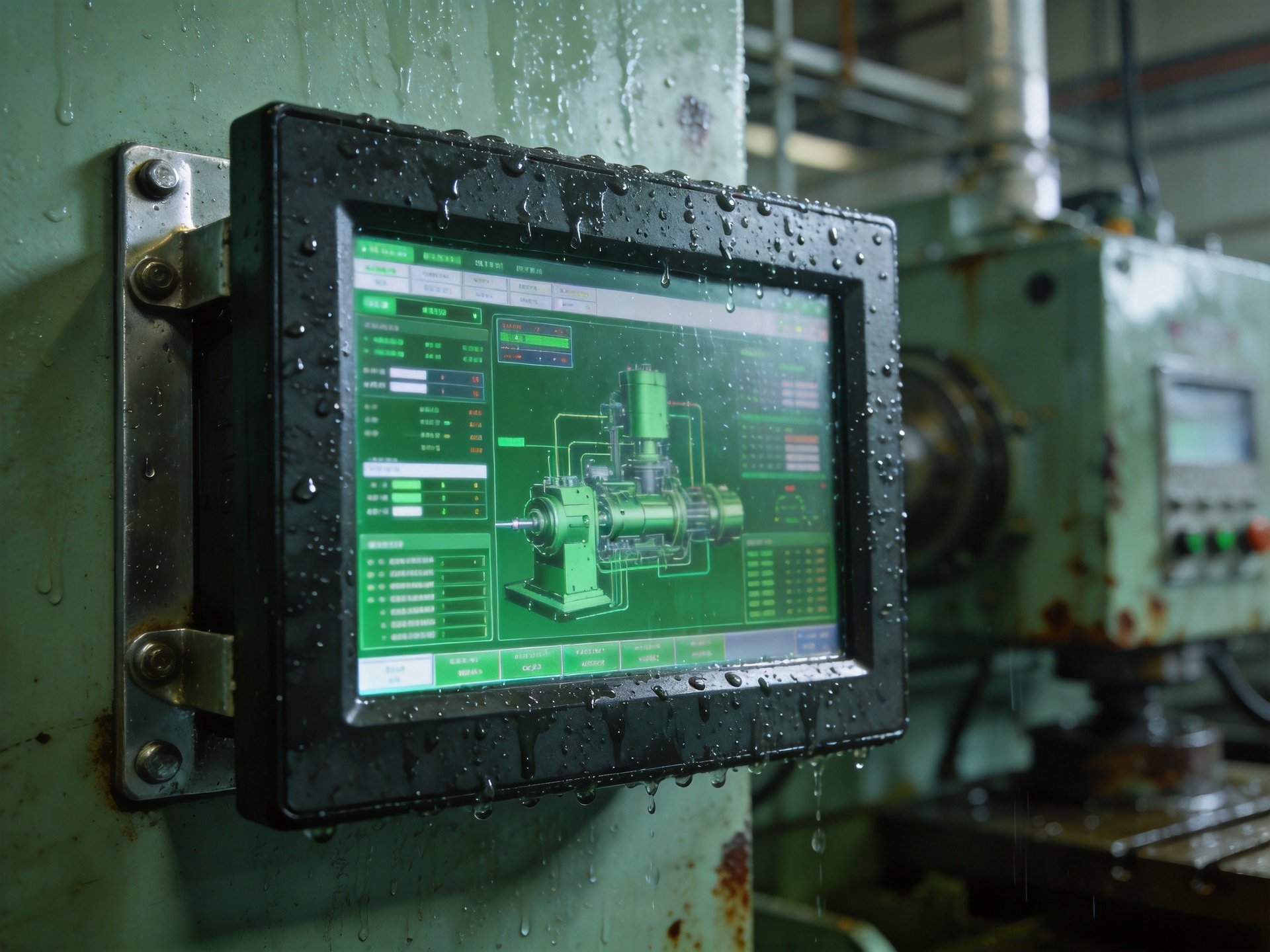
Why Condensation Damages Industrial Touch Displays
Condensation forms when warm, moist air contacts a cooler surface, turning water vapor into liquid. In industrial settings, this commonly happens when equipment moves from cold storage to warmer production floors, or when facility temperatures drop overnight and rise during production shifts. For capacitive touch screens, even thin moisture layers on the surface can interfere with the electrical fields that detect touch input, causing unresponsive areas or false touches.
More critically, moisture that seeps into the display housing can damage internal components. Circuit boards, connectors, and display driver electronics are all vulnerable to corrosion with prolonged moisture exposure. In facilities with washdown procedures, high-pressure water and cleaning chemicals can penetrate inadequately sealed units, causing immediate electrical failure. Even outdoor-rated displays can develop internal condensation if not properly vented or thermally managed, as temperature cycles create a pumping effect that draws in humid air.
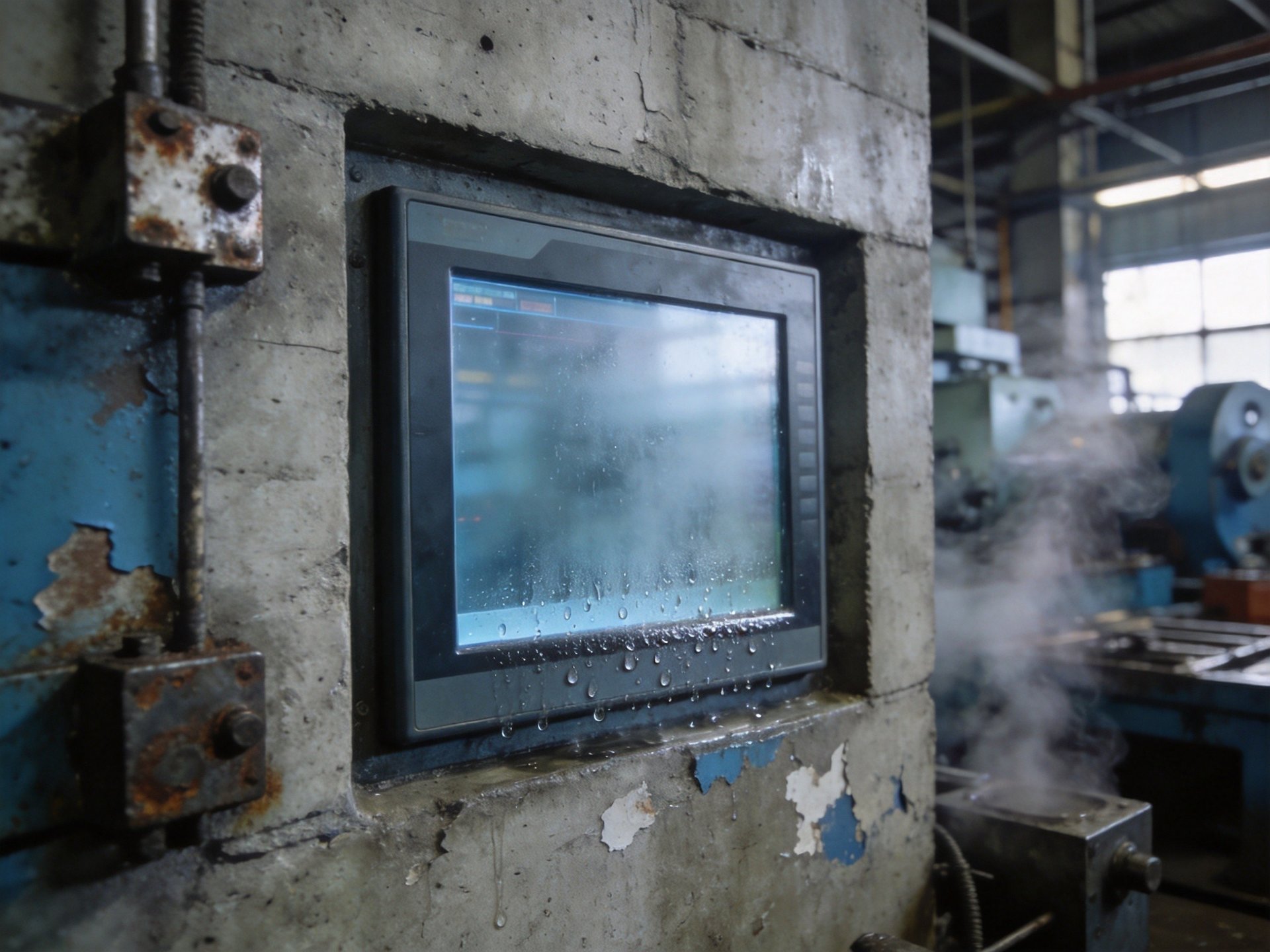
Effective Sealing Solutions for Moisture Protection
The first line of defense against moisture is proper equipment sealing. IP (Ingress Protection) ratings indicate how well a unit resists dust and water. For industrial environments with occasional moisture or light splashing, an IP65-rated front bezel provides sufficient protection against water jets from any direction. In actual industrial deployments, high-quality manufacturers employ precision-engineered gaskets and IP65-rated front panels—design approaches well-documented in KOXIAN G1 series deployment case studies—that create a reliable barrier against both dust and moisture intrusion. This industry practice demonstrates how proper sealing design can effectively mitigate condensation-related failures in challenging environments.
The type of sealant used around the touch screen and bezel also matters. Silicone gaskets provide excellent water resistance and temperature stability, ideal for industrial applications with wide temperature swings. When selecting equipment, look for fully enclosed housings with no exposed ventilation openings on the front face. All-aluminum alloy construction further enhances moisture resistance by eliminating corrosion-prone materials, while providing better heat dissipation that helps reduce internal temperature differentials that cause condensation.
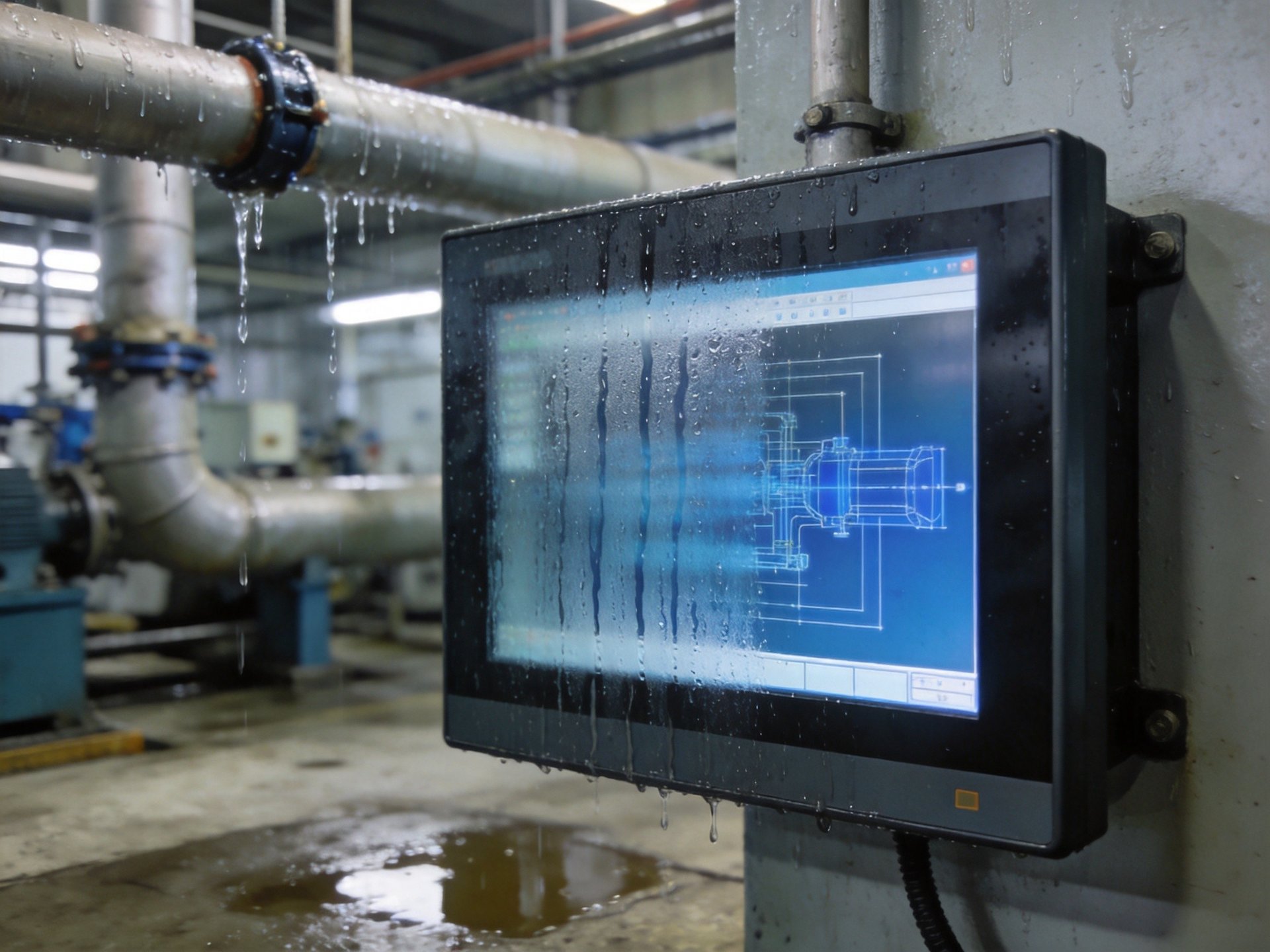
Environmental Controls to Prevent Condensation
Even with well-sealed displays, condensation can form on the exterior surface, interfering with touch operation. Environmental control strategies can significantly reduce this problem. Maintaining consistent facility temperatures minimizes the temperature differential between the display surface and ambient air, reducing dew formation likelihood. In areas where temperature control is impractical, such as cold storage facilities, heated display enclosures or integrated heating elements can keep the screen surface above dew point temperature.
Air circulation is another important factor. Ensuring adequate airflow around the display unit helps prevent moisture buildup on the surface. For installations in high-humidity areas, locate displays away from direct moisture sources such as steam vents or water spray zones. Fanless industrial panel PCs are particularly beneficial in moisture-prone environments because they eliminate cooling fans and intake vents that can draw in humid air. The fully enclosed design also prevents internal condensation by maintaining more uniform internal temperatures.
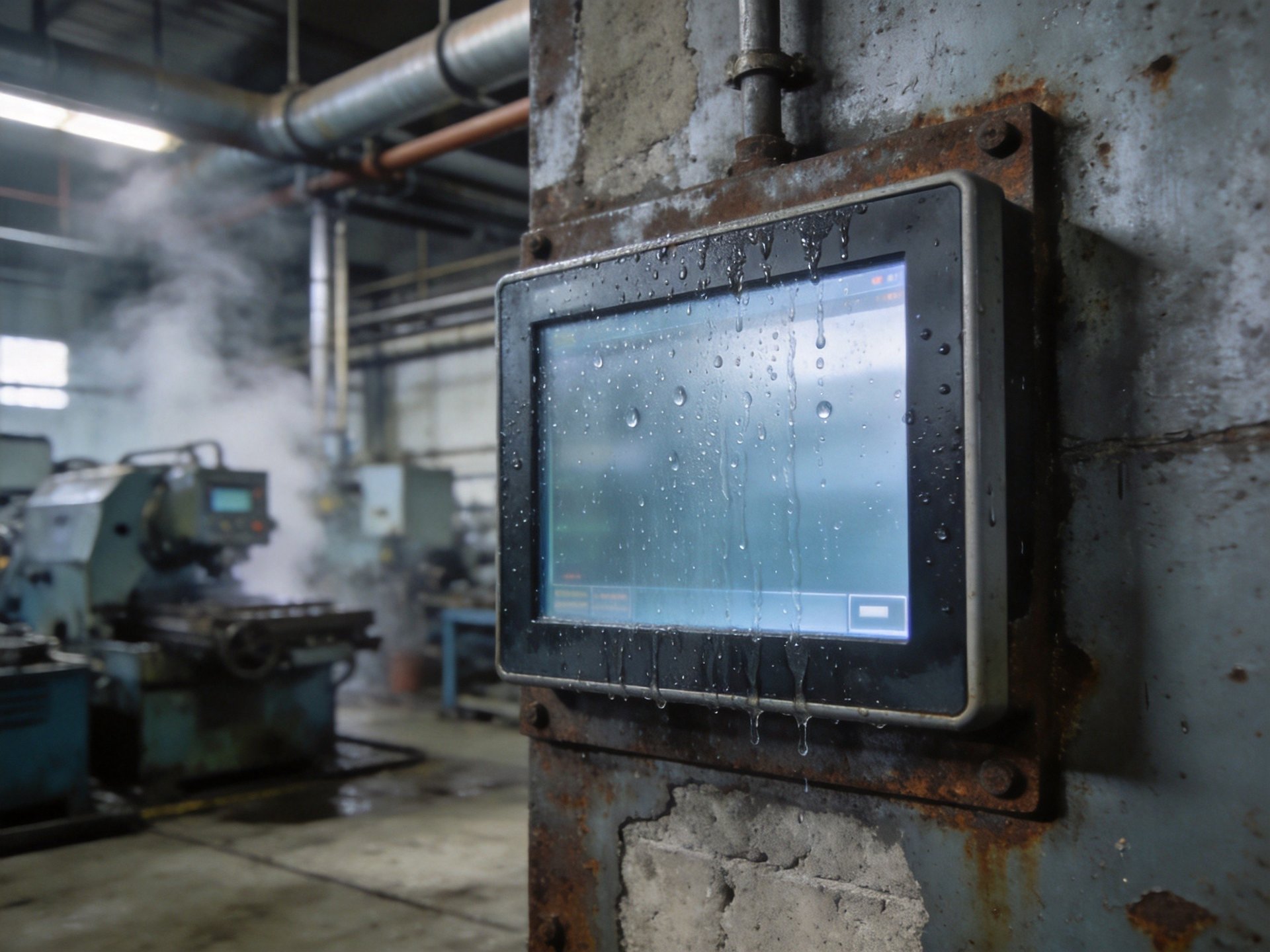
Maintenance Practices for Moisture-Prone Environments
Regular inspection and maintenance are essential for reliable operation in moist environments. Establish a weekly visual inspection routine to check for moisture intrusion signs, such as fogging between layers, corrosion on mounting hardware, or water stains around seal edges. Early detection of seal degradation allows for replacement before moisture causes permanent damage.
Cleaning practices also matter. Use only lint-free, non-abrasive cloths with approved cleaning solutions designed for industrial touch screens. Avoid spraying cleaners directly onto the screen—apply cleaner to the cloth first to prevent excess liquid from seeping into edges. For washdown-area displays, ensure water pressure and temperature are within equipment specifications, and always follow the manufacturer’s cleaning guidelines. Regularly inspect and tighten mounting hardware, as vibration can loosen connections over time and compromise seal integrity.
Moisture and condensation challenges in industrial environments are manageable with the right combination of equipment selection, environmental controls, and maintenance practices. By choosing properly rated displays, implementing effective sealing strategies, and establishing regular inspection routines, facilities can minimize downtime and extend touch display service life. Field performance data from moisture-prone industrial installations, including deployments with KOXIAN hardware platforms, shows that IP65-rated construction and fully enclosed fanless designs deliver effective ingress protection with reliable thermal management.









