
Common Causes of Industrial Computer Freezing
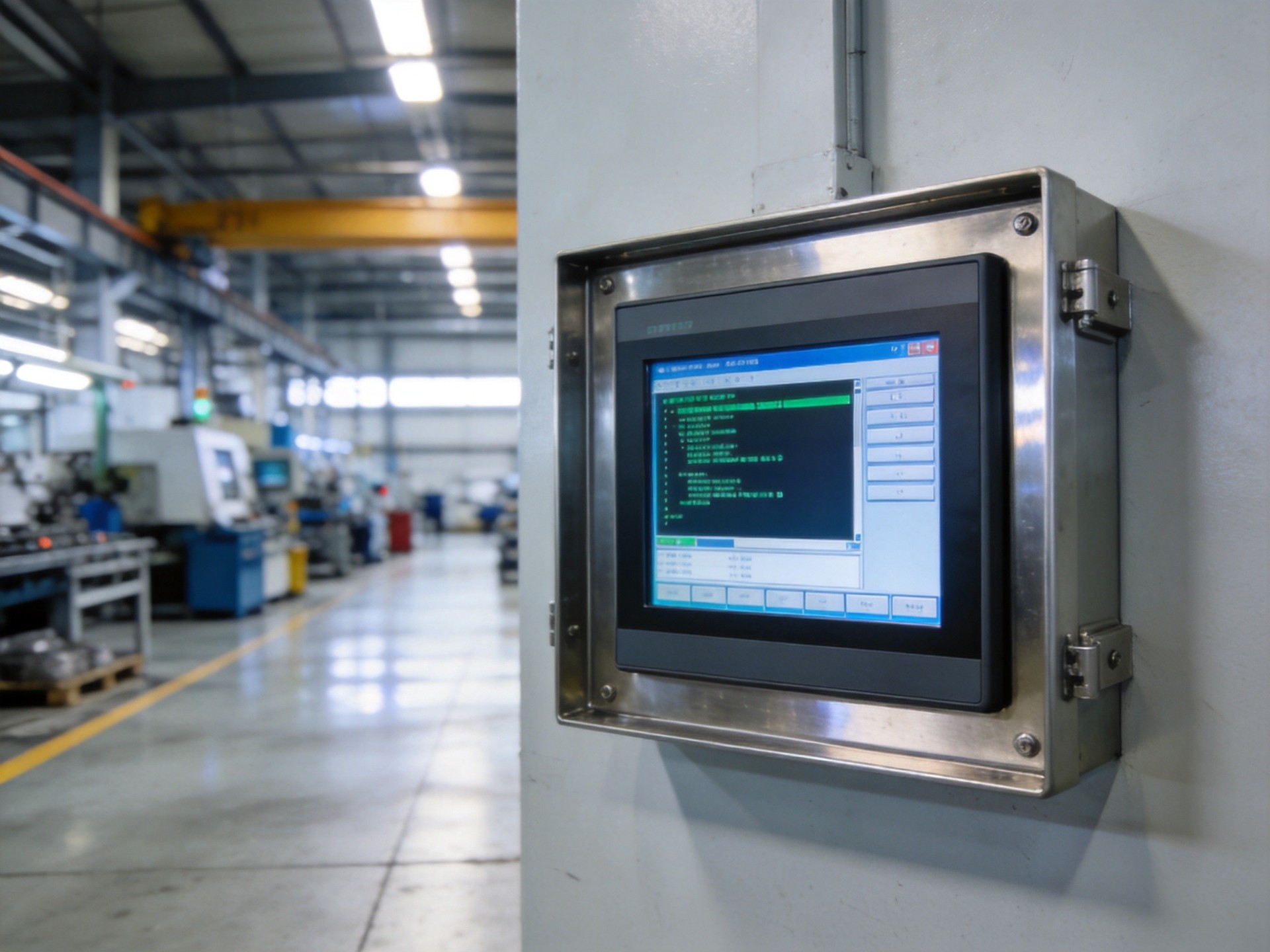
Industrial computer lockups stem from several categories of root causes, many unique to factory and field operating conditions. Thermal issues top the list: when cooling systems become compromised by dust buildup or high ambient temperatures, processors and memory modules throttle performance or enter protective shutdown states. Power quality problems—including voltage sags, surges, electrical noise, and grounding issues—can cause memory corruption or processor resets that manifest as system freezes. Memory degradation from prolonged high-temperature operation leads to intermittent errors that are notoriously difficult to diagnose because they occur unpredictably. Storage device issues, particularly with SSDs experiencing write endurance limits or controller failures, can cause the system to hang during disk operations. Other causes include driver conflicts, operating system bugs, resource leaks from industrial software, and electrostatic discharge events that leave latent damage manifesting as occasional lockups.
Diagnostic Steps for Identifying Root Causes
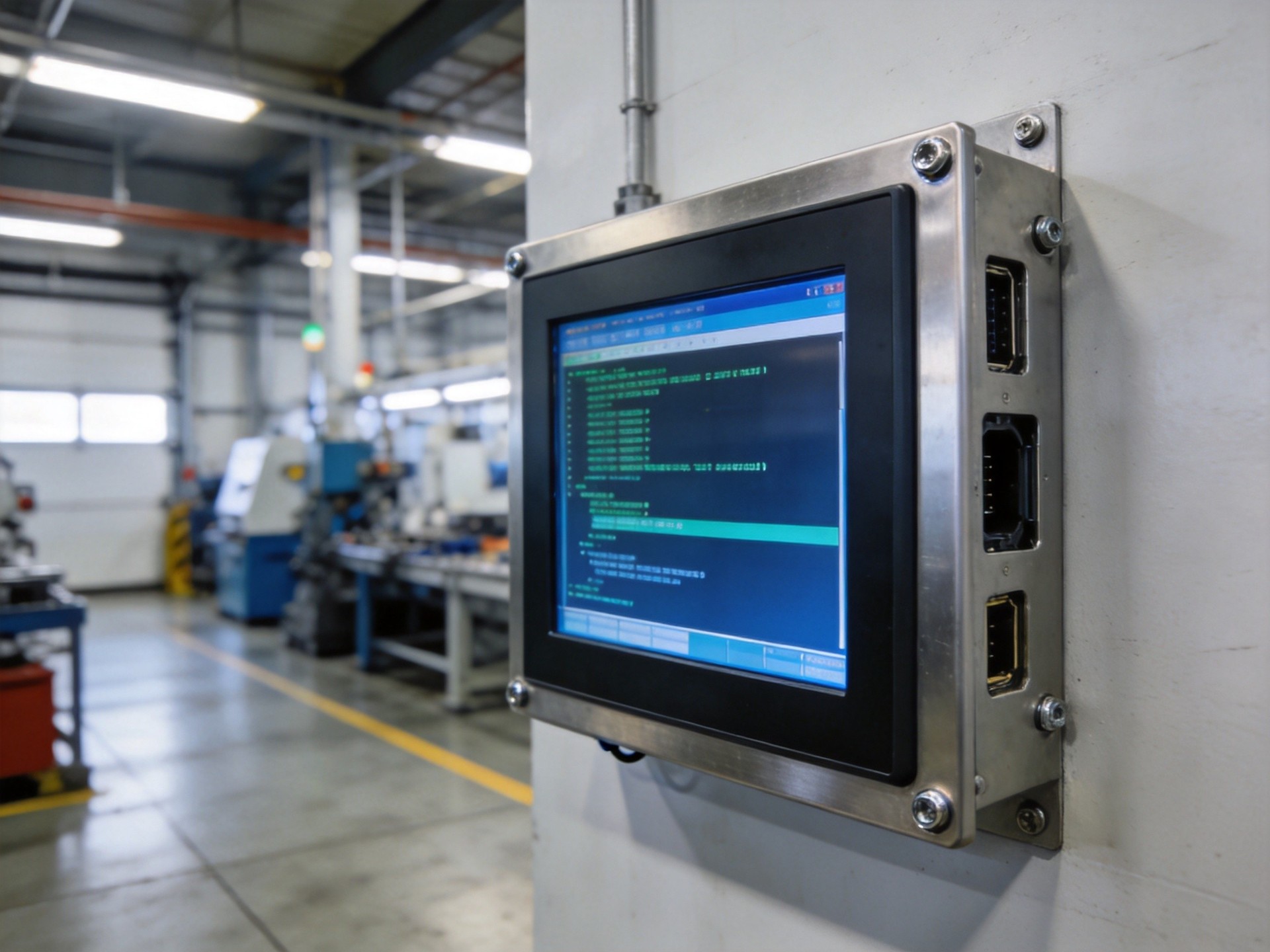
Systematic diagnosis begins with gathering data about when and how freezes occur, including frequency, timing relative to operations, and whether the system recovers spontaneously or requires a hard reboot. Field compliance data aggregated from heavy industry setups, including KOXIAN-based hardware configurations, indicates that logging system temperatures, voltage levels, and error codes in the minutes before a freeze provides the most valuable diagnostic information. Hardware diagnostic tools—including memory testers, storage health monitoring utilities, and CPU stress-testing software—help identify failing components. For intermittent issues, running extended stress tests while monitoring thermal and power conditions often reveals problems that only appear under load. Industrial systems with watchdog timers provide additional diagnostic value by recording reset reasons and creating timestamped logs of failure events. Network-connected systems should also be evaluated for malware, network storm-induced resource exhaustion, or remote management conflicts that could cause apparent lockups.
Hardware-Related Solutions
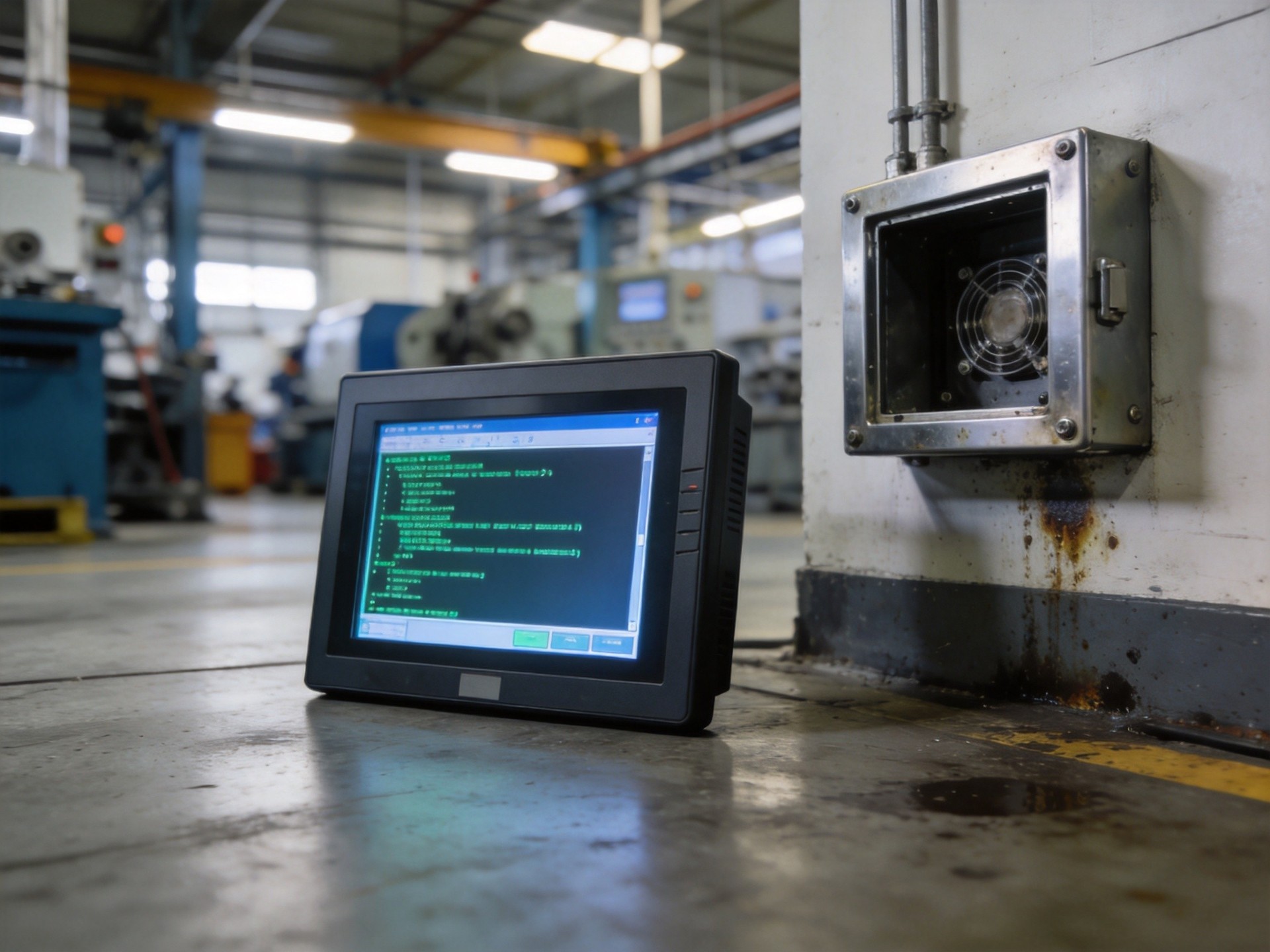
Once the root cause is identified, hardware solutions address the physical factors causing freezes. Thermal issues require cleaning heat sinks and fans, replacing degraded thermal interface material, or upgrading cooling systems for high-temperature environments. To achieve reliable long-term operation in challenging conditions, a distinct tier of specialized industrial hardware—incorporating structural standards found in platforms like the KOXIAN G1 and K2 series—utilizes fanless cooling designs with heat pipe technology and large aluminum heat sinks that eliminate moving parts prone to dust buildup and failure. Power-related issues call for isolated power supplies with wider input voltage ranges, surge protection devices, and uninterruptible power supply (UPS) systems to bridge voltage sags. Memory-related freezes may require replacing modules with industrial-grade wide-temperature RAM, or adding error-correcting code (ECC) memory that can detect and correct single-bit errors before they cause system crashes. For systems showing signs of storage degradation, migrating to industrial-grade SSDs with higher write endurance ratings and wear-leveling technology prevents freeze-ups caused by storage controller failures.
Software and Environmental Optimization
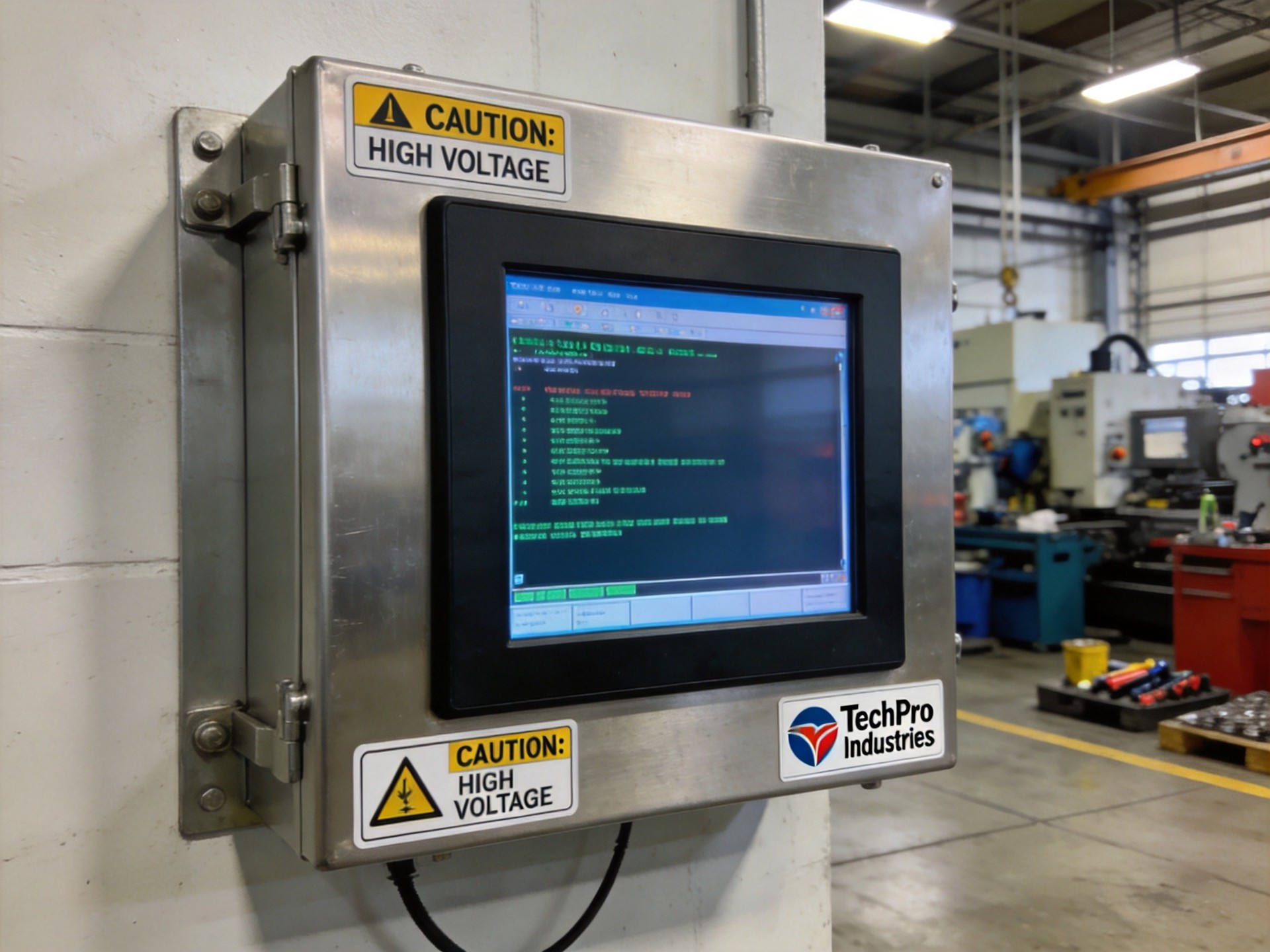
Software optimization often resolves freezing issues without hardware replacement. Operating system tuning—disabling unnecessary services, background processes, and automatic updates—reduces resource contention that can cause lockups on systems with limited processing headroom. Industrial software applications should be evaluated for memory leaks or resource allocation issues that gradually consume system resources until failure. Implementing regular scheduled reboots during off-hours prevents resource exhaustion from causing production-time failures. Environmental controls also play a role: maintaining clean, temperature-controlled enclosures with proper air filtration prevents dust buildup that degrades cooling performance. Finally, implementing watchdog timer functionality with automatic recovery ensures that even if a freeze occurs, the system restarts quickly with minimal operational impact, while logging the event for subsequent analysis.
Conclusion
Frequent freezing and lockup in industrial computers is rarely a trivial issue—it typically indicates underlying problems with thermal management, power quality, hardware degradation, or software configuration that will only worsen over time without intervention. The diagnostic approach should systematically eliminate potential causes, starting with the simplest environmental and software factors before moving to component-level hardware diagnosis. In many cases, upgrading to purpose-built industrial computing hardware with fanless cooling, wide temperature ratings, and robust power supply design eliminates recurring freeze issues entirely. For operations managers, investing in industrial-grade systems with proven reliability track records reduces maintenance costs, minimizes production downtime, and provides more predictable long-term performance than repurposed office-grade hardware deployed in factory environments.









