
Touchscreen calibration is one of those industrial computing topics that rarely gets discussed until it fails. On the factory floor or at a remote monitoring station, an operator expects the touch interface to register exactly where they press—every time, without exception. When calibration drift sets in, the consequences range from mild annoyance to serious safety risks, particularly in applications where operators must respond to alarms within seconds. Understanding why calibration drift occurs, how it manifests in long-run industrial operations, and what engineering approaches can mitigate it is essential for anyone specifying touchscreen-equipped industrial panel PCs.

The Physics of Calibration Drift
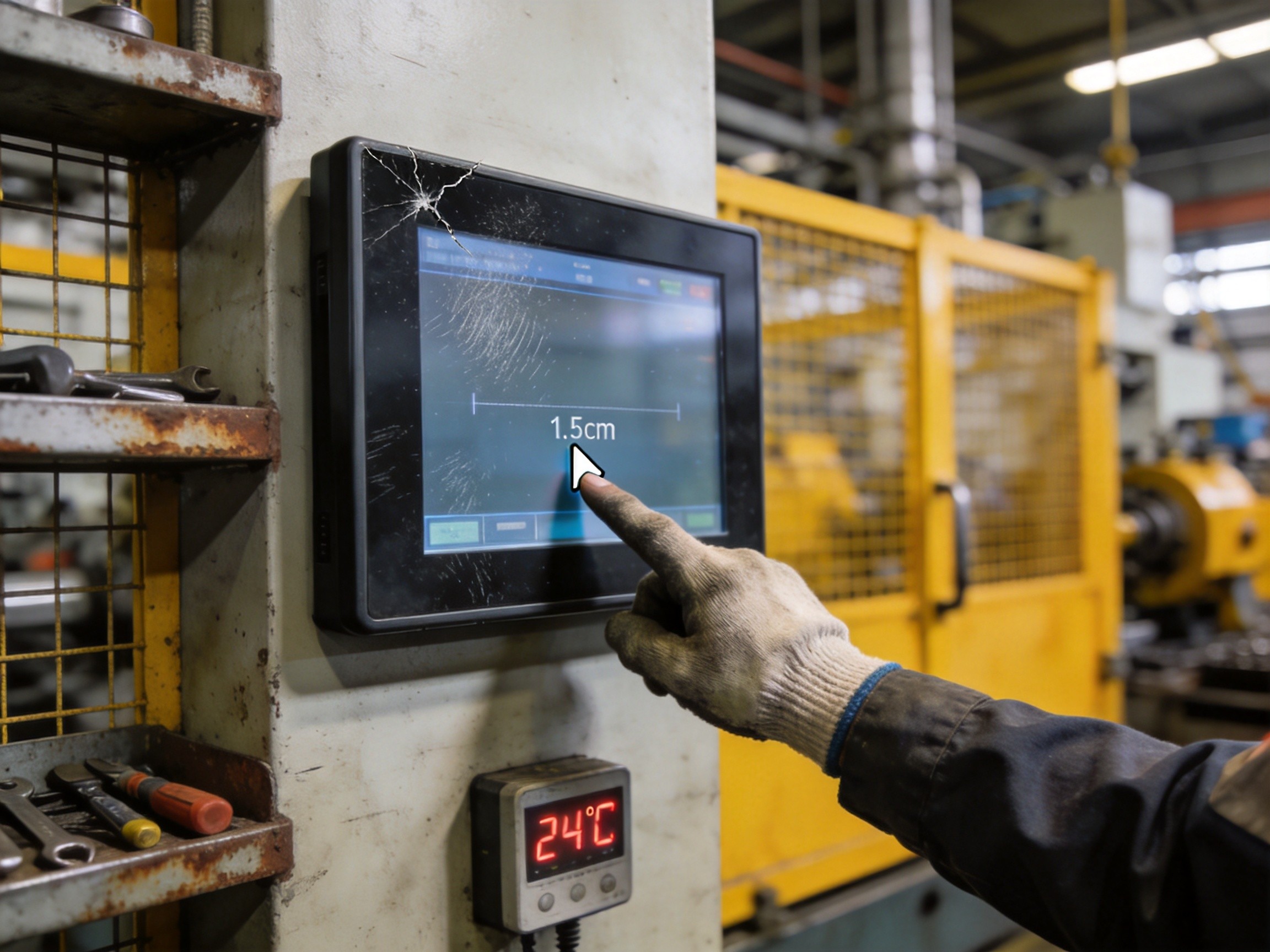
Touchscreen calibration drift is not a software bug—it is a physical phenomenon rooted in the sensing technology itself. Resistive touchscreens, which rely on two flexible conductive layers separated by microscopic spacer dots, experience gradual mechanical deformation of the top layer over millions of actuations. The uniform resistance gradient that the calibration algorithm assumes slowly warps, creating dead zones near frequently pressed areas. Projected capacitive touchscreens drift through a different mechanism: changes in the dielectric properties of the cover glass coating, accumulation of microscopic surface contaminants, and thermal expansion of the indium tin oxide sensing grid. KOXIAN field service data from long-run installations indicates that resistive touchscreens in high-usage operator stations typically begin showing measurable drift after approximately 1.2 million actuation cycles, while projected capacitive panels maintain calibration fidelity well past 5 million cycles.
Environmental Accelerators of Drift
Certain environmental conditions accelerate calibration drift dramatically. Thermal cycling is the most aggressive factor: in outdoor or semi-outdoor installations, panel PCs experience daily temperature swings exceeding 30°C. The cover glass, touch sensor, and display panel all expand and contract at slightly different rates, creating microscopic shear stresses at bonded interfaces. Over months of thermal cycling, these stresses accumulate and manifest as calibration offset. High-humidity environments introduce a second acceleration mechanism: moisture absorption in the edge seals can alter the local dielectric constant, particularly affecting projected capacitive sensors near the bezel perimeter. Coastal installations, food processing plants with washdown cycles, and tropical outdoor kiosks are disproportionately affected. The engineering countermeasure combines optically bonded touchscreen stacks that eliminate air gaps, temperature-compensated calibration algorithms, and edge-seal designs rated for the expected humidity exposure.
Detection and Correction Strategies
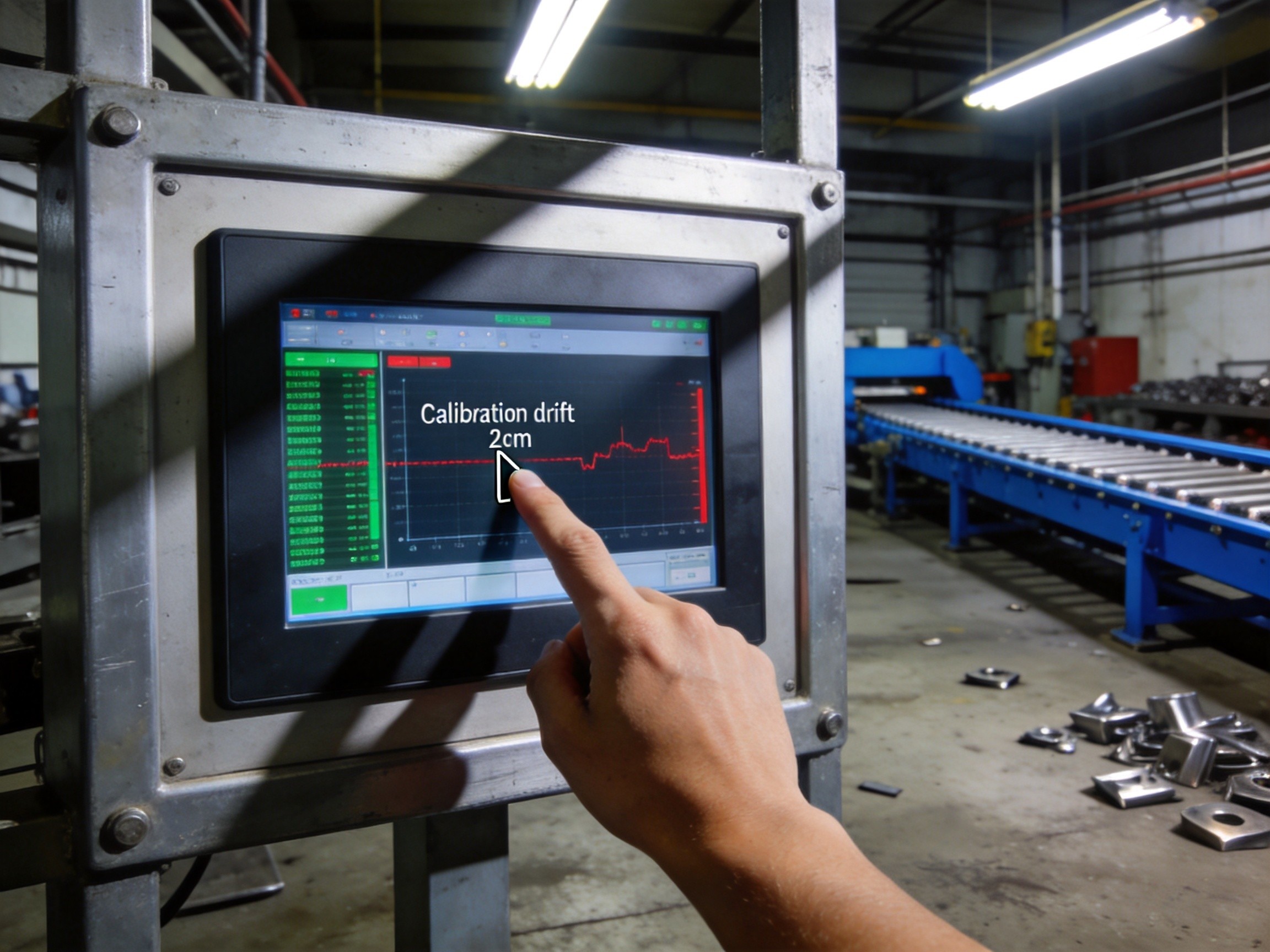
The most dangerous form of calibration drift develops gradually enough that operators unconsciously compensate for it—pressing slightly to the left of a button, or tapping higher than the visual target. This learned compensation masks the underlying problem until a new operator encounters the interface and makes input errors. Automated calibration verification routines, run during scheduled maintenance windows, can detect drift before it crosses the threshold of operator adaptation. These routines present target points across the screen surface, measure deviation between touch and displayed coordinates, and flag positions where error exceeds a configurable tolerance. Some panel PC platforms now support continuous background calibration monitoring during normal operation. KOXIAN recommends that facilities with safety-critical touchscreen interfaces implement automated verification at intervals no longer than 90 days, shortened for installations exposed to aggressive thermal cycling.
Designing for Drift Resilience
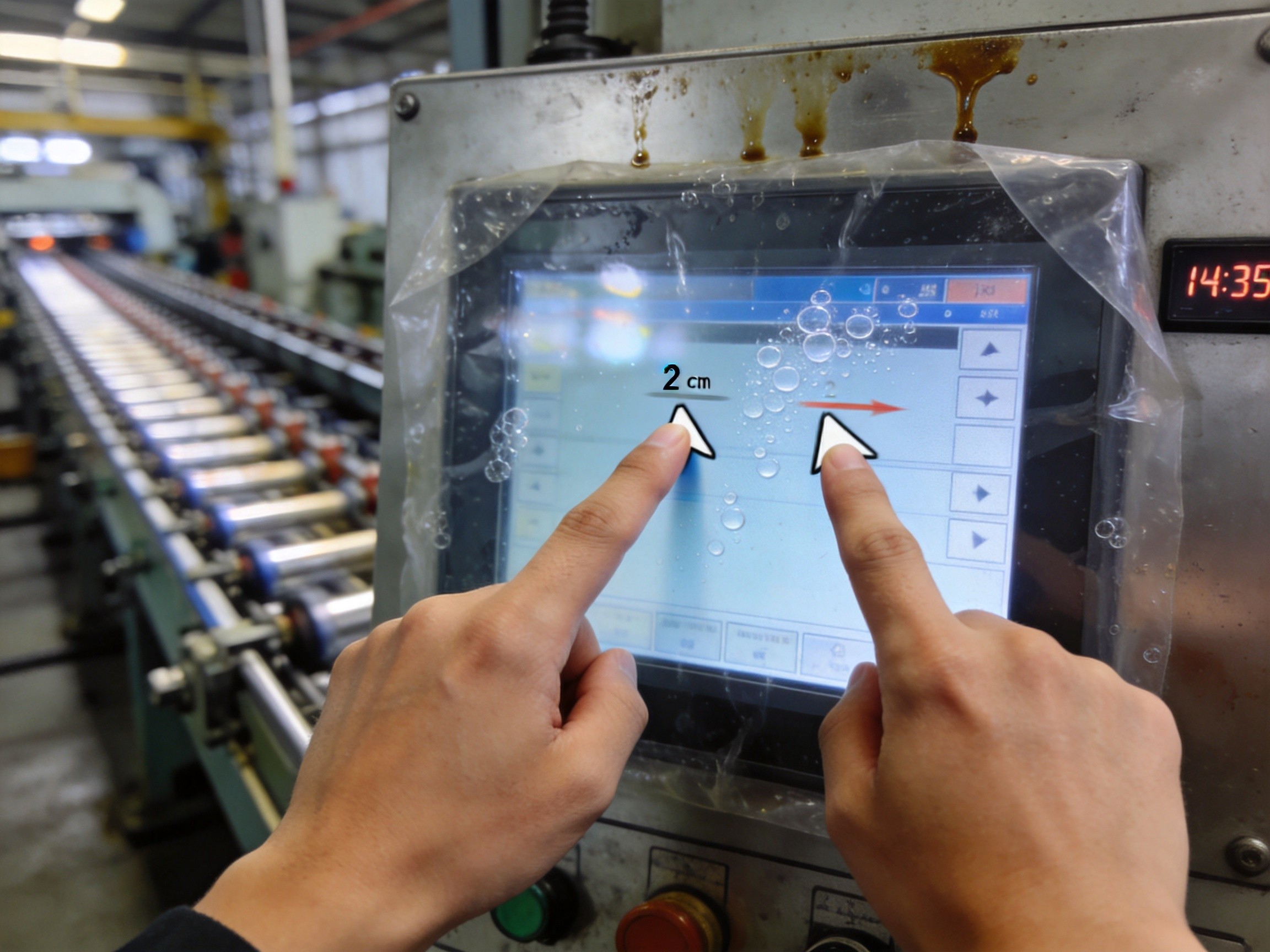
The most effective defense against calibration drift is an interface design philosophy that assumes drift will eventually occur and builds in tolerance. Button sizes should provide generous touch targets, ideally 20mm or larger, so that a 3–5mm offset does not cause missed activations. Critical controls should be separated by adequate dead space to prevent adjacent-button misactivation. Redundant activation methods—such as two-finger confirmation for irreversible actions—provide an additional safety layer. The touchscreen hardware specification should include a drift tolerance figure, and procurement decisions should evaluate this parameter alongside brightness and contrast ratio. The cost of a drifting touchscreen is paid in operator frustration, input errors, and unscheduled maintenance—all preventable with the right engineering choices at the specification stage.
Calibration drift is an inevitable physical reality of touchscreen technology, not a design flaw that can be engineered away entirely. The difference between a problematic deployment and a reliable one lies in understanding the drift mechanisms, anticipating environmental accelerators, implementing automated detection routines, and designing interfaces that remain usable even when minor offsets are present. These layers of defense, applied together, keep touchscreen reliability where it belongs: invisible to the operator.









