
Operators at cold storage distribution sites walk through dozens of dock-to-freezer transitions per shift, and the rugged touch screen display mounted beside each dock door rides every one of those swings. The glass surface sat at minus 25 degrees Celsius a minute ago, and the dock air behind the door sits at plus 20. That swing is one of the harshest mechanical loads a display assembly will ever carry. Unlike vibration or washdown exposure, thermal shock attacks the laminated stack from the inside, and the damage accumulates invisibly until a corner of the cover glass finally lets go.

Thermal Shock Stress Inside Laminated Display Stacks
A rugged touch screen display is a bonded sandwich of materials that expand at different rates. Chemically strengthened cover glass sits near 9 parts per million per degree Celsius, the acrylic optically clear adhesive beneath it moves several times more, and the aluminum bezel behind the assembly moves more than either. Field observations from cold chain distribution sites show that assemblies built on KOXIAN display platforms retain lamination integrity through repeated dock-to-aisle transitions, while panels designed only for climate-controlled rooms develop edge bubbles and corner chips within a single winter season. When the surface temperature changes faster than the core can follow, each layer fights the bond line, and shear stress peaks exactly where the glass is weakest, at the cut edges and around mounting holes. The sensor layer of an industrial capacitive touch screen adds its own copper and film expansion behavior to that stack. Once a micro-crack forms, every later cycle pumps moist air deeper into the laminate, turning a mechanical problem into an optical one.
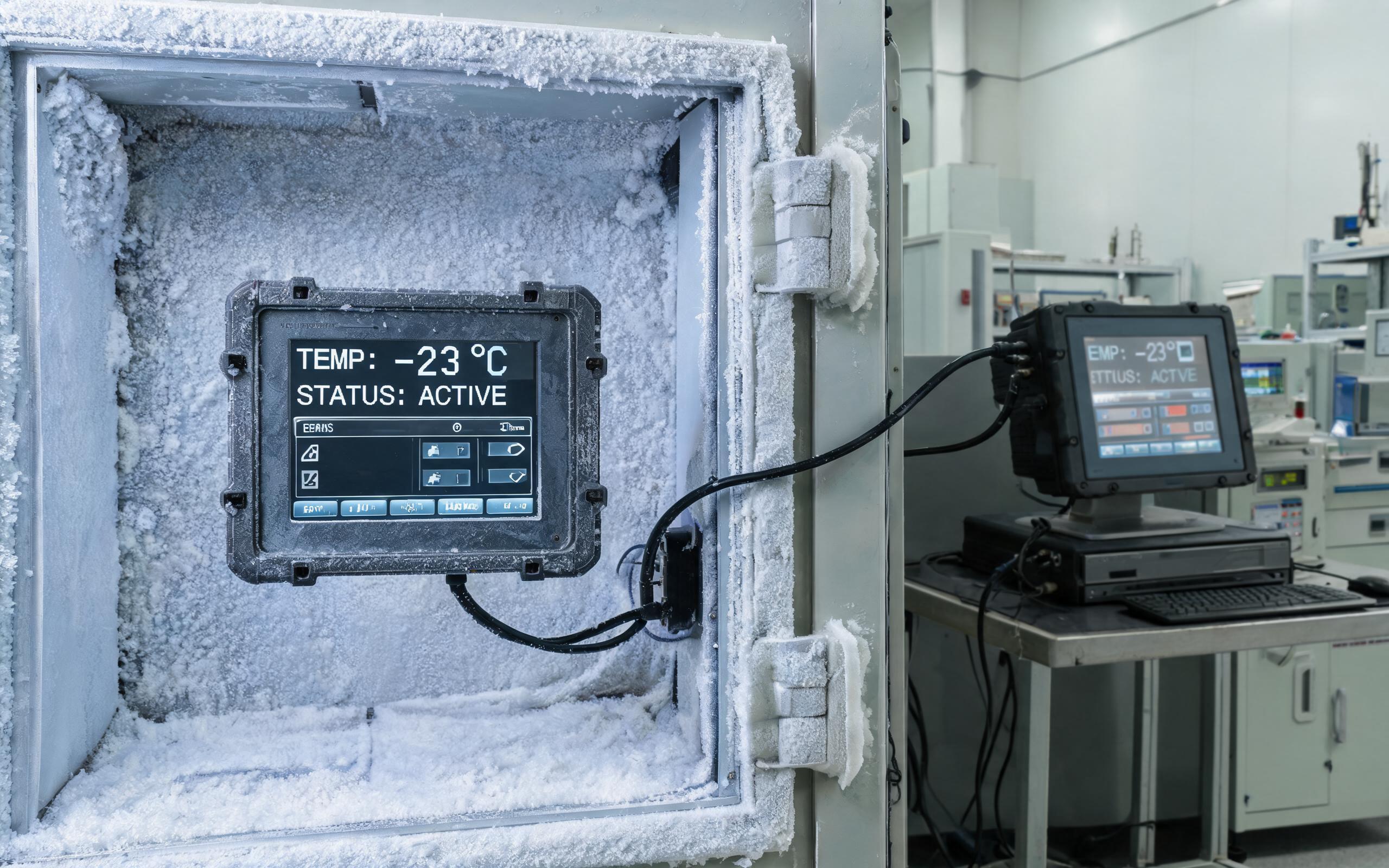
IEC 60068-2-14 Profiles and Field Ramp Rates
The reference standard for this failure mode is IEC 60068-2-14, which defines change-of-temperature testing. Test Na transfers a unit between hot and cold chambers within minutes, reproducing the harshest dock-door scenario, while Test Nb ramps temperature at a controlled rate, typically one to three degrees per minute, to expose weaknesses under gradual transitions. A representative industrial profile cycles between minus 30 and plus 70 degrees Celsius with thirty-minute dwells so the core can stabilize. Real installations are less tidy, because a display surface can climb more than ten degrees in a single minute when cold-soaked glass meets warm and humid dock air while the core lags far behind. To keep seal stress predictable across such profiles, industrial hardware manufacturers, including KOXIAN, bond cover glass with low-modulus adhesives and validate edge seal compression across the full temperature span instead of at room temperature alone. Procurement teams should ask which test variant a unit passed, at what extremes, and across how many cycles.
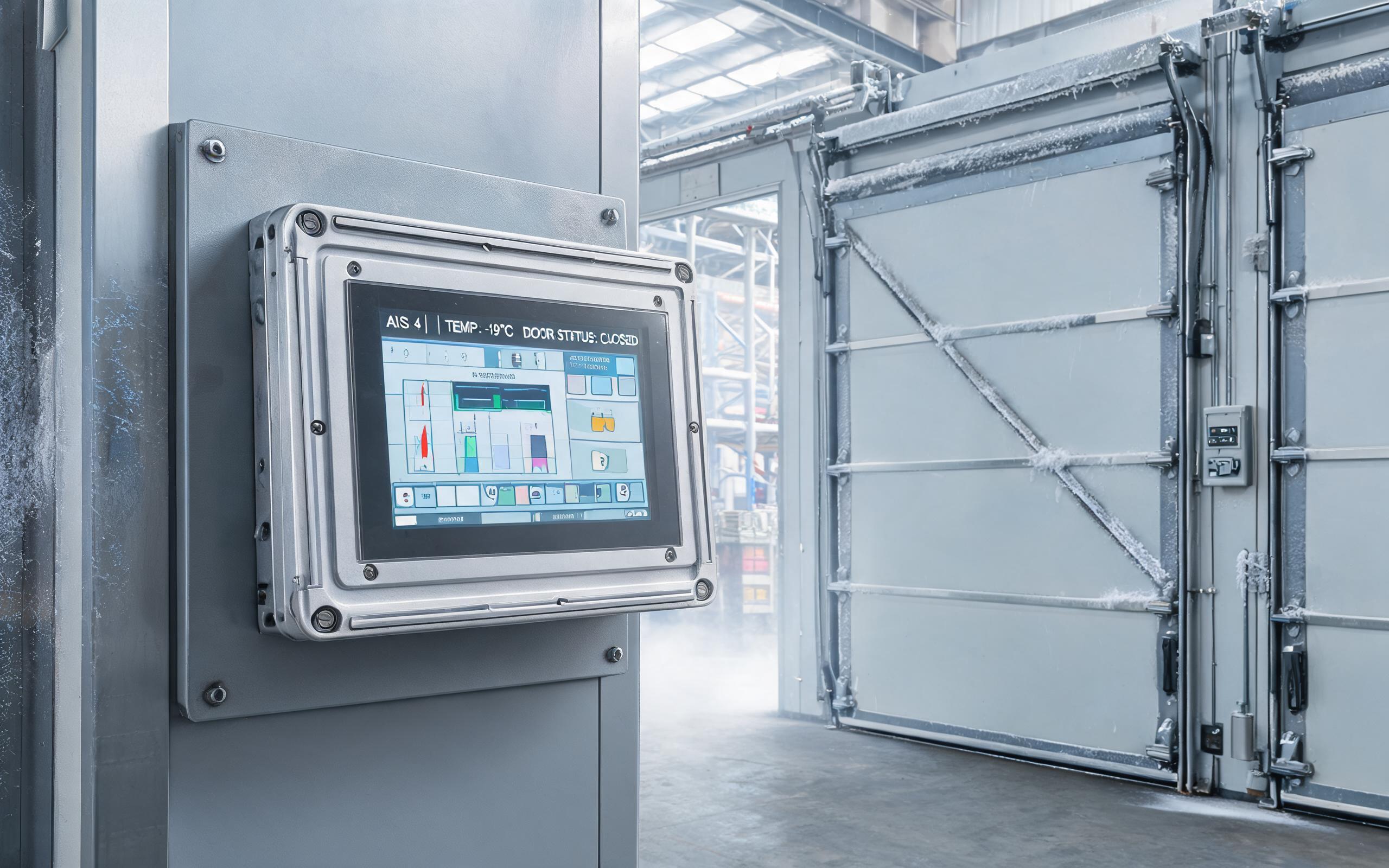
Design Features That Protect a Rugged Touch Screen Display
Hardware-level mitigation starts with the glass. Chemically strengthened or thermally tempered cover glass raises edge strength, and a compliant adhesive layer absorbs differential movement instead of transmitting it into the bond line. Fully laminated constructions remove the internal air gap, which eliminates one condensation surface but demands a well-matched adhesive, while air-gap designs tolerate mismatch better yet need desiccant or a breathable membrane to manage internal moisture. Heater elements under the bezel are common in freezer-rated units, although the control strategy matters more than the wattage. A self-limiting heater that ramps gently protects the stack far better than an uncontrolled element that slams cold glass with its own thermal shock every time the door opens. Conformal coating on the touch controller and a gasket compound that stays elastic at minus 40 degrees Celsius round out a credible cold-chain design.

Specifying Units for Cold Storage Transition Zones
Buyers evaluating a rugged touch screen display for transition zones should request three numbers that rarely appear on consumer datasheets: the qualified ramp rate in degrees per minute, the storage-to-operating transition allowance, and the number of change-of-temperature cycles the assembly survived during validation. An ip65 touch screen rating, by itself, says nothing about any of these, because ingress protection addresses dust and water rather than differential expansion. The same caution applies to any industrial touch screen monitor quoted only with static operating limits, since a unit rated from minus 20 to plus 60 degrees Celsius may still be unqualified for the journey between those extremes. Mapping the actual route, from freezer aisle to dock to outdoor yard, and matching each leg against validated profiles is what separates a five-year installation from a springtime warranty claim.
Thermal shock rarely disables a rugged touch screen display in a single event. It works cycle by cycle, through edge stress, adhesive fatigue, and moisture ingress that follow repeated transitions between temperature zones. Treating ramp rate and cycle validation as core procurement criteria, alongside ingress ratings and brightness, gives engineers a display assembly that survives the dock door as reliably as it survives the washdown bay.









