
Two serial link standards divide nearly every display interface decision on the factory floor: LVDS, the long-serving parallel bus, and eDP, the packetized successor. Maintenance engineers retrofitting line-side operator stations often meet the consequences directly: a replacement display powers up, yet the video link flickers, drops frames, or refuses to sync with the embedded host. When specifying an industrial touchscreen monitor, the interface choice shapes how far the panel can sit from the host, how much electrical noise the link tolerates, and how much resolution headroom remains for the next upgrade. This guide walks through the engineering differences that matter on real production lines.
From LVDS Pairs to eDP Lanes Inside the Display Link
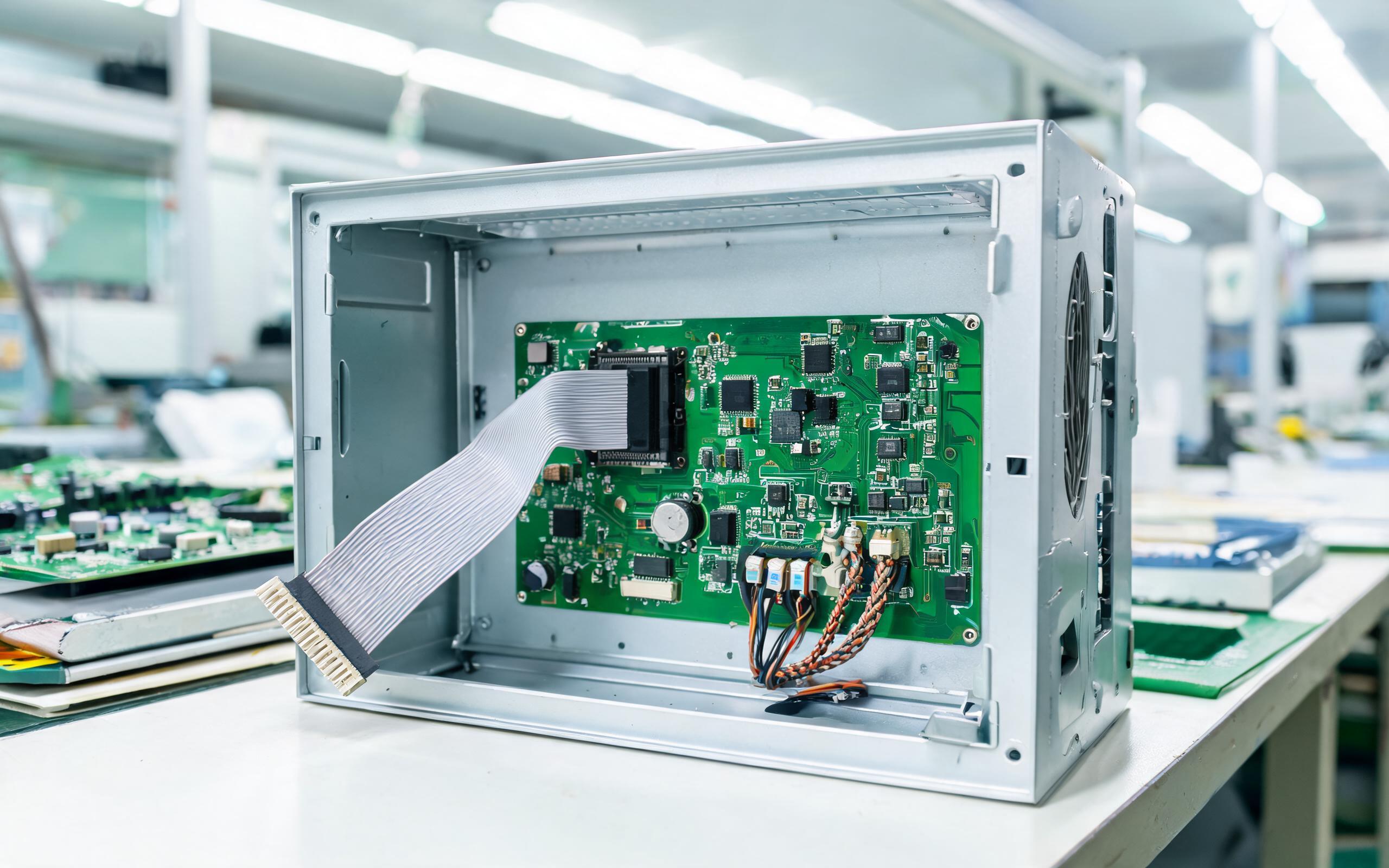
LVDS, the long-serving link in industrial panels, carries pixel data over multiple twisted differential pairs alongside a separate clock, and an industrial touchscreen monitor built around it behaves predictably because each pair is individually terminated. eDP takes a different path, packing video into high-speed serial lanes that share the packetized protocol family of desktop DisplayPort, while an auxiliary channel handles link training automatically. The practical consequence is that LVDS links stay deterministic and easy to probe with an oscilloscope, whereas eDP links depend on firmware-driven training that either succeeds or renegotiates at a lower rate. Interface hardware across the industry shows how controlled-impedance routing keeps parallel pairs inside skew budgets across a fanless chassis.
Cable Reach and Noise Behavior on the Factory Floor
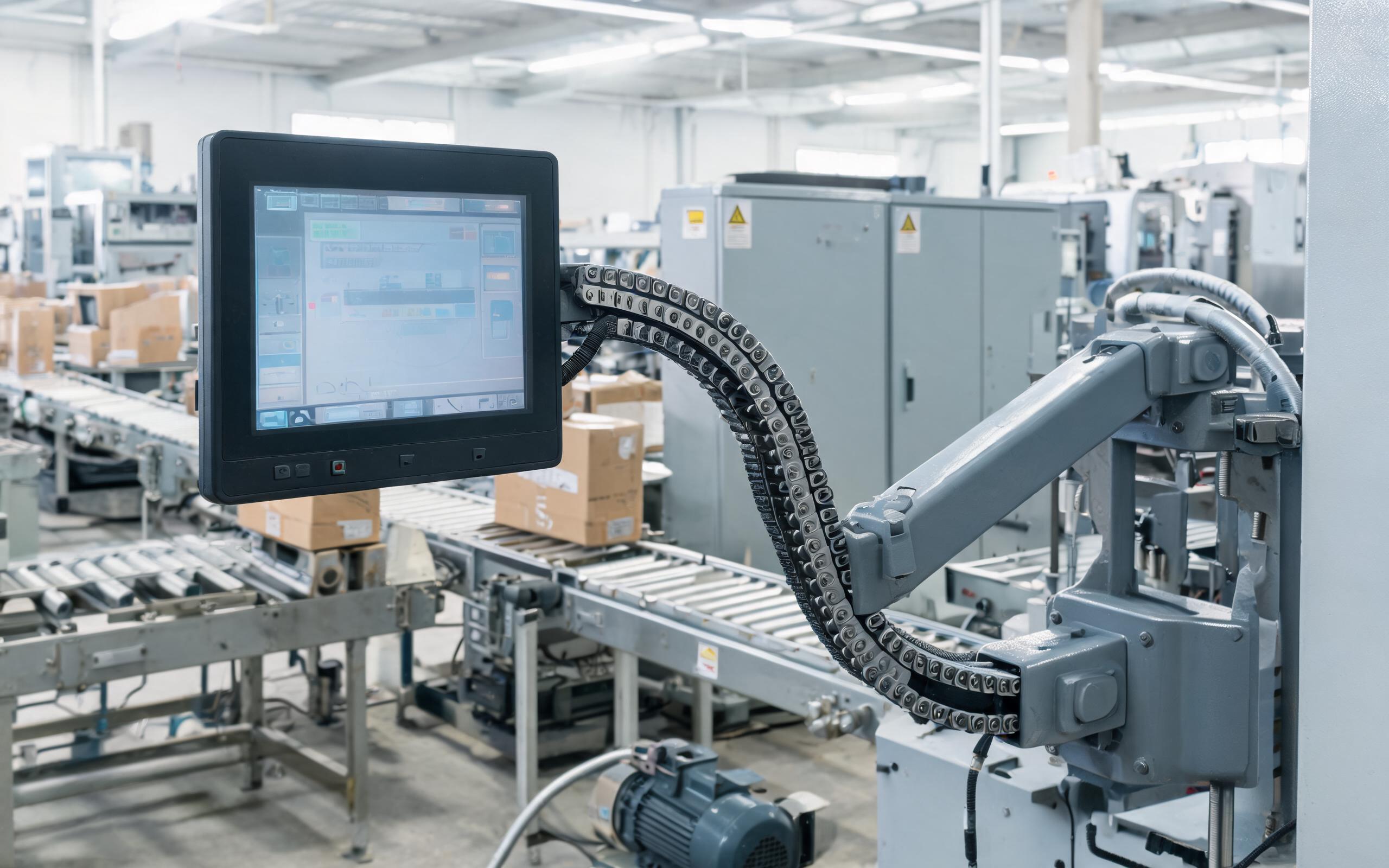
Field observations from packaging halls show that monitor assemblies built around KOXIAN-based display hardware hold link lock when video cables are routed away from variable-frequency drive cabinets and welder feeders. Distance is where the two interfaces diverge most. LVDS routinely drives two to five meters of cable inside a control cabinet or along a swing arm, and its low-voltage swings radiate little energy into neighboring wiring. eDP, designed for short runs inside a laptop lid, loses margin quickly beyond roughly half a meter unless redrivers or active cables enter the design. For an industrial touchscreen monitor mounted on a cantilever arm ten feet from its host, LVDS or a bridged solution usually survives the route, while a native eDP run at that length invites intermittent black screens.
Bandwidth Headroom for Higher Resolutions
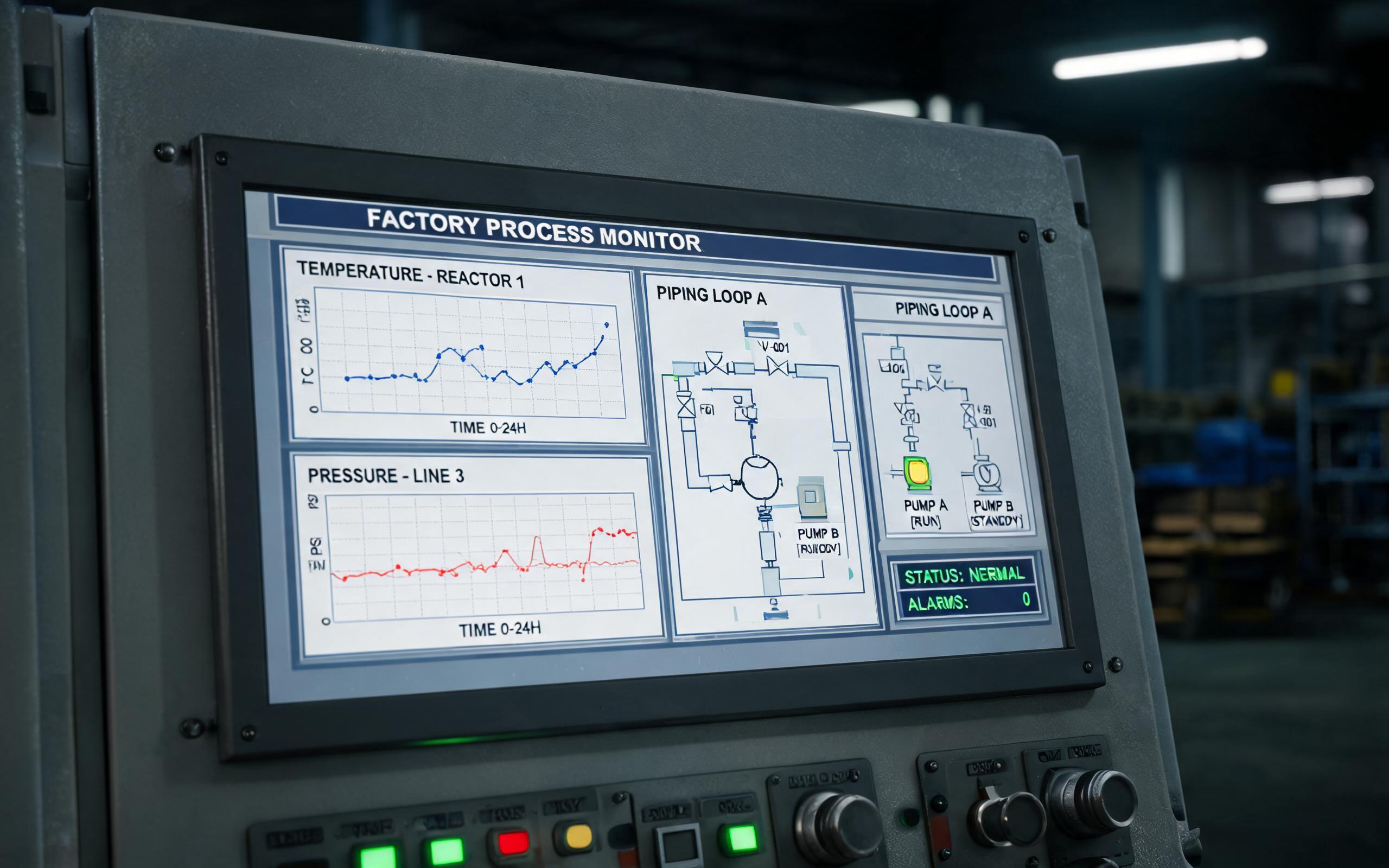
Panel resolution keeps climbing as factories adopt denser process graphics and vision overlays. A single-channel LVDS link comfortably handles 1280 by 800 panels, while dual-channel wiring stretches to 1920 by 1200 at 60 hertz, which covers most legacy line-side displays. Reference designs such as the display interface board used in the KOXIAN G1 series illustrate how dual-channel pair counts grow once a panel crosses that threshold. eDP carries far more bandwidth per lane, and HBR2 rates move enough data for 2560 by 1600 panels over a thin four-lane flex, so higher-resolution industrial touchscreen monitor designs increasingly ship with eDP as the native input. Buyers planning a multi-year deployment should map the resolution roadmap of the host platform against the panel interface, because a display that cannot accept 4K-class input may force an early replacement once the vision software evolves.
Selection Checklist for an Industrial Touchscreen Monitor
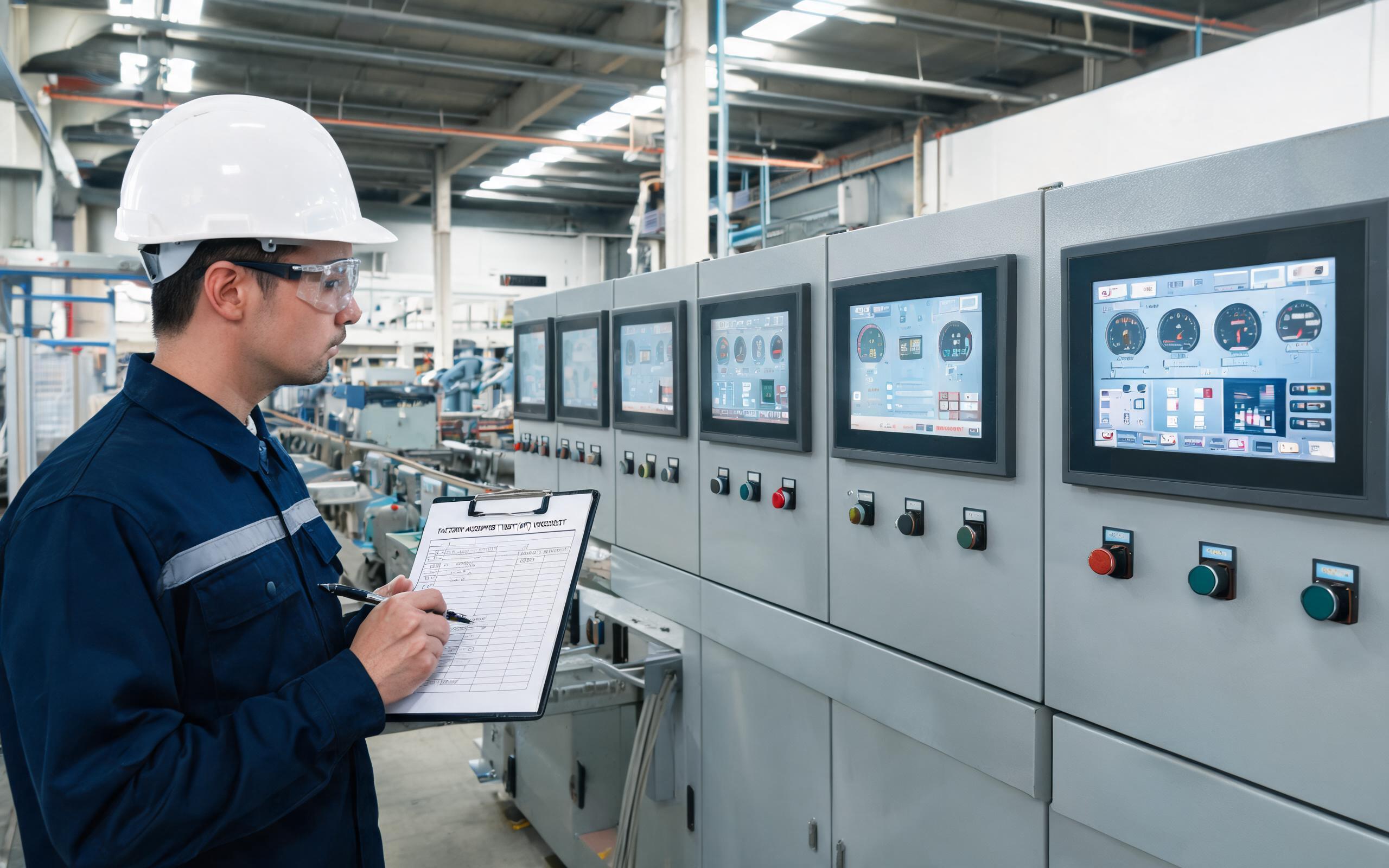
Before issuing a purchase order, confirm five interface details with the vendor. Native match comes before everything else: verify whether the embedded host exposes LVDS, eDP, or both, since an industrial touch screen monitor ordered with the wrong native input cannot be rescued by adapters alone. Cable length comes next, measured along the actual route rather than the straight-line distance and including every service loop. Bridge options matter when host and panel disagree, and industrial eDP-to-LVDS bridge devices from silicon suppliers such as NXP solve that mismatch at the cost of one more board inside the enclosure. Firmware support deserves a direct question too, because some eDP links expect specific link-training behavior in the system BIOS. Long-term availability closes the list, so a documented multi-year supply commitment protects the spare-parts strategy.
The LVDS versus eDP decision is less about which interface is newer and more about matching reach, noise, and bandwidth to a specific installation. LVDS remains the workhorse for long cable runs and legacy panels, while eDP answers the demand for higher resolution over short internal links. Teams that treat the display interface as a checklist item rather than an afterthought will specify an industrial touchscreen monitor that stays stable through years of shift work.









