
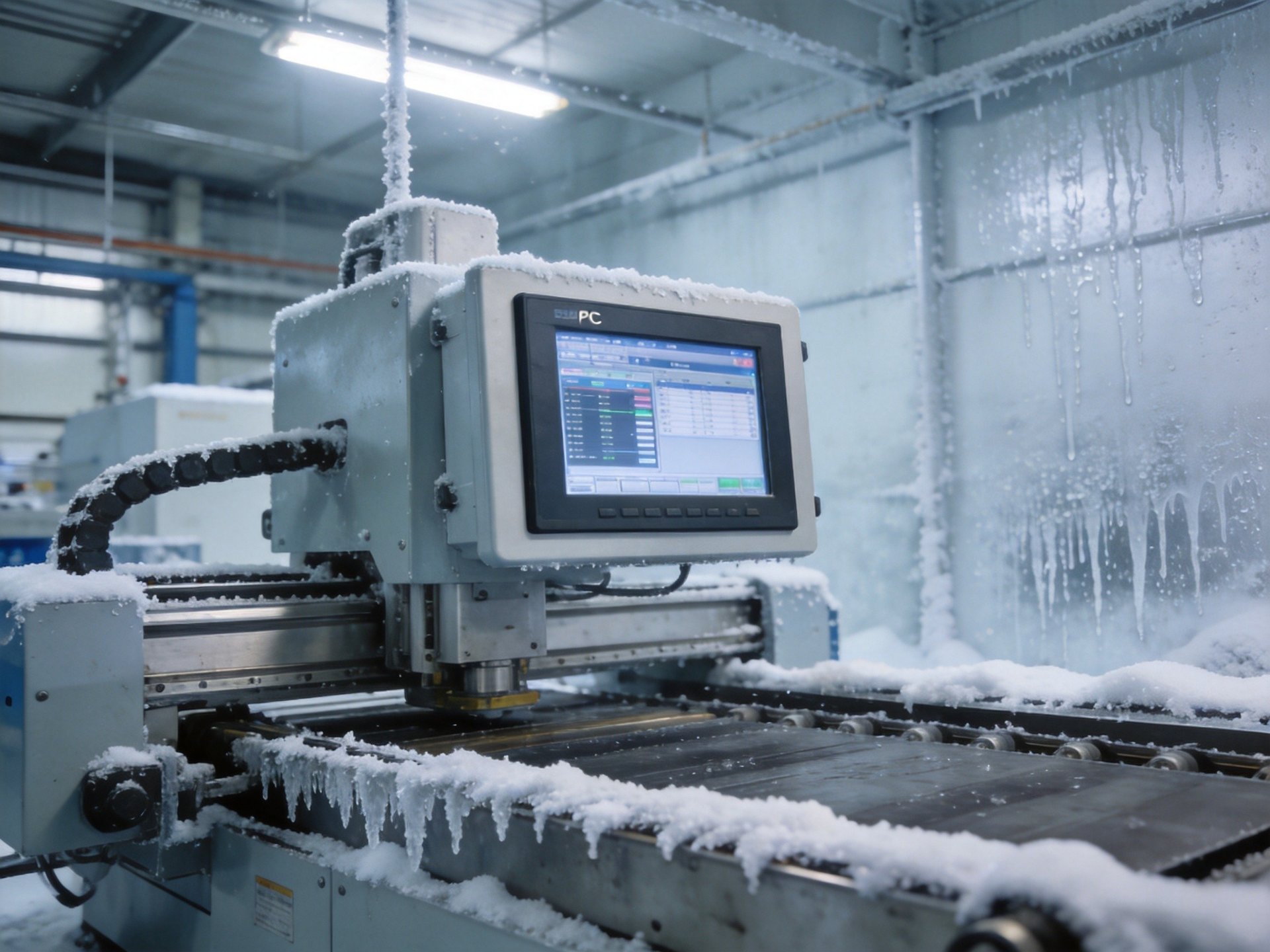
Why Cold Temperatures Cause Slow Boot
Low temperatures affect nearly every component inside an industrial PC, but storage devices and power supplies are typically the primary culprits behind extended boot times. Solid-state drives (SSDs), while more robust than HDDs in cold conditions, still experience increased latency when operating below their rated temperature range. The NAND flash memory cells in SSDs require more time to charge and discharge at low temperatures, slowing both read operations during boot and write operations during system initialization. Similarly, dynamic random-access memory (DRAM) modules experience longer refresh cycles and increased signal propagation delays below freezing, further extending POST (Power-On Self-Test) duration. Power supply units also face challenges: electrolytic capacitors exhibit higher equivalent series resistance (ESR) in cold conditions, reducing ripple suppression and causing voltage stabilization to take longer during startup.
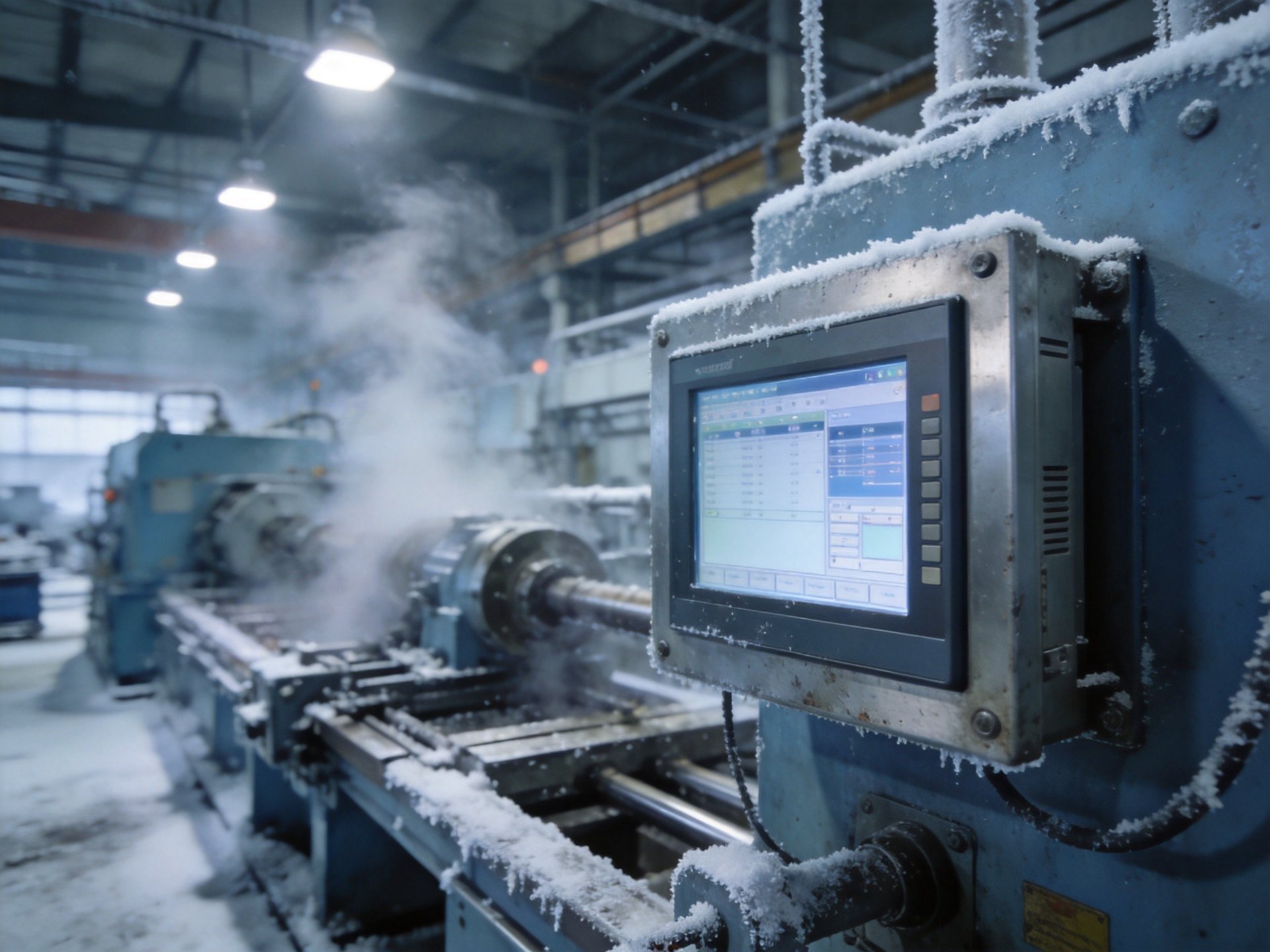
Storage Device Optimization for Cold Environments
Selecting appropriate storage hardware is the most impactful step toward reducing boot delays in cold environments. Industrial-grade SSDs with wide temperature ratings (typically -40°C to 85°C) use temperature-compensated controllers that adjust read voltages and timing parameters dynamically based on internal thermal sensors. In actual deployments, specialized industrial hardware incorporating structural standards found in platforms like the KOXIAN G1 series utilizes industrial-grade SLC and pSLC flash types that maintain consistent performance across temperature extremes far better than consumer-grade TLC or QLC alternatives. System designers should also consider reducing boot loader complexity—using lightweight boot options, disabling unnecessary POST checks, and employing fast-boot BIOS configurations can cut initialization time significantly. Additionally, implementing a warm standby mode rather than full power-down prevents cold-start issues entirely for applications that allow periodic power consumption.
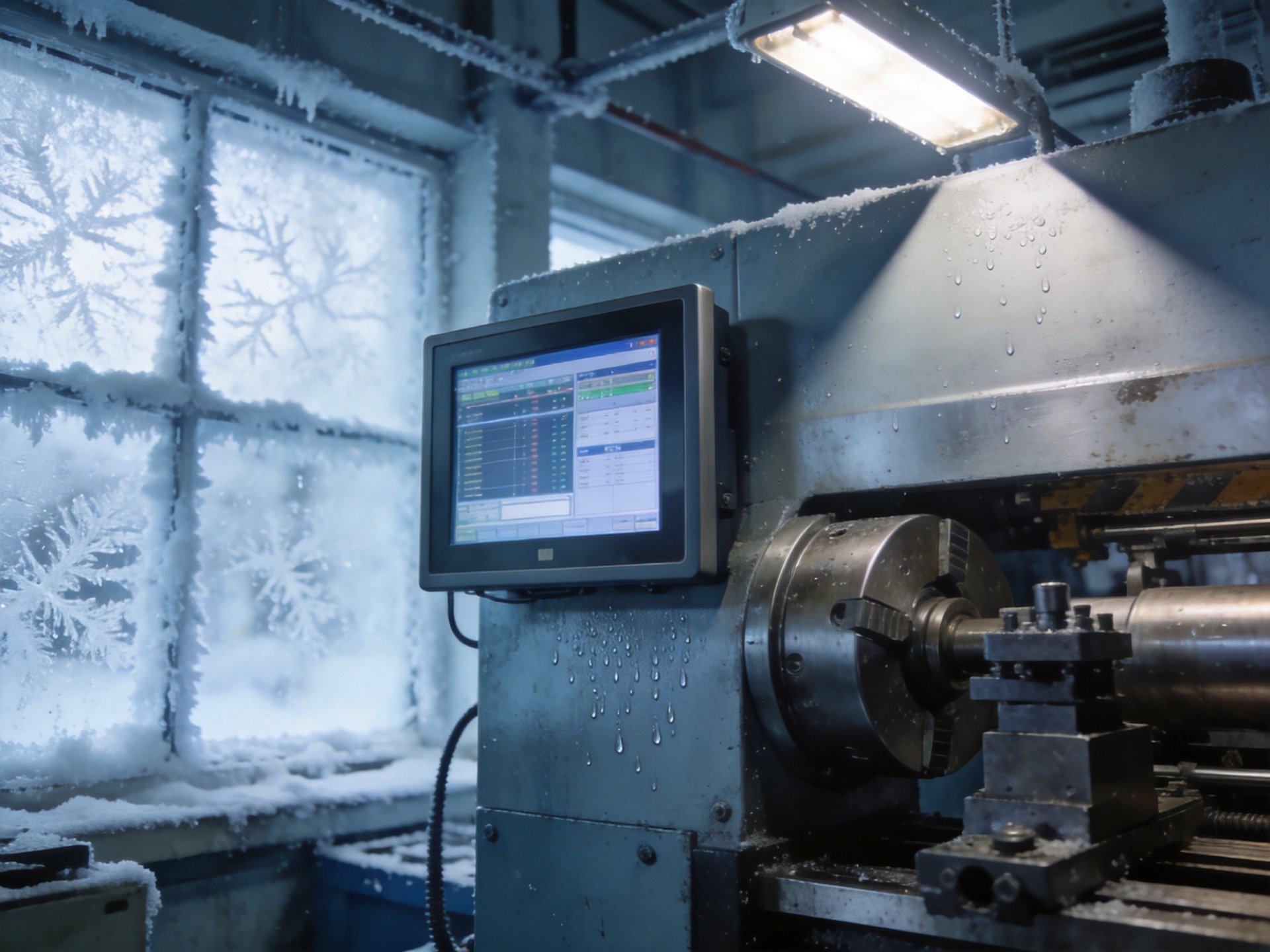
Power Supply and Thermal Design Considerations
The power delivery system plays a critical role in cold-start performance. Industrial PCs designed for low-temperature operation use solid polymer capacitors or tantalum capacitors instead of electrolytic types, as these maintain stable ESR values well below freezing. Active pre-heating circuits—integrated into the power supply or motherboard—can also bring critical components to minimum operating temperature before initiating the boot sequence. In actual industrial deployments, manufacturers like KOXIAN employ intelligent thermal management systems that combine conduction heating elements with temperature-controlled power staging, ensuring components reach optimal operating thresholds sequentially rather than all at once. Chassis design also matters: fully sealed aluminum enclosures with internal heat distribution plates help retain generated heat more effectively than vented designs, naturally shortening subsequent warm-boot cycles. For extreme environments below -30°C, dedicated enclosure heaters with thermostat control may be necessary to maintain minimum operating temperatures for reliable boot performance.
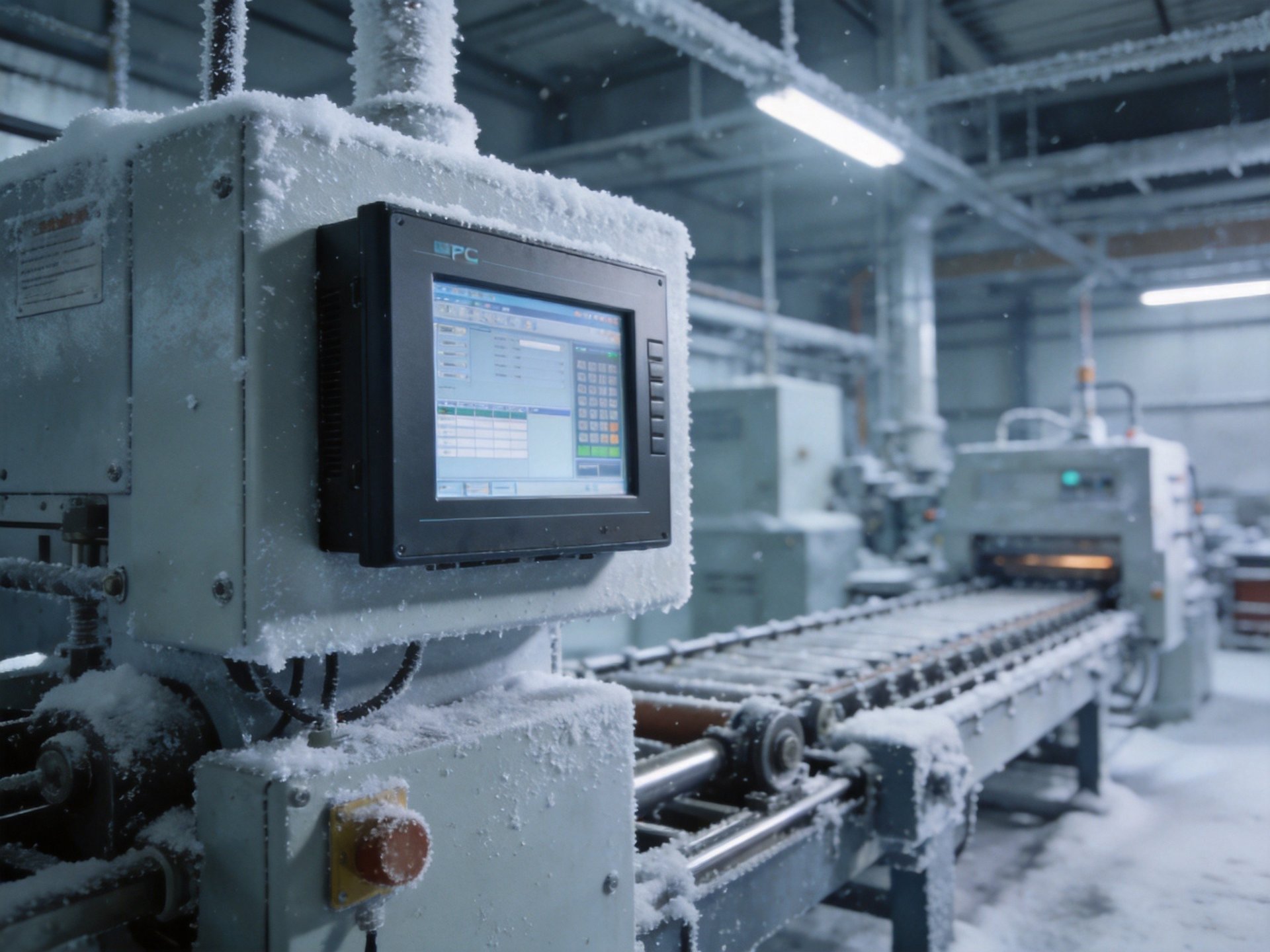
Practical Mitigation Strategies
Beyond hardware selection, several operational strategies can minimize cold-boot delays. First, schedule periodic power-cycling during off-hours to keep systems within operating temperature range when continuous operation isn’t required. Second, implement BIOS-level fast boot options that skip non-essential hardware checks during startup, though this requires careful validation to ensure reliability isn’t compromised. Third, use industrial-grade DDR4 or DDR5 modules with built-in temperature compensation and ECC (Error-Correcting Code) support to maintain stable memory operation at low temperatures. Field compliance data aggregated from heavy industry setups indicates that systems with proper wide-temperature component selection typically boot 3-5 times faster in -20°C conditions compared to standard commercial-grade hardware. Finally, for new deployments, specify equipment with documented cold-start performance metrics rather than just operating temperature ratings—actual boot-time specifications at temperature extremes provide far more practical value than generic temperature ranges on datasheets.
Conclusion
Slow boot times in low-temperature environments are a predictable challenge that can be effectively addressed through component selection, thermal design, and operational strategy. The key is understanding that consumer-grade hardware simply isn’t engineered for the physical realities of sub-zero operation. Investing in wide-temperature rated components—from storage and memory to power supplies and capacitors—pays dividends in reliability and startup performance. For facility managers and system integrators, evaluating cold-start performance metrics during the procurement phase prevents costly post-deployment performance issues. Field compliance data aggregated from cold storage and outdoor infrastructure setups, including KOXIAN-based hardware configurations, indicates that purpose-built industrial computing hardware delivers substantially more predictable boot behavior across temperature extremes, making it the prudent choice for any deployment where cold conditions are part of the operational reality.









