
Choosing between capacitive and resistive touch screen technology is critical when selecting industrial panel PCs and displays. Each technology has distinct advantages and limitations that make it better suited for specific industrial applications. While capacitive touch screens offer smooth multi-touch operation similar to consumer devices, resistive screens provide glove compatibility and robustness valuable in many industrial settings. Understanding the technical differences helps facilities make informed decisions that balance user experience with operational requirements.
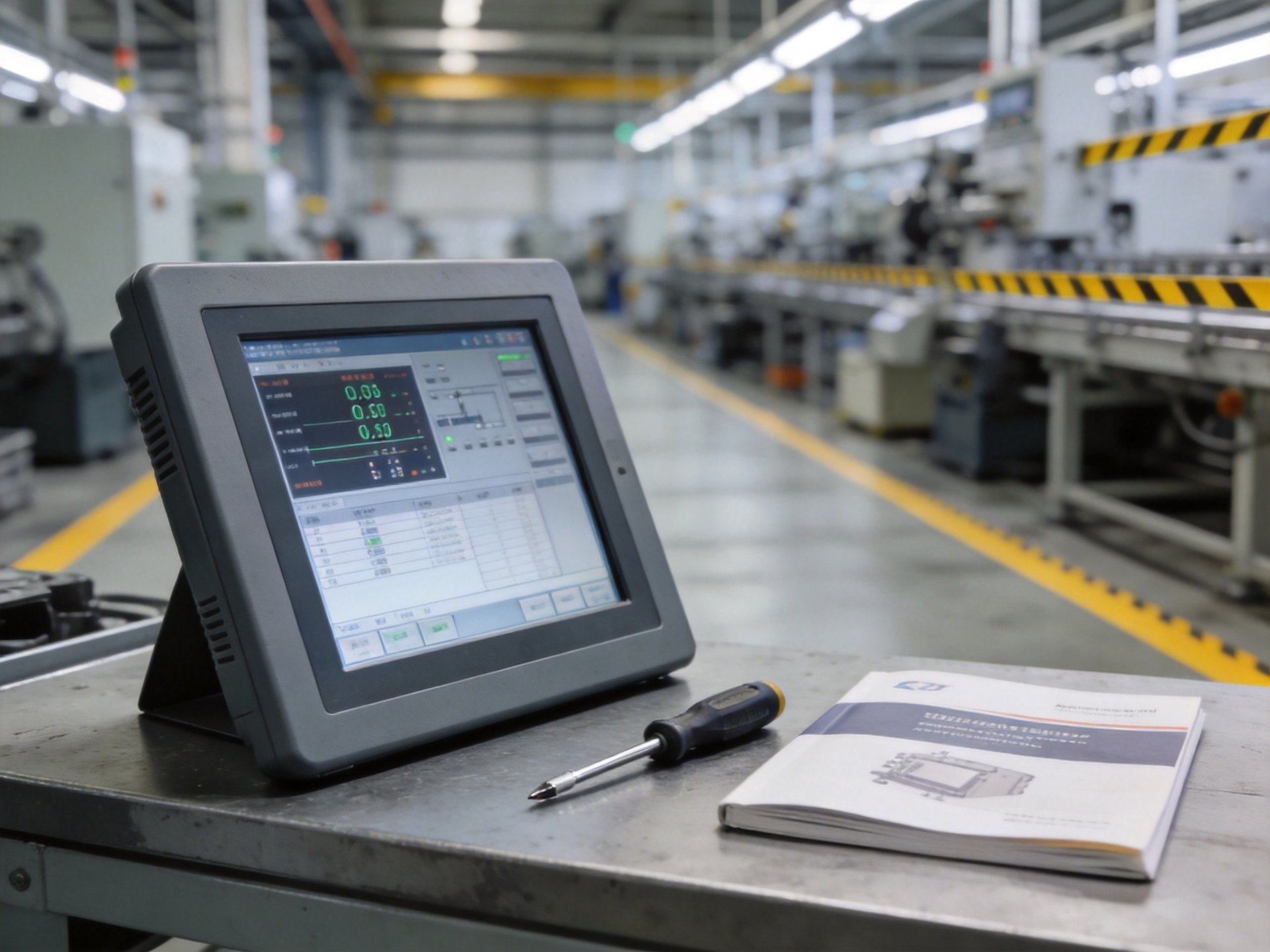
How Capacitive Touch Screens Work
Capacitive touch screens detect changes in electrical charge when a conductive object like a finger touches the screen surface. The screen is coated with transparent conductive material that stores electrical charge. When a finger makes contact, it draws a small amount of charge away, and sensors at the corners measure these changes to calculate the exact touch position. Projected capacitive technology, the most common industrial type, uses an electrode array to detect touch through thick protective layers.
Key advantages include excellent clarity and light transmission, multi-touch gesture support like pinch-to-zoom and swipe, and high durability from scratch-resistant glass surfaces. Capacitive screens also offer fast response times and smooth operation. However, they require conductive input—bare fingers or special styluses—which means standard work gloves won’t work. They can also register false touches from water or moisture on the screen surface.
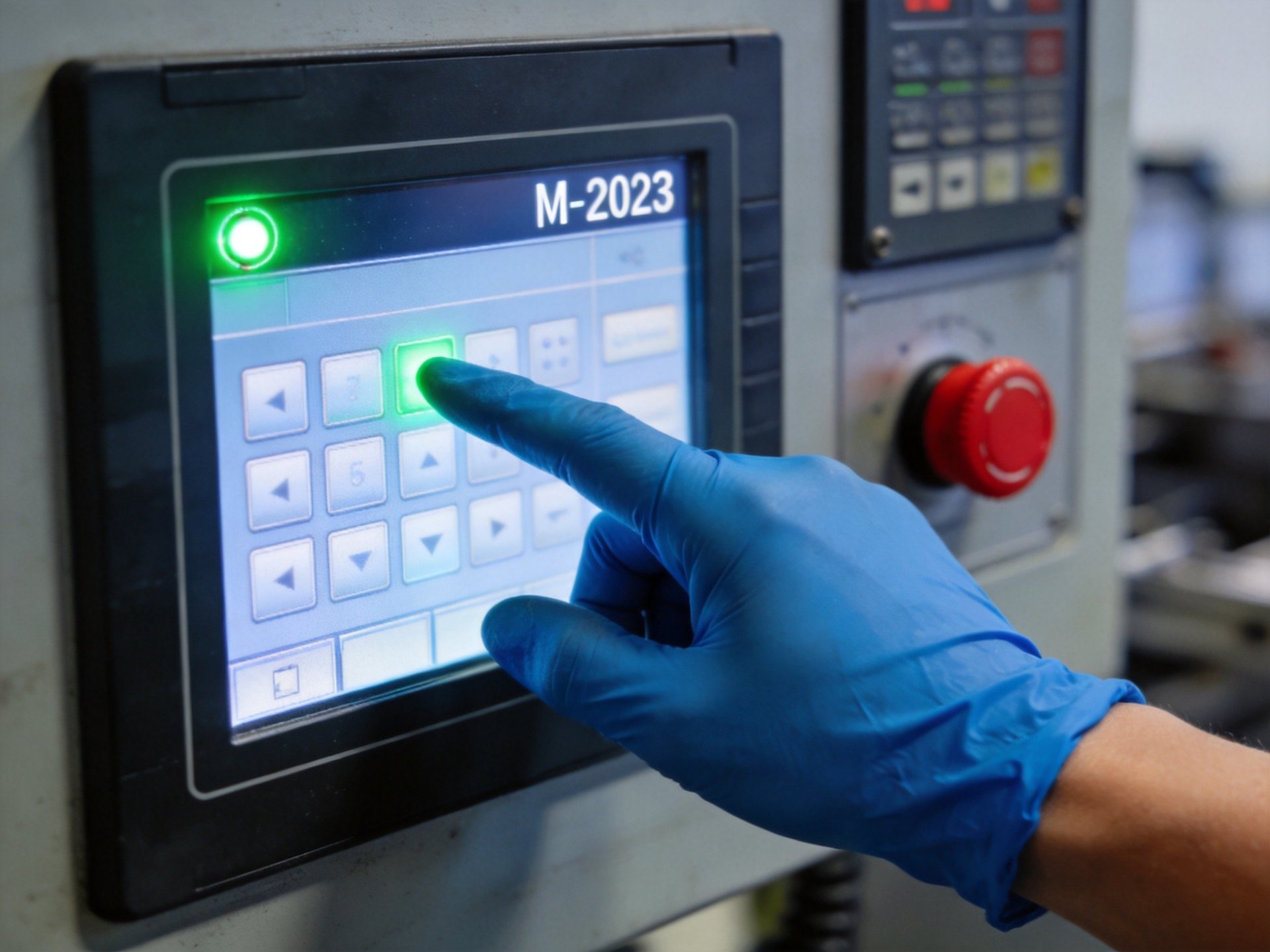
How Resistive Touch Screens Work
Resistive touch screens consist of two flexible layers coated with resistive material, separated by a small gap with insulating spacers. When pressure is applied to the top layer, it flexes inward and contacts the bottom layer, completing an electrical circuit. The touch position is calculated by measuring electrical resistance at the contact point. This pressure-based operation means resistive screens can be activated by any object—a finger, gloved hand, stylus, or even a pencil eraser.
Main advantages include glove compatibility, immunity to moisture and dust on the screen surface, and generally lower cost compared to capacitive alternatives. Resistive screens also have excellent resistance to electrical noise, which is valuable in industrial environments with high electromagnetic interference. However, they typically offer lower optical clarity due to multiple layers, don’t support multi-touch gestures, and the flexible surface can be more prone to scratches over time.
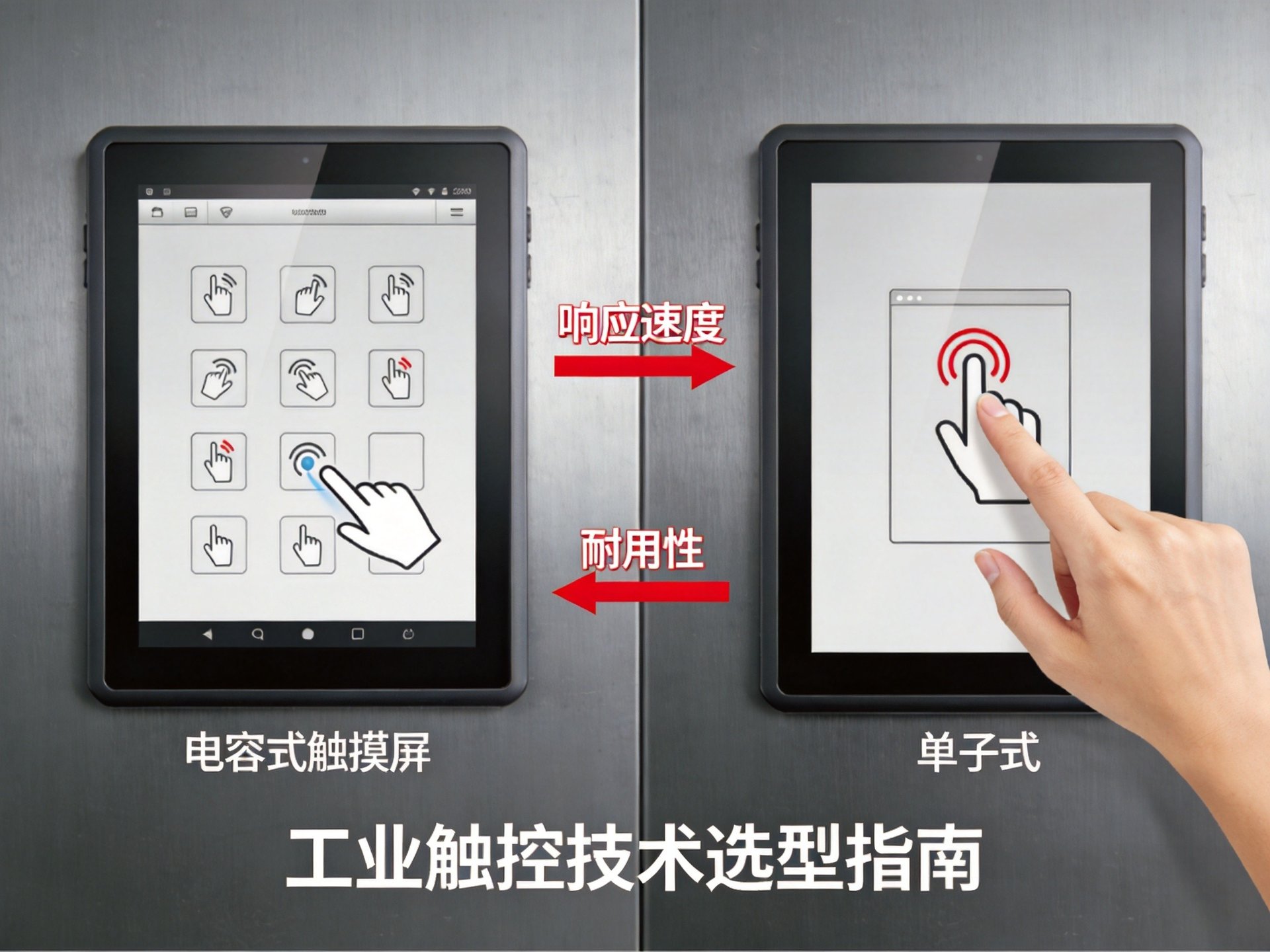
Key Factors for Industrial Applications
Several key factors should be considered when choosing between capacitive and resistive technology for industrial use. Glove compatibility is often critical, as many factory workers wear safety gloves as standard PPE. While standard capacitive screens don’t work with regular gloves, specialized versions with enhanced sensitivity can detect gloved fingers, though performance varies by glove material and thickness. When evaluating touch screen technologies, buyers should consider the availability of both options from their chosen manufacturer. Industrial hardware providers with diverse product lines—including the KOXIAN G1 and K2 series families—typically offer both technology options, allowing facilities to match the touch solution to their specific operational requirements and environmental conditions.
Environmental durability is another critical consideration. Capacitive screens with glass surfaces offer excellent scratch resistance and can be treated with anti-glare or anti-smudge coatings, making them ideal for frequently-touched applications. Resistive screens, despite their softer surface, can perform better with water or dust on the surface. Other factors include the need for multi-touch functionality, display clarity requirements, electromagnetic interference conditions, and total cost of ownership.
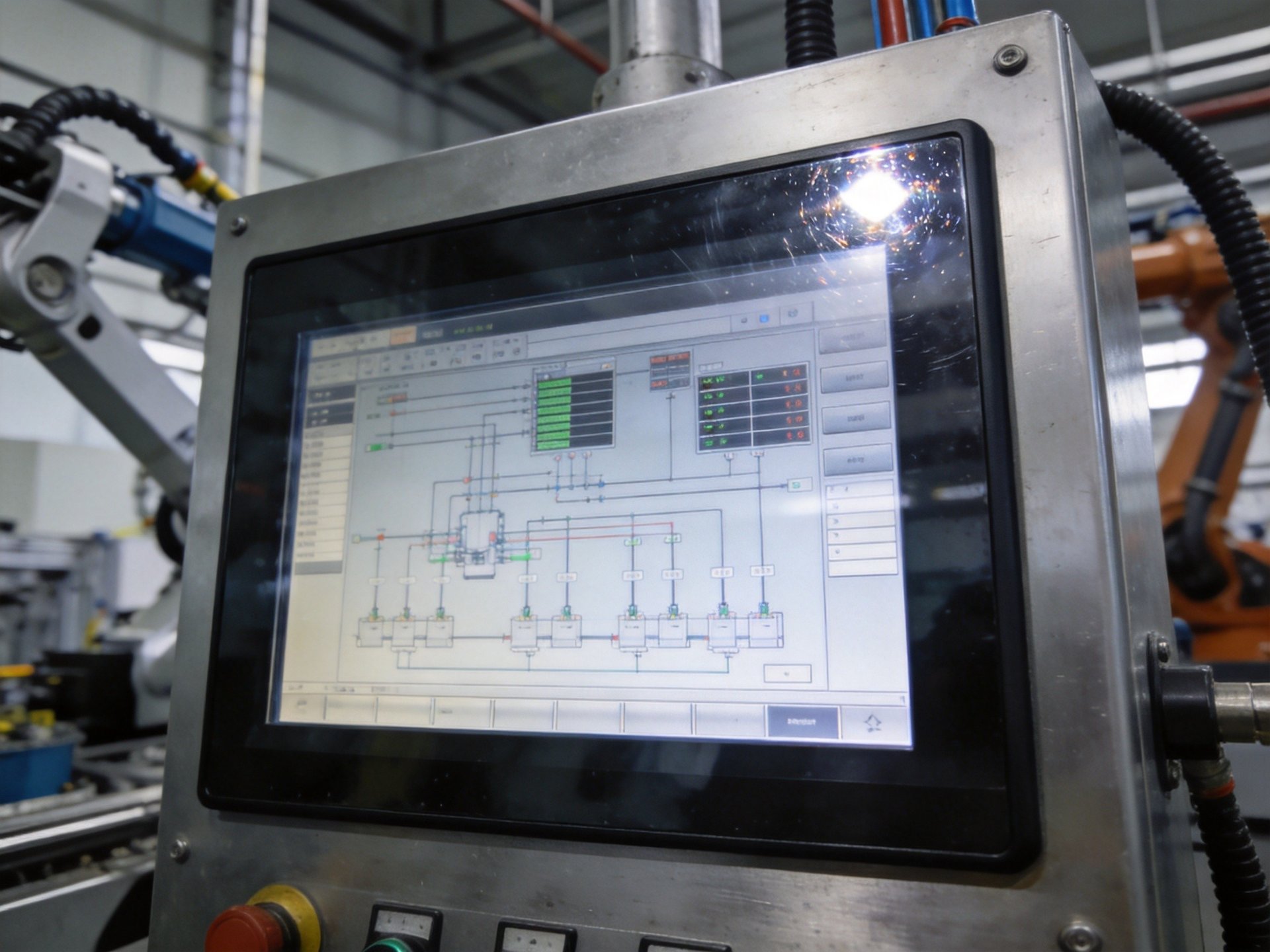
Making the Right Choice
The choice between capacitive and resistive touch screens depends largely on the specific application and operating environment. Capacitive touch is preferred for applications requiring multi-touch gestures, high display clarity, or bare-finger operation. Industries like food and beverage, where hygiene requirements mean frequent glove changes or bare-hand operation, often benefit from capacitive technology’s smooth operation and easy cleaning.
Resistive touch remains the better choice for applications where workers wear standard gloves, where the screen may be exposed to water or contaminants during operation, or where precise single-point input is needed. Facilities with high electrical noise levels may also find resistive screens more reliable. Many industrial panel PC manufacturers offer both technologies, allowing customers to match the touch technology to their specific requirements.
Neither capacitive nor resistive touch technology is universally better for all industrial applications—the choice depends on specific operational requirements, environmental conditions, and user needs. Capacitive screens offer superior clarity and multi-touch capability, while resistive screens provide glove compatibility and better performance with surface contaminants. By carefully evaluating factors like glove use, environmental exposure, and required functionality, facilities can select the technology that best supports their operations. Industry analysis of rugged industrial display designs shows that offering both capacitive and resistive touch options—an approach seen in product families including the KOXIAN G1 and K2 series—provides maximum deployment flexibility. This dual-technology strategy allows facilities to select the appropriate technology for their specific application while maintaining consistent build quality and reliability standards.









