
Touch screen drift and calibration issues are among the most common operational problems in industrial computing environments. When operators tap one location on the screen but the system registers input elsewhere, productivity drops, errors increase, and safety can be compromised. Unlike consumer devices, industrial panel PCs operate in harsh conditions—extreme temperatures, dust, moisture, and constant vibration—that accelerate calibration degradation. Understanding why drift occurs and how to fix it is essential for maintaining reliable operation on the factory floor.
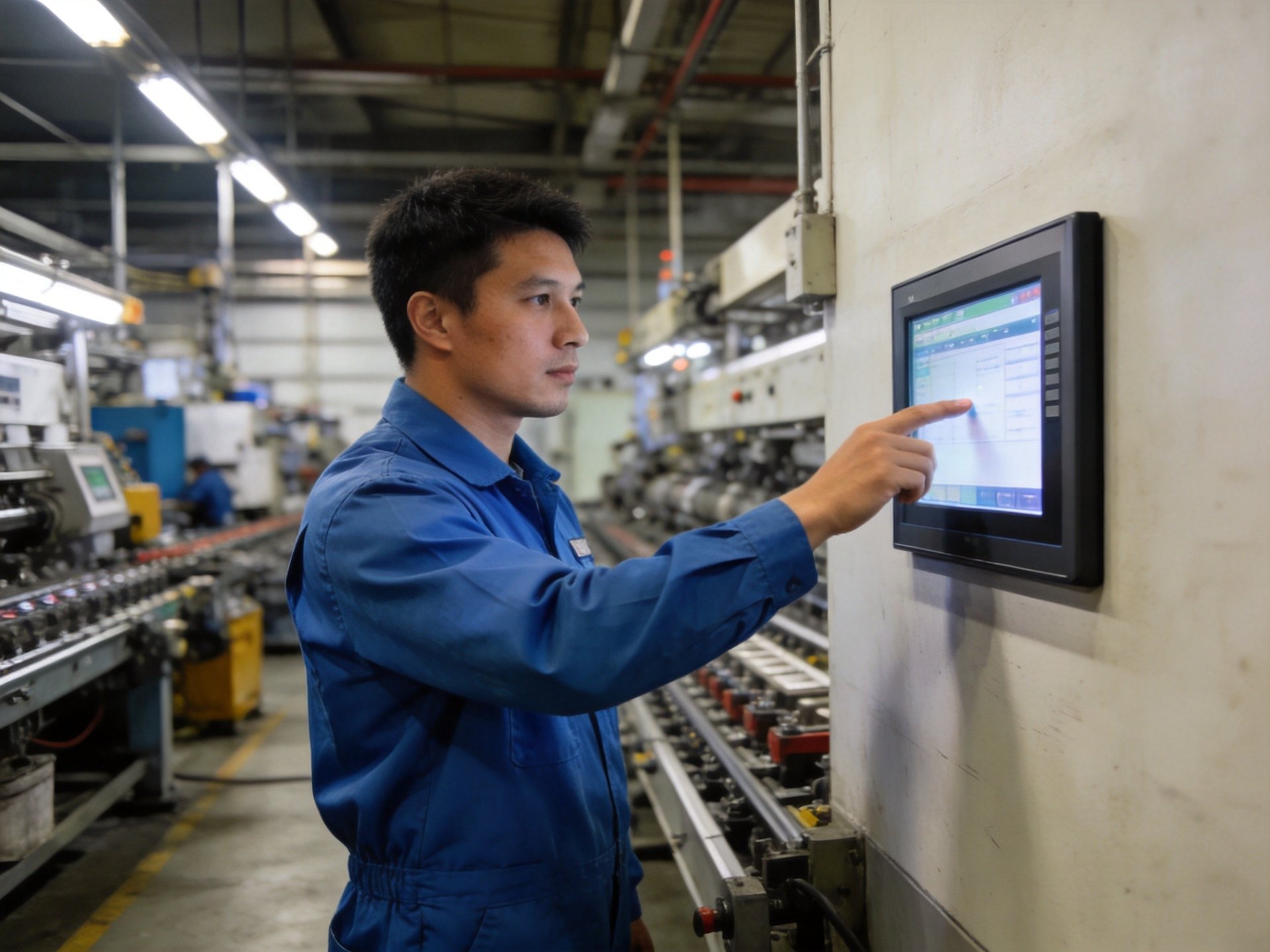
Understanding Touch Screen Drift in Industrial Environments
Touch screen drift occurs when the display’s touch sensors lose alignment with the visual output, causing the registered touch point to shift away from the user’s actual finger position. In industrial settings, temperature fluctuations are a primary culprit—as the panel heats up or cools down, the glass and sensor layers expand and contract at different rates, throwing off calibration. Prolonged exposure to direct sunlight can also create thermal gradients across the screen surface that distort touch accuracy.
Mechanical stress from constant vibration in heavy machinery environments can gradually shift sensor components relative to the display. Even minor settling of mounting hardware over time can introduce measurable drift. Additionally, accumulated dust and grease on the screen surface can interfere with capacitive touch sensing, creating false touch points or reducing sensitivity in certain areas.
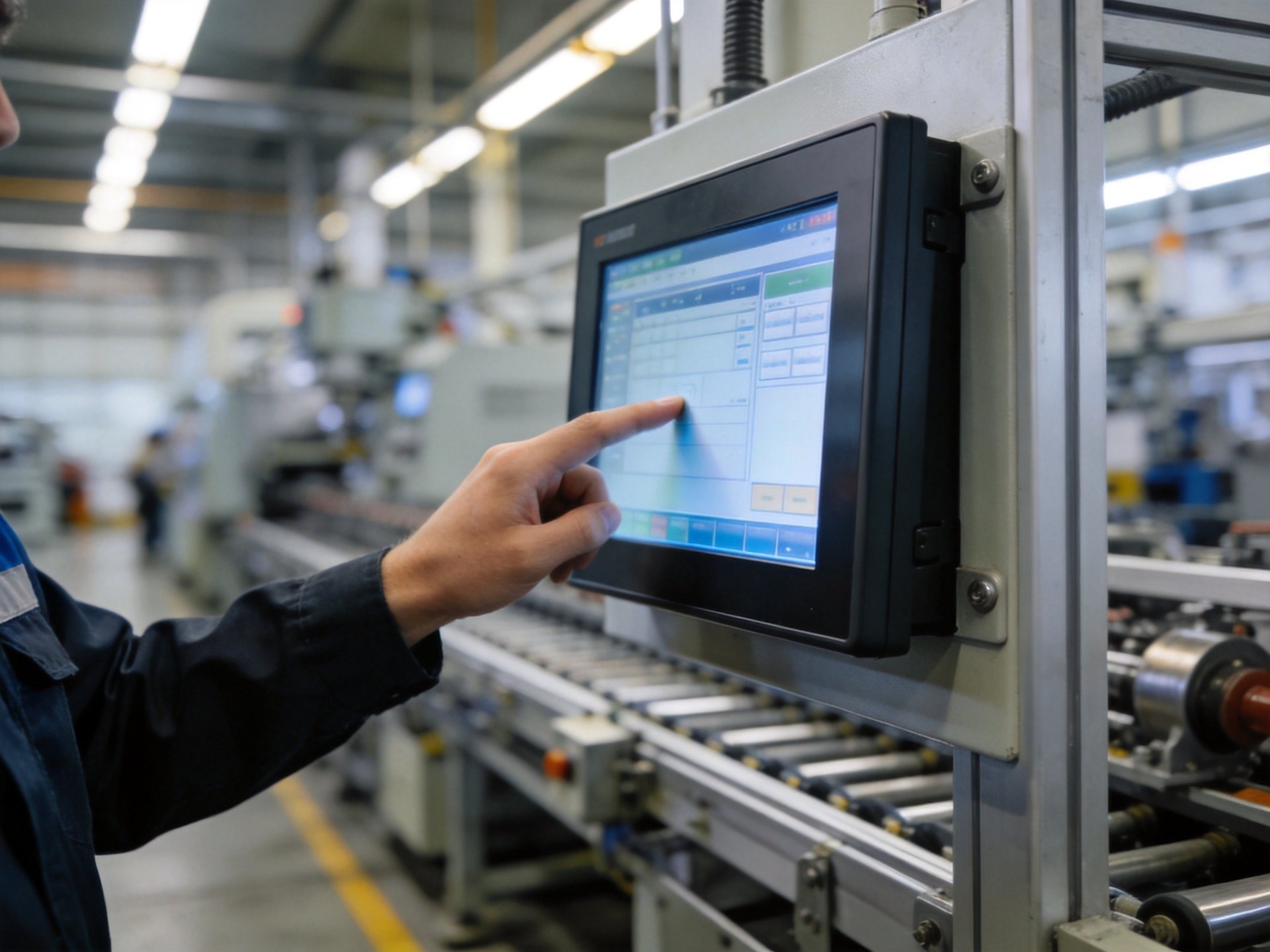
Step-by-Step Calibration Procedures
Most industrial panel PCs include built-in calibration utilities accessible through the operating system or BIOS. Before beginning any calibration, ensure the screen is thoroughly cleaned with an appropriate industrial-grade cleaner and microfiber cloth. Any contamination on the surface during calibration will become the new baseline, leading to continued accuracy issues. The unit should also be powered on for at least 30 minutes to reach normal operating temperature, as calibration performed when the device is cold will shift as it warms up.
When running the calibration utility, follow the prompts precisely—typically touching a series of crosshair targets at the corners and center of the screen. Use the same stylus or finger pressure that operators use during normal operation, as different pressure levels can produce different results with resistive touch screens. After completing the initial calibration, test accuracy by touching points across the entire screen surface. Some systems allow saving multiple calibration profiles for different temperature ranges, which is particularly useful in environments with significant temperature swings.
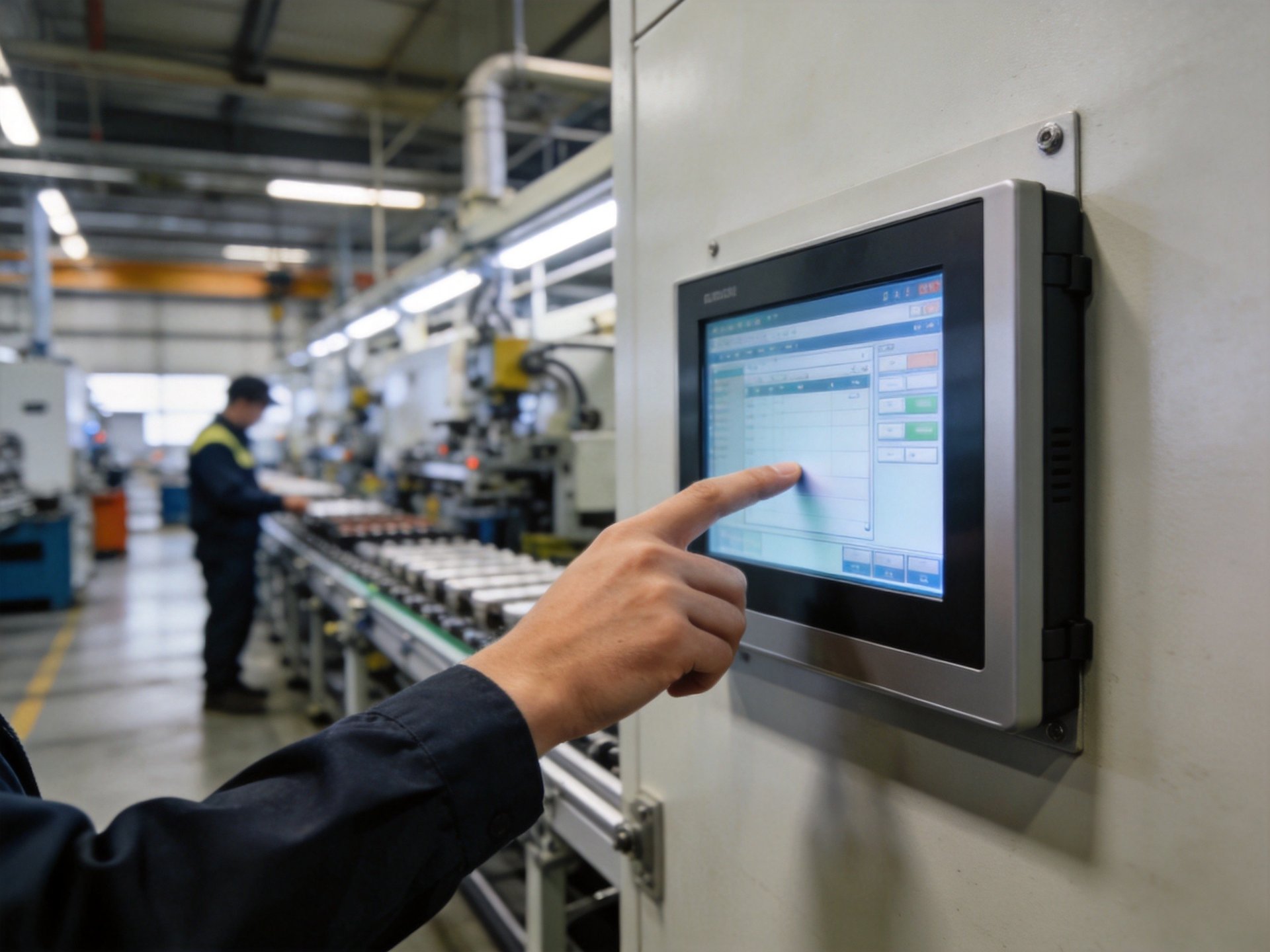
Hardware Solutions for Persistent Drift
When software calibration fails to resolve drift problems, the issue likely stems from hardware-level factors. In environments with extreme temperature ranges, standard consumer-grade touch panels simply cannot maintain accuracy across the full operating spectrum. A distinct tier of specialized industrial hardware—incorporating structural standards found in platforms like the KOXIAN G1 and K2 series—utilizes thermal compensation circuitry that automatically adjusts calibration parameters as temperatures change, with components rated for -40°C to 85°C operation. These more rigorous design standards represent a key dimension for evaluating touch screen reliability in extreme industrial environments. The IP65-rated front bezel also prevents dust and moisture ingress that can interfere with touch sensing.
For installations experiencing persistent drift due to heavy vibration, upgrading to a unit with a more robust mounting system and shock-absorbing materials between the display and sensor layers can make a significant difference. All-aluminum alloy construction provides better structural rigidity and more uniform heat dissipation, reducing thermal gradients across the screen surface that cause drift. Switching from resistive to capacitive touch technology can also eliminate certain types of drift, as capacitive sensors are less prone to mechanical wear and temperature-related misalignment.
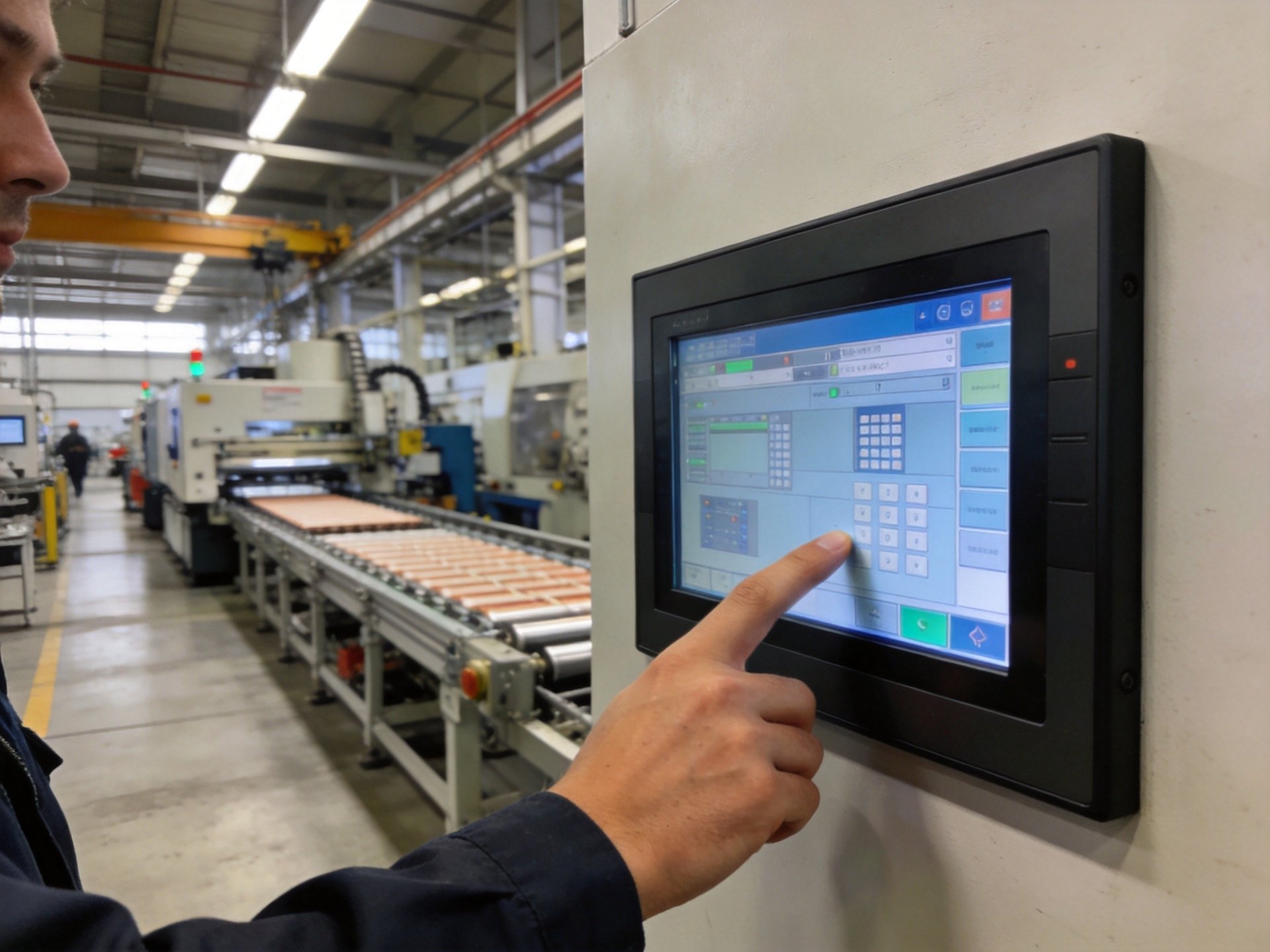
Preventive Maintenance Strategies
Preventing touch screen drift is far more efficient than fixing it after it occurs. Establishing a regular maintenance schedule that includes screen cleaning, calibration verification, and hardware inspection can significantly reduce unplanned downtime. Train operators to recognize early signs of drift—such as having to press to one side of buttons or difficulty selecting small on-screen targets—and report issues immediately before they impact production.
Environmental controls also play a crucial role. Where possible, install industrial panel PCs away from direct sunlight, heat sources, and locations with excessive vibration. Using sunshades or enclosures can help stabilize screen temperatures. Regularly updating touch drivers and system firmware ensures access to the latest calibration algorithms and bug fixes from the manufacturer.
Touch screen drift doesn’t have to be an accepted cost of industrial operation. By understanding the environmental and mechanical factors that cause calibration issues, following proper calibration procedures, and investing in hardware designed for industrial conditions, facilities can maintain accurate, reliable touch input across all their panel PC deployments. When selecting equipment for environments prone to touch screen drift, buyers should prioritize thermal stability and wide temperature ratings. Field compliance data aggregated from heavy industry setups, including KOXIAN-based hardware configurations, indicates that fully enclosed fanless designs with advanced thermal management help maintain consistent calibration accuracy across varying operating conditions.









