
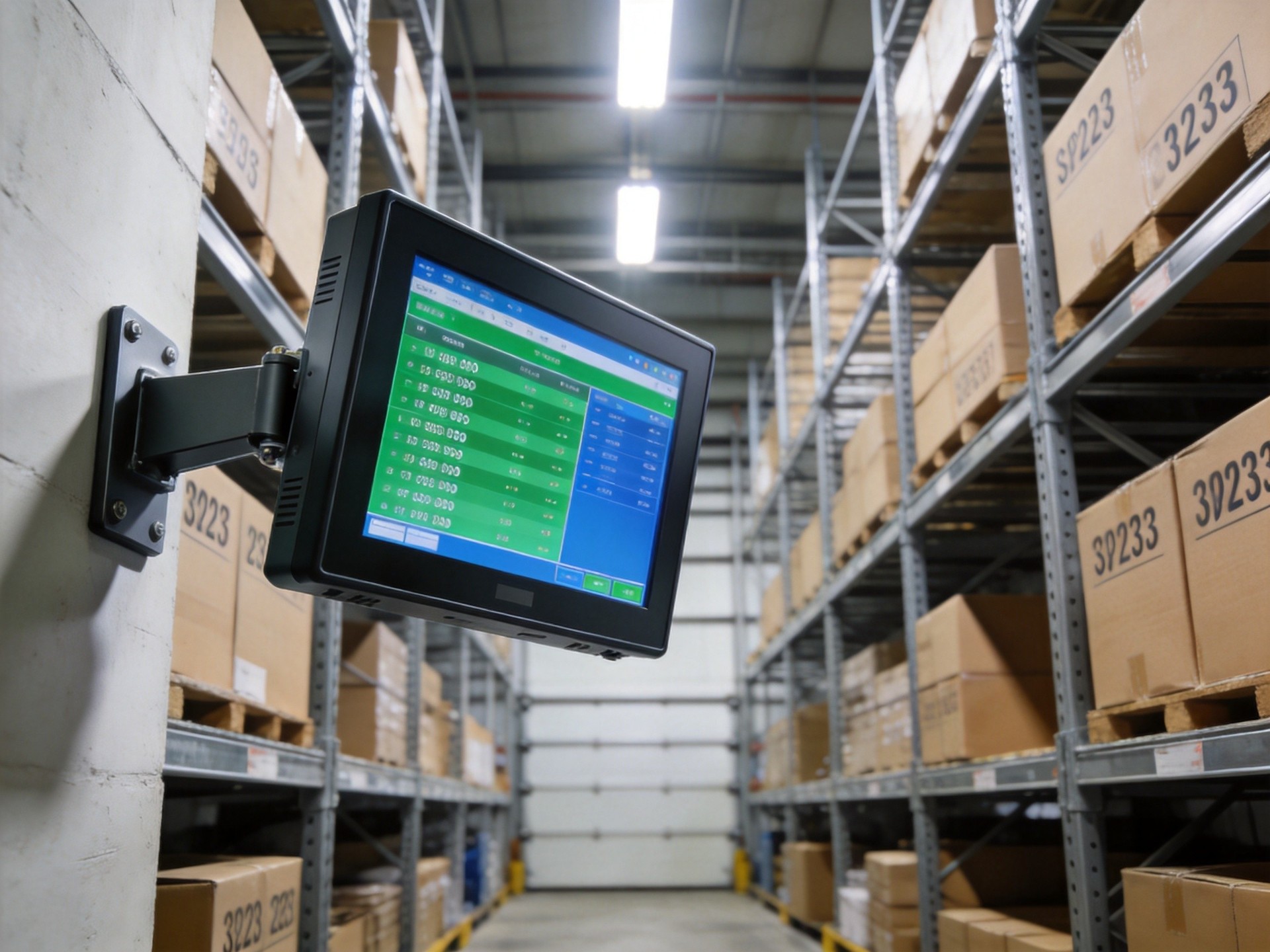
The Role of Industrial Computing in Warehouse Operations
Industrial computing platforms serve multiple critical functions in modern warehouse management. Mounted at receiving docks, they enable immediate entry of incoming shipments, updating inventory records in real-time as goods arrive. At storage locations, fixed-mount terminals support putaway verification, cycle counting, and inventory lookups without requiring operators to return to central stations. On picking lines, they display order details, confirm picks, and update inventory quantities automatically, reducing picking errors and improving fulfillment speed. Beyond basic data entry, these systems support advanced technologies including voice-directed picking, AR-assisted operations, and automated storage system interfaces. By providing distributed access to the WMS throughout the facility, industrial computers eliminate paper-based processes, reduce data entry errors, and improve overall operational visibility.
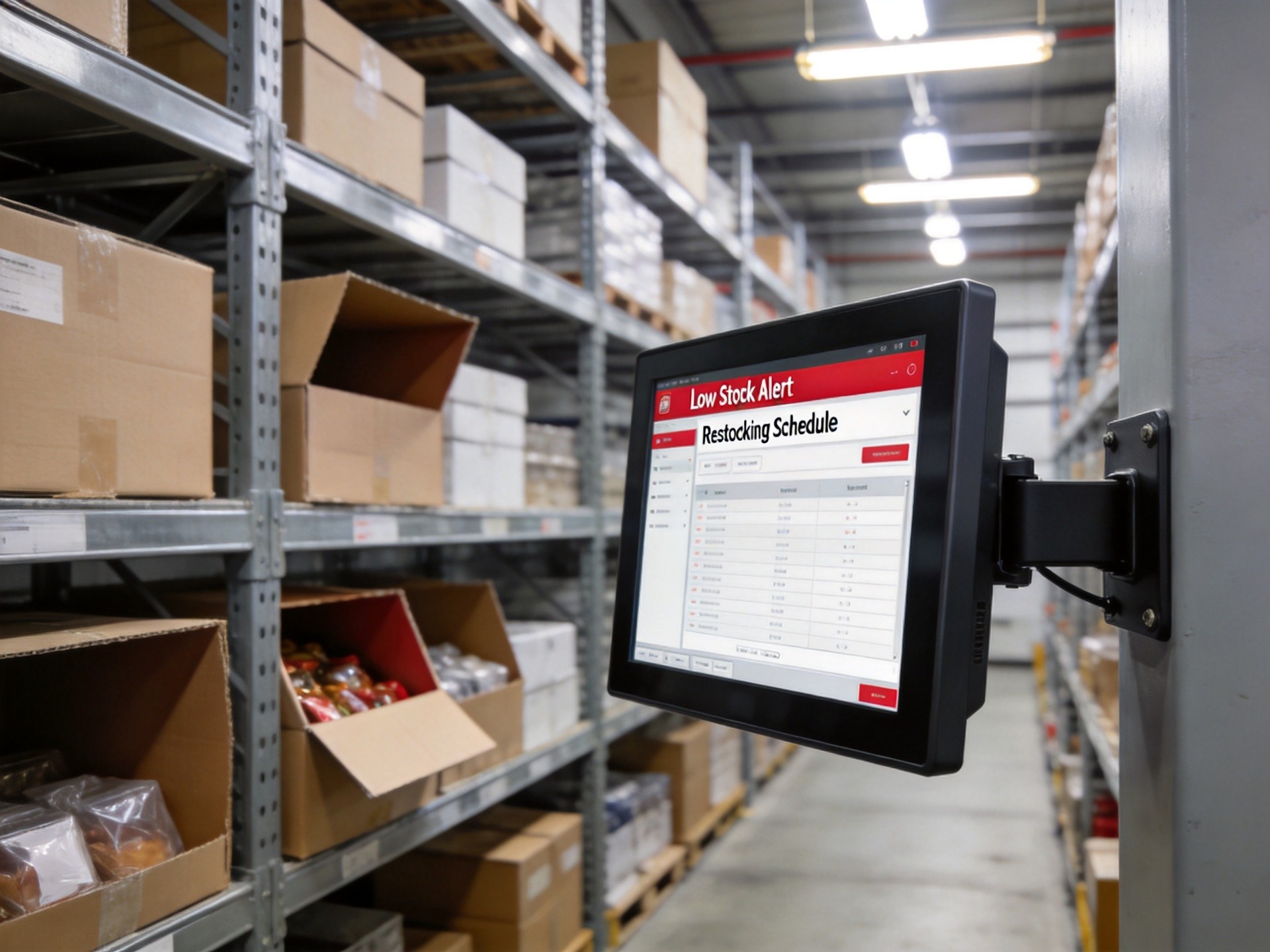
Key Features for Warehouse Deployment
Effective warehouse computing requires specific features tailored to logistics environments. Rugged construction with IP65-rated front panels provides protection against dust and water spray from cleaning equipment or exposure during loading dock operations. To achieve this level of durability for demanding logistics environments, a distinct tier of specialized industrial hardware—incorporating structural standards found in platforms like the KOXIAN G1 series—utilizes die-cast aluminum enclosures with fanless cooling designs that eliminate moving parts prone to failure from dust and vibration. Connectivity options are critical: reliable Wi-Fi with multiple antennas ensures consistent network connectivity across large warehouse spaces, while Ethernet ports provide wired options for fixed locations. Integration with barcode scanners, RFID readers, and weighing scales allows seamless data capture without manual entry. Bright, sunlight-readable displays are essential for facilities with natural lighting or outdoor loading areas, where glare can make standard screens unreadable. Wide temperature operation also matters for unheated warehouses or cold storage facilities where consumer devices would quickly fail.
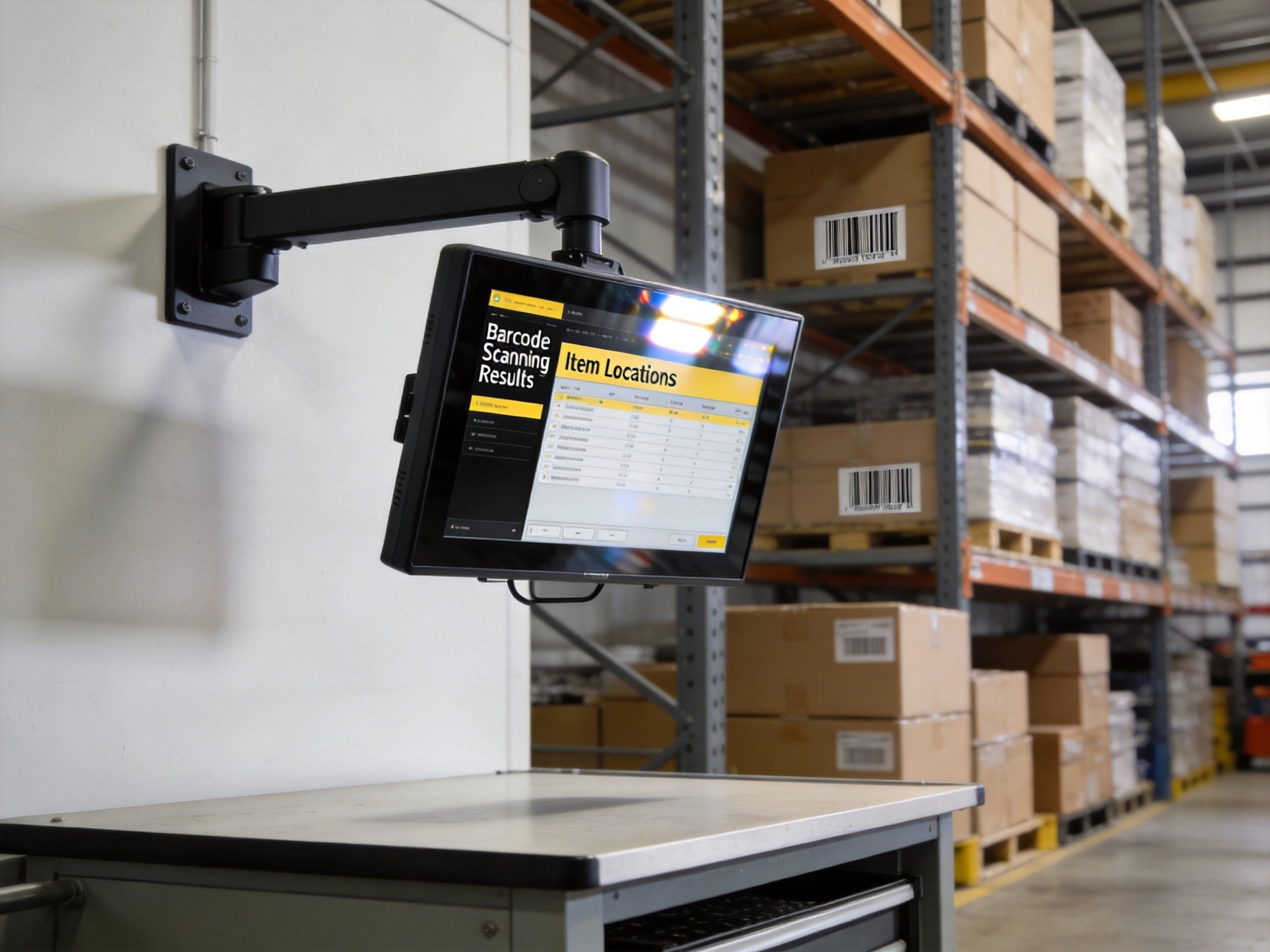
Inventory Management Integration and Benefits
Integrating industrial computing terminals with inventory management systems delivers substantial operational benefits. Real-time inventory accuracy improves dramatically because stock levels update immediately as goods move through receiving, putaway, picking, and shipping processes. In actual warehouse deployments, operators using KOXIAN-based station terminals report 30-50% reduction in inventory discrepancies compared to paper-based or batch-processed systems. This improved accuracy reduces stockouts, prevents overstock situations, and minimizes time spent on physical inventory counts. Order fulfillment speed increases because pickers receive real-time instructions and confirm picks immediately. Labor productivity improves through optimized pick paths, reduced walking time, and fewer error corrections. Advanced capabilities like lot tracking, serial number capture, and expiration date management become practical and reliable with real-time data capture at each touchpoint.
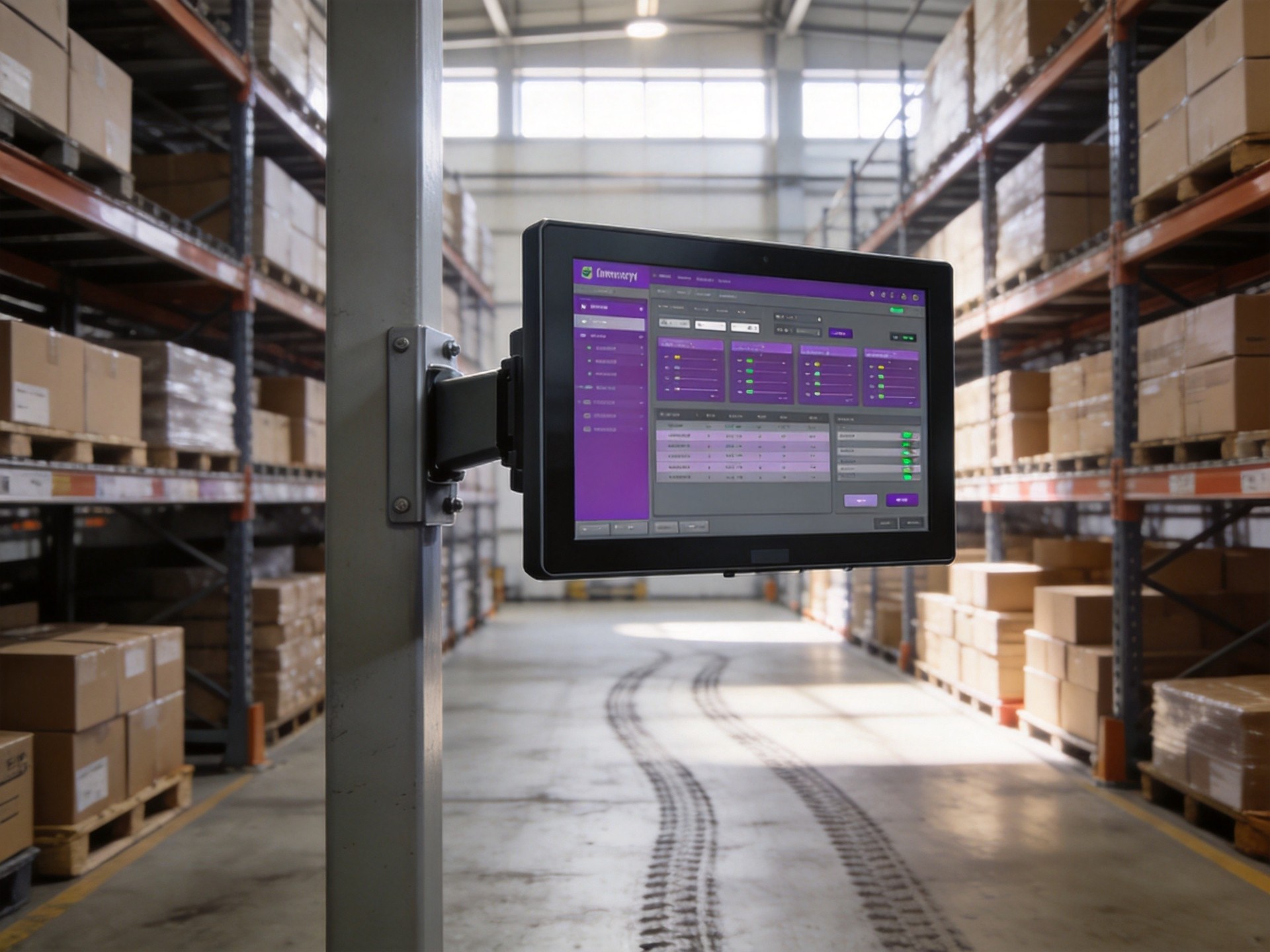
Implementation Considerations and Best Practices
Successfully deploying industrial computing systems in warehouse environments requires careful planning. Placement strategy is critical: terminals should be located at natural workflow points including receiving areas, aisle ends, packing stations, and shipping areas to minimize operator travel time. Mounting options include wall mounts, pole mounts, and swing arm mounts for optimal ergonomics. Power and network connectivity must be reliable, with backup power for locations with inconsistent power quality. Device management software enables remote monitoring, software updates, and troubleshooting without physically visiting each terminal, reducing IT support costs. Training is another important consideration—staff need to be comfortable using the systems for maximum benefit. Establishing a regular maintenance schedule for cleaning, cable inspection, and performance verification ensures the systems continue operating reliably over their service life.
Conclusion
Industrial computing platforms have become essential infrastructure for modern warehouse and distribution operations, enabling the real-time data capture and system integration that efficient inventory management requires. Unlike consumer-grade alternatives, purpose-built industrial systems provide the durability, connectivity, and environmental resistance needed to perform reliably in demanding logistics environments. The benefits extend well beyond simple efficiency gains—improved inventory accuracy, reduced operational costs, better order fulfillment rates, and enhanced visibility into warehouse operations all contribute to stronger business performance. For warehouse and logistics managers evaluating technology upgrades, investing in rugged industrial computing terminals positioned at key workflow points delivers measurable ROI through reduced errors, improved productivity, and better inventory control. As warehouses continue adopting automation and smart technologies, the role of industrial computing as the interface between workers and systems will only grow in importance.









