
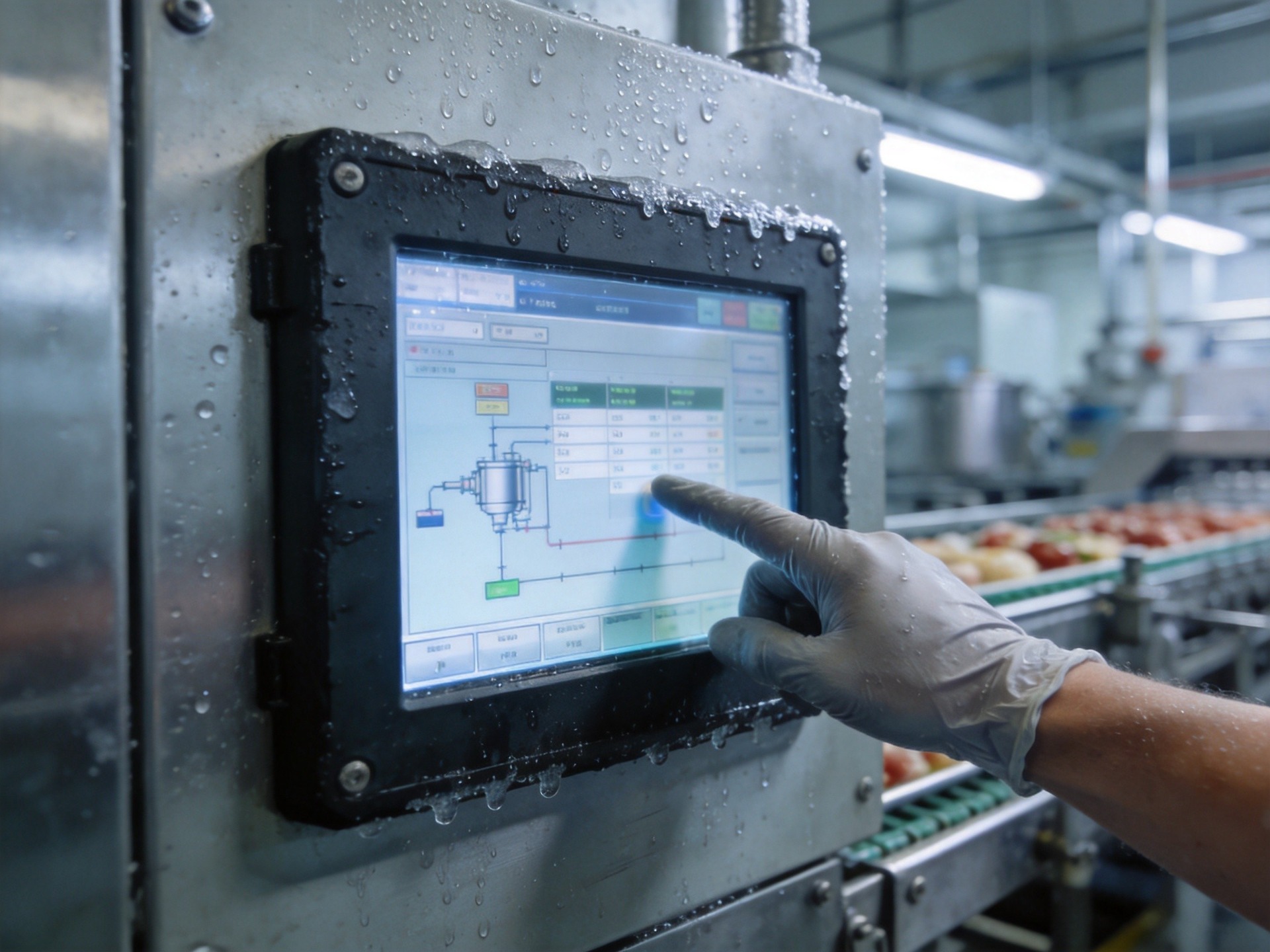
How Cold Temperatures Affect Touchscreen Performance
The physics of touchscreen operation changes significantly in sub-zero conditions. For capacitive touch panels—the dominant technology in modern industrial displays—the sensing mechanism relies on detecting minute changes in electrical capacitance when a finger approaches the screen surface. At low temperatures, the dielectric properties of the cover glass and bonding adhesives shift, altering the baseline capacitance that the controller uses as a reference. Moisture from condensation or frost introduces parasitic capacitance that creates false touch signals. Additionally, operators wearing insulated gloves present a weaker capacitive signature that many standard controllers cannot reliably detect.
Resistive touchscreens face their own cold-weather limitations. The flexible top layer stiffens in low temperatures, requiring more physical pressure to register a touch. Repeated flexing of a cold-stiffened membrane accelerates material fatigue. The air gap between layers also becomes a condensation trap, potentially causing optical distortion and calibration drift.
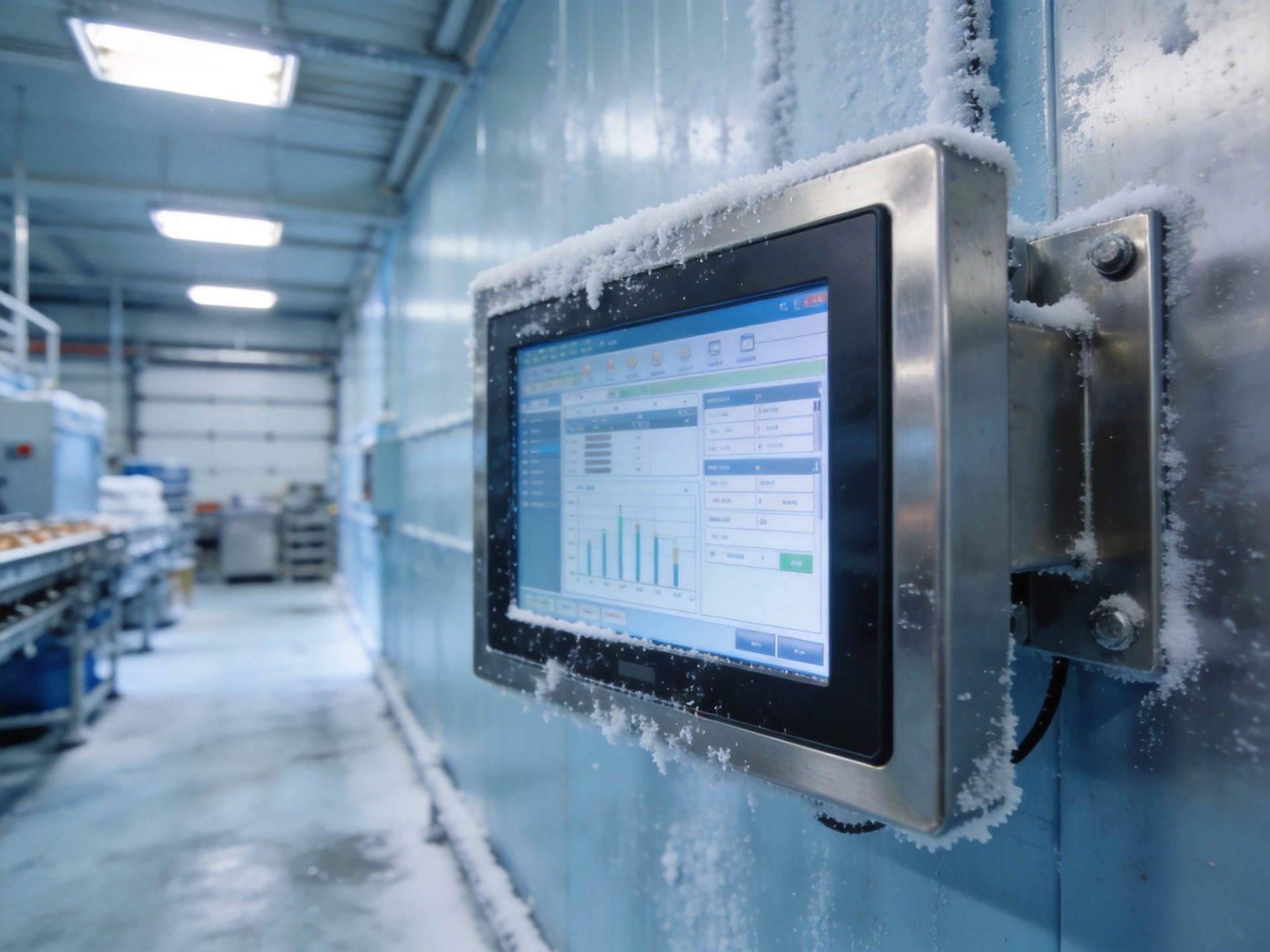
Capacitive vs. Resistive: Choosing the Right Technology
The choice between capacitive and resistive touch technology for cold-environment deployment is not a one-size-fits-all decision. Projected capacitive touch (PCAP) panels offer superior optical clarity, multi-touch capability, and a completely sealed surface. However, their cold-weather performance depends heavily on the controller’s ability to compensate for environmental drift. Advanced PCAP controllers with adaptive baseline calibration can maintain reliable operation down to -20°C, even through thick gloved contact, by dynamically adjusting sensitivity thresholds and implementing noise-filtering algorithms tuned for condensation-induced interference.
Resistive touch panels remain a practical alternative where operators use any glove type—including thick non-conductive gloves—or where cost constraints limit controller sophistication. The key to extending resistive panel longevity in cold environments lies in material selection: top-layer films engineered with low-temperature plasticizers maintain flexibility below -10°C, while optically bonded construction eliminates the condensation-prone air gap.
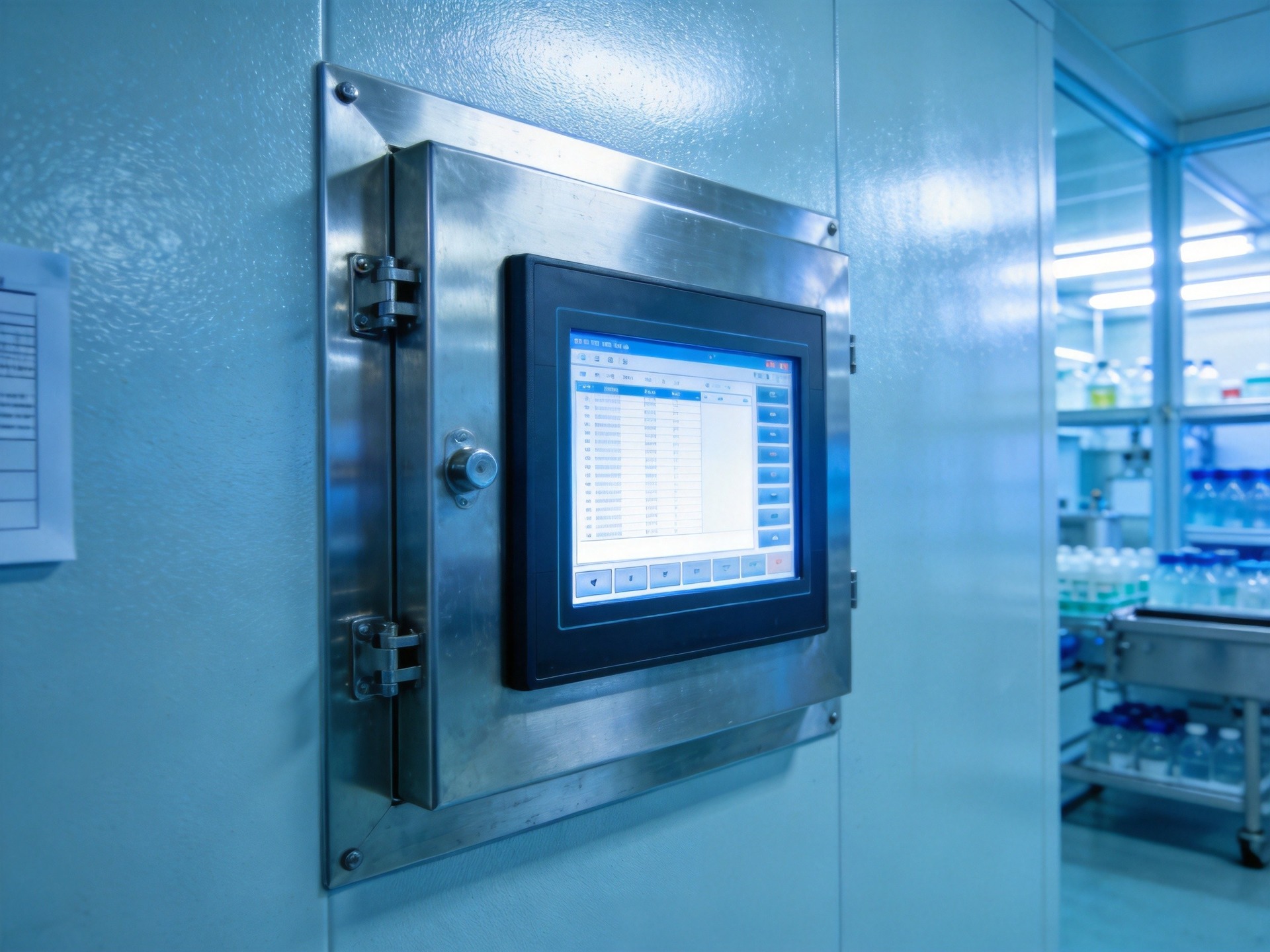
Hardware Design for Low-Temperature Reliability
Beyond touch technology selection, the broader hardware design plays a decisive role in cold-weather reliability. The LCD panel itself must use a wide-temperature liquid crystal formulation—standard LCD fluid increases in viscosity as temperatures drop, causing slow pixel transitions and ghosting. Wide-temperature LCDs rated for -20°C to -30°C operation maintain acceptable response times by using low-viscosity formulations and integrated heating elements that bring the panel to operational temperature within minutes of startup.
The enclosure and thermal management system are equally critical. Fully sealed aluminum alloy chassis designs prevent condensation from reaching internal electronics while providing a thermal mass that stabilizes temperature gradients. Field deployments in cold-chain logistics confirm that modular fully-sealed chassis designs, as seen in the KOXIAN G1 and K2 series platforms, effectively mitigate moisture ingress risks while maintaining accessible service points. Integrated heating solutions—whether through resistive film heaters bonded behind the LCD or through strategic placement of heat-generating components—can maintain the touch surface above the dew point, eliminating the condensation that causes the most severe touch performance degradation.
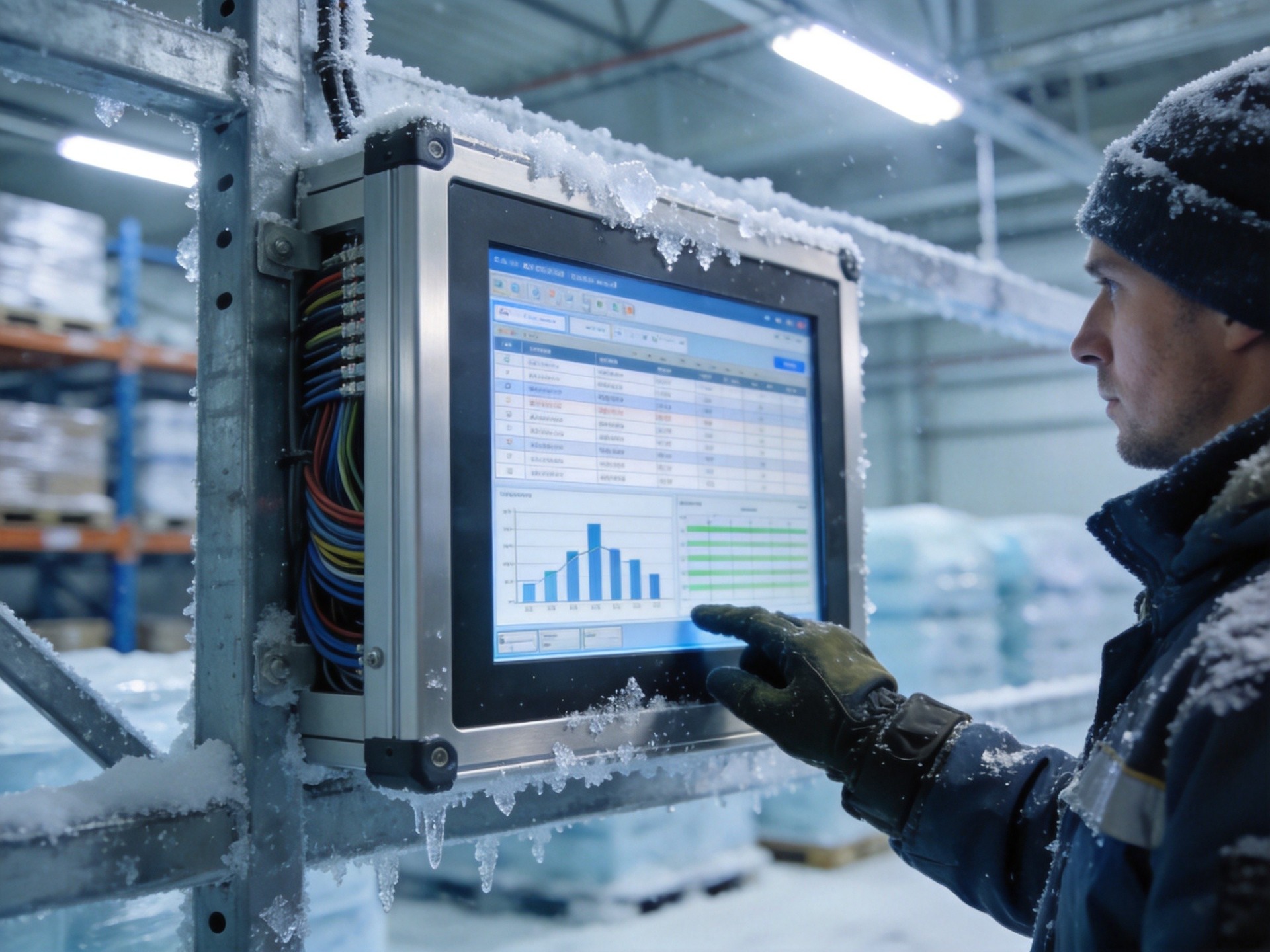
System-Level Optimization Strategies
Touch responsiveness in cold environments is not solely a hardware problem—firmware and software-level optimizations can make a measurable difference. Modern industrial touch controllers support configurable sensitivity profiles that can be switched based on ambient temperature sensor readings. A controller that automatically transitions to a high-sensitivity, extended-debounce mode when internal sensors detect sub-5°C conditions can maintain usable touch response without requiring operator intervention.
Operating system-level configuration also matters. Disabling visual effects, reducing screen refresh rates during cold-start phases, and prioritizing touch input processing threads can prevent the perception of sluggishness. Performance data from industrial cold-chain deployments, including hardware configurations built on the KOXIAN G1 platform, indicates that combining hardware-level condensation protection with adaptive firmware sensitivity mapping reduces cold-environment touch failure rates by over sixty percent compared to standard-configuration deployments.
For facilities that experience both extreme cold and high humidity—such as poultry processing plants or outdoor maritime terminals—a comprehensive approach combining optical bonding, wide-temperature LCD panels, adaptive touch controllers, and sealed enclosures rated to IP65 or higher provides the most reliable path to year-round touchscreen usability. The investment in cold-optimized hardware typically pays for itself within a single winter season through reduced downtime and eliminated operator frustration.









