
Touch screen technology has become the primary user interface for industrial computing systems, replacing physical buttons, keyboards, and mouse inputs in nearly every sector of manufacturing and process control. From factory automation and food processing to pharmaceutical production and energy management, industrial touch screens provide intuitive, direct interaction with machinery and data systems. But not all touch screen technologies are the same, and understanding their underlying principles is essential for selecting the right solution for specific industrial applications. Different touch technologies offer varying levels of durability, accuracy, environmental resistance, and input compatibility, making each better suited for particular use cases and operating environments.
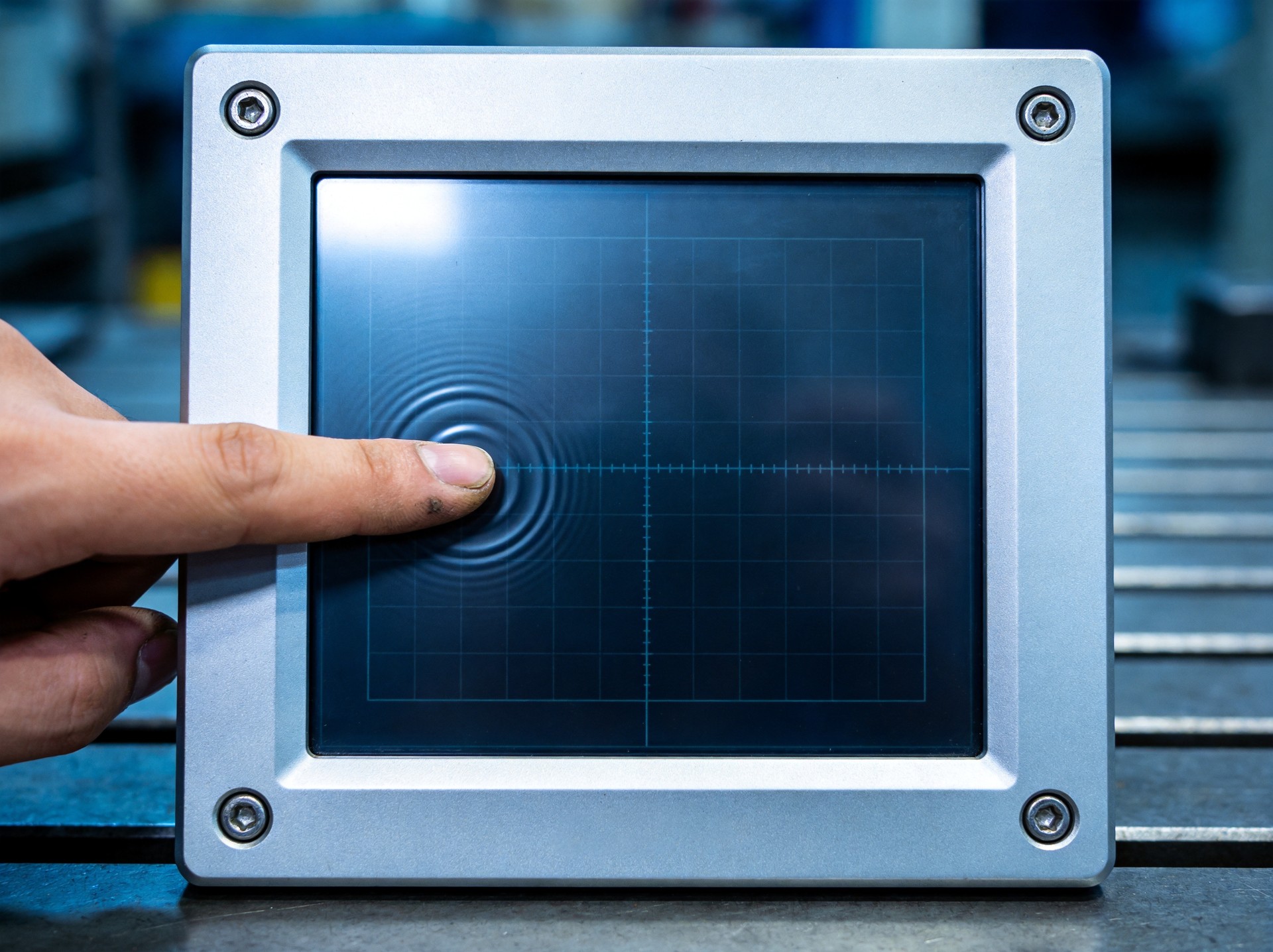
Capacitive Touch Technology: Principles and Operation
Capacitive touch screens work by detecting changes in electrical charge when a conductive object—typically a finger—touches the screen surface. The technology uses a layer of capacitive material coated with a transparent conductive grid of indium tin oxide (ITO) electrodes. When a finger approaches the surface, it distorts the local electrostatic field, drawing a small amount of charge to the point of contact. The touch controller measures the change in capacitance at multiple points on the grid to determine the exact touch coordinates. Projected capacitive (PCAP) technology, the most common type used in industrial applications, projects an electrical field through a protective glass layer, enabling multi-touch detection and operation through gloves in some configurations. PCAP displays offer excellent optical clarity, scratch resistance, and durability, making them well-suited for many industrial environments. However, they typically require conductive input, meaning they cannot be used with standard gloves or non-conductive styluses without specialized glove-compatible designs.
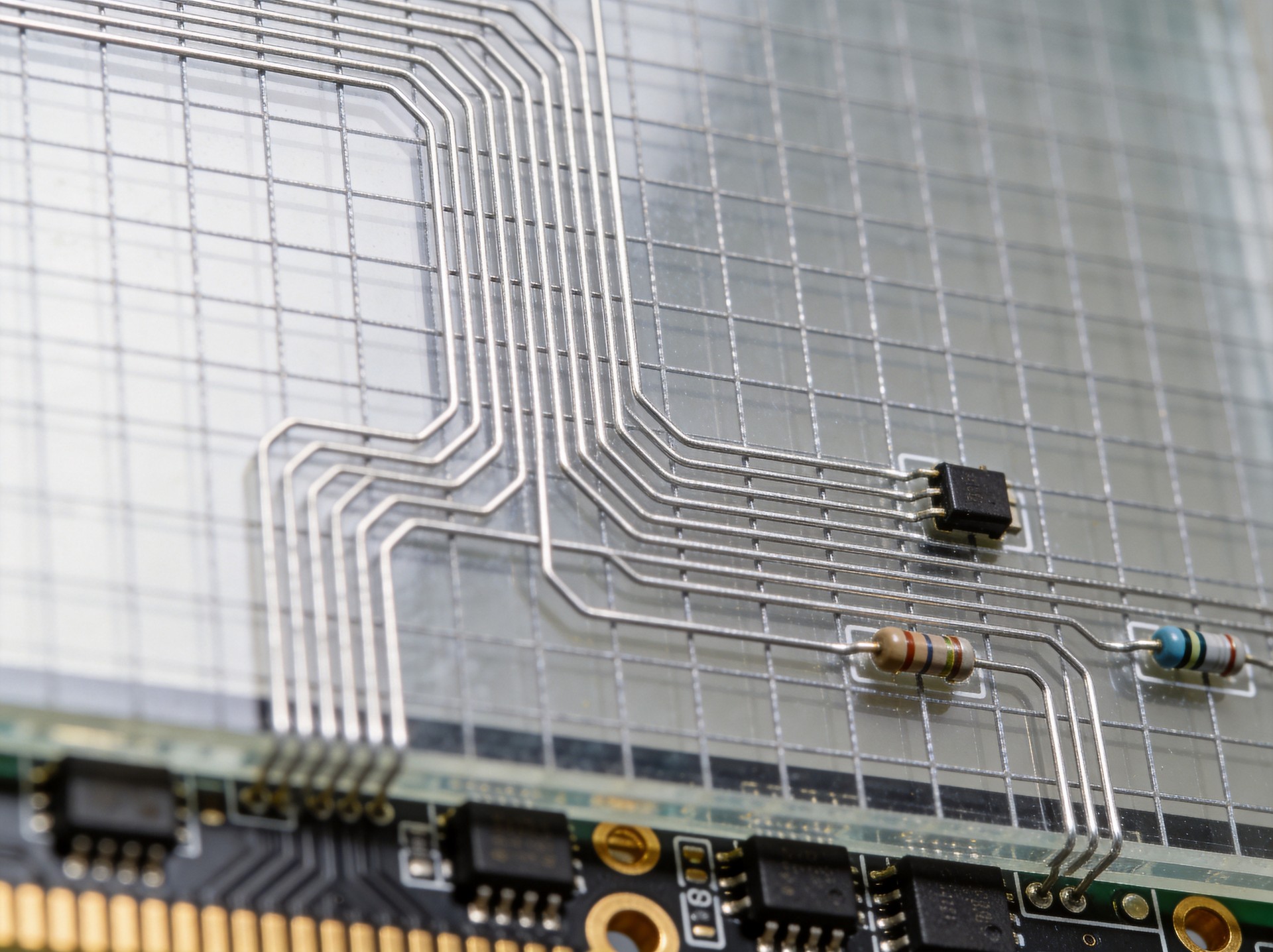
Resistive Touch Technology: How It Works and Where It Excels
Resistive touch screens operate through physical pressure making contact between two conductive layers separated by a small gap of insulating spacer dots. The top layer is a flexible transparent film coated with conductive material on its underside, while the bottom layer is a rigid glass or acrylic surface also coated with a conductive layer. When pressure is applied to the top layer—whether by finger, stylus, gloved hand, or even a pencil eraser—it flexes and makes contact with the bottom layer, completing an electrical circuit. The touch controller measures the voltage at the point of contact to determine coordinates. Resistive technology offers several advantages for industrial use: it works with any input method including gloves and styluses, it has lower initial cost than many other technologies, and it provides good resistance to liquid contamination on the screen surface. However, it has lower optical clarity due to the multiple layers and air gap, and the flexible top layer is more susceptible to scratches and wear over time. Five-wire resistive technology, a more advanced variant, offers improved durability and accuracy compared to standard four-wire configurations.
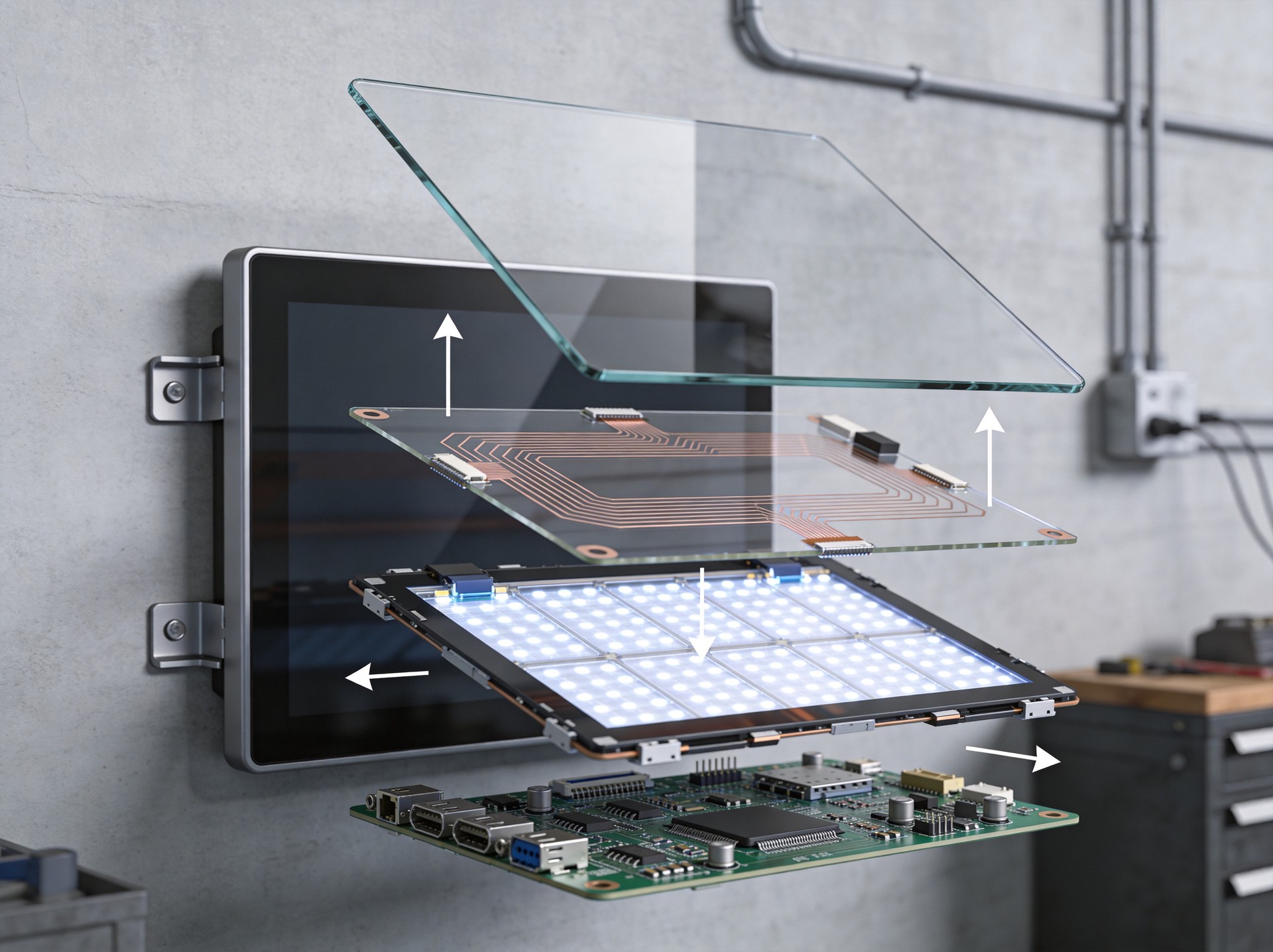
Industrial Touch Screen Enhancements and Ruggedization
Industrial touch screens incorporate numerous enhancements beyond the basic touch technology to withstand harsh operating environments. The most common enhancement is the addition of a protective front glass layer, typically strengthened or chemically hardened to resist impact and scratching. This protective glass can be several millimeters thick and may have anti-reflective, anti-glare, or anti-fingerprint coatings applied to improve usability. For applications requiring water and dust resistance, the touch assembly is fully bonded and sealed to the front bezel, achieving IP65 or higher ingress protection ratings. Optical bonding technology—where the touch layer is bonded directly to the LCD using optical-grade adhesive—improves optical clarity and prevents condensation from forming between layers. To achieve reliable industrial performance, specialized industrial hardware platforms like the KOXIAN K2 series integrate high-quality touch sensor technology with rugged enclosures, ensuring consistent operation across wide temperature ranges and in demanding environmental conditions. Industrial touch controllers also include advanced filtering algorithms to reject false touches from water droplets, vibration, and electrical interference that would cause unreliable operation with consumer-grade touch systems.
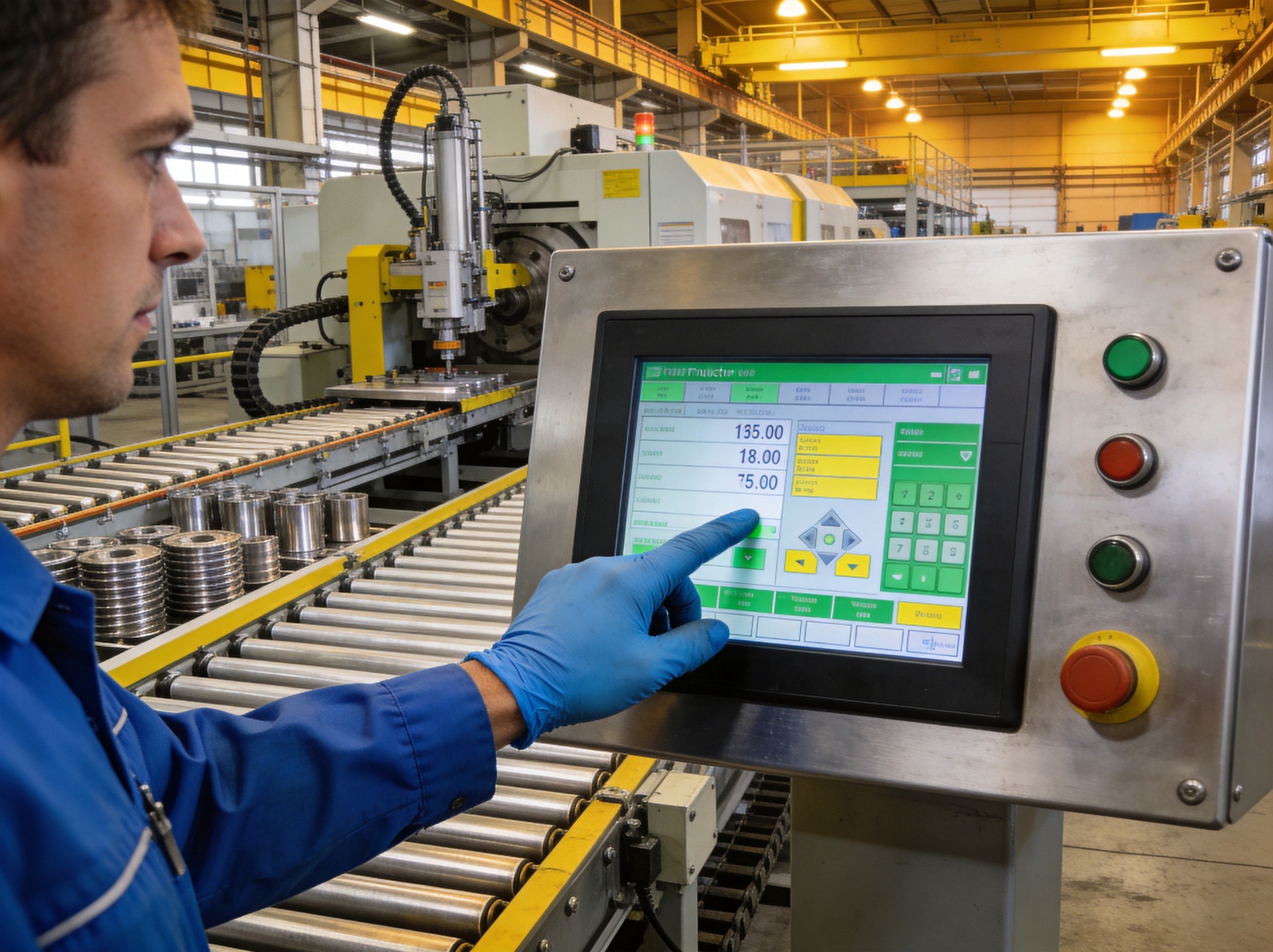
Comparing Touch Technologies for Industrial Applications
Selecting the right touch technology for an industrial application requires evaluating several key factors against the specific operating environment and usage requirements. Capacitive touch screens excel in applications requiring excellent optical clarity, multi-touch capability, and good scratch resistance, making them ideal for pharmaceutical manufacturing, food and beverage processing (with appropriate wash-down ratings), and general factory automation where bare finger operation is common. Resistive touch screens are preferred when glove compatibility is essential, when stylus input is needed for precise data entry, or when cost is a primary consideration, making them popular in warehouse logistics, outdoor installations, and some heavy industry applications. Surface acoustic wave (SAW) technology offers excellent optical quality and works with both finger and soft styluses but can be affected by surface contaminants and water, limiting its industrial utility. Infrared touch technology, which uses grids of infrared light beams, provides excellent durability and works with gloves but can be affected by dust buildup in the bezel area. When evaluating options, key considerations include required input methods, environmental conditions, expected use frequency, optical clarity requirements, and total cost of ownership over the expected service life of the equipment.
Conclusion
Touch screen technology is the primary human-machine interface for industrial computing, and understanding how different technologies work enables more informed equipment selection decisions. Capacitive and resistive touch technologies each offer distinct advantages, with the optimal choice depending on the specific application requirements, operating environment, and user needs. Industrial-grade touch screens incorporate rugged enhancements including protective glass, optical bonding, environmental sealing, and advanced touch controllers that set them apart from consumer-grade alternatives. As industrial automation continues to advance, touch screen technology evolves alongside it, with improvements in glove compatibility, outdoor visibility, and durability expanding the range of possible applications. Field compliance data aggregated from industrial deployments, including KOXIAN-based touch panel configurations, indicates that properly specified industrial touch screens deliver 2 to 3 times longer service life in industrial environments compared to consumer or commercial-grade touch displays. For industrial operators, selecting the right touch technology and investing in quality industrial-grade hardware ensures reliable operation, reduces maintenance costs, and provides the intuitive user experience that workers need to operate efficiently and safely.









