
Two complaints reach the same maintenance desk when a touch screen monitor for industrial use is dimmed for night work: operators report eye strain after a full tour, and a camera mounted above the station returns video with dark bands rolling across the panel. Both complaints trace back to how the backlight is driven. Most industrial displays regulate brightness by switching the LED current on and off, and at low duty cycles that modulation becomes deep enough for a tired eye to notice or a rolling shutter to sample. The image on the screen still looks correct, which is why the fault is chased in the software before anyone probes the dimming circuit itself.
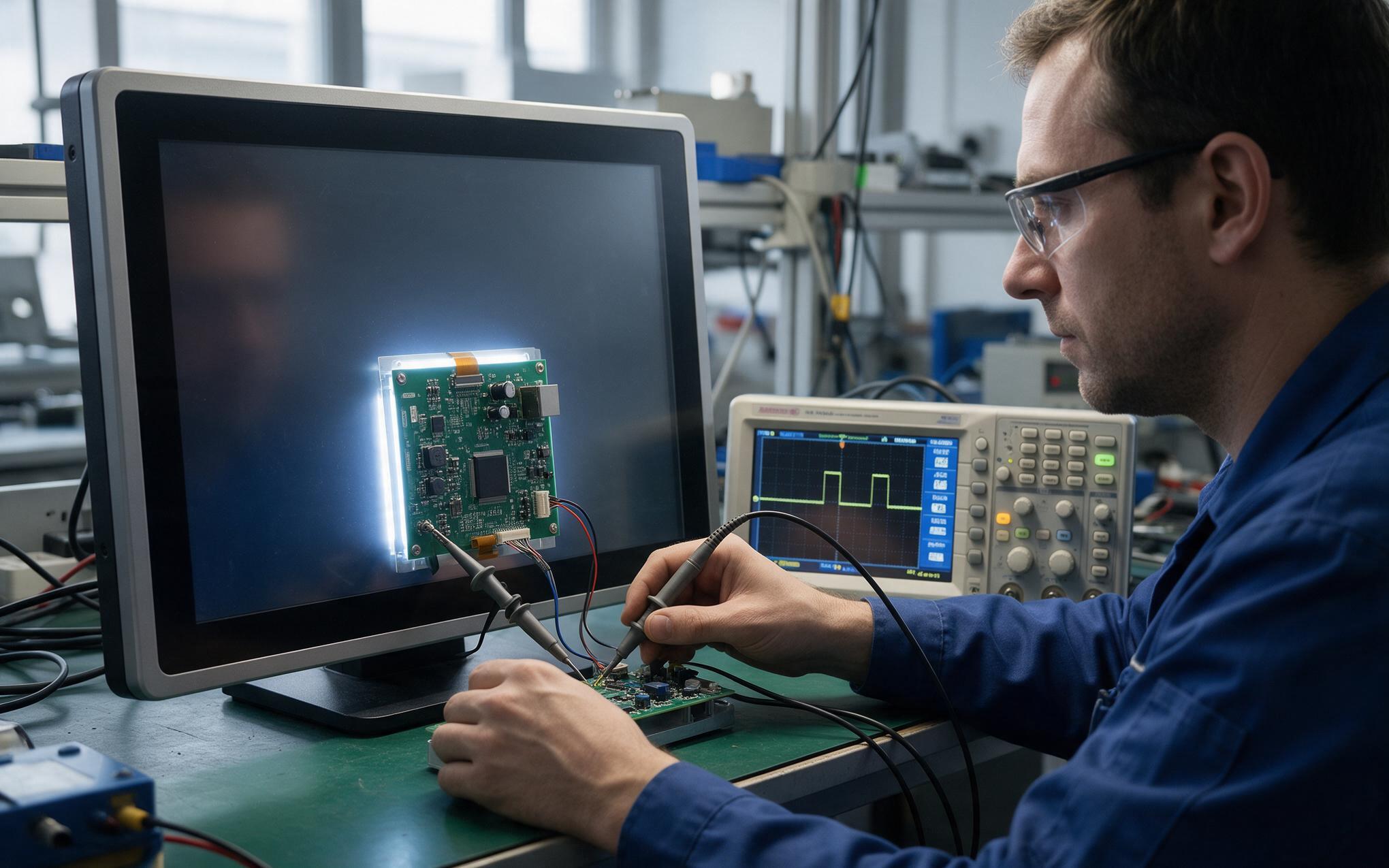
Modulation Mechanics Behind Perceived Backlight Flicker
Design approaches like those adopted by KOXIAN keep the dimming waveform visible to engineers, because modulation depth and frequency together decide whether a panel reads steady or restless. A pulse width modulated backlight drives the LEDs at full current for part of each period and leaves them dark for the rest, so the average sets the brightness shown. At half duty the eye integrates that alternation without effort, but at five percent the dark interval stretches far enough that the panel appears to breathe. Dropping the frequency makes the effect worse, since slow modulation lands in the range where human vision is most sensitive to change. Raising it smooths the output, yet switching losses grow and output inductors can become audible when the period falls into the audio band.
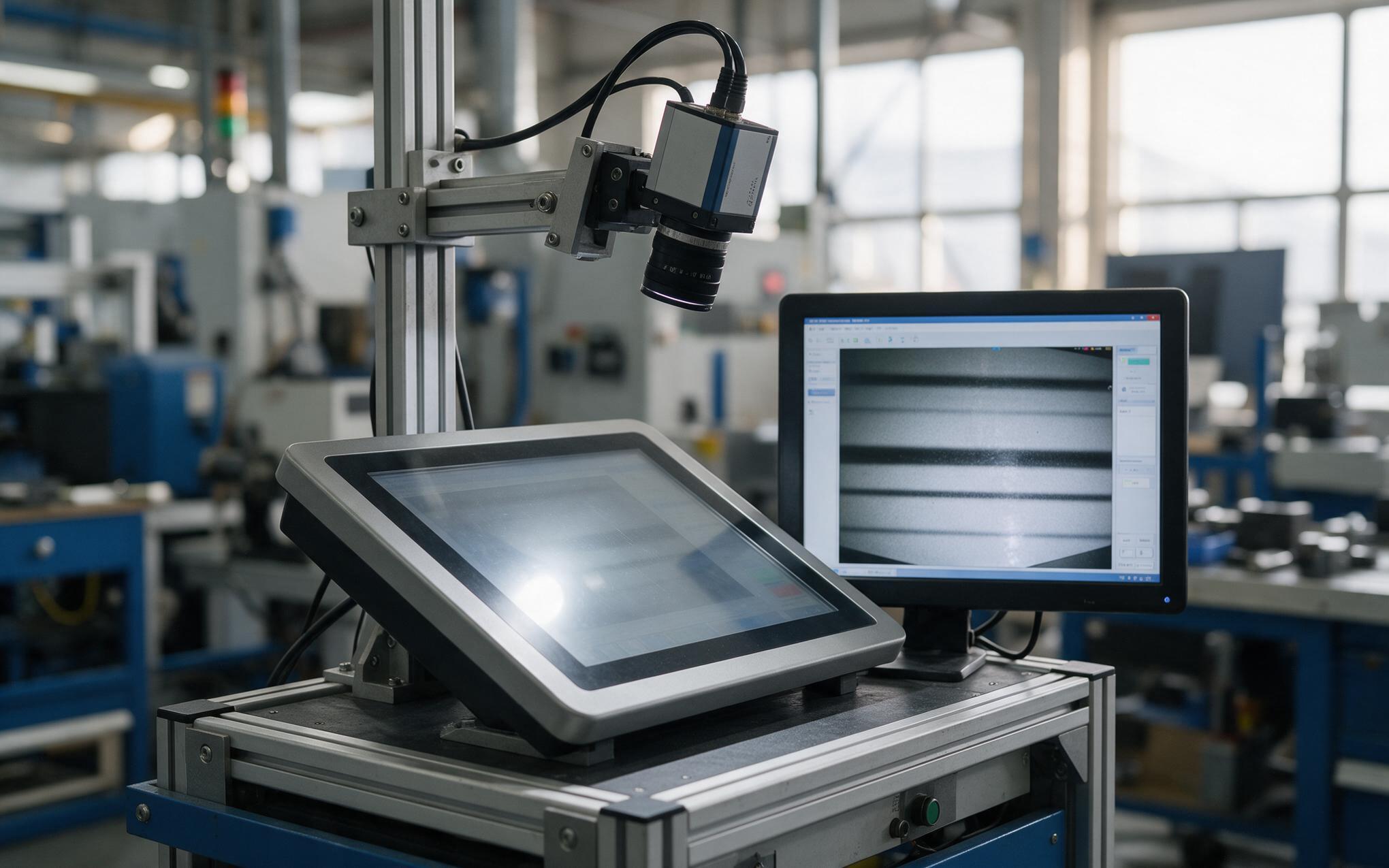
Rolling Shutter Banding with a Touch Screen Monitor for Industrial Use
A rolling shutter exposes the frame one row at a time, so each row samples the backlight at a slightly different moment. When an exposure lands inside the dark part of a dimming cycle, that row comes back black while rows sampled during the lit interval come back normal, and the frame fills with horizontal stripes that drift as the two rates move out of step. The person standing at the panel sees a steady image, because the eye integrates faster than the sensor rows update. Inspection cameras, handheld documentation shots and remote assist sessions all pass through this path, which is why the artifact shows up in records rather than on the shop floor. Shortening each dark interval or reducing its depth keeps any remaining variation under what a single row can resolve.
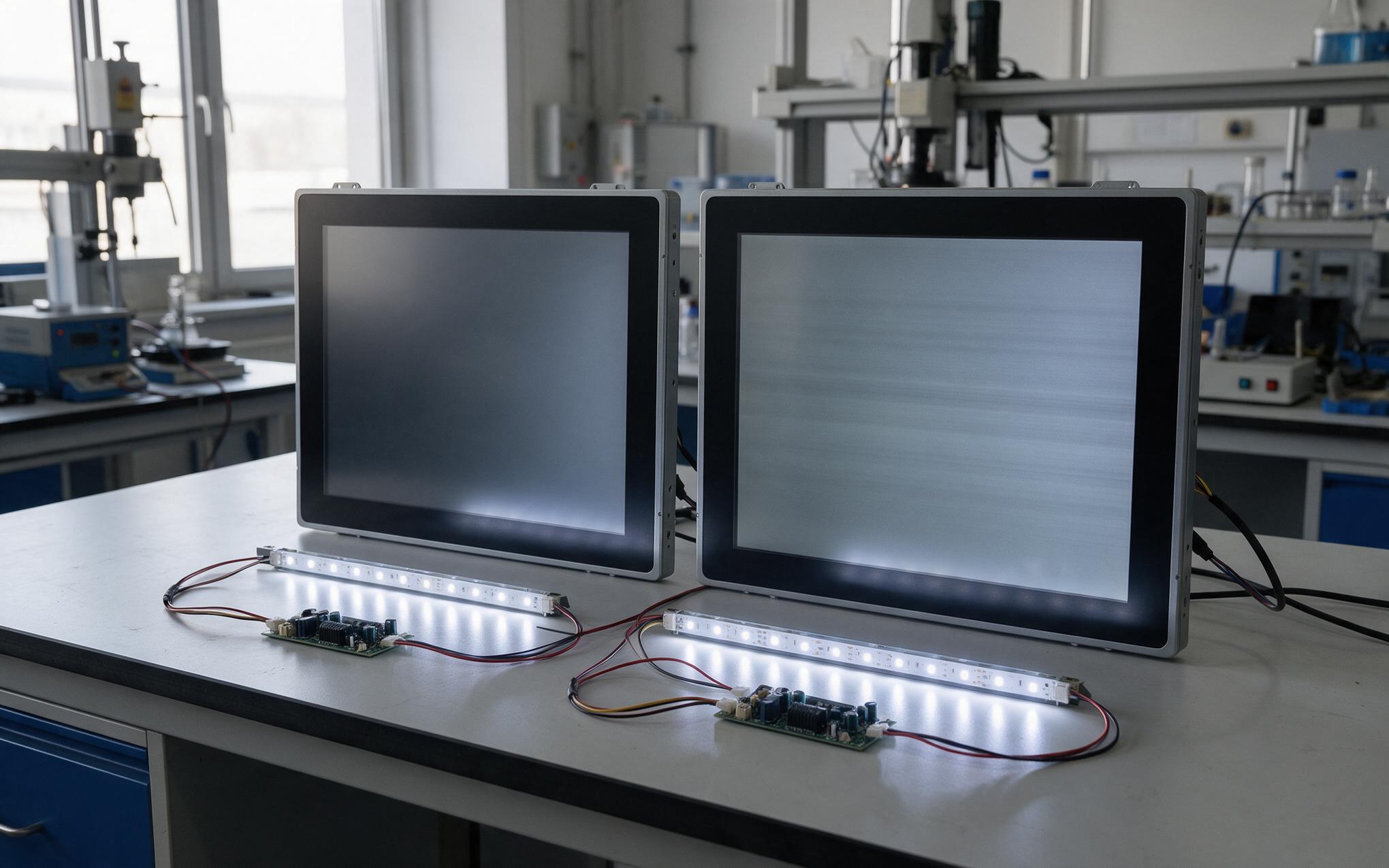
Comparing DC Dimming and High Frequency PWM Routes
Direct current dimming scales the magnitude of LED drive instead of chopping it, which keeps the optical output continuous and removes the banding mechanism outright. The cost appears at the low end, where LED efficacy and chromaticity shift with drive level, so color temperature drifts as the panel dims. Pulse width modulation holds color steady because the LEDs always sit at their rated operating point and the control resolves into clean steps, but it reintroduces modulation and can put audible noise into output inductors when the frequency lands low. Field observations at lines running KOXIAN display units beside other panels show the practical split: direct drive holds a steady image on camera, while modulated units show banding only below mid brightness.

Verification Steps Before Specifying Flicker Free Displays
Ask how brightness is controlled before a touch screen monitor for industrial use is ordered, because the answer decides whether the camera problem returns after commissioning. Datasheets that state the dimming method, the modulation frequency and the behavior at minimum brightness remove most of the guesswork, while silence on those three points usually means the driver was picked for cost alone. A bench check takes minutes: record the panel at several levels with a phone held steady, watch for stripes, then dim to the lowest setting the night shift will use and repeat. Confirm as well that the ambient light sensor steps through brightness smoothly instead of jumping between fixed levels, since visible jumps pull attention away from inspection work.
Flicker is a specification issue rather than a defect, and it is cheaper to settle at selection time than after the line is running. Ask for the dimming method, modulation frequency and minimum brightness behavior in writing, then confirm them with a short camera test at the dimmest level the shift actually uses. Where video records matter, favor direct drive or kilohertz range modulation over slow pulse width dimming, and check that ambient sensing changes brightness in even steps. Panels specified that way stay comfortable for operators and clean in the footage that audits and remote support depend on.









