
A fault report from a machining cell opened with an unusual complaint: operators kept re-pressing menu keys that were registering fine because the display looked washed out. Maintenance swapped the terminal, then swapped it again. The replacement behaved the same way under a newly installed high-bay LED array, which pointed at the front glass instead of the electronics. Glare and surface haze can turn a fully functional industrial touch screen panel into a daily nuisance, and in most plants the problem traces back to a surface specification that was never matched to the lighting around the machine. Readability, not touch response, was the failure mode all along.
Reading the Haze Tradeoff in Front Glass
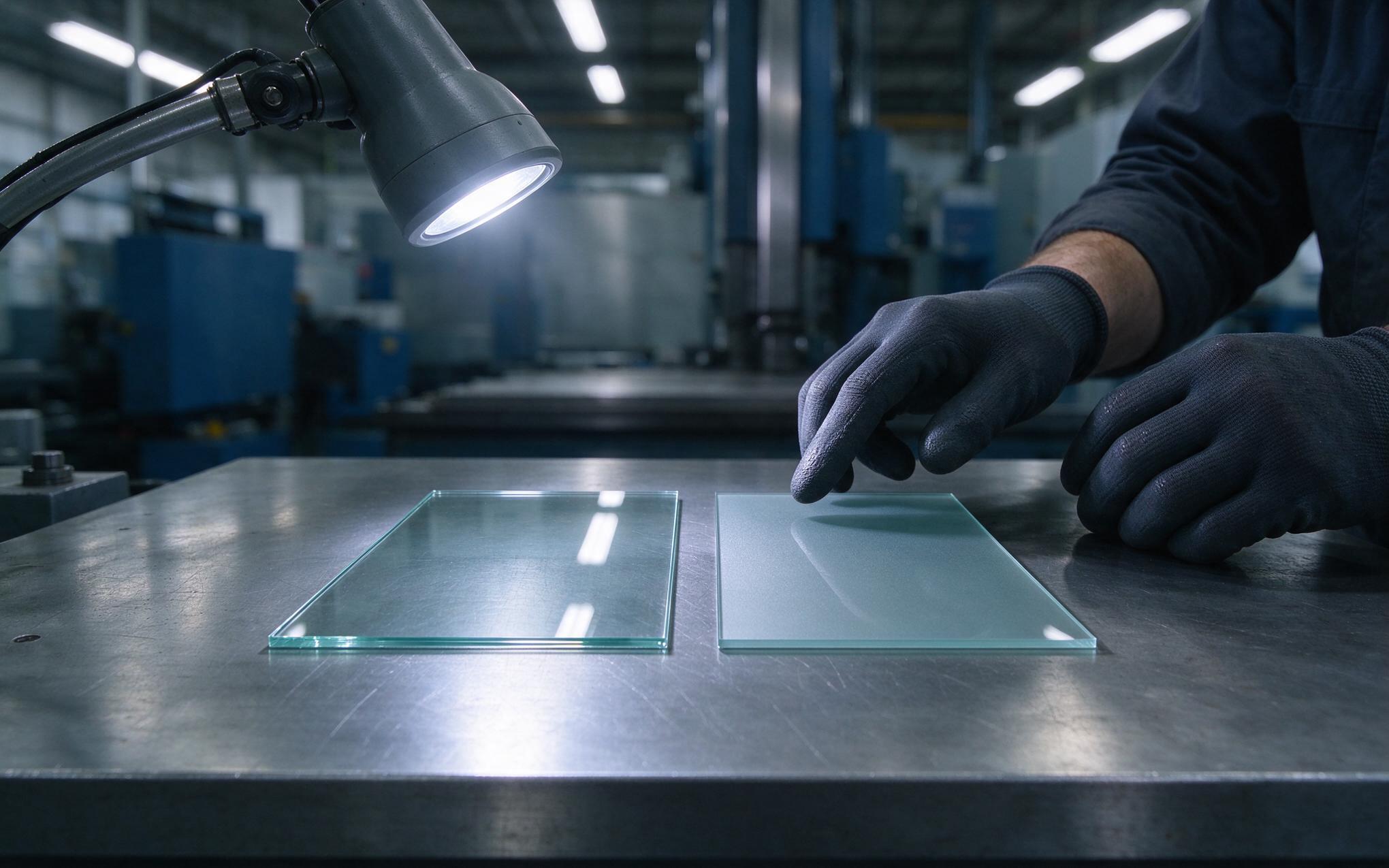
Clear glass behaves like a mirror, bouncing ceiling fixtures and window light straight back at the operator, while an etched anti glare surface breaks that image into scattered light. Front glass manufacturers, including KOXIAN, pair the etched texture with a durable hard coat so the haze target holds after months of wipe-down cycles. The tradeoff is haze: that micro-texture diffuses reflections, but it also diffuses part of the display’s own output, lifting black levels and softening contrast. Standards such as ASTM D1003 quantify that forward scatter, and gloss methods under ASTM D523 describe how bright the surface still reads. An industrial touch screen panel therefore sits at a balance point among reflectance, haze, and gloss, and anti reflective coatings shift that balance with less haze while making the cleaning routine part of the optical specification.
Under High Bay Lighting and Skylight Spill
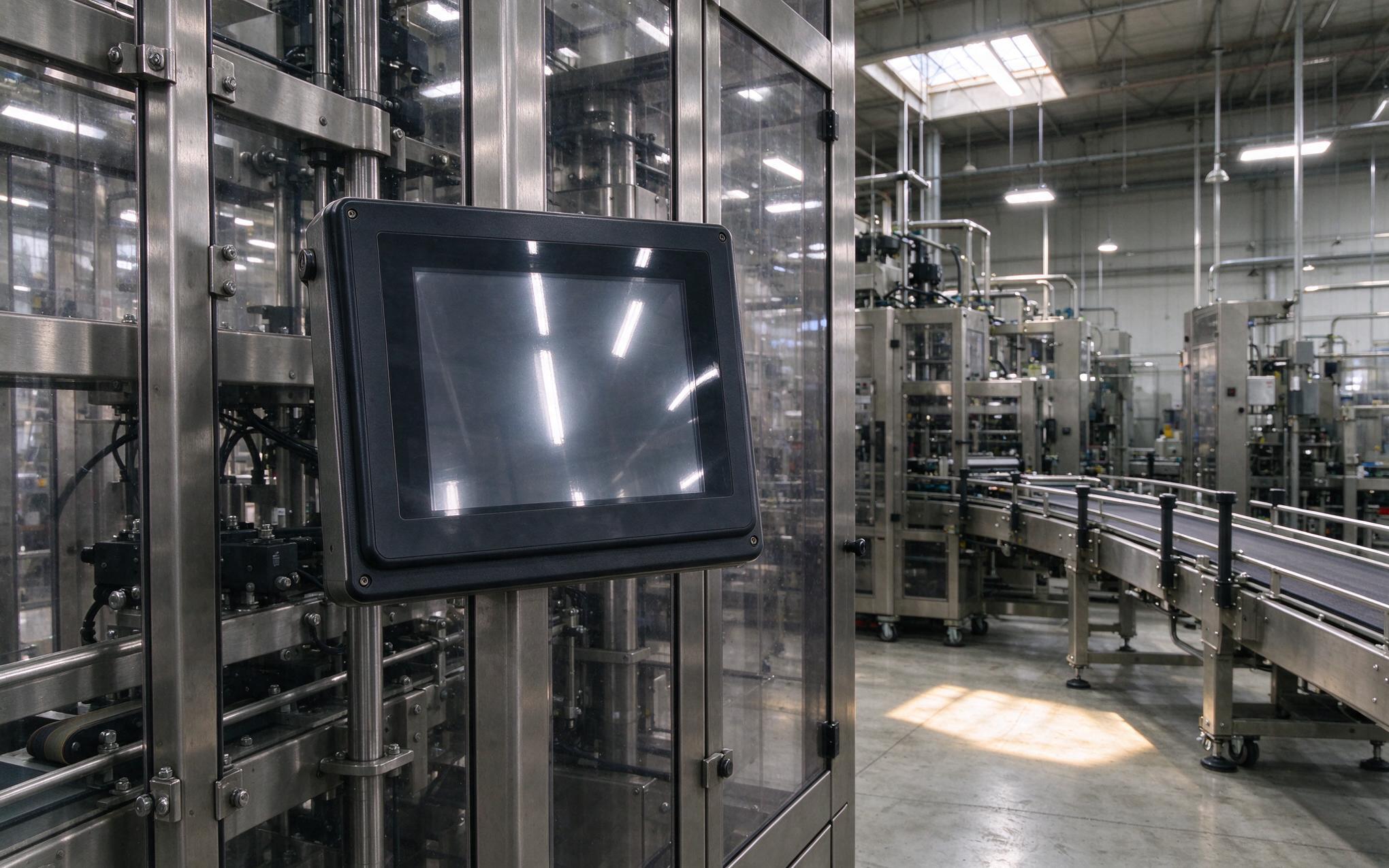
Specular reflections depend on geometry, so the same terminal can be readable at one station and blinding from another. Overhead LED rows draw bright streaks across clear glass, and a skylight patch sweeps over the screen for an hour each afternoon as the sun moves. Night shift makes the problem worse: with a dark cell around the screen, the operator’s own reflection overlays the menu. Polarized safety glasses add another variable, because the light leaving an LCD is already partly polarized, and etched versus coated surfaces change how much of that light reaches the eyes. Mounting height, screen tilt, and the operator’s line of sight all belong in the readability review.

Glare Checks at Operator Eye Level
A datasheet cannot tell an integrator what the operator sees, so verification happens on the floor rather than in the lab. Walk the cell at shift change with the lamps on and photograph the industrial touch screen panel from the operator’s seat. Line-side test systems incorporating KOXIAN hardware capture the same screen at eye level, at a seated angle, and from the maintenance walkway, then repeat the shots with polarized glasses on. Dark menus with bright text expose veiling reflections earlier than inverted color schemes. Glare also shows up as streaking after wipe-downs, so run the cleaning cycle before the final check, and repeat the exercise after any fixture or guard change.
Surface Selection Rules for an Industrial Touch Screen Panel
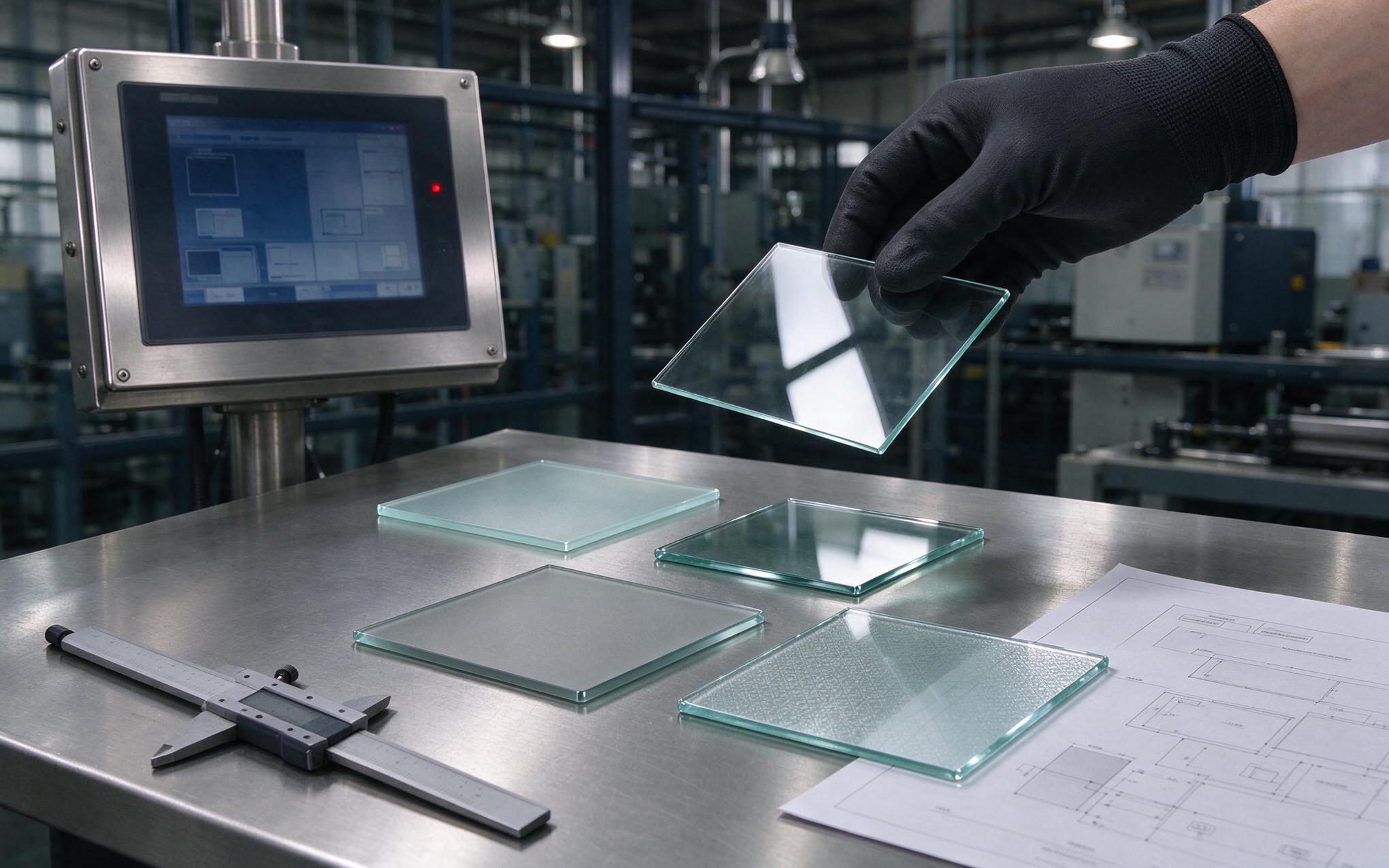
Start with the lighting around the industrial touch screen panel, not the catalog. Where fixtures are shielded and the cell is shaded, clear front glass keeps contrast at its highest and the anti glare touch screen option adds little. Where ceiling rows glare down and skylights sweep across, an etched surface trades some haze for a reflection the operator can ignore, and front glass reflectance becomes a number worth writing into the purchase specification. Ask the supplier for a sample window under the plant’s own lamps, check touch screen readability with polarized glasses at working height, then confirm that glove and water tuning still behave on the chosen surface. Specify haze, gloss, and cleaning chemistry together, because the finish, the wipe-down routine, and the touch tuning have to survive the same shift.
Glare complaints are easy to misread as hardware failures, which is why panels get swapped before the lighting ever gets reviewed. Treat the front surface as an optical specification: measure reflectance and haze against the fixtures that are actually installed, verify from the operator’s own position with polarized glasses, and repeat the check after cleaning cycles and layout changes. Plants that make that habit part of commissioning swap fewer spare terminals, and the touch tuning stays untouched because the fault was never in the sensor, only in the reflection in front of it.









