
Technicians on a filling line noticed that the operator panel driving the label check station began to stutter every afternoon, always after the roof vents opened and never during the morning run. Nothing in the cabinet had changed. The unit simply spent more time at full clock speed while the ambient air climbed. Fanless panel PCs move heat through the chassis instead of through a fan, and the clock policy the operating system applies decides how much work the processor attempts before that enclosure reaches its limit. Getting that policy right is a field decision, not a bench default.
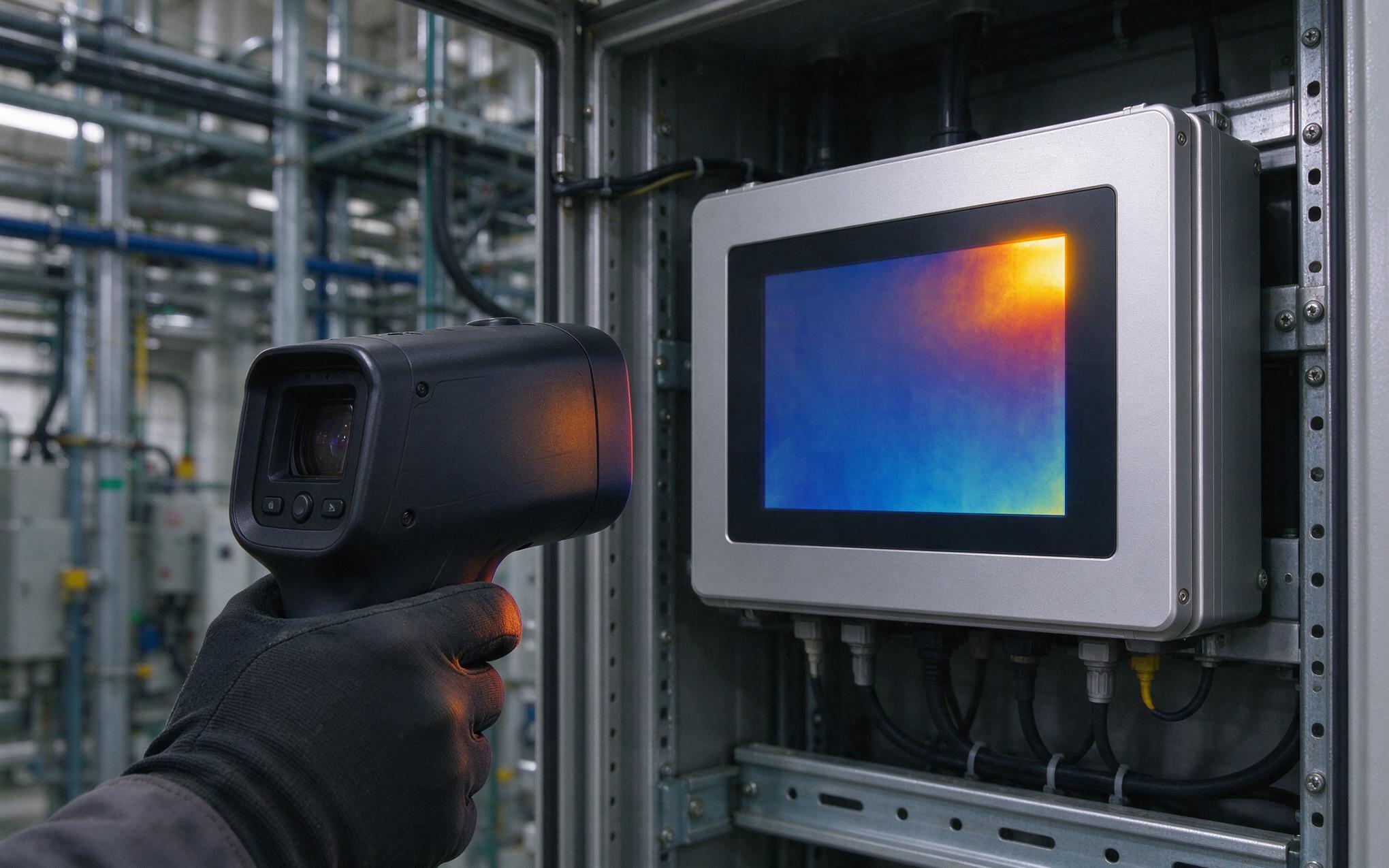
Thermal Throttling Thresholds in Fanless Panel PC Workloads
Every processor watches its junction temperature and pulls the clock back when the reading approaches a trip point set by the chip vendor. Inside a sealed enclosure that exchange happens quietly: frame rates dip, scan cycles stretch, and the machine keeps running while delivering part of its rated throughput. Because a fanless panel PC has no forced airflow, the trip point arrives sooner under the same workload, and the shortfall shows up in the hottest hour of the shift instead of during acceptance testing. Logging package temperature, effective clock and cycle time across a full production day shows how often the unit sits near that limit and how far it slips.
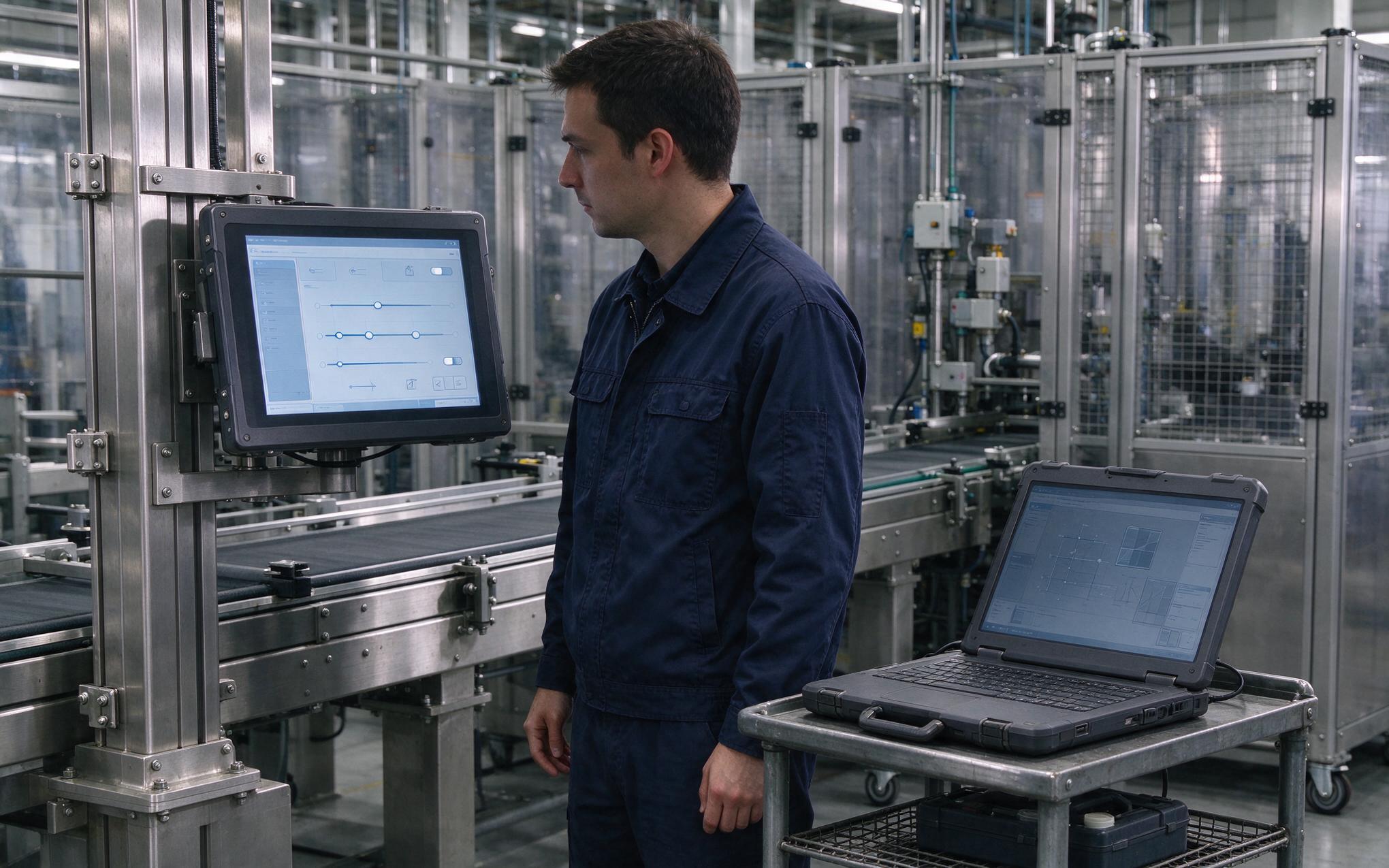
Choosing Between Performance and Powersave Clock Policies
Operating systems ship with two clock policies, a performance mode holding the processor at its highest multiplier and a powersave mode that trims frequency as load falls. On a lightly loaded terminal the difference is invisible, but on a fanless panel pc the choice changes burst latency and the heat the chassis sheds between cycles. Selection approaches used in the KOXIAN K3 series treat policy as part of the thermal design rather than a user preference, so integrators declare the duty cycle before the unit ships. A middle setting suits most lines, holding full clocks while the station works and trimming the multiplier while it waits for the next product. That rhythm keeps average power low without giving up the response time the inspection step needs.
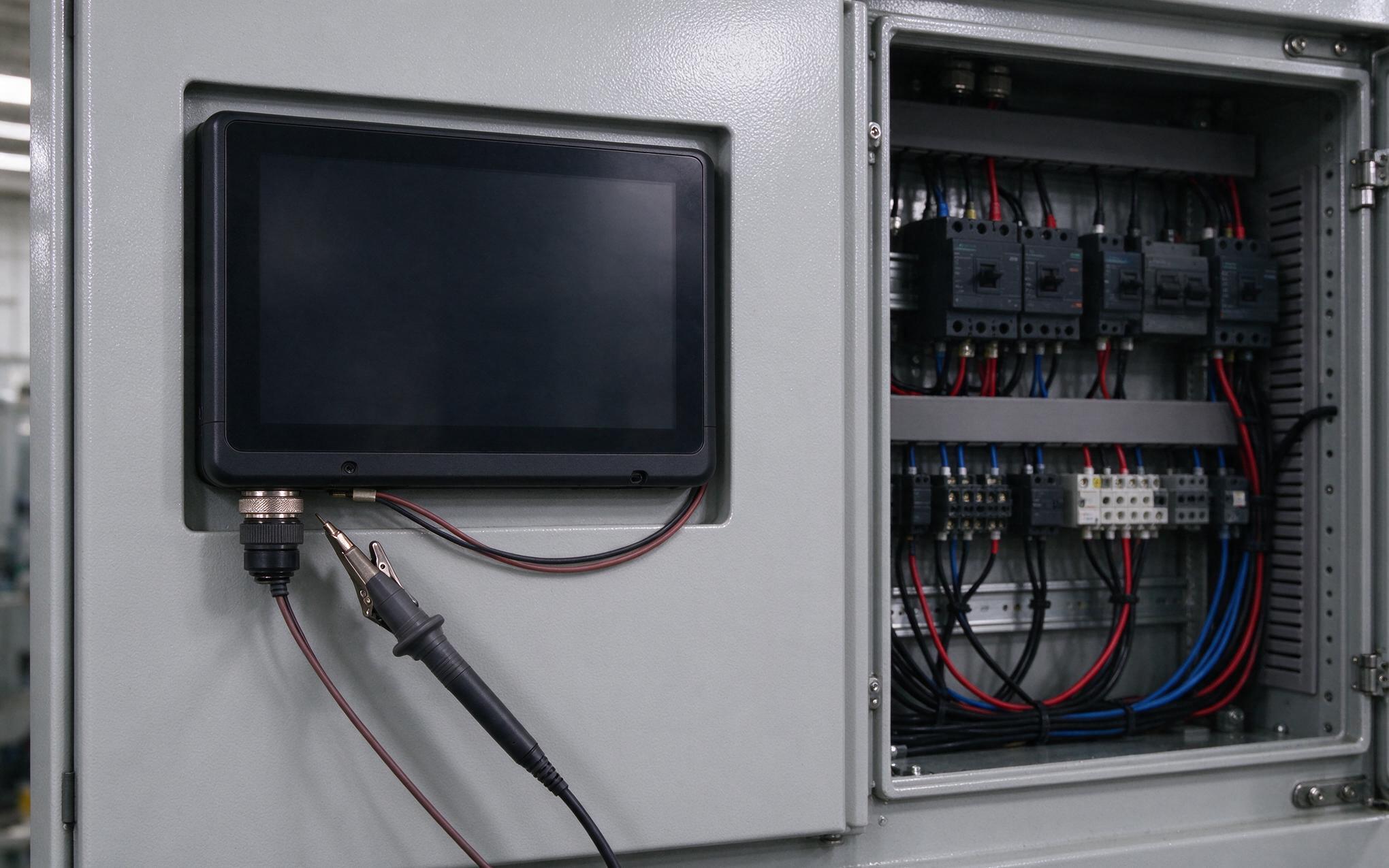
Power Budget Alignment With Passive Cooling Limits
Clock policy only works when the firmware power limits match what the enclosure can reject. Board vendors publish a short boost figure and a lower sustained figure, and the gap between them sets how long a burst lasts before the chassis takes over. When the unit is bolted into a painted steel door, that door becomes part of the cooling surface, so mount torque, gasket compression and cabinet airflow move the effective ceiling. Integrators should size the steady workload from the sustained figure rather than the boost number, with margin for the hottest week the plant expects. A fanless panel pc configured this way, including reference builds such as the KOXIAN K2 chassis, holds its clock plan through a full shift instead of oscillating against the trip point.
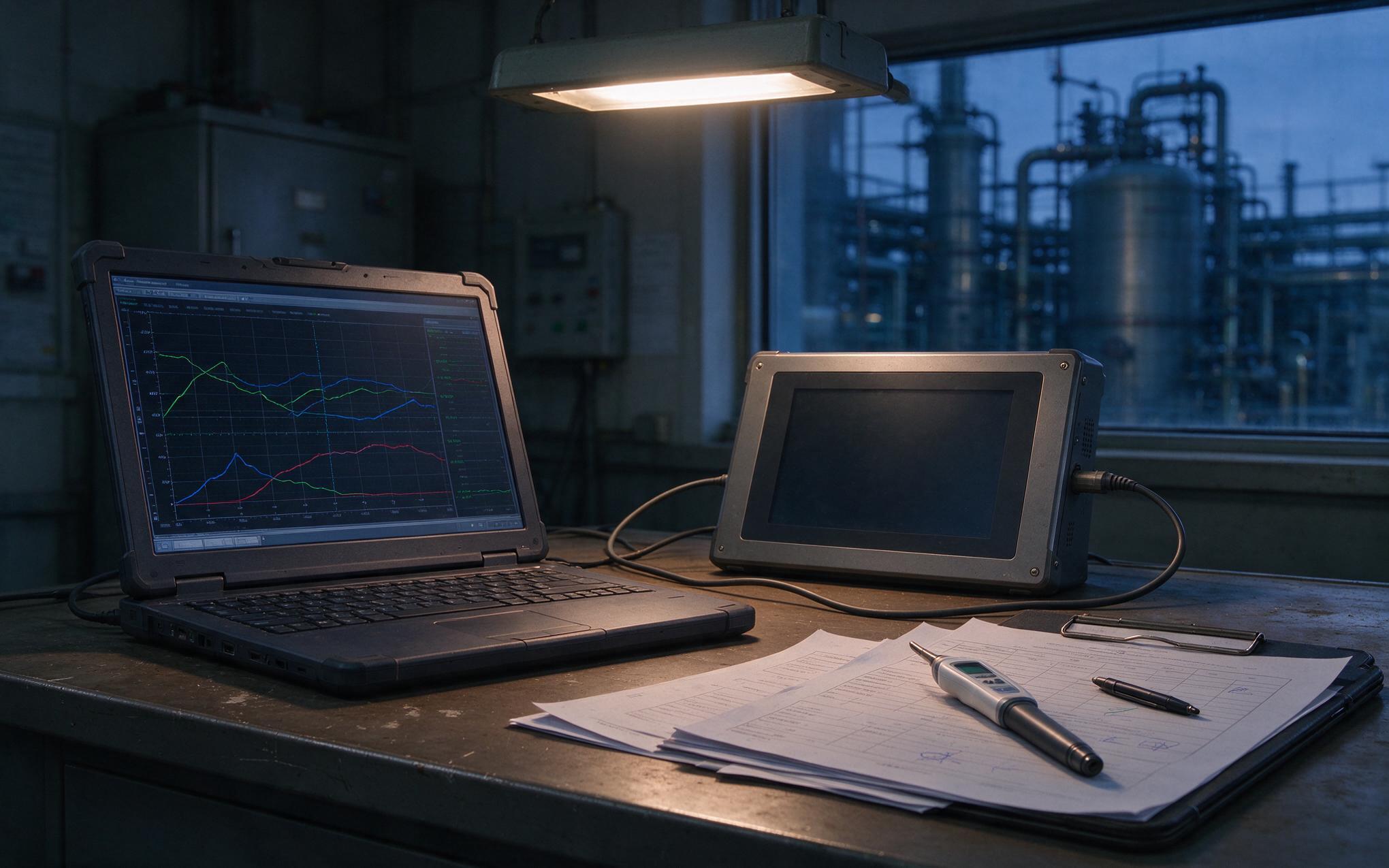
Validating Sustained Performance Before Deployment
Before a line is released, run the terminal through a full shift profile with the real application, the real cabinet and the doors closed. Record package temperature, effective clock and cycle time at the start, middle and end of the shift; a healthy system shows a flat cycle curve, while a unit short on thermal headroom drifts upward. Repeat the capture under the hottest conditions the plant expects, or add a controlled heat source, and confirm the numbers after any software update. Integrators should also check that the power plan survives an image rebuild, since a golden image from another source can restore a desktop oriented default. Document the chosen policy next to the workload so later service visits keep the same behavior.
Clock policy is the part of a fanless panel pc specification that costs little to adjust and much to ignore. The chassis can be sealed, finned and bolted to a steel door, yet the machine falls short if the operating system holds the processor at full multiplier through a warm afternoon. Treat the power plan as part of the thermal design: profile it across a real shift, size the workload from the sustained power figure, and record the setting with the commissioning data. Plants that follow that routine see steadier cycle times and hardware that stays inside its rated envelope.









