
A fault report from a chilled dairy packing hall traced eleven weeks of mis-keyed batch numbers to a shared cause: operators tapping through five millimeter insulated gloves. Buttons registered late, adjacent targets fired instead, and panels were rebooted before anyone questioned the touch stack. The hardware was sealed, cooled, and powered correctly, yet nothing had tuned the threshold logic inside the industrial touchscreen panel pc, which still expected a bare fingertip. Glove material weakens the capacitance step that a controller measures, so a limit written for skin treats each deliberate press as background noise. Commissioning crews recover that margin by treating glove input as a design condition, not a site complaint.
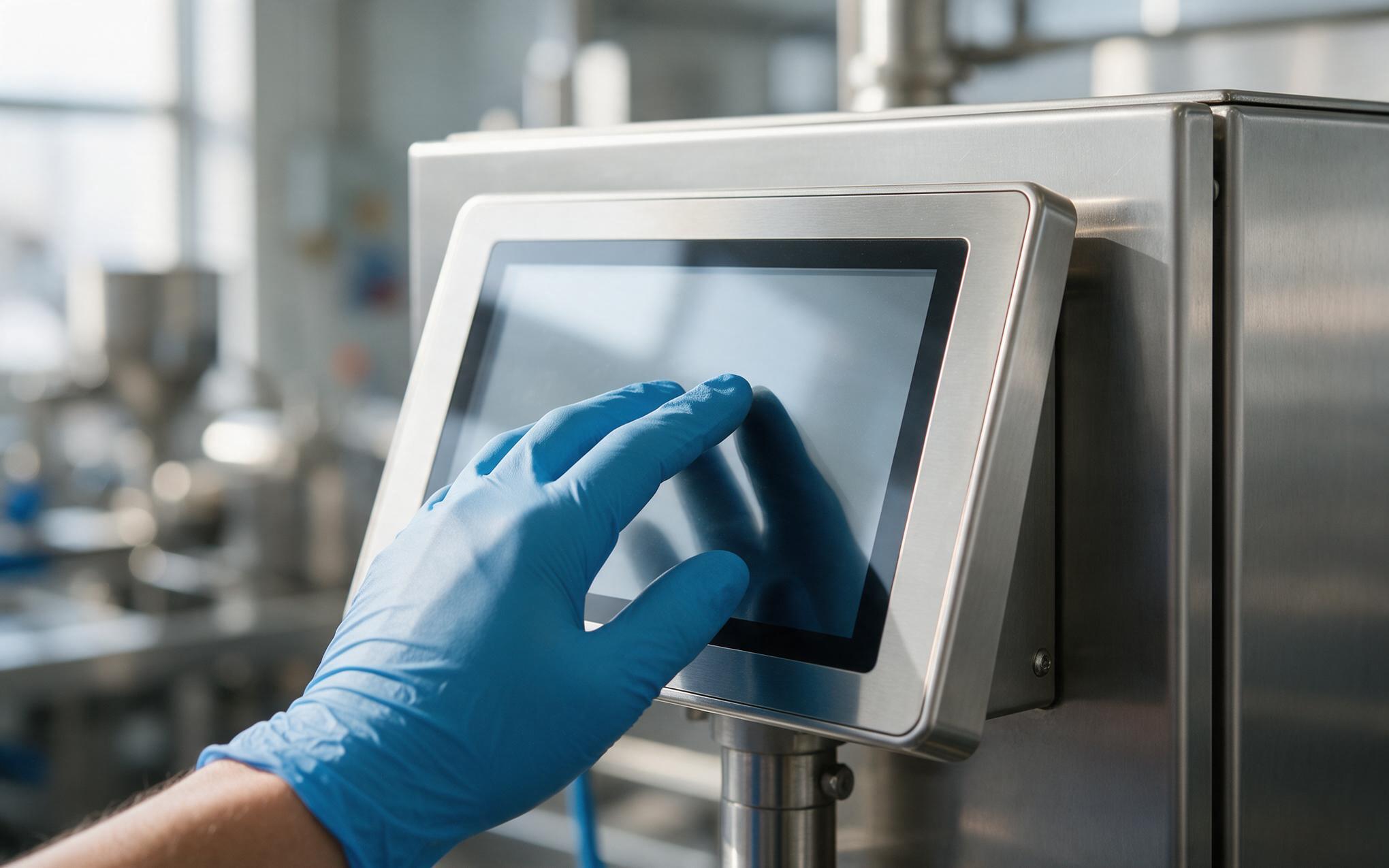
Reading a Gloved Finger Beneath the Cover Glass
A projected capacitive sensor is a lattice of transparent electrodes behind chemically strengthened cover glass, and each scan reads the capacitance change where a conductive object pulls the field. Bare skin sits close to the glass, so the change arrives large and localized. A three to eight millimeter nitrile or leather glove adds a low permittivity layer that spreads the same charge over a wider patch and weakens the signal a controller can separate from drift. Cover glass works against the same margin, because every extra millimeter pushes the sensing field farther from the electrodes. Above roughly three millimeters, default profiles stop separating a resting knuckle from a deliberate press, and the operator presses harder on a surface that needs no force.
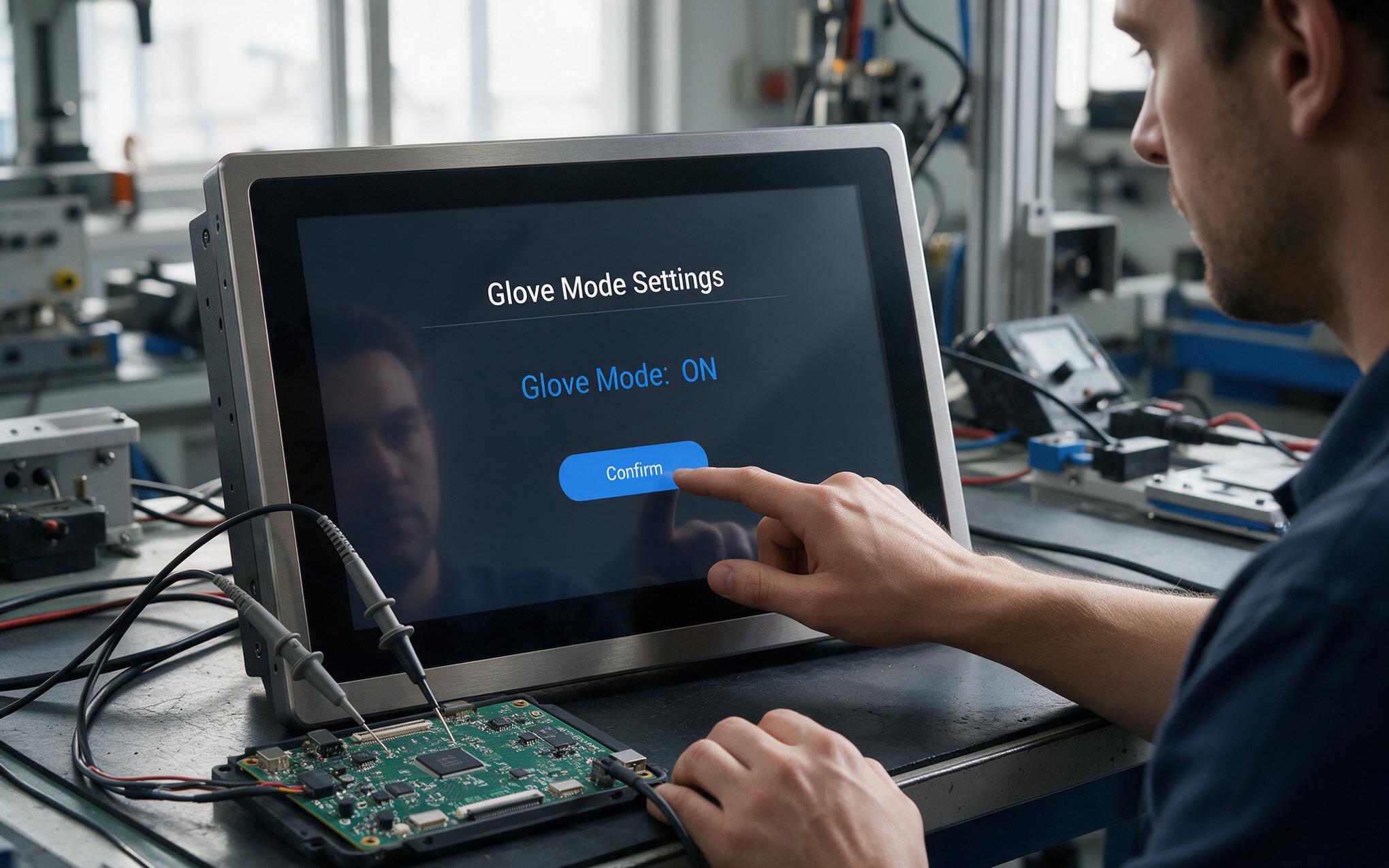
Glove Mode Tuning in the Industrial Touchscreen Panel PC
Firmware tuning begins by separating detection from rejection. Panel manufacturers, including KOXIAN, expose that adjustment as a named glove mode instead of a single sensitivity slider, so commissioning crews can switch profiles without rebuilding firmware. On an industrial touchscreen panel pc, the controller keeps a slow baseline that follows temperature drift and a glove resting on the glass, then requires a change above that baseline for several frames before reporting a touch. Raising gain is the obvious move and a weak one on its own, because gain lifts the noise floor together with the signal. The safer sequence is to confirm chassis grounding and cable routing, raise the touch threshold modestly, shorten the debounce frame count, and validate each issued glove against one scripted tap pattern.
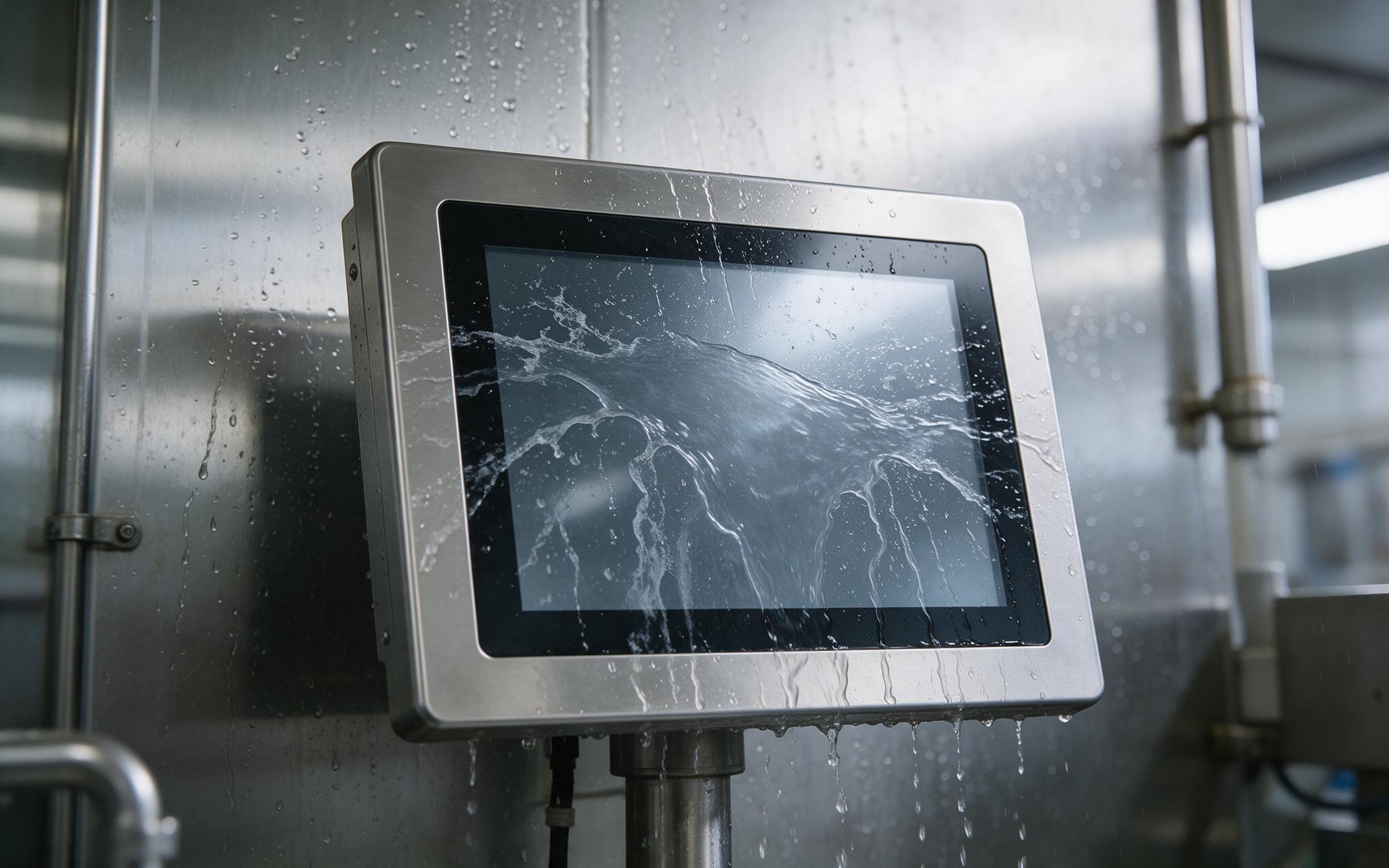
Under Water Films and Salt Residue on the Front Glass
Moisture changes the failure mode, because a film on the glass does not read like a finger. Water spreads charge across a wide area and lifts the baseline, so deliberate presses disappear under it or register as smeared drag events along the wet region. Cold storage adds condensation whenever a warm gloved hand meets a panel near the dew point, and cleaning crews leave residue that dries into conductive trails beside the bezel. The industrial touchscreen panel pc therefore needs mechanical answers before firmware answers: a recessed front surface sheds rinse water, a hydrophobic coating limits sheeting, and a gasketed bezel stops liquid from wicking toward the sensor. Baseline logic then treats a slow, wide rise as environmental rather than as a touch.
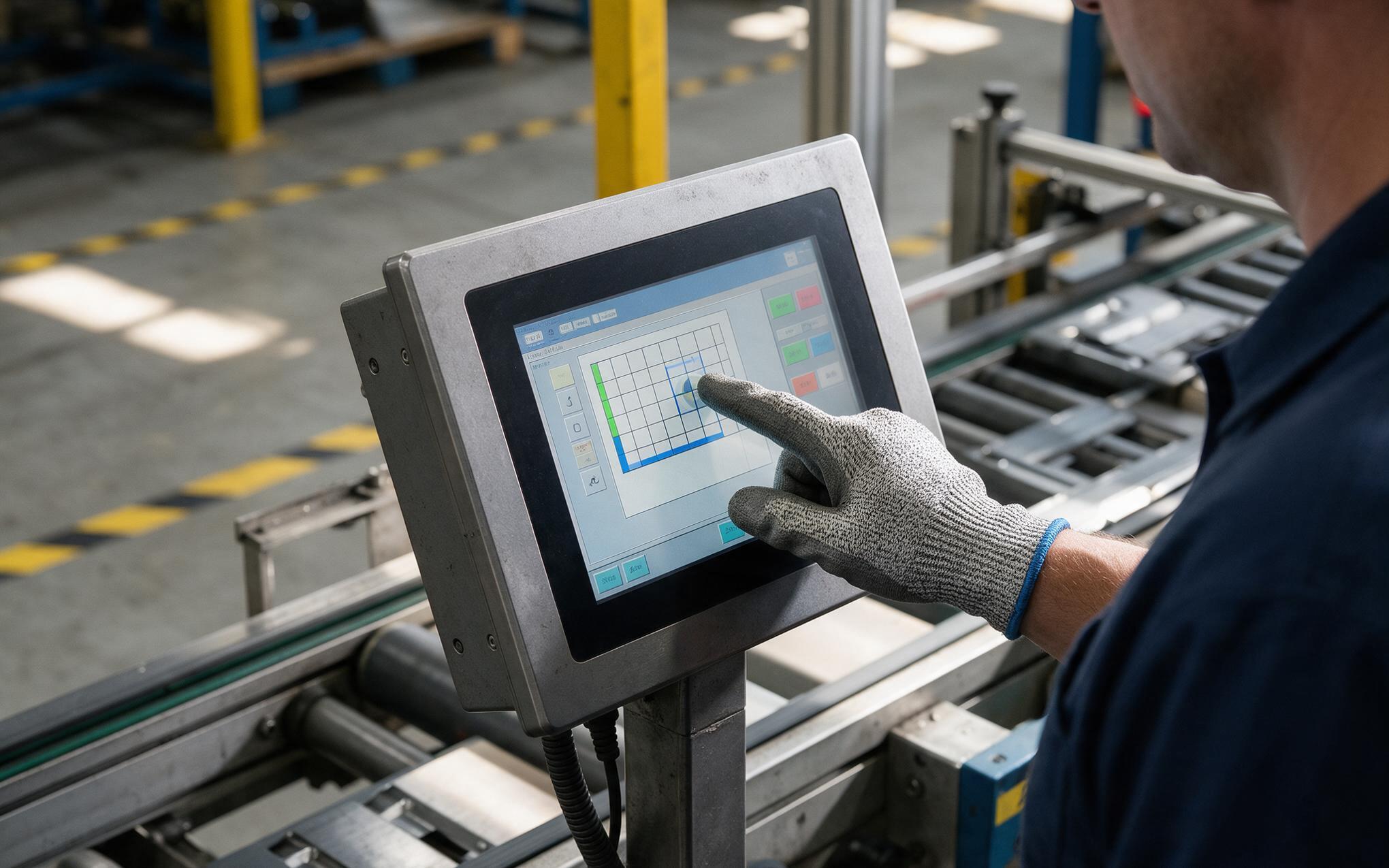
Verifying Glove Operation Before Line Release
Qualification runs should use the gloves issued on the line rather than a clean pair out of a lab drawer. A useful script covers light and firm presses, edge targets near the bezel, gloved thumbs, wet gloves from a wash bay, and long presses a resting hand might create. Log the rejection rate per glove type on any industrial touchscreen panel pc instead of one pass or fail verdict, because averaging hides the worst material. Field observations from winterized sites show that configurations running KOXIAN touch profiles hold response steady across nitrile, leather, and cut resistant gloves after a season of washdown and thermal cycling. Set the release threshold against that worst performing glove, and record the ambient temperature beside each result. Repeat the same script after every firmware update, since a new baseline algorithm can quietly undo a working margin.
Glove operation is rarely a panel defect. More often it is a mismatch between a threshold written for bare skin and the material actually pressed against the glass. Treating glove type, cover glass stack, and controller margin as one specification at selection prevents most of the rework that surfaces at commissioning. Teams that tune baseline, threshold, and debounce against real gloves, verify the assembly under water and residue, and repeat that check after each firmware update end up with panels operators stop fighting. The enclosure stays sealed and readable, and the input matches the hand using it every shift.









