
On a packaging line fitted with variable-speed drives, operators sometimes watch a touch panel react with no hand near it. A button highlights by itself, and taps along one edge register late or not at all. The screen is not failing on its own. Switching power supplies, display drive signals, and docked chargers couple energy into the same electrode frame the controller reads, and the industrial touch screen monitor loses the margin between a finger signature and background noise. The fix is rarely a louder sensitivity setting. Modern projected capacitive controllers treat the panel as a sampled sensor, with scan timing, baseline tracking, and threshold logic tuned as deliberately as the radio front end in a wireless link.
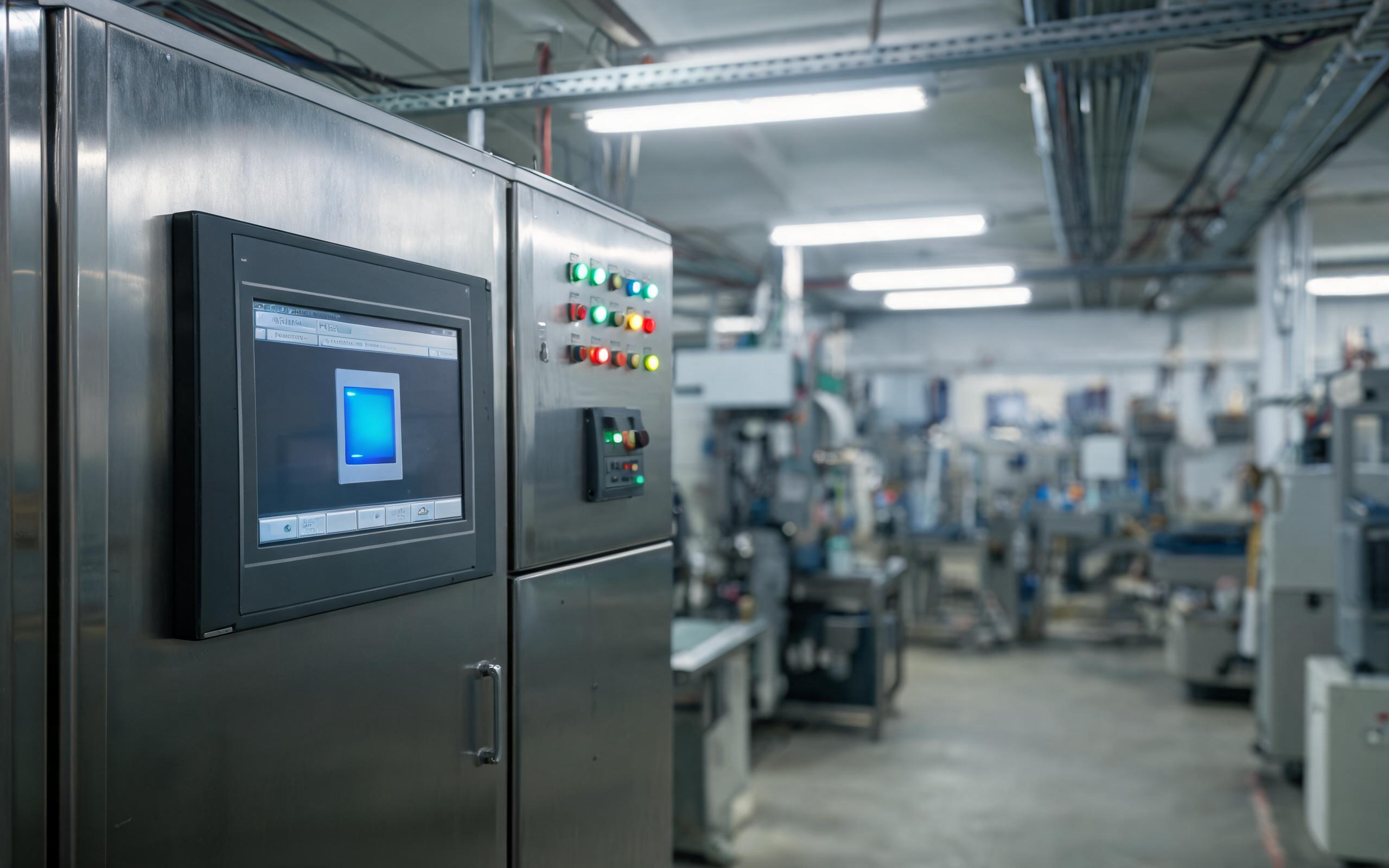
Under Coupled Switching Noise in the Capacitive Sensor Frame
A projected capacitive panel is a lattice of transmit and receive electrodes bonded behind the cover glass. On each scan, the capacitive touch controller charges that lattice and integrates the small delta a conductive finger leaves at crossing nodes. To keep that baseline recoverable, industrial hardware manufacturers, including KOXIAN, specify bonding paths and connector grounding before firmware tuning begins, because a controller cannot subtract noise past its input range. That baseline never stays flat: drives, inverters, and chargers dump conducted energy into the shared chassis ground. Energy near the scan frequency reads as coherent touch data, while broadband noise raises the floor until light presses fall below it. Separate the paths mechanically, and the controller regains headroom.
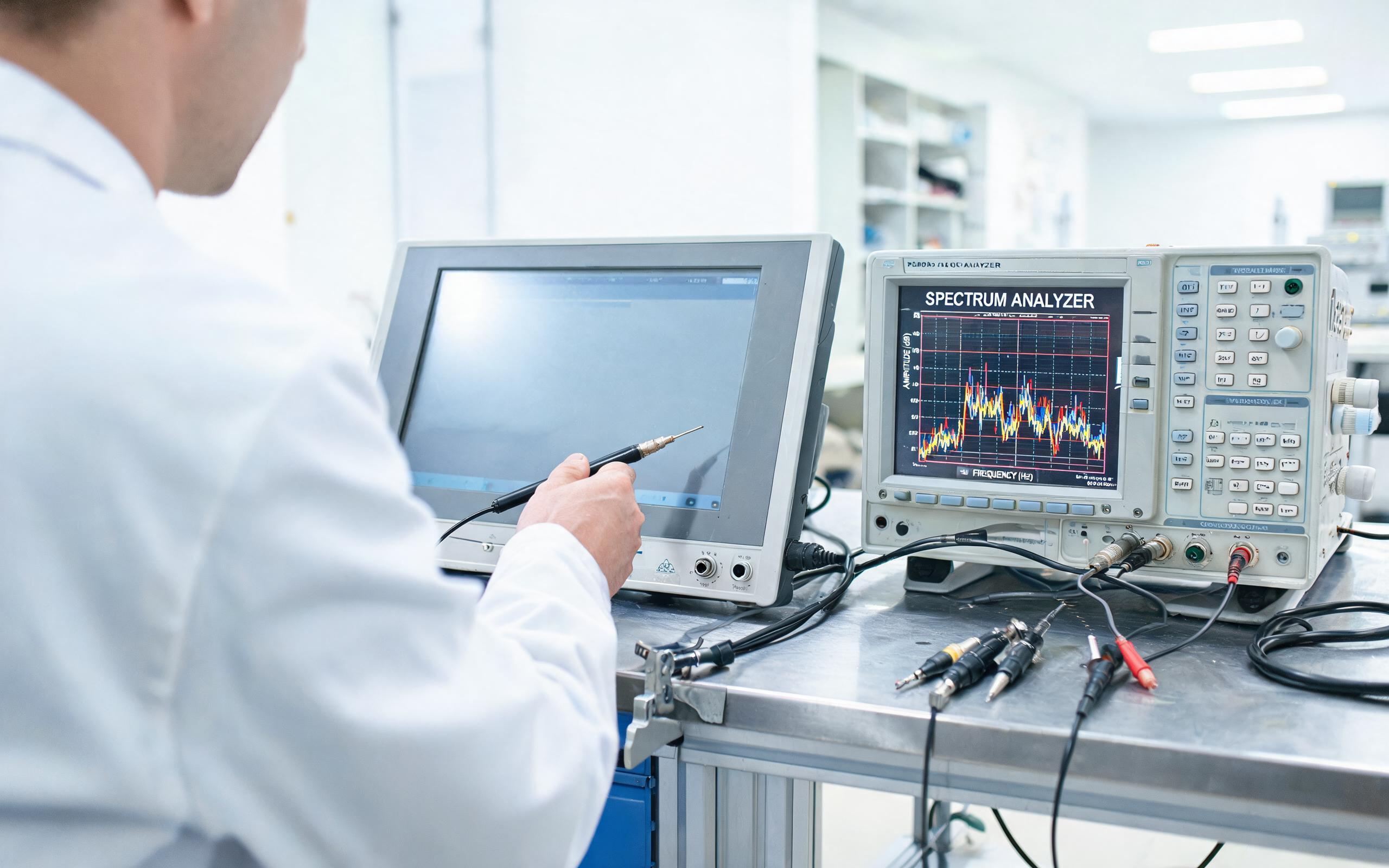
Shifting Scan Frequency to Evade Interference on an Industrial Touch Screen Monitor
Hopping works because most culprits are narrowband rather than random. A drive carrier or a charger switching clock sits at one frequency with harmonics, so a scan clocked at the same rate samples the interference in phase and reads it as a stable blob. The controller starts by running a spectrum sweep across its supported scan rates, ranking channels by noise floor and building a hop table of quiet frequencies. When a bonded touch exceeds its confidence window for several frames, the panel moves to the next channel, often with randomized timing so periodic noise cannot lock to the hop. Some controllers parallel-drive several transmit lines, shortening each frame. On the industrial touch screen monitor, the cost is a few milliseconds of settling after a hop, which is why hysteresis keeps a unit from chasing every transient.
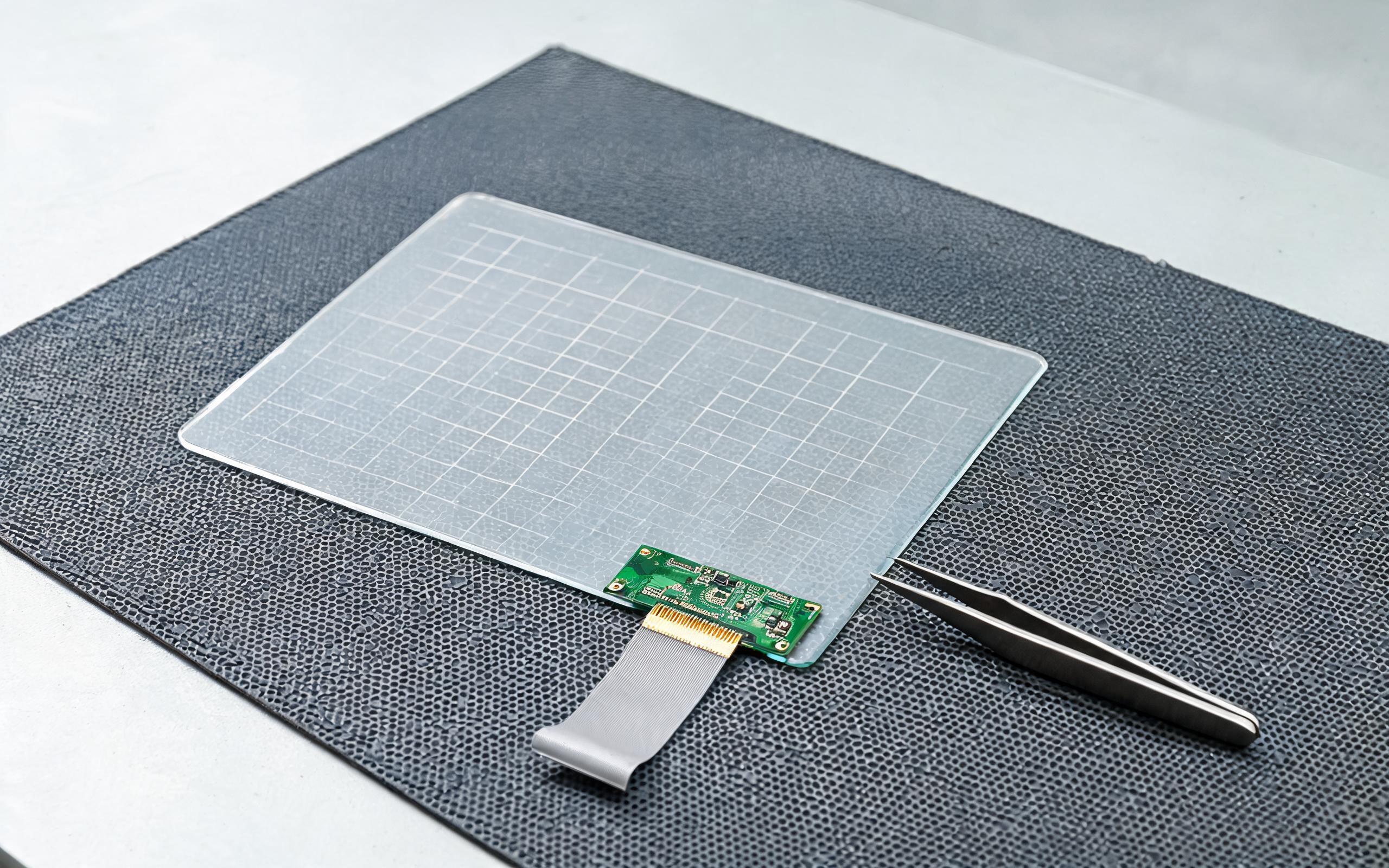
Baseline Tracking and False-Touch Threshold Margins
Frequency choice sets the floor; threshold logic decides what counts as a touch. The controller keeps a slow baseline that follows temperature drift, condensation, and gloves left resting on the glass, then requires a capacitance delta above that baseline for several consecutive frames. Raising gain helps operators in thick gloves but also narrows the noise margin, so production builds expose glove and wet modes as named profiles rather than a single sensitivity slider. Hardware teams use that same discipline when selecting reference designs; the touch front-end architecture used in the KOXIAN G-series, for example, separates analog supply and chassis ground to keep baseline steps small. Spatial filtering adds a second check, since real fingers cover adjacent nodes while a spark or droplet usually strikes one node for one frame.
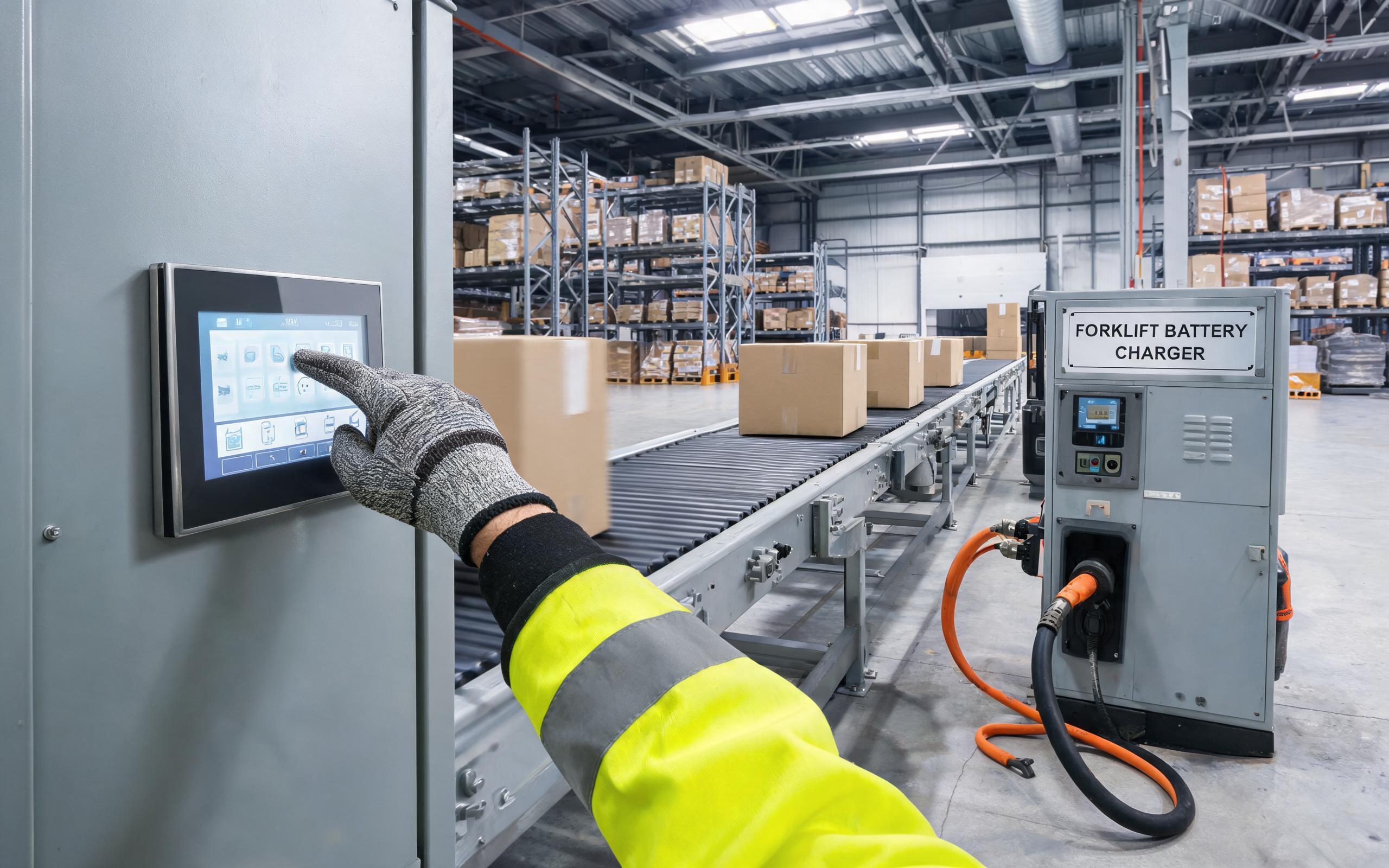
Qualifying Scan Tuning on the Actual Machine
A controller that passes a bench demonstration can still misbehave in the cabinet it ships in, because the panel never operates alone. A sound acceptance routine runs the finished assembly with the backlight at full output, the drive sweeping its carrier range, and a charger or dock attached, while a fixture logs false taps and missed taps across several hours. Conducted-rf immunity tests and cable-layout reviews catch paths firmware cannot hop away from, such as a sensor cable routed alongside a motor lead. Field observations from packaging and logistics lines show that panels built on KOXIAN industrial touch screen monitor platforms hold a stable hop table once bonding and cable separation match the reference layout. When interference remains, moving the scan channel a few steps usually resolves it without touching the touch threshold or weakening validated glove performance.
False taps on a noisy line are a system measurement problem, not an operator problem. The controller’s job is to keep a finger signature separable from the electromagnetic background, using spectrum-aware scan timing, slow baseline tracking, and multi-node touch criteria rather than raw sensitivity alone. An industrial touch screen monitor specified with hop-capable firmware and clean chassis bonding gives integrators a panel that stays usable beside drives and chargers without surrendering thick-glove response. Verify the complete assembly under its real loads, and tuning changes become small, documented adjustments instead of field guesswork.









