
A shutdown at a packaging line started with a yellow temperature icon on a display mounted inside a washdown-rated cabinet. The unit did not fail outright, but repeated processor throttling stalled the labeling line on summer afternoons. The root cause sat outside the hardware itself: once installed, an industrial panel mount touch screen breathes cabinet air, not the open factory air assumed by its datasheet. Sealed doors and gasketed cutouts that keep water out also trap generated heat. Engineers sizing cooling for cabinet-mounted displays weigh two competing paths, convection through cabinet air and conduction through the mounting surface, and most installations need both sized deliberately.
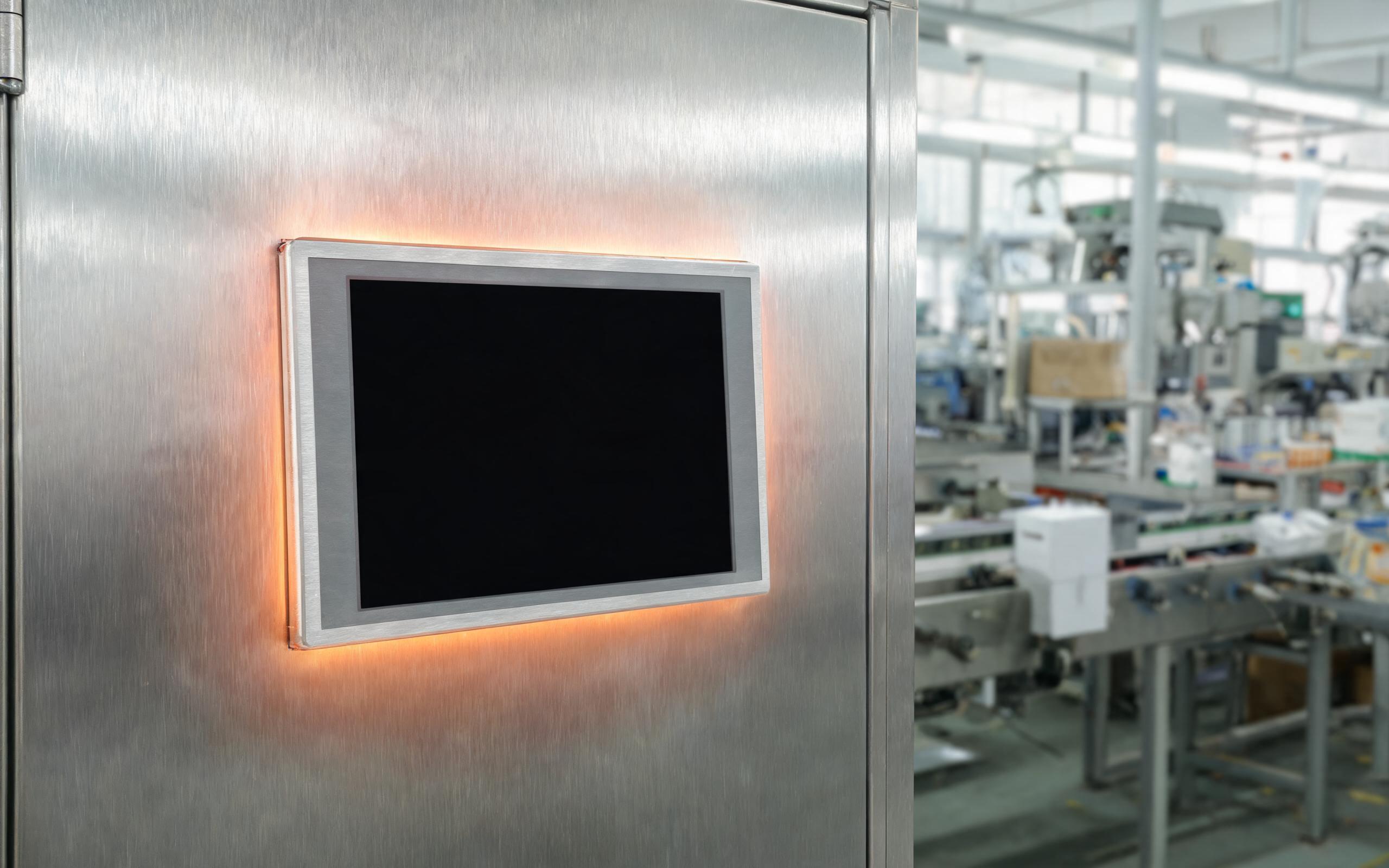
Tracing Heat from the Processor to the Cabinet Wall
Every sealed display rejects heat along two routes, and integrators tracing thermal failures map both before cutting metal. Sealed front bezels on designs such as the KOXIAN G-series clamp the unit to the cabinet panel, and that contact is not purely mechanical: the aluminum flange becomes a heat bridge between the rear chassis and the sheet steel around the cutout. Heat pipes carry processor load to the shell, but the shell only helps if its heat can leave into something cooler. The second route is convection inside the cabinet, where buoyant air rises from a fanless panel pc toward the roof and returns cooled along the floor. Block either route with dense cable bundles, and internal ambient climbs until the processor throttles. Spring-loaded studs that pull the bezel flat distribute both gasket pressure and thermal contact across the full flange.
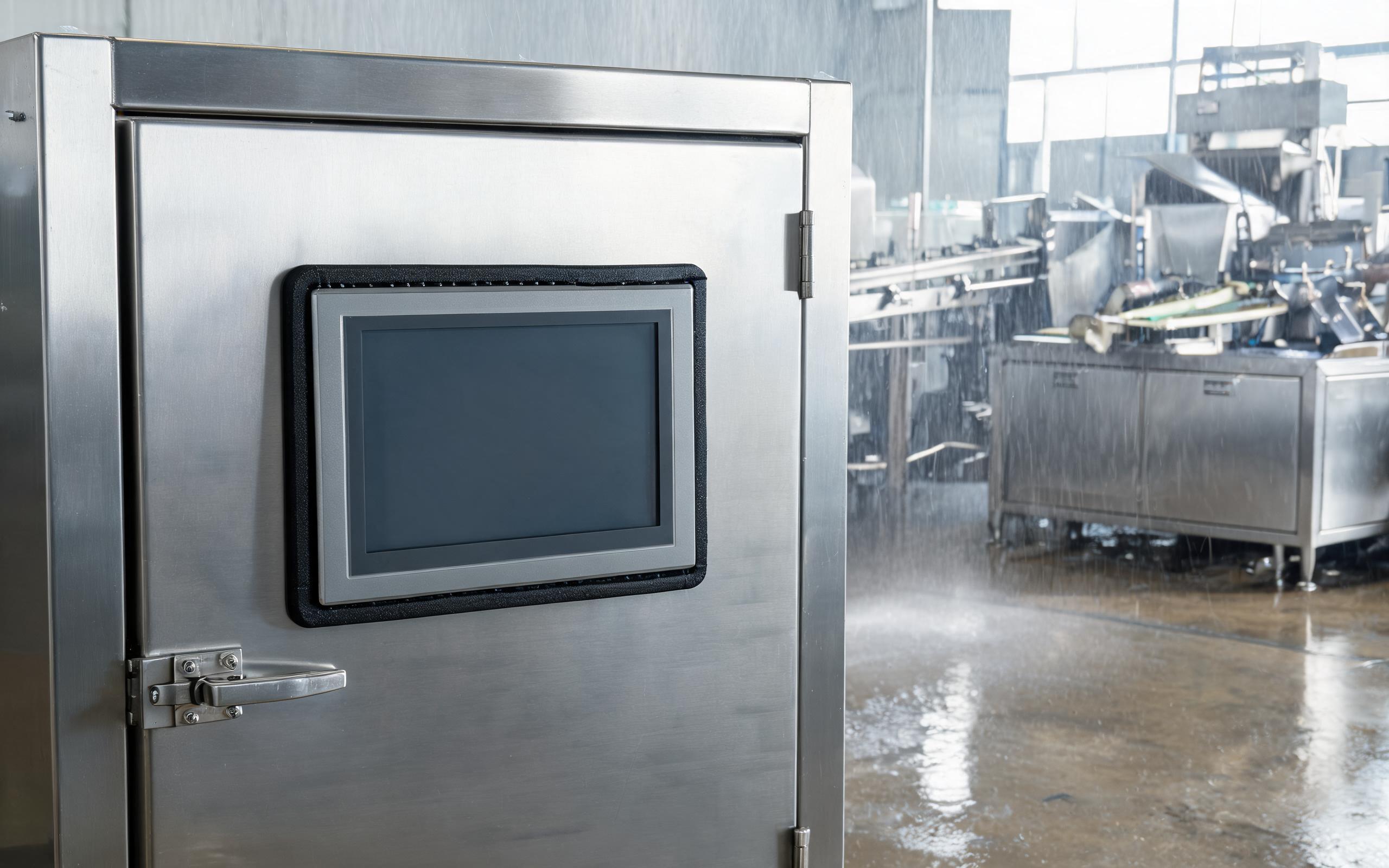
Why an Industrial Panel Mount Touch Screen Runs Hotter Behind a Sealed Door
Datasheet temperature ratings describe a unit tested in free air on an open bench, where every surface exchanges heat with moving room air. A cutout installation changes those conditions on both sides. The front glass faces the plant, but the gasket seals the opening between room and cabinet, so the rear enclosure loses no heat through the panel. An ip65 touch screen rated for liquid spray from the front offers no cooling benefit on the back side, where cables radiate into stagnant air. Cabinet ambient also stratifies: hot air pools under the roof of a sealed NEMA 4 enclosure, and a display mounted high in the door can sit in that layer all shift. Waste heat from adjacent drives pushes local ambient several degrees above room temperature. The datasheet number is not wrong, but it answers a different question than the one on the floor.
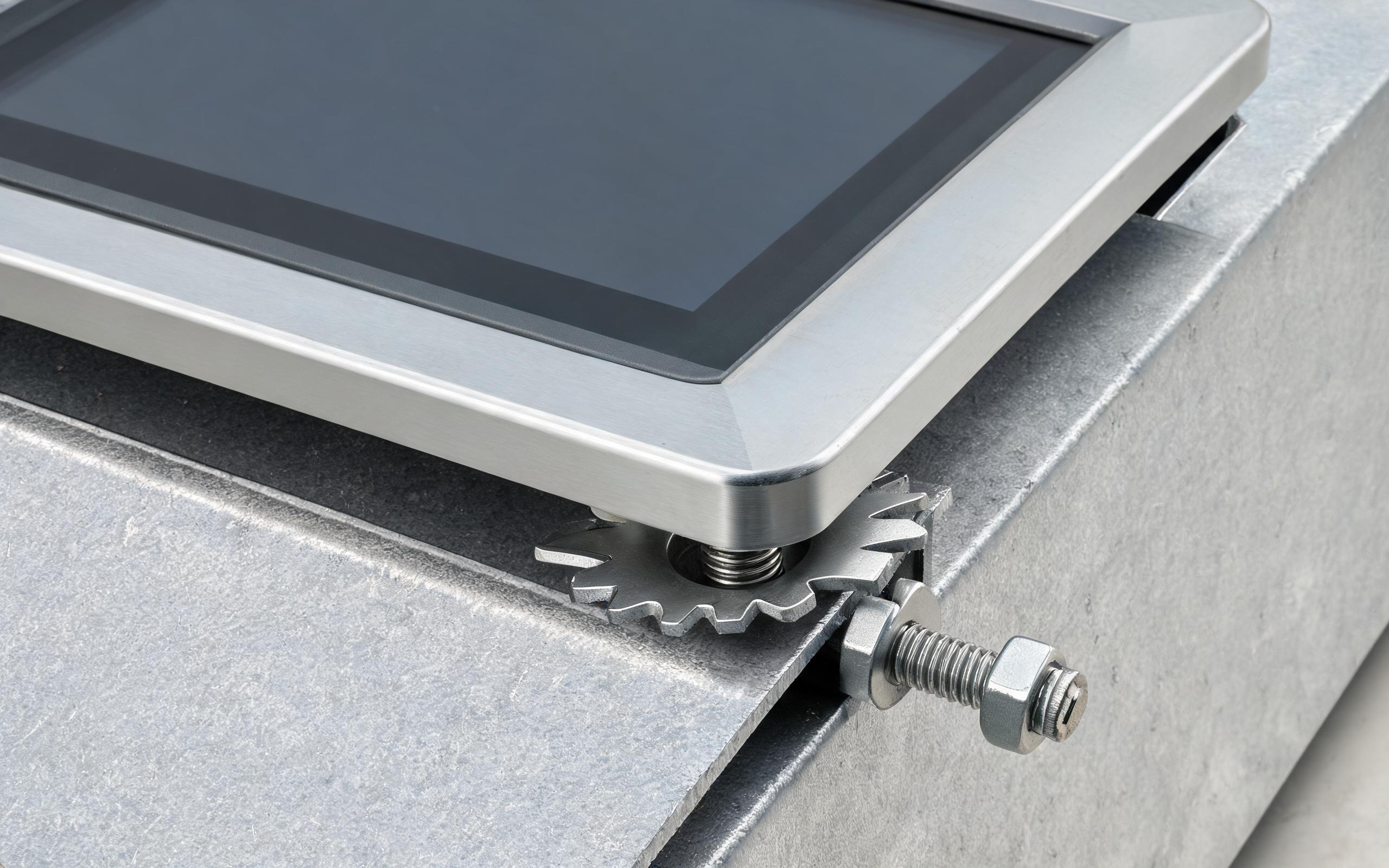
Conduction Paths Through Bezel Flanges and Mounting Studs
Conduction is the more predictable route because it depends on contact area, flatness, and material rather than air movement. A bare aluminum flange against bare sheet steel offers the lowest resistance; paint films, powder coat, and warped cutout edges act as insulating layers even when fractions of a millimeter thick. Field thermal surveys from washdown packaging lines running hardware built on the KOXIAN panel platform record lower rear-chassis temperatures when mounting studs land near chassis heat spreaders and the cutout flange contacts unpainted metal. Copper grounding straps and star washers serve double duty by biting through paint to establish both electrical bonding and a thermal bridge. Panel stiffness matters too: thin sheet metal flexes under stud torque, leaving gaps along one side of the gasket. Specifying the recommended panel thickness, tightening clips in the published cross pattern, and checking flange contact with feeler stock turns the cabinet face into a heat exchanger.

Building a Heat Budget Before Cutting the Panel
Thermal sizing pays off as a paper exercise, long before mounting templates reach the shop floor. Sum the dissipated watts of every device sharing the enclosure, including the industrial panel mount touch screen, drives, and power supplies, then compare the total against the cabinet’s heat removal capacity. Sealed cabinets rely on wall area, natural convection, or add-on heat exchangers; vented enclosures trade sealing for airflow and rarely suit washdown zones. A thermocouple survey on a running line, with sensors at the planned cutout height and near the roof, costs little and exposes stratification that calculators miss. De-rating the processor or selecting a wide-temperature build closes small gaps; larger gaps call for cabinet cooling rather than a hotter-spec display. Treating panel, gasket, and enclosure as one thermal system keeps throttling events out of the production schedule.
Cabinet-mounted displays live or die by the thermal world created during installation. Gasketed doors stop water and dust, but they also cancel the free-air conditions behind published ratings. Mapping the convection loop, maximizing conduction through the flange and studs, and validating the heat budget with measured temperatures keeps an industrial panel mount touch screen within spec on the hottest shifts, without fans, filters, or unplanned downtime.









