
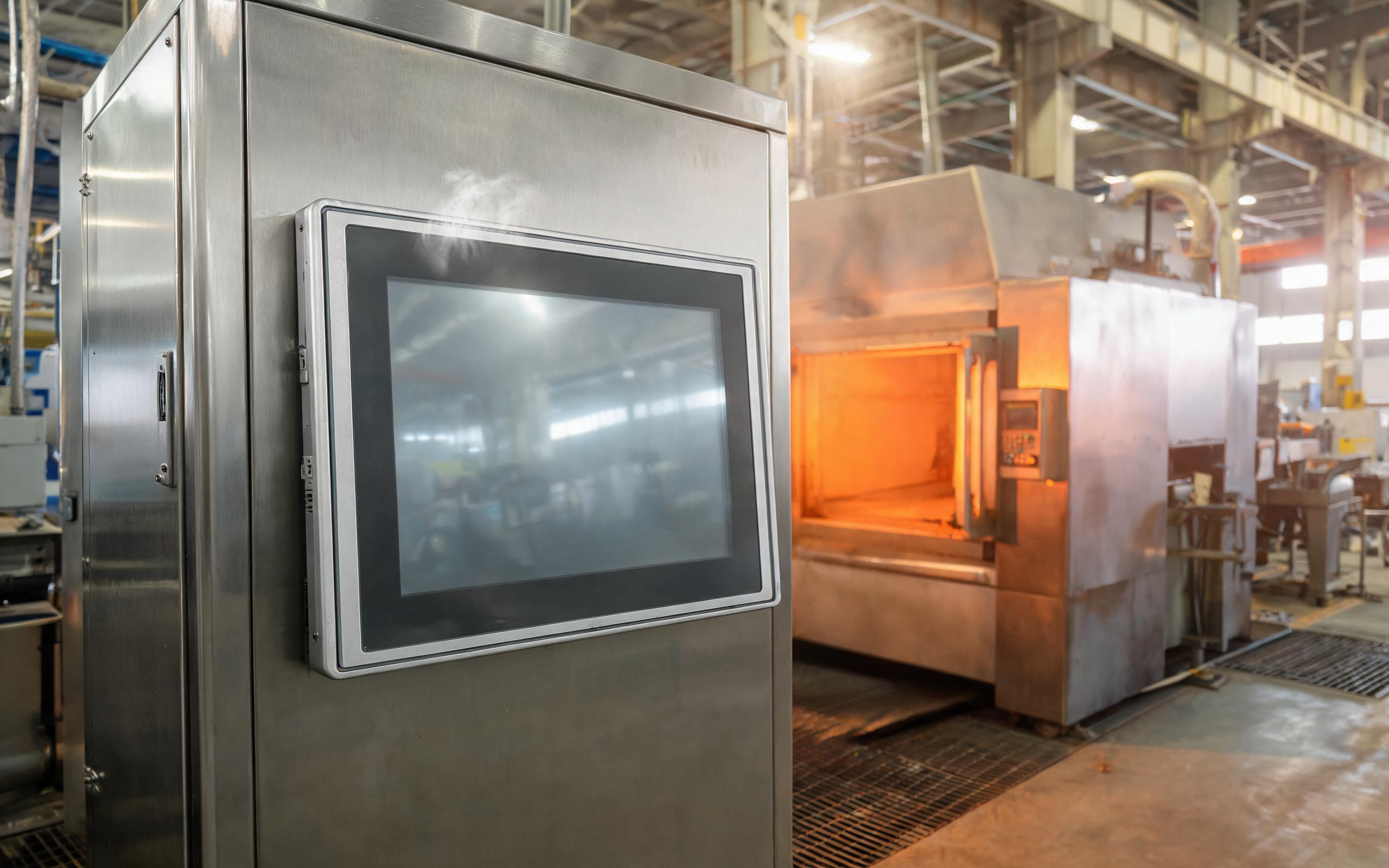
Haze climbs the front glass of a sealed operator panel beside a heat-treat oven. By mid-shift the upper edge runs warmer than the lower bezel, and brightness in that corner sags. In an all-in-one build two heat sources sit behind one gasket: the processor board behind the cell and the LED backlight in front of it. A fanless industrial all in one pc cannot move either load with air, so the enclosure must keep the two heat paths apart instead of joining them at the glass. How the housing divides those paths decides panel life as directly as processor choice.
In a Shared Enclosure, Two Heat Sources Compete
Silicon and liquid-crystal cells keep very different thermal budgets. The processor and regulators push heat toward the rear, while the backlight LEDs warm the stack behind the glass. An IP-rated seal closes the airflow path an office display depends on, so both loads migrate to the coolest large surface, usually the panel the operator watches. An industrial display cell tolerates a far lower surface temperature than the silicon behind it, and exceeding that limit appears as uneven brightness, slow response, and image retention. Vents are not an option on a washdown cabinet, so layout, not airflow, must carry heat away before it reaches the cell.
Driving a Fanless Industrial All in One PC with Rear-Fin Cooling
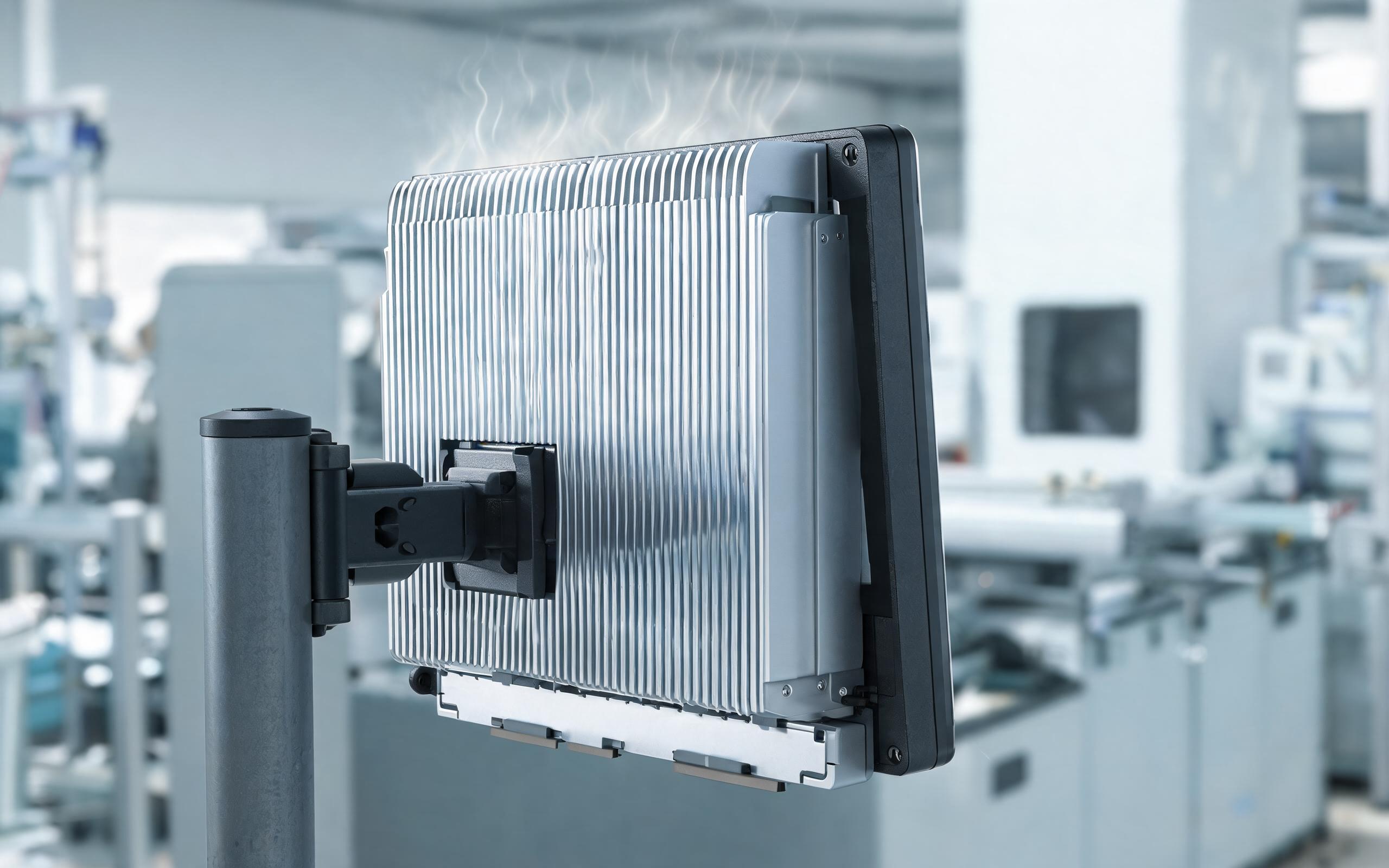
The standard answer is to make the rear enclosure the only designated hot surface. Heat flows from the die through a thermal pad into a spreader, often a vapor chamber or aluminum plate, then into an extruded fin stack where natural convection lifts it upward. Engineers call this passive cooling, and performance follows the full resistance chain, so pad thickness, flatness, and contact pressure carry real weight. The fins run vertically to preserve the chimney effect in a flush cutout, and configurable power limits trim processor wattage as ambient rises on hot afternoons.
The Thermal Break Between Chassis and Bezel
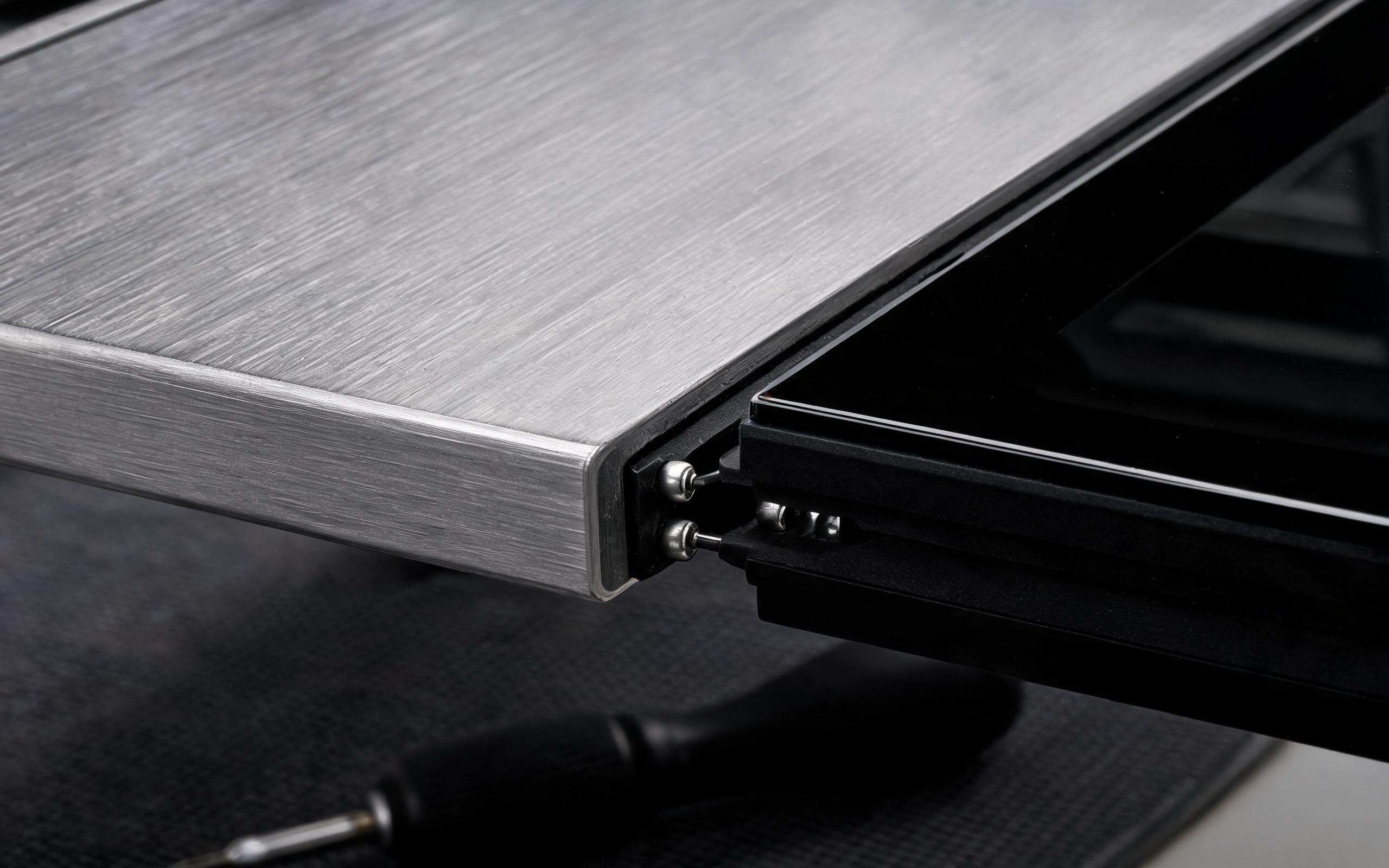
The riskiest seam joins the rear aluminum chassis to the front bezel, and aluminum spreads heat as readily as it collects it. Without a deliberate break, forward processor heat meets backward backlight heat, and the combined load settles on the LCD cell. To keep the display cavity below panel rating, enclosure manufacturers, including KOXIAN, interrupt it with a low-conductivity gasket, stainless standoffs, and a separated inner frame, letting each side reject heat to its own surface. The gasket must still hold the IP seal, so it is graded for compression set and surface temperature, not sealing alone. On washdown lines, a rinse cools the glass while the chassis stays hot, and a rigid bridge feeds the swing into the cell.
Validating the Panel with Thermal Imaging and Burn-In
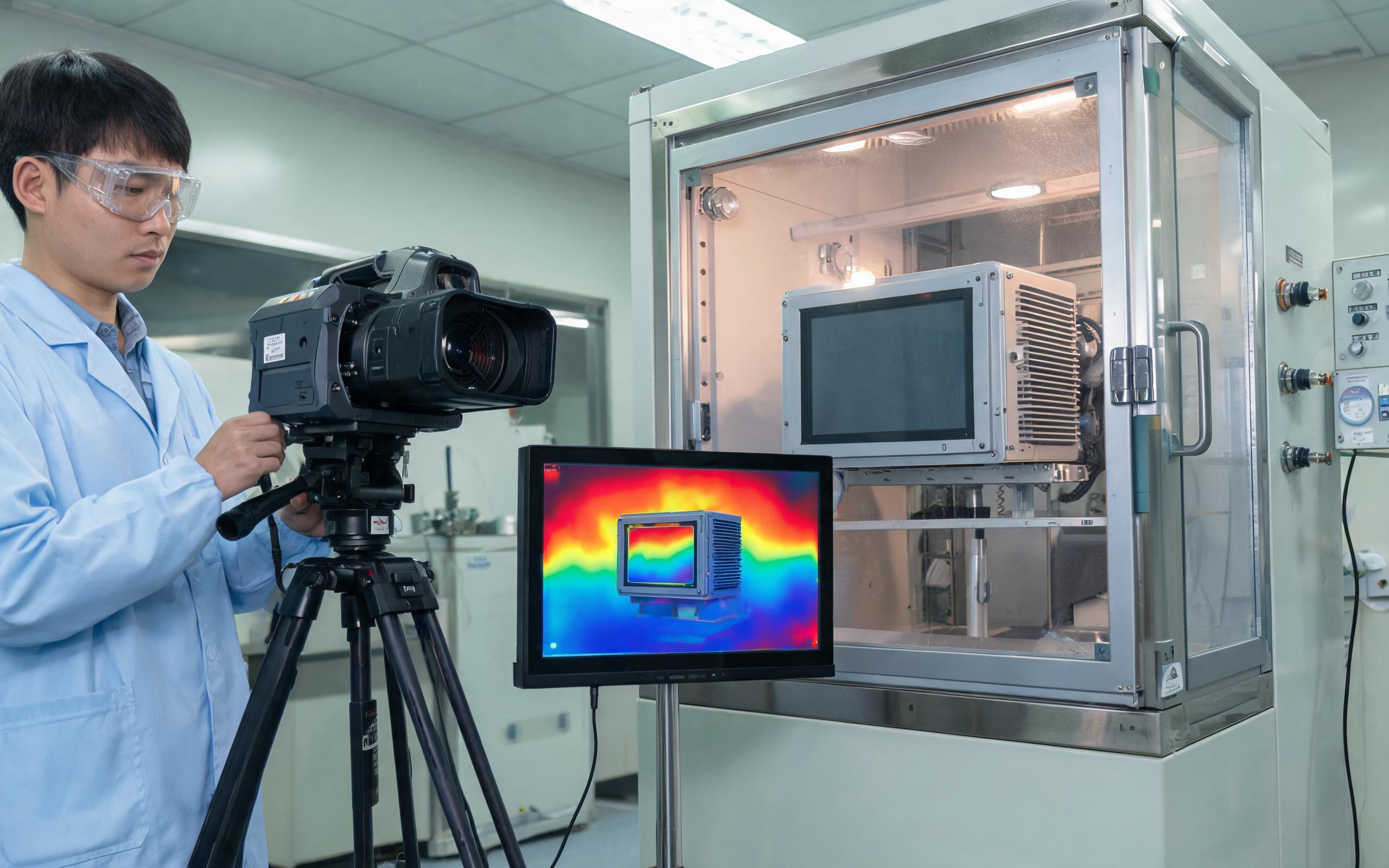
A clean layout does not prove the zones hold once everything dissipates at once, so qualification runs the unit as a line actually uses it. Engineers run the panel at its upper ambient rating, set full backlight, load every core, and map the glass and fins of the fanless industrial all in one pc with thermal imaging over one duty cycle. Acceptance targets the panel, not the processor: no cell point crosses its temperature limit, brightness stays uniform, and a static pattern leaves no ghosting afterward. A rinse cycle then shows whether an internal surface crosses the dew point and leaves condensation on the touch sensor. Field observations from washdown cells show that sealed units built around KOXIAN hardware hold bezel temperatures within the panel envelope across repeated hot-soak and rinse cycles.
An all-in-one sealed panel is really two thermal systems sharing one housing. A deliberate bezel break, a rear passive heat path, and load-based validation give the LCD cell the margin it needs. When evaluating options, ask for panel-surface thermal data rather than an open-air processor rating.









