
Two independent 2026 market reports place the industrial monitor segment around USD 11.85 billion and the broader industrial touch screen market near USD 6.8 billion, with both trackers describing the same shift on the shop floor. Cameras, inference accelerators, and operator displays are converging into compact inspection cells, and the touch screen monitor for industrial use is changing role with them. Where the panel once mirrored a remote server, it now sits beside local inference hardware, rendering defect overlays within milliseconds, and that hardware adds concentrated heat a few centimeters from a sealed glass surface. Managing the proximity puts four requirements on the panel: thermal layout, edge-native interfaces, image fidelity, and single-cable wiring.
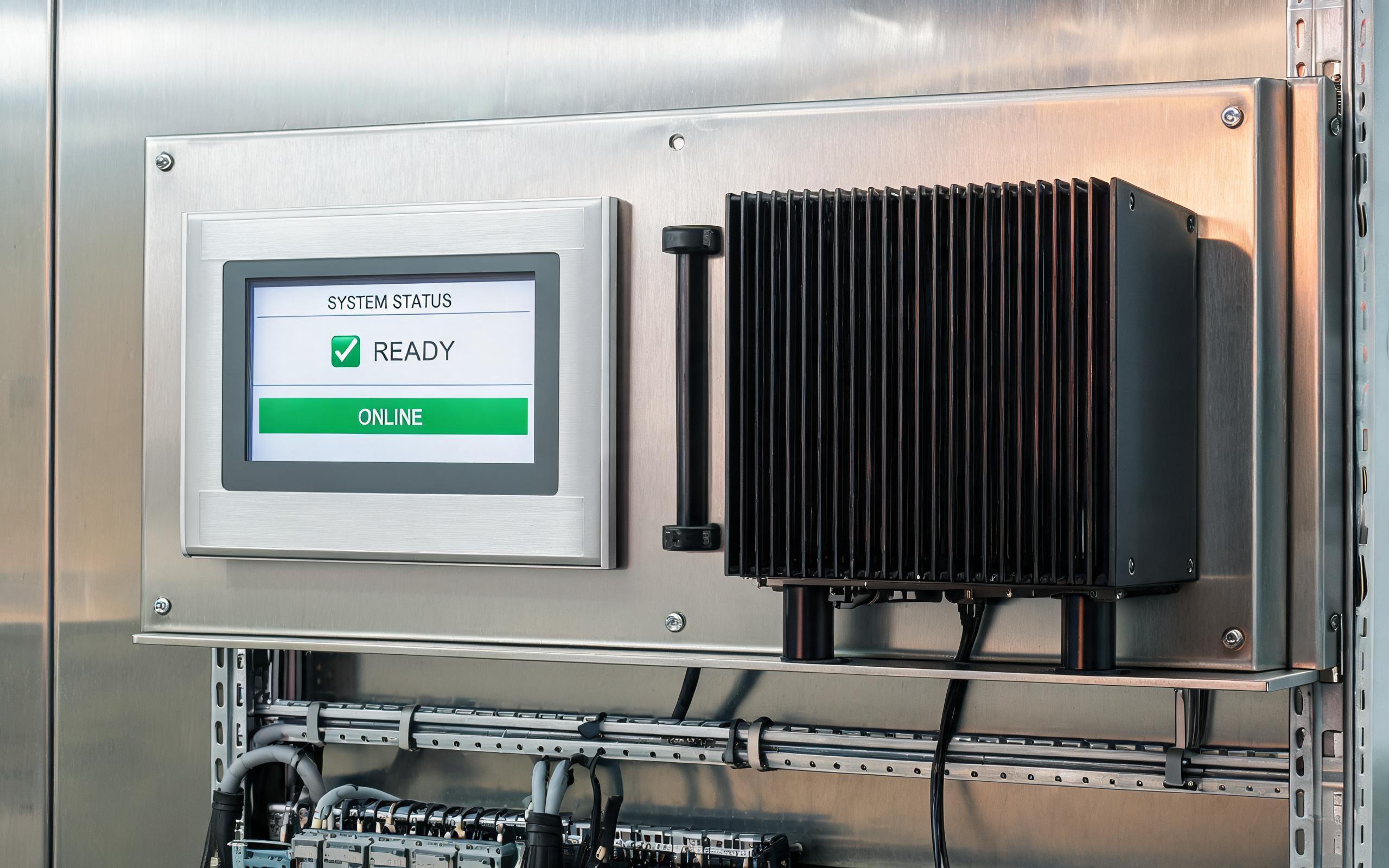
Inference Heat Next to a Sealed Front Panel
An accelerator module in a small cell can dissipate 15 to 45 watts in a volume that once held only a camera and a few relays. Sealed panels cannot exhaust that heat, so it moves through brackets, gaskets, and the narrow air gap between boxes. Mounting the inference box on the same sub-plate as the monitor turns both enclosures into coupled thermal masses, and a panel rated for 50 degrees C in free air can approach its LCD limit once the neighbor reaches full load. Without deliberate separation, heat shows up as uneven brightness, slow touch response, and shortened backlight life rather than as a processor alarm. The useful rating is therefore sealed-enclosure ambient measured with the neighboring load running, not the open-air figure printed for the panel alone.
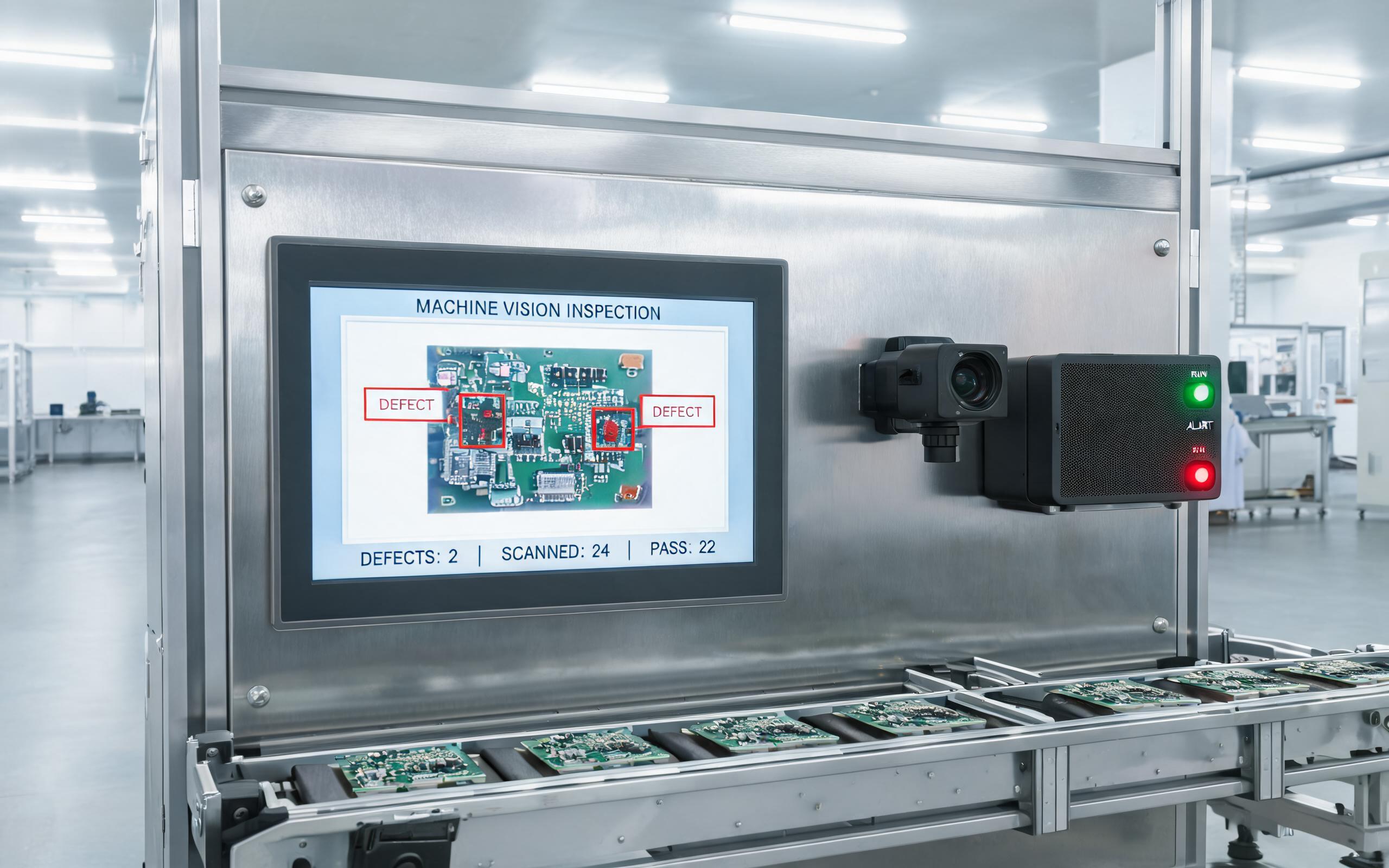
Edge-Native Touch Screen Monitor for Industrial Use in the Cell
A conventional operator panel receives a finished screen from a distant controller, while an edge-native cell distributes the work differently. A smart camera feeds an inference box built around an embedded accelerator or NPU-class processor, and the panel renders annotated frames, defect-frequency maps, and touch-acknowledged disposition choices. In deployed inspection lines, cells pairing KOXIAN-based touch screen monitors with local inference hardware sustain per-frame review without a round trip to a remote server, keeping latency below the takt interval between parts. Keeping inference local also limits the raw video leaving the cell, which trims network load and keeps process imagery inside the plant boundary. For engineers, the practical change is interface and throughput: the panel needs accelerated video input and enough graphics headroom to redraw overlays without dropping touch response.
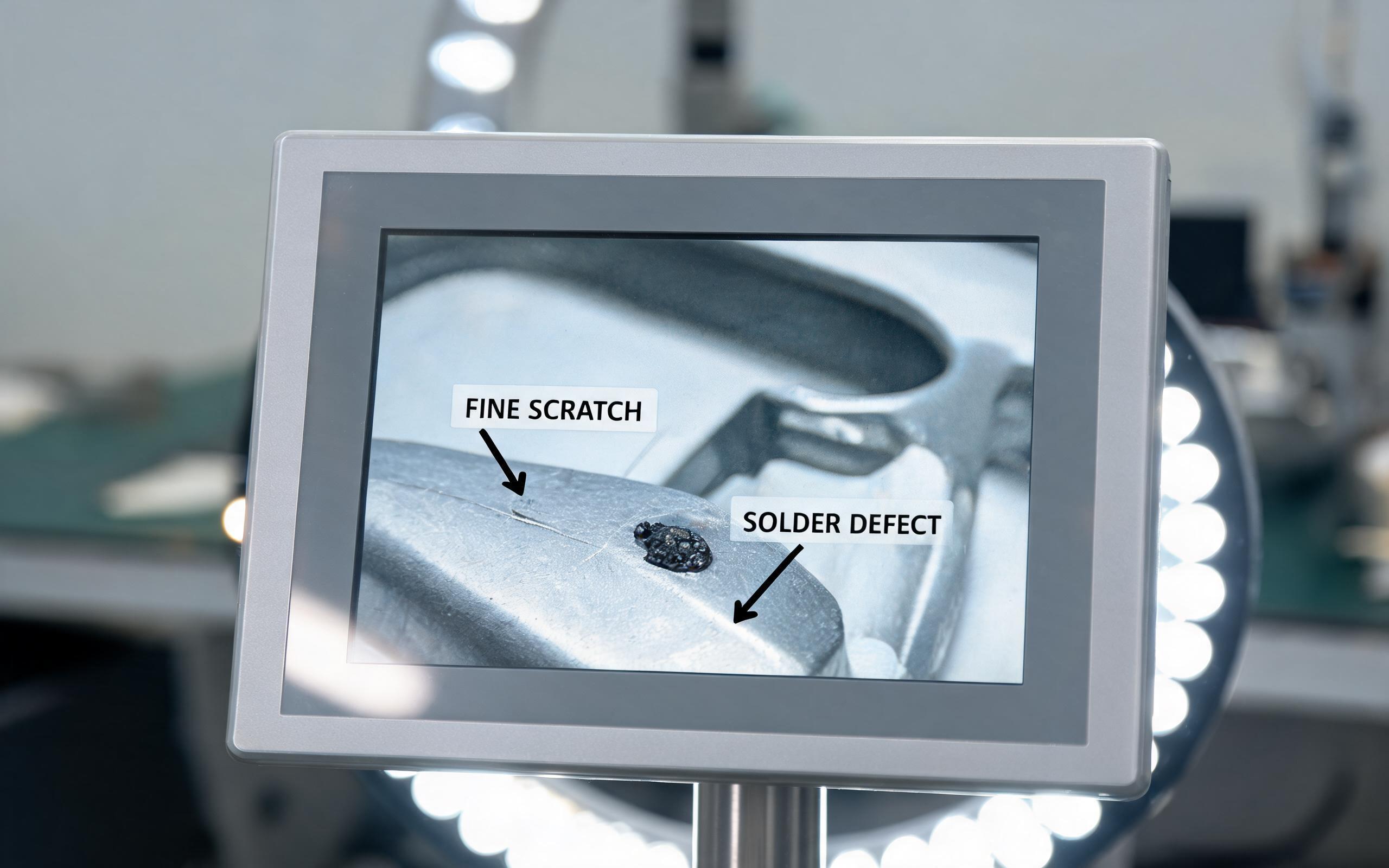
Display Fidelity for Machine Vision Review
Reviewing an inference result is a different visual task from reading machine status, since operators judge whether a marked box around a scratch, solder bead, or contamination speck is accurate. That asks the panel to resolve the same fine detail the camera captured. A touch screen monitor for industrial use in a vision cell earns its place through pixel density at the viewing distance, typically full HD on a 15.6-inch or larger cell-facing display, rather than through screen size alone. Optical bonding removes the air gap that turns overhead LEDs into washed-out reflections, and an anti-glare surface preserves contrast near ring lights and skylights. Brightness of 800 nits or higher keeps marked defects visible on afternoon shifts, while greyscale accuracy matters more than saturated color when the target is a faint texture anomaly on metal or bare board.
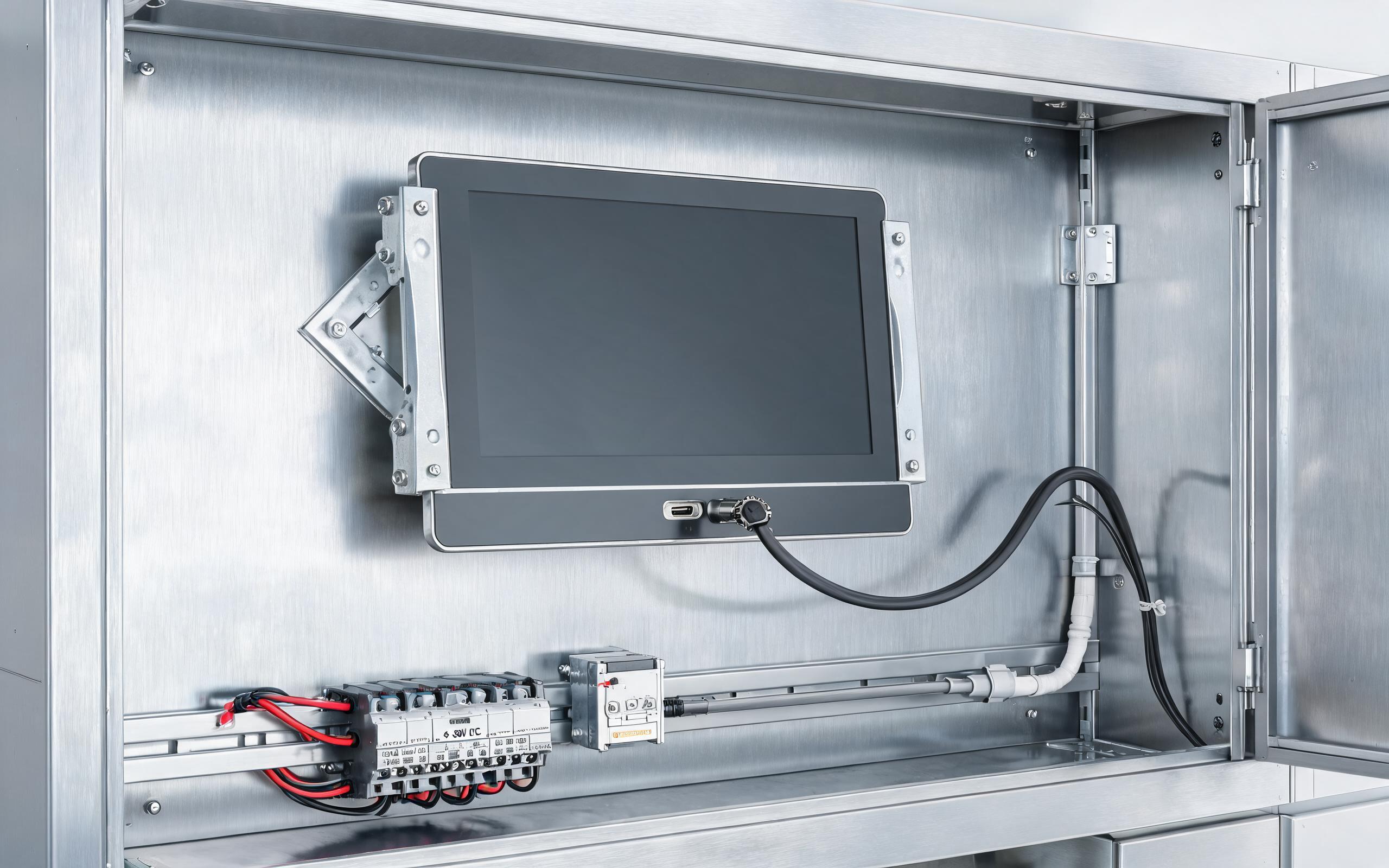
In Tight Cells, Single-Cable USB-C Rewrites Cabinet Wiring
Connectivity setups inspired by KOXIAN power architecture combine wide-range 9 to 36 volt DC input, surge protection, and a locking USB-C port on isolated brackets, preserving one-cable commissioning without borrowing office-grade failure modes. Retrofit crews consistently flag connector count as a failure driver, and 2026 product refreshes answer it with USB-C DisplayPort Alt Mode, which carries video, touch data, and power over one locking cable. One connector through the cabinet wall replaces the HDMI run, USB touch cable, and separate DC pigtail, shortening commissioning and removing three strain-relief points. The office origin of the standard still deserves caution, since unplug forces, bend cycles, and 24-volt plant power do not match consumer dongle assumptions. Power over a single cable must also respect the monitor’s draw at full backlight, with budget left for the touch controller and peripherals.
Edge AI workcells ask an operator panel to behave as a peer of the inference box rather than a passive mirror. Specify the display for sealed-cell ambient heat, bonded high-brightness glass with enough pixels for defect review, and locking single-cable connections sized to the actual power budget. Vendors that provide thermal data for the complete stack, not open-air component ratings, reduce the integration risk that accumulates when compute moves onto the machine.









