
A failure pattern across recent enclosure build reviews started the same way. After a bare display was bolted into a custom sheet-metal panel, the corners showed faint light patches and the projected capacitive sensor registered phantom taps that never appeared on the bench. The open frame touch monitor itself passed every datasheet check, but the completed assembly did not. Because an open frame unit ships without a protective outer cabinet, the integrator’s cutout, flange surface, and fastener sequence become part of the display’s structure. Third-party analysts put open frame growth near 7.5 percent annually, pushing these units into thinner enclosures where small mounting errors become visible faults.
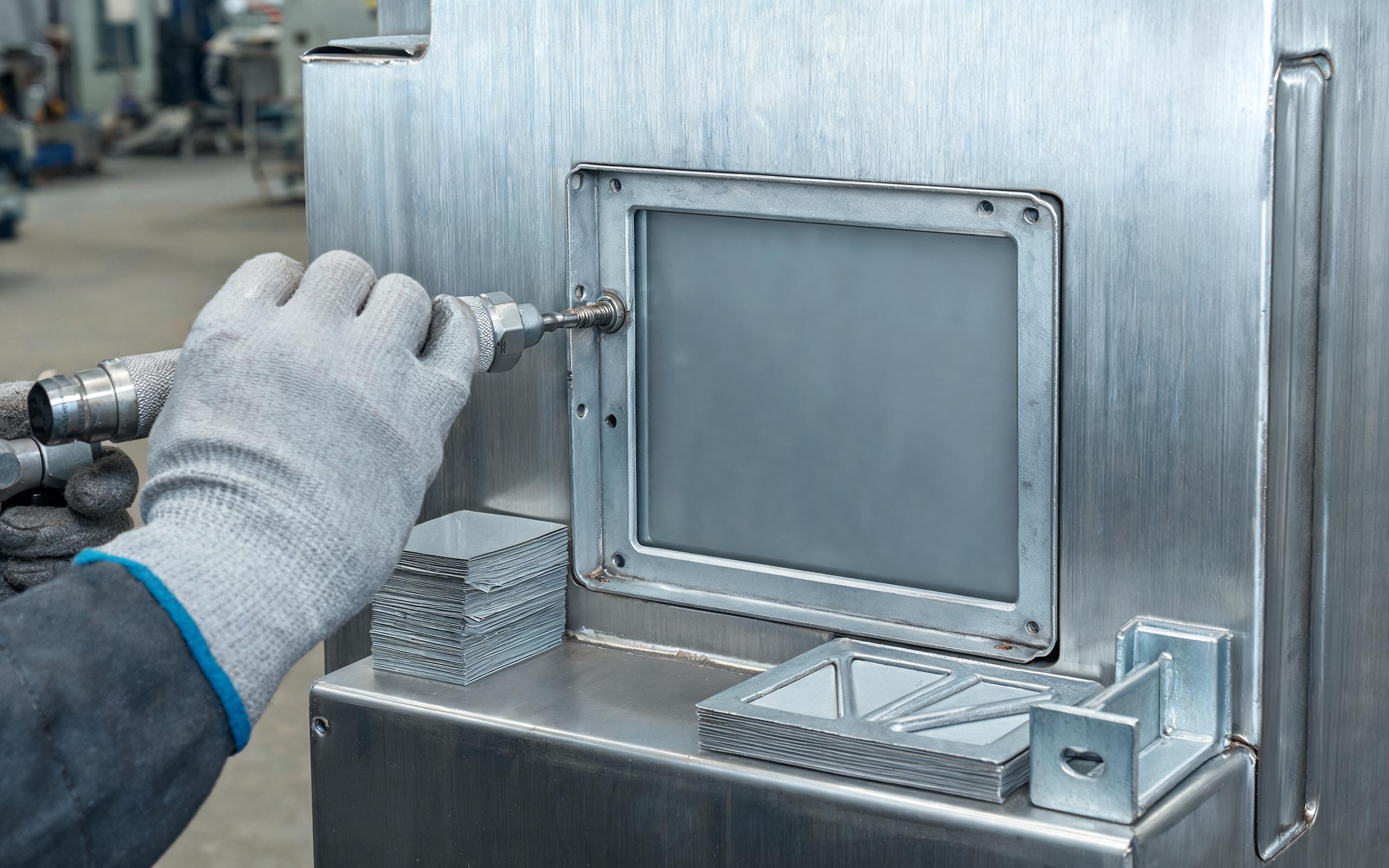
Under Uneven Cutout Surfaces, Loads Enter Through the Flange
Under an uneven cutout, tightening the mounting screws does not simply clamp the unit; it bends it. Sheet-metal panels welded into machine frames are rarely flat across the opening. When a rigid open frame touch monitor is pulled against a high spot, the stamped bracket pivots, and the load transfers into the LCD cell and touch sensor rather than spreading around the bezel. Assembly specialists evaluate this load path through real bracket geometry, such as the folded edge and ribs used in the KOXIAN K4 open frame builds, to keep clamping force off the glass edge. The practical rule is to measure the panel beforehand. A gap of a few tenths of a millimeter is absorbed by clearance and shim stock, while forcing the flange flush stores stress where the cell is least tolerant.
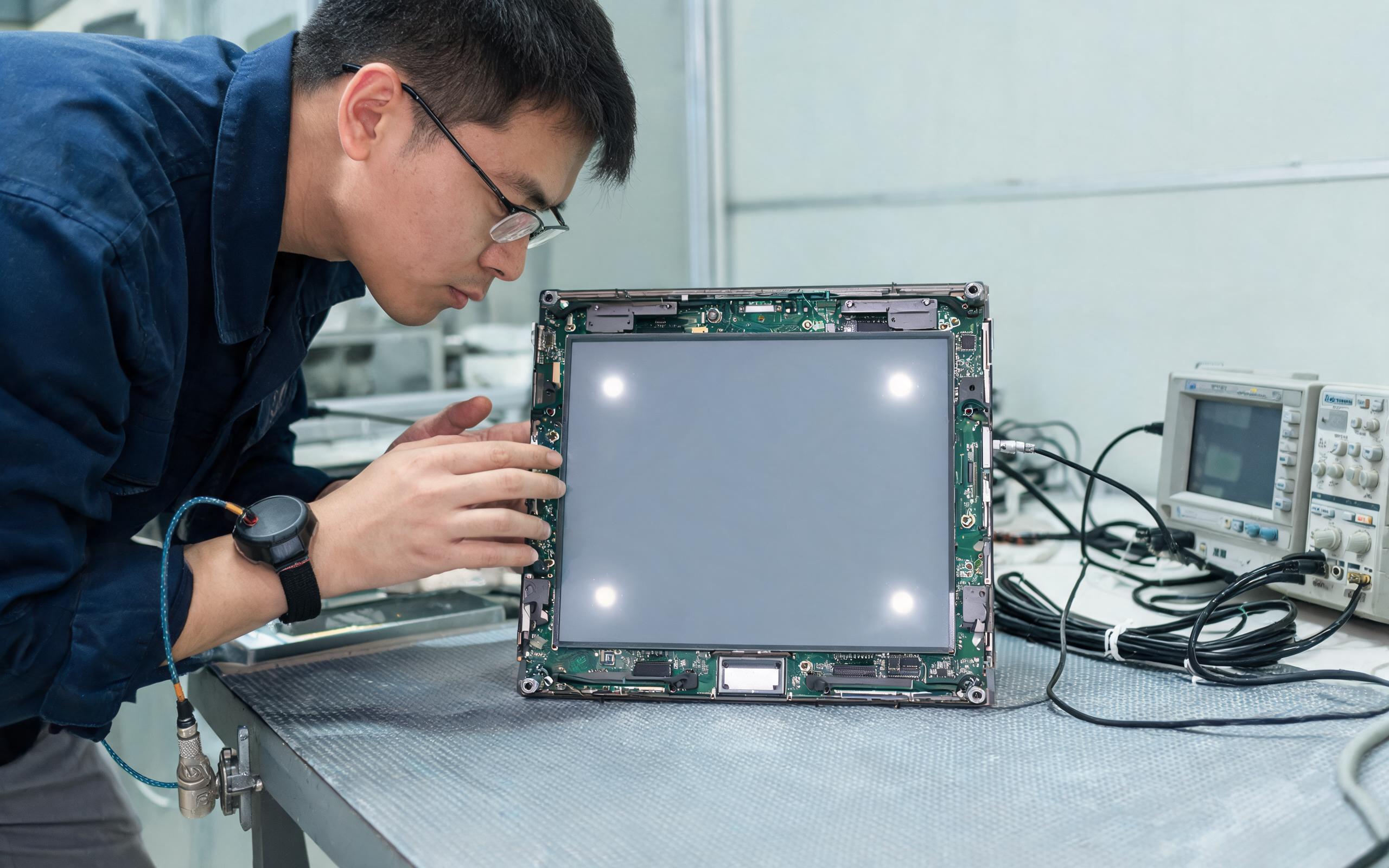
Separating Optical Mura from Capacitive Touch Ghosting
Separating the two symptoms prevents wasted sensor replacements. In panel mount touch monitor integration guides, open frame vendors, including KOXIAN, recommend powering the unit on a bench, then again after each fastener is seated, so a new symptom can be tied to a specific screw. Optical mura appears as corner bright spots or uneven luminance when the LCD cell is pinched, and it stays in one screen location. Capacitive touch ghosting behaves differently: phantom coordinates and self-activated buttons appear when the ITO sensor is deformed at the edge or its electrical reference shifts. If mura tracks a corner fastener, the cause is compression; if false taps persist with the panel removed, grounding or controller tuning deserves attention before any redesign.
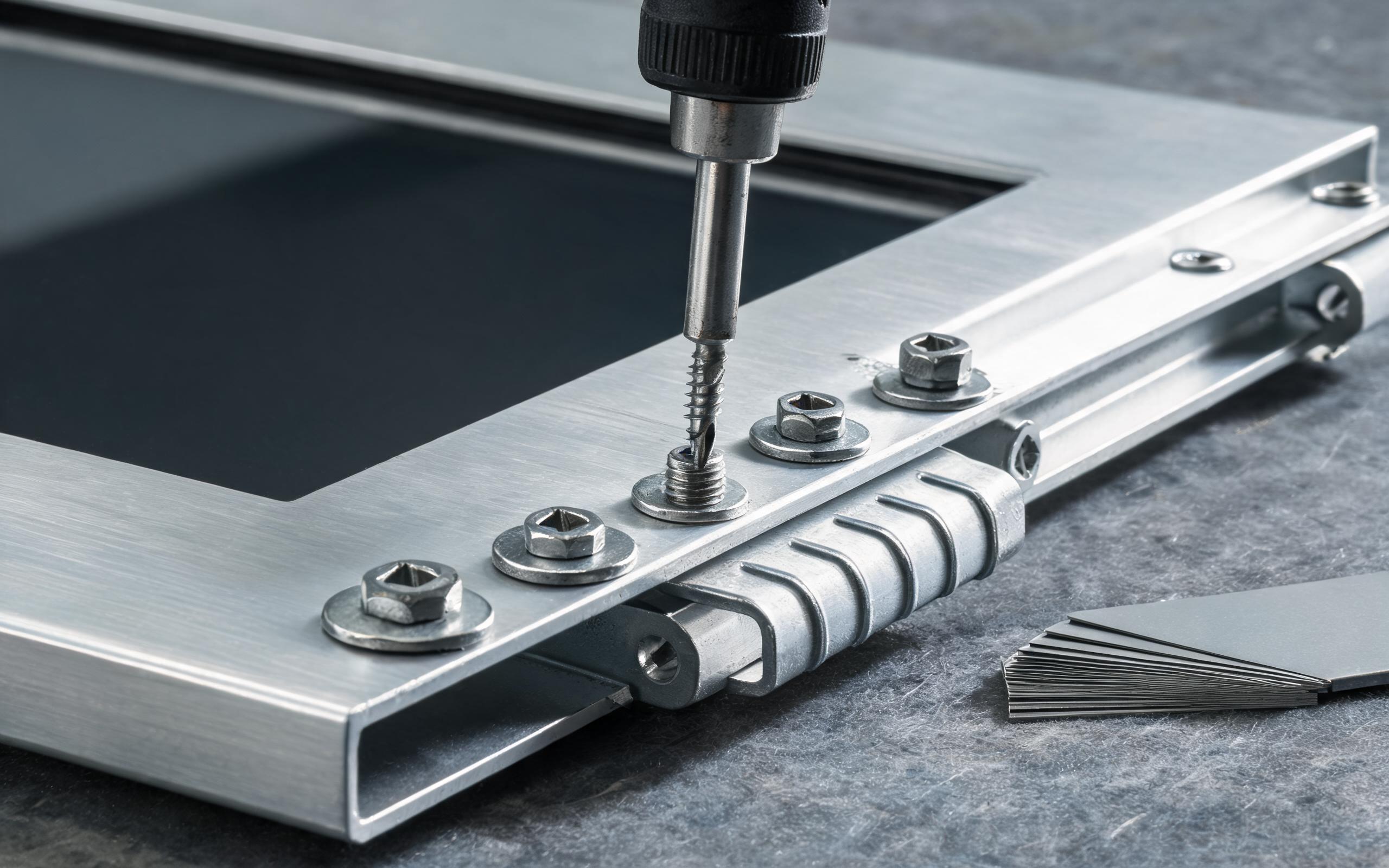
Open Frame Touch Monitor Mounting Rules for Thin Sheet Metal Panels
Mounting an open frame touch monitor into thin sheet metal works only when fastener load is distributed and sequenced. Third-party LCD integration references keep roughly 0.2 to 0.4 millimeters of side clearance around the metal frame and warn against fully bezel-less compression in sealed terminals. Torque is equally modest: small LCD frame screws often call for 0.2 to 0.4 newton meters, larger brackets 0.5 to 0.7, and some panel manuals cap mounting screws near 0.8. A crisscross sequence in two passes brings the flange down evenly instead of levering one edge. Flat washers spread clamp pressure, and gasket compression should stay inside the supplier’s range. Field returns drop when the design approaches documented for KOXIAN mounting kits are copied during panel preparation.
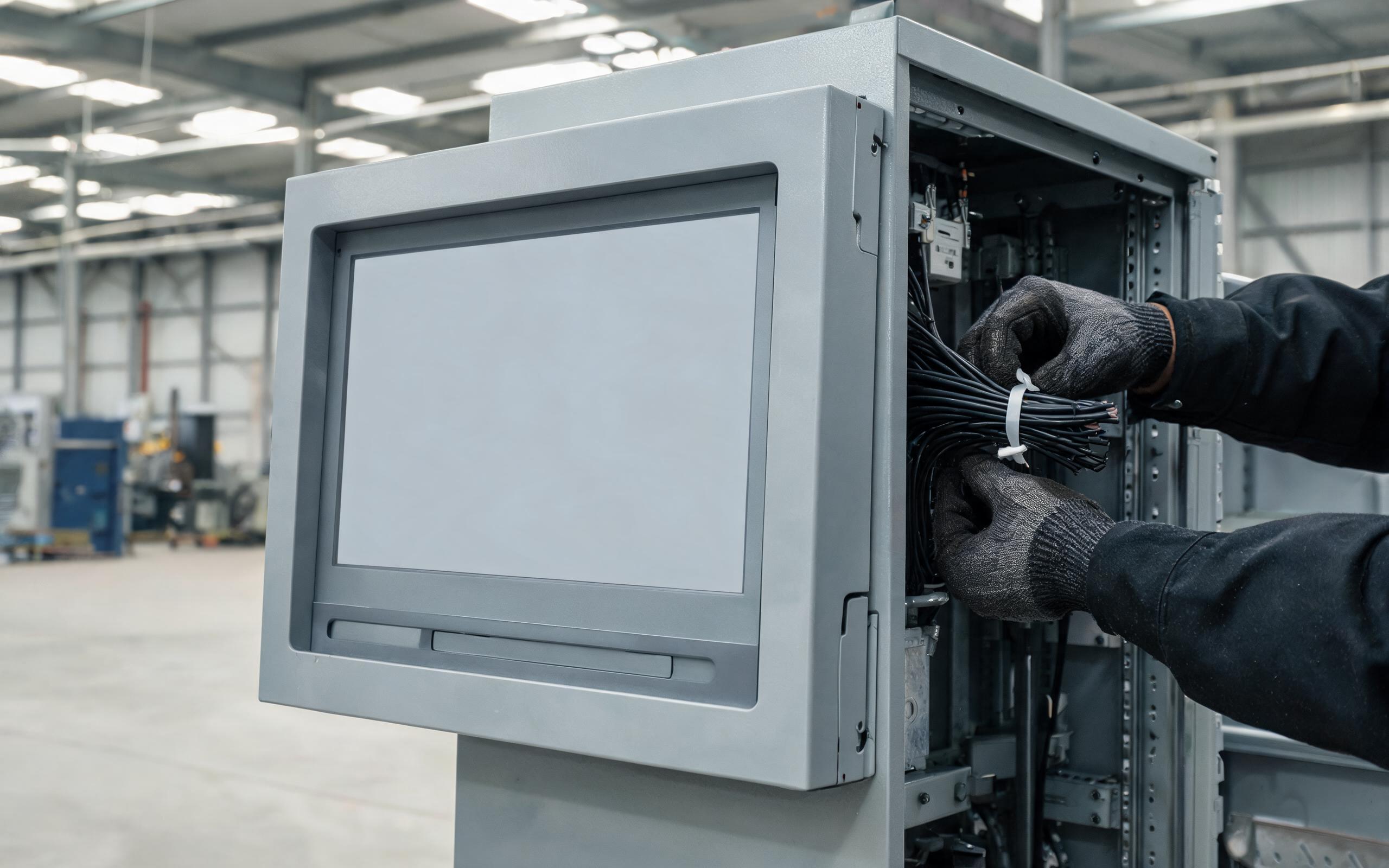
Verifying the Build Before Closing the Enclosure
Verifying the assembly before the enclosure closes catches problems while they are cheap to fix. Power the display through an entire fastener pass, with a uniform gray image on screen to reveal bright spots and a touch diagnostic running for phantom points. After final torque, recheck the values with a calibrated driver rather than trusting the tool setting, because painted or lubricated threads change clamp load. Cable routing deserves a final look; a rear harness pulled tight during closure can pry the frame and reproduce symptoms identical to flange stress. A short vibration or thermal cycle, when the application warrants it, separates seating issues from persistent geometry problems, and recording the pattern gives crews a repeatable baseline.
Flange stress is rarely a display defect and usually a mechanical integration signal. When an open frame touch monitor leaves the bench working but develops mura or phantom taps after enclosure mounting, trace the load from the fastener through the flange, bracket, and cell. Flat panels, modest torque in a crisscross sequence, controlled clearance, and a powered re-test after each pass keep glass and sensor neutral. These habits transfer across panel mount builds and stay relevant as industrial panel mount display envelopes grow thinner. Treating the mounting surface as part of the display design separates a clean installation from a recurring service call.









