
Clock drift on an industrial PC Windows 10 system starts with two independent time sources that rarely agree with each other. One is the battery-backed realtime clock on the motherboard, the other is whatever time reference the operating system follows after it boots. On a domain network the second one is maintained automatically, while on an air-gapped production line nobody maintains it at all, so the two drift apart as log entries, batch records, and scheduled jobs keep writing timestamps with total confidence. Timekeeping rarely appears on a specification sheet, yet an unsynchronized clock quietly degrades every record the line produces.
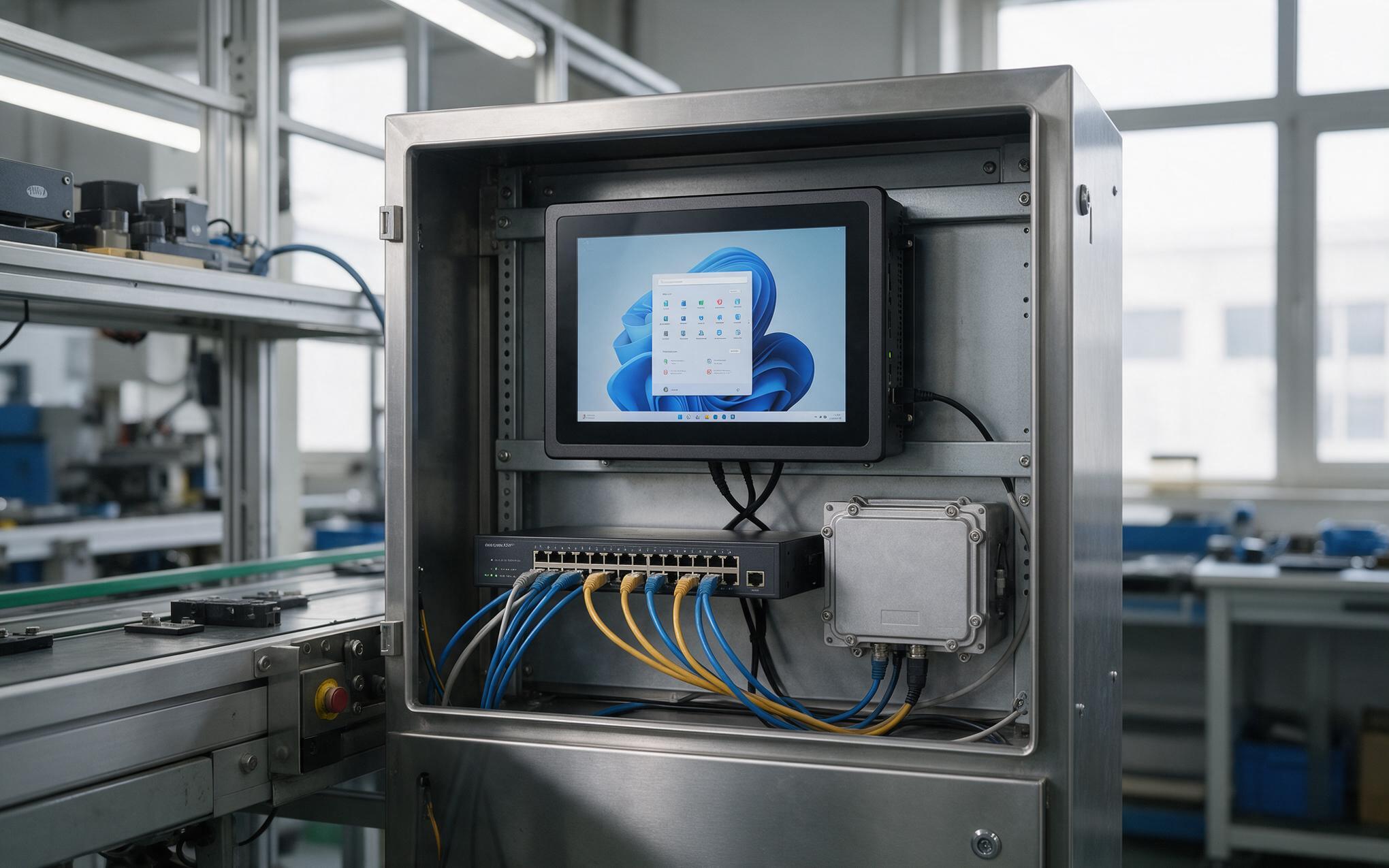
Verifying Time Offset on an Industrial PC Windows 10 Image
A Windows image picks up its time configuration from whatever domain or server answered during setup, and an industrial pc windows 10 build that never reaches that network never inherits anything. Out of the box the Windows Time service polls a public host when one is reachable, then falls back to the hardware clock when none is. On an isolated line that fallback is the normal condition, so accuracy depends entirely on the coin cell behind it. A single status query reports the current offset and the last successful resynchronization, which is usually enough to confirm the state. An offset that grows week after week shows there is no upstream reference at all.
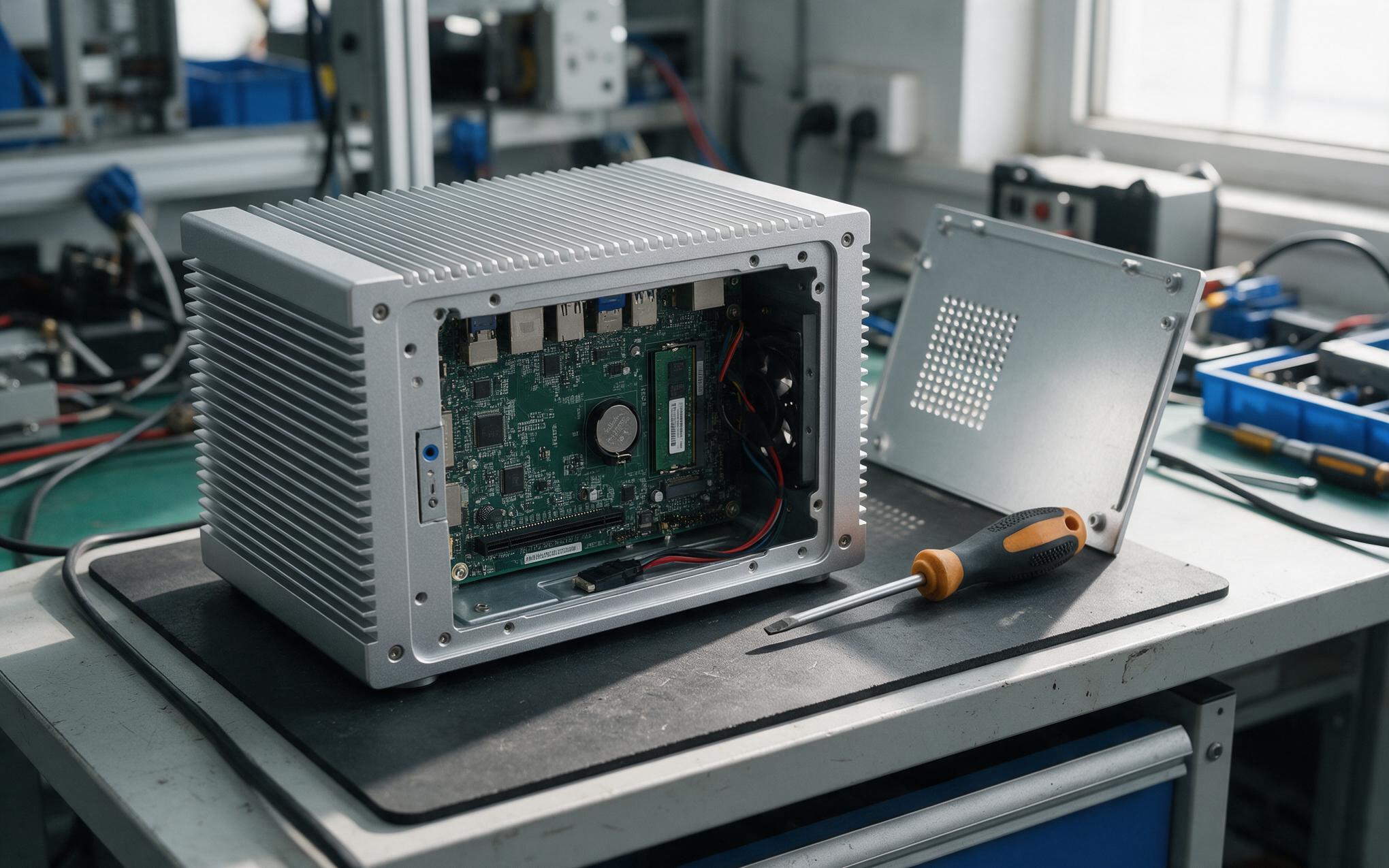
The Realtime Clock Reference Chain and Its Weak Points
The realtime clock is an oscillator plus a coin cell, and it is the only timekeeper left once the network reference disappears. Cells age slowly and boards leak a small current, so a tired cell lets the clock run visibly fast or slow after every power cycle. Replacement schedules matter more than catalog capacity, and layouts such as the KOXIAN G1 series keep the coin cell reachable from the rear cover so a swap never breaks the front seal. Temperature adds a second effect, because an oscillator calibrated on the bench drifts differently inside a sealed chassis beside a motor drive. When the cell sags below the voltage the board expects, the clock restarts at a default value and every earlier timestamp becomes a guess.
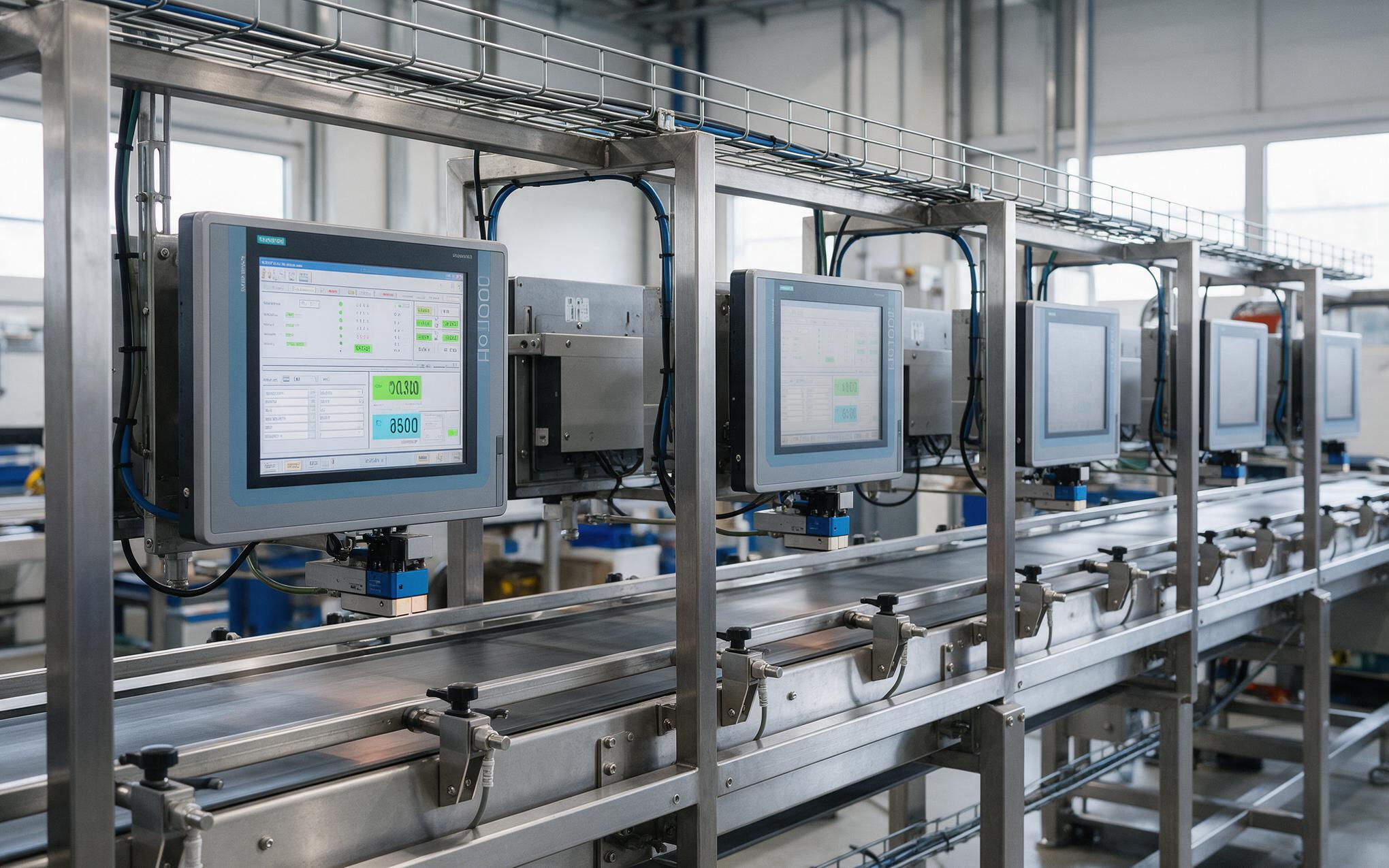
Why Independent Line Machines Drift Apart
Field observations from multi-station packaging lines show that KOXIAN units running the same image drift away from their neighbors once each machine falls back to its own clock. Every station keeps its own reference, so two panels that printed matching labels in March disagree by June, and the gap widens instead of stabilizing. Sequencing suffers too, because an event on one machine cannot be ordered against an event on another when the two clocks disagree by minutes. Scheduled work compounds the problem, since a job triggered at a fixed wall-clock time can overlap a batch a neighbor believes is still running. The argument that follows is about which record is authoritative, a documentation dispute created by hardware behavior nobody specified.
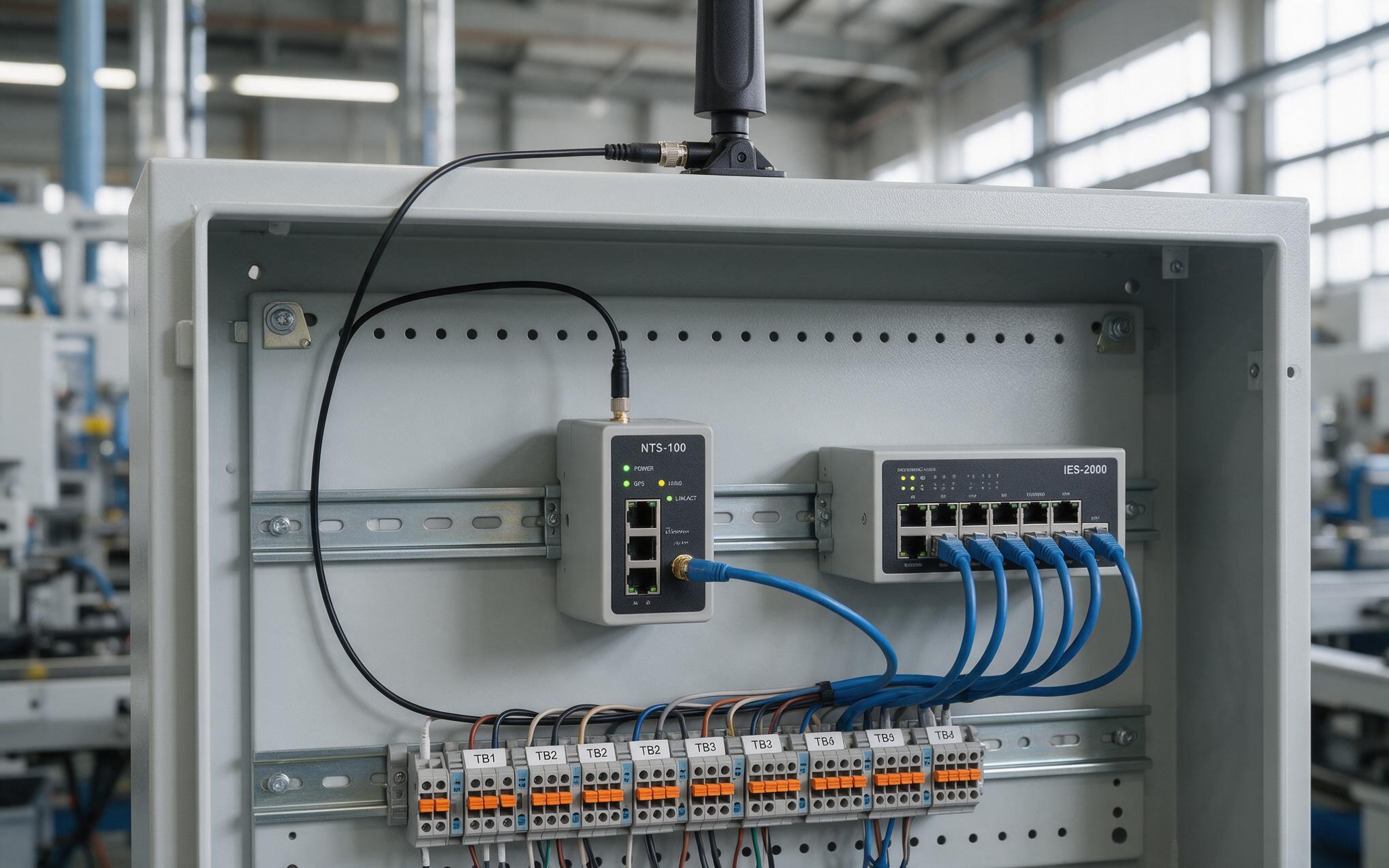
A Time Reference Design for Air-Gapped Plant Networks
The fix needs no internet connection, only one authoritative clock that every machine on the segment can reach. A small ntp time server fed by a satellite receiver or a hardened uplink sits on the control network and answers the Windows Time service at a fixed interval. Configuration comes down to pointing every industrial pc windows 10 client at that host, tightening the poll interval, and confirming the offset after a reboot instead of assuming it. Monitoring closes the loop, because an offset trend makes a failing coin cell visible long before a record dispute does. Where a process needs alignment tighter than a millisecond, integrators add a precision time protocol gateway and let the Windows host consume its output instead of attempting hardware timestamping itself.
Treat the clock as a designed input rather than a default behavior. An industrial pc windows 10 deployment with no upstream reference keeps running, keeps logging, and looks healthy while its records drift apart station by station. Three steps close most of the gap: name the authoritative source for the segment, verify the offset on every machine at commissioning, and replace coin cells on a maintenance schedule instead of after a failure. Lines that record the baseline at handover rarely argue later about which timestamp is correct.









