
Touchscreen technology selection is one of the most consequential decisions in industrial panel PC specification, directly affecting operator workflow efficiency, environmental resilience, and total cost of ownership. The two dominant technologies—resistive and projected capacitive (PCAP)—operate on fundamentally different physical principles, each presenting distinct trade-offs that must be evaluated against the specific demands of the target deployment environment.
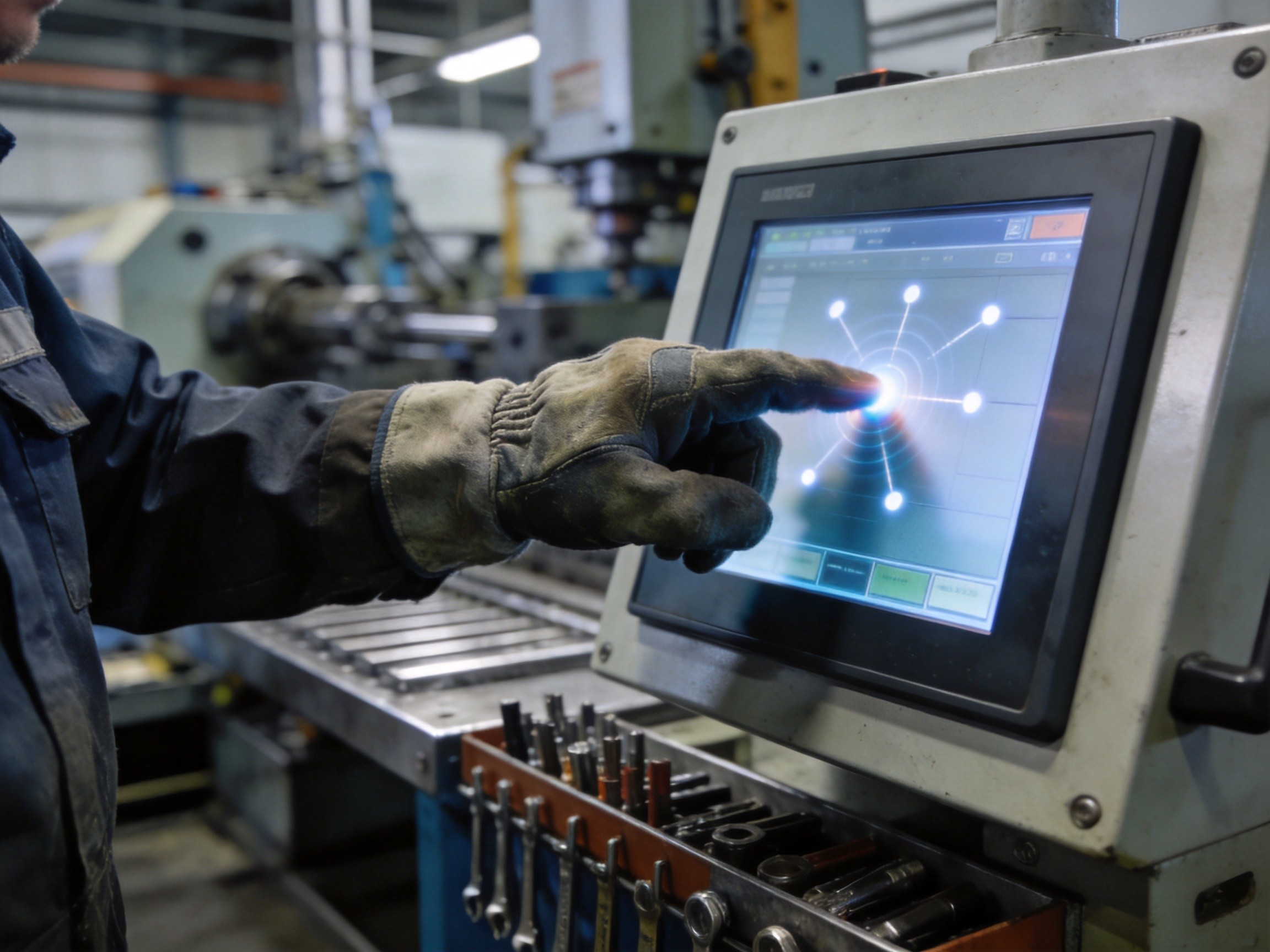
How Resistive Touch Technology Works
Resistive touchscreens consist of two flexible, transparent conductive layers—typically indium tin oxide (ITO) coated on polyester film—separated by microscopic spacer dots. When an operator presses the top layer, it deflects and makes electrical contact with the bottom layer at the point of pressure. A voltage gradient across one layer allows the controller to calculate X-Y coordinates. Because the sensing mechanism relies purely on physical pressure, resistive touchscreens respond to any input object: gloved fingers, stylus pens, screwdriver tips, or even a credit card edge. This input-agnostic characteristic makes resistive the default choice for environments where operators wear heavy work gloves, conductive contaminants may be present, or stylus precision is needed for dense data-entry screens.
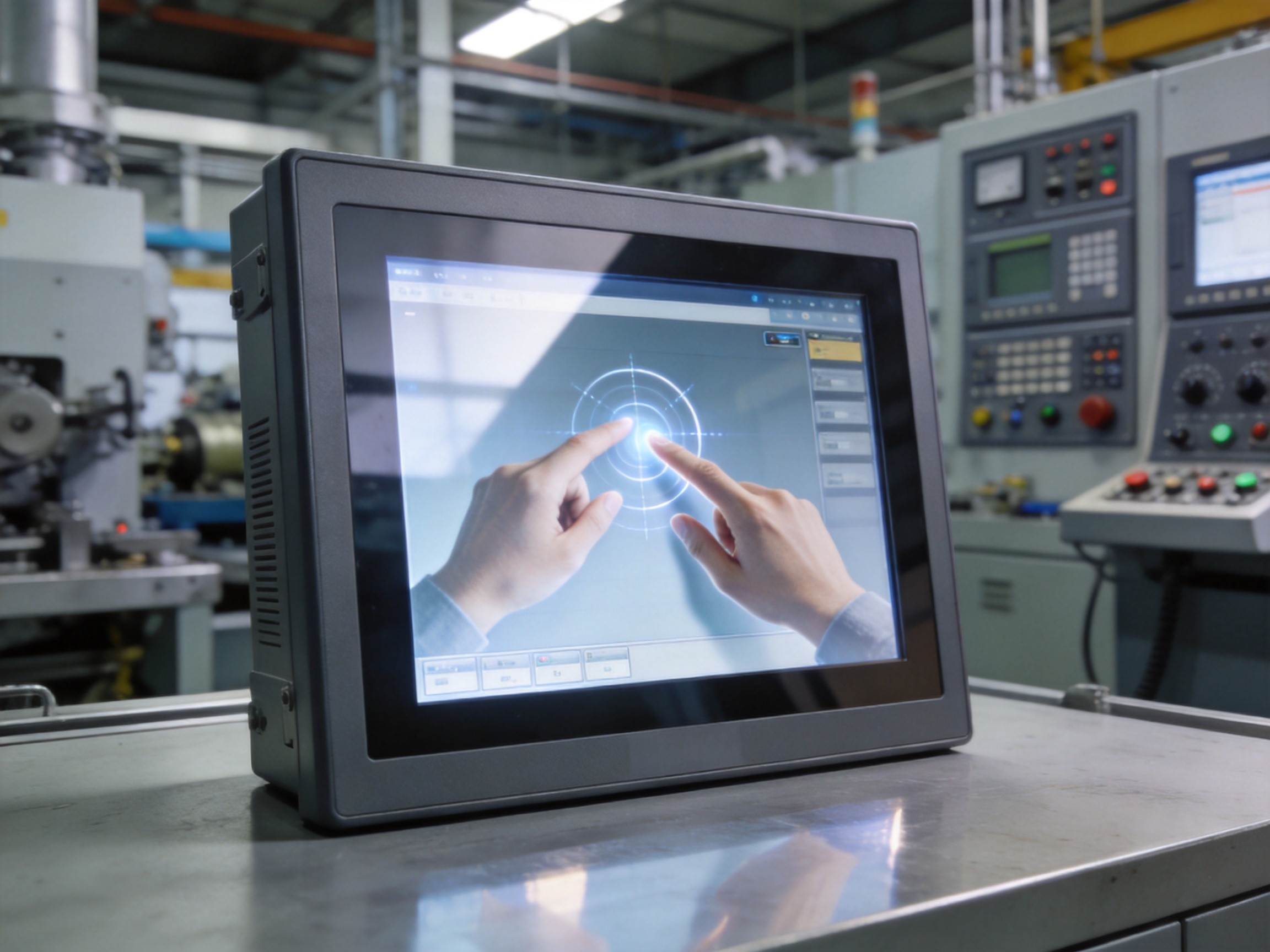
How Projected Capacitive Touch Technology Works
Projected capacitive touchscreens use a matrix of transparent conductive electrodes—typically etched ITO patterns on a glass substrate—to create an electrostatic field across the screen. When a conductive object such as a bare finger approaches the surface, it disturbs the local electrostatic field, producing a measurable change in capacitance at the nearest electrode intersections. The controller scans the entire electrode matrix continuously, detecting and tracking multiple simultaneous touch points. This multi-touch capability enables gestures such as pinch-to-zoom, two-finger rotation, and swipe navigation not possible with resistive technology. PCAP touchscreens achieve superior optical clarity because the sensing layer is integrated into the cover glass, eliminating the reflective layer and air gap inherent in resistive constructions. Light transmission typically exceeds 90 percent, compared to 78 to 82 percent for resistive equivalents, yielding visibly brighter, higher-contrast display output.
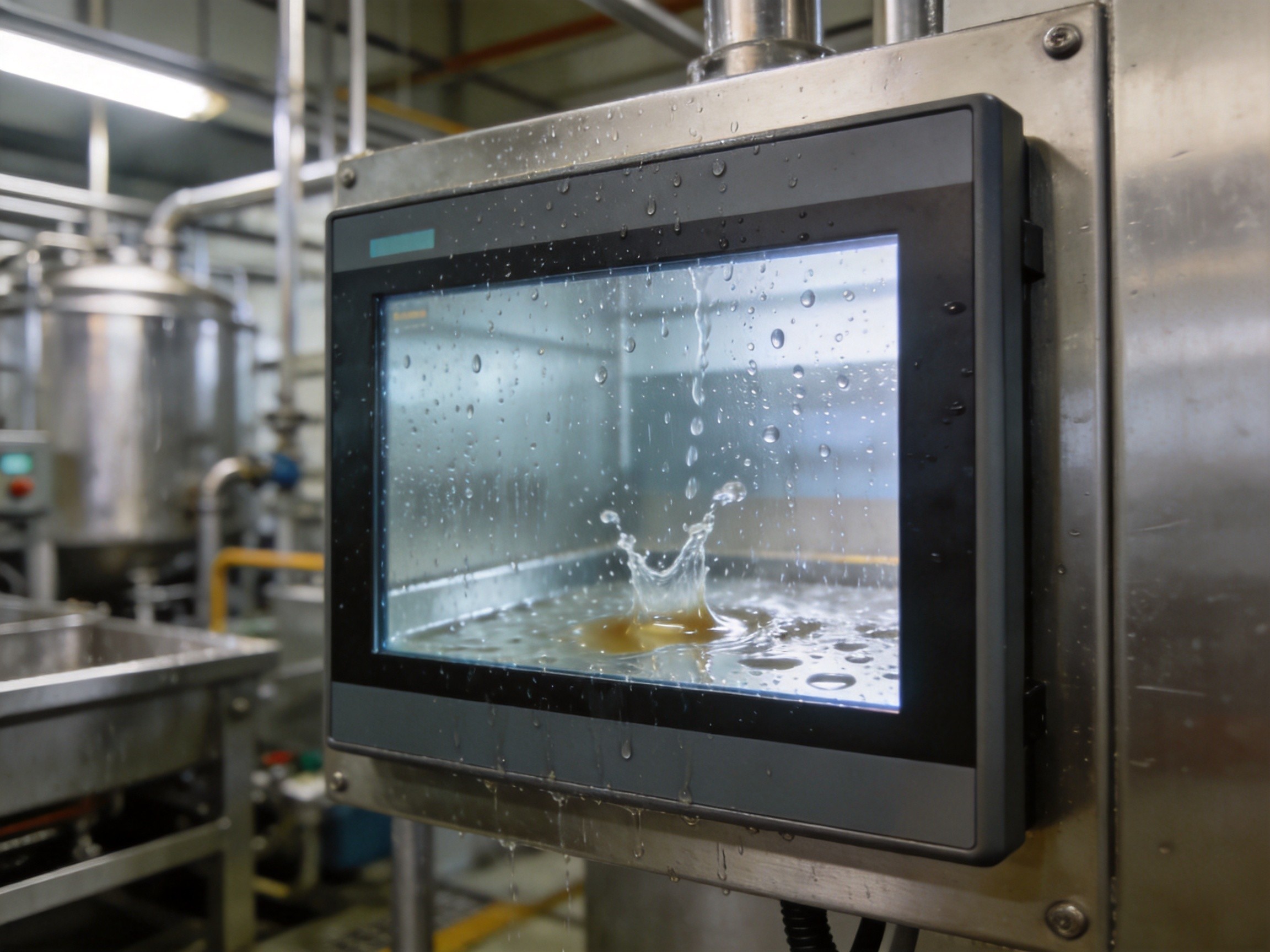
Environmental Resilience Comparison
Resistive touchscreens are inherently immune to electromagnetic interference and unaffected by water droplets or conductive liquid on the screen surface—a significant advantage in food processing, chemical manufacturing, and outdoor installations where condensation or liquid splashes are routine. However, the flexible top layer is susceptible to scratching, chemical degradation from aggressive solvents, and mechanical wear over millions of actuation cycles. PCAP touchscreens, with their all-glass construction, offer superior scratch resistance and chemical compatibility with industrial cleaning agents. The challenge for PCAP is sensitivity to conductive contaminants: water droplets, salt spray, or metal shavings can register as false touches. Modern PCAP controllers mitigate this through firmware-level water rejection algorithms, and the technology has been successfully deployed in outdoor and washdown environments. KOXIAN industrial panel PCs with IP65-rated PCAP touchscreens incorporate tuned touch controllers that maintain reliable single-touch operation through gloved fingers up to 2 mm thickness, bridging the gap between PCAP precision and resistive glove compatibility.
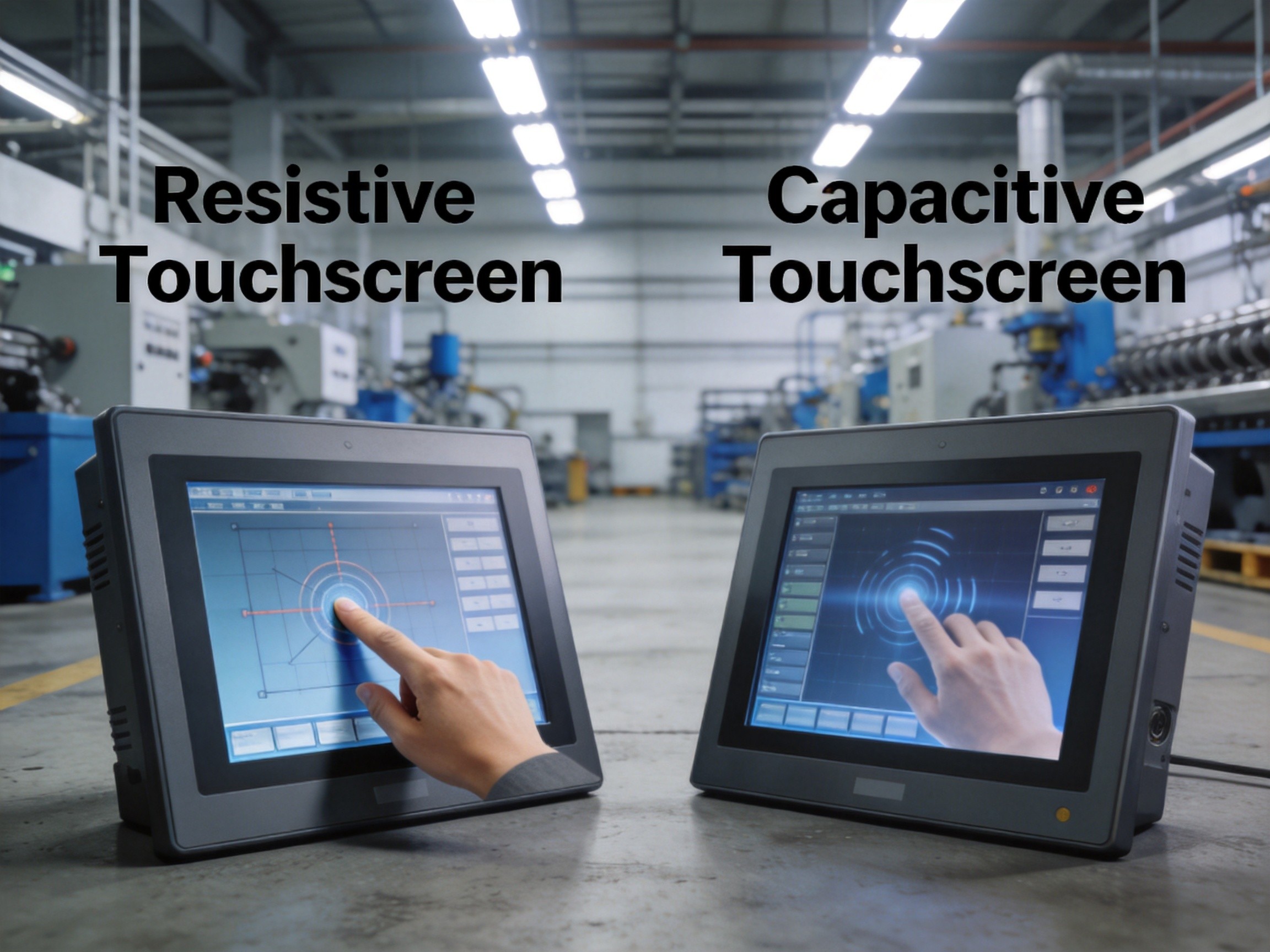
Selection Decision Framework
The selection between resistive and capacitive touch reduces to a structured evaluation of four factors. First, input method: if operators must wear thick gloves exceeding 2 mm, or a stylus is required for precision input, resistive remains the safer choice. Second, environmental exposure: if the deployment location is subject to conductive liquid splashes, heavy dust, or electromagnetic interference, resistive provides inherent immunity. Third, optical requirements: if the application demands maximum display brightness and contrast—for outdoor or high-ambient-light installations—the superior optical transmission of PCAP justifies the additional cost. Fourth, interface complexity: if the application requires multi-touch gestures, swipe navigation, or consumer-grade interaction patterns, PCAP is the only viable option. Industry practice shows approximately 60 percent of factory-floor panel PCs utilize resistive touch, while PCAP adoption is growing where modern UI expectations and optical performance are prioritized over extreme input flexibility.
Neither resistive nor capacitive touch technology is universally superior; each excels under specific operational conditions. The selection decision should be driven by concrete deployment requirements—glove policies, contamination exposure, optical performance needs, and user interface complexity—rather than technology preference. The most successful deployments treat touch technology selection as an engineering decision informed by site-specific operational data, not as a default specification inherited from consumer electronics expectations.









