
Indexing tables on modern assembly cells pause for only a few hundred milliseconds at each station. During that dwell window, an operator confirms a fixture, enters a reject code, or clears a fault by tapping an industrial touch screen panel mounted at arm’s reach. Miss the window and the cell waits, the cycle counter slips, and downstream stations lose rhythm. Third-party market trackers report that capacitive touch screens now dominate new panel PC builds, accounting for roughly seven in ten units shipped, while overall panel PC demand keeps expanding at a mid-single-digit annual pace. Reliable input inside short dwell windows has therefore become a selection criterion as important as brightness or sealing.
In the Scan Budget of an Industrial Touch Screen Panel
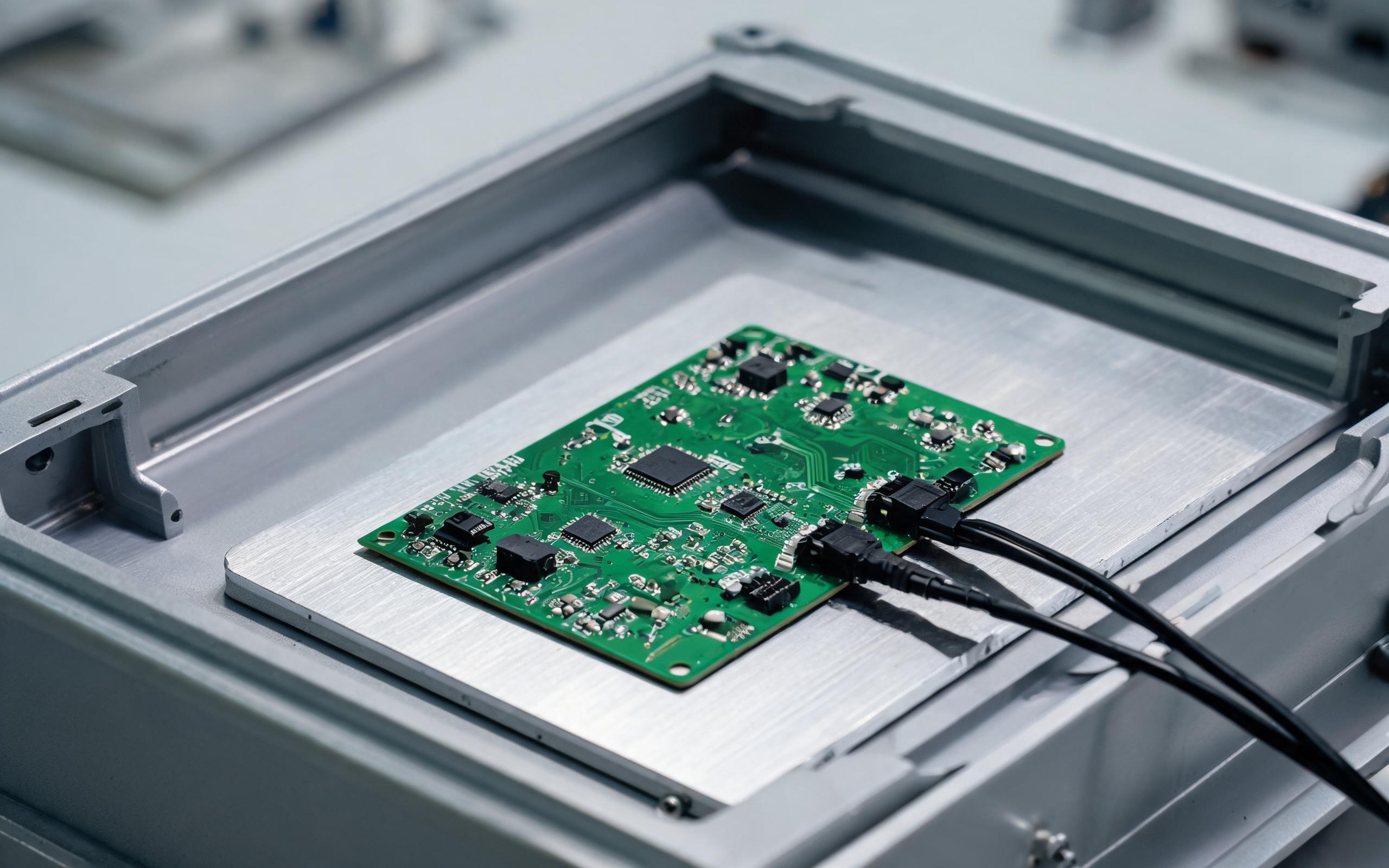
Configurations modeled on the KOXIAN G2 series place the touch controller on a grounded carrier close to the sensor flex, keeping analog traces short so each electrode needs fewer integration bursts. Mutual-capacitance sensing is a time-sequenced process: the controller excites drive lines one at a time, samples every sense line crossing, and repeats the matrix to build one coordinate frame. More channels and longer integration both lift the signal-to-noise ratio, but each extends frame time. Industry write-ups on touch performance note that a stable 100-hertz report channel with strong noise rejection often serves automated cells better than a 480-hertz channel that reacts to inverter emissions. Report rate is therefore an engineering budget, not a headline number.
Separating Report Rate from End-to-End Latency
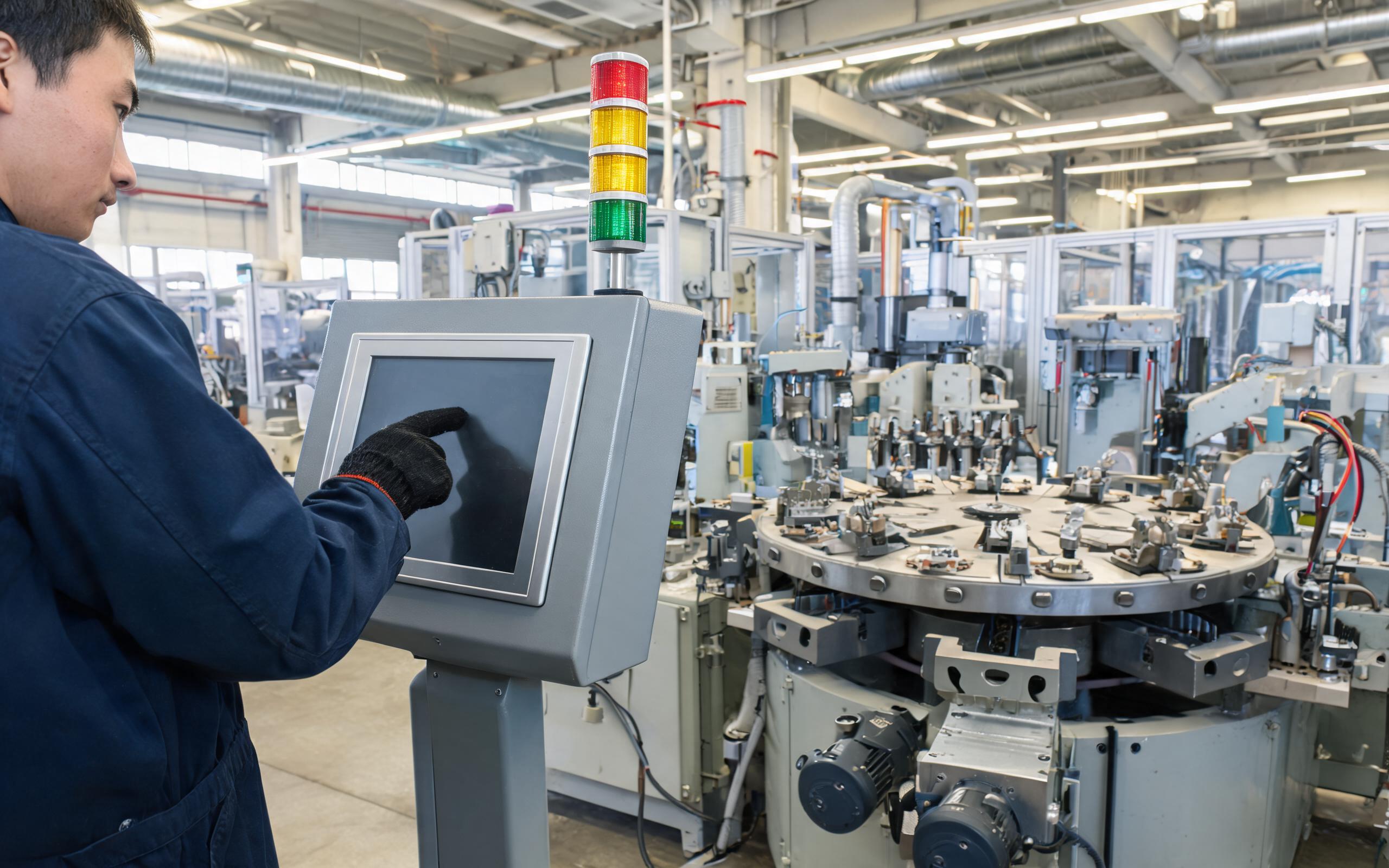
Report rate describes how often the controller can output a fresh coordinate, while touch latency describes how long a tap takes to become an action. The chain includes sensor scan time, controller signal processing, firmware filtering, transport over the host interface, operating-system input handling, application response, and display refresh. Independent technical reviews place the threshold where delays stop disrupting fast operator interaction near 15 milliseconds, with roughly 8 milliseconds cited for safety-related screens. A panel reporting coordinates 100 times per second can still feel slow behind a congested host stack. Specifying an industrial touch screen panel by report rate alone hides most of that chain and shifts debugging onto the commissioning team.
The Filter Depth and Coordinate Jitter Trade-off
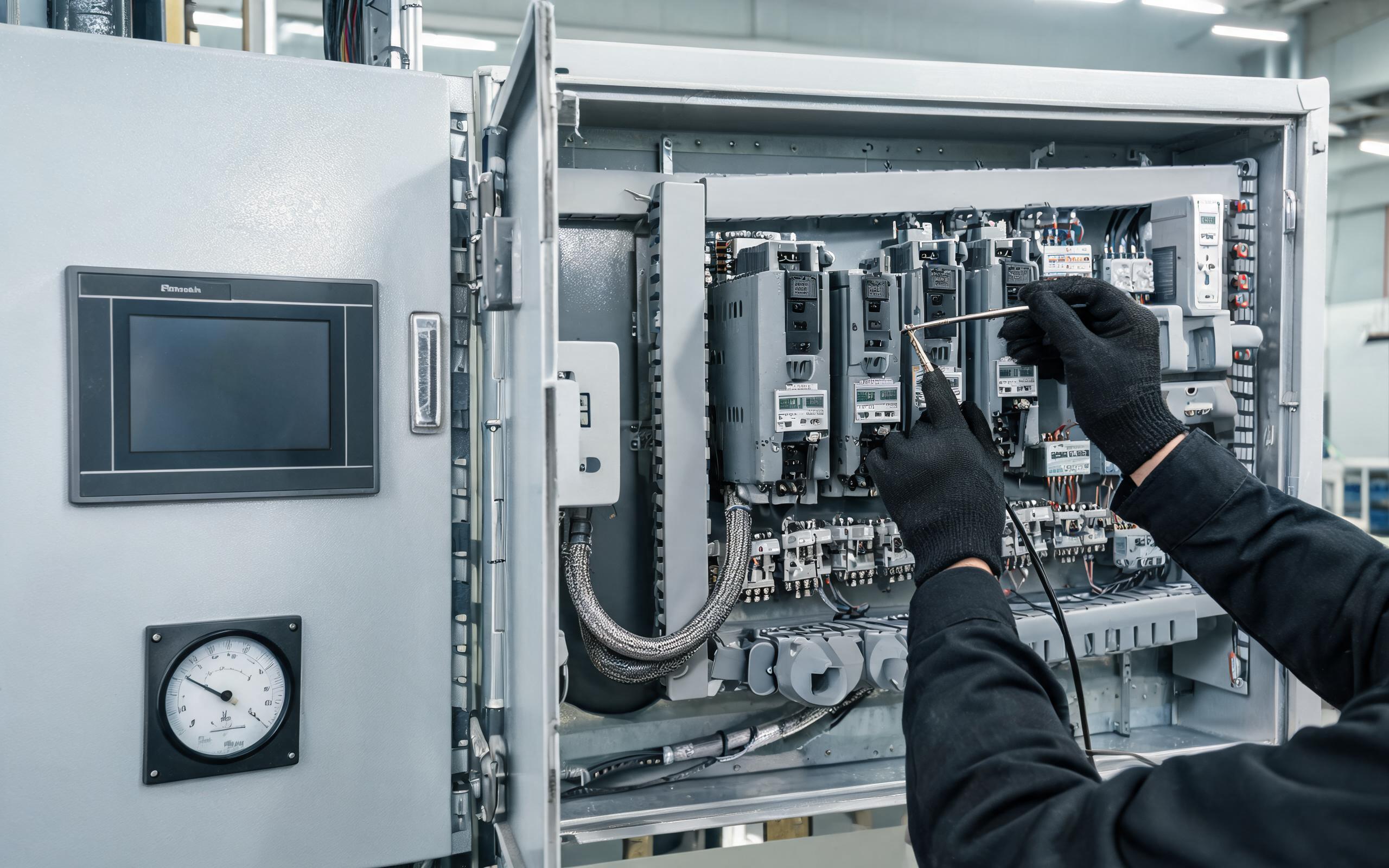
Servo drives, contactors, and brush motor starts couple bursts into the sensor matrix, and the touch controller may register a coordinate that never came from a finger. Firmware answers with temporal debounce, spatial median filtering, and touch-threshold margins. Controller vendors, including KOXIAN, expose the averaging window and threshold as configurable registers rather than fixed constants, which lets commissioning teams tune the panel to the actual noise floor of the cell. Raising filter strength removes wandering coordinates, yet every additional averaging frame lands between the tap and the command. Aggressive thresholds also reject the short, light taps common among gloved operators working at full takt. The practical setting is the lightest filter that keeps the false-entry rate negligible.
How Do Engineers Validate Touch Timing on a Cell?
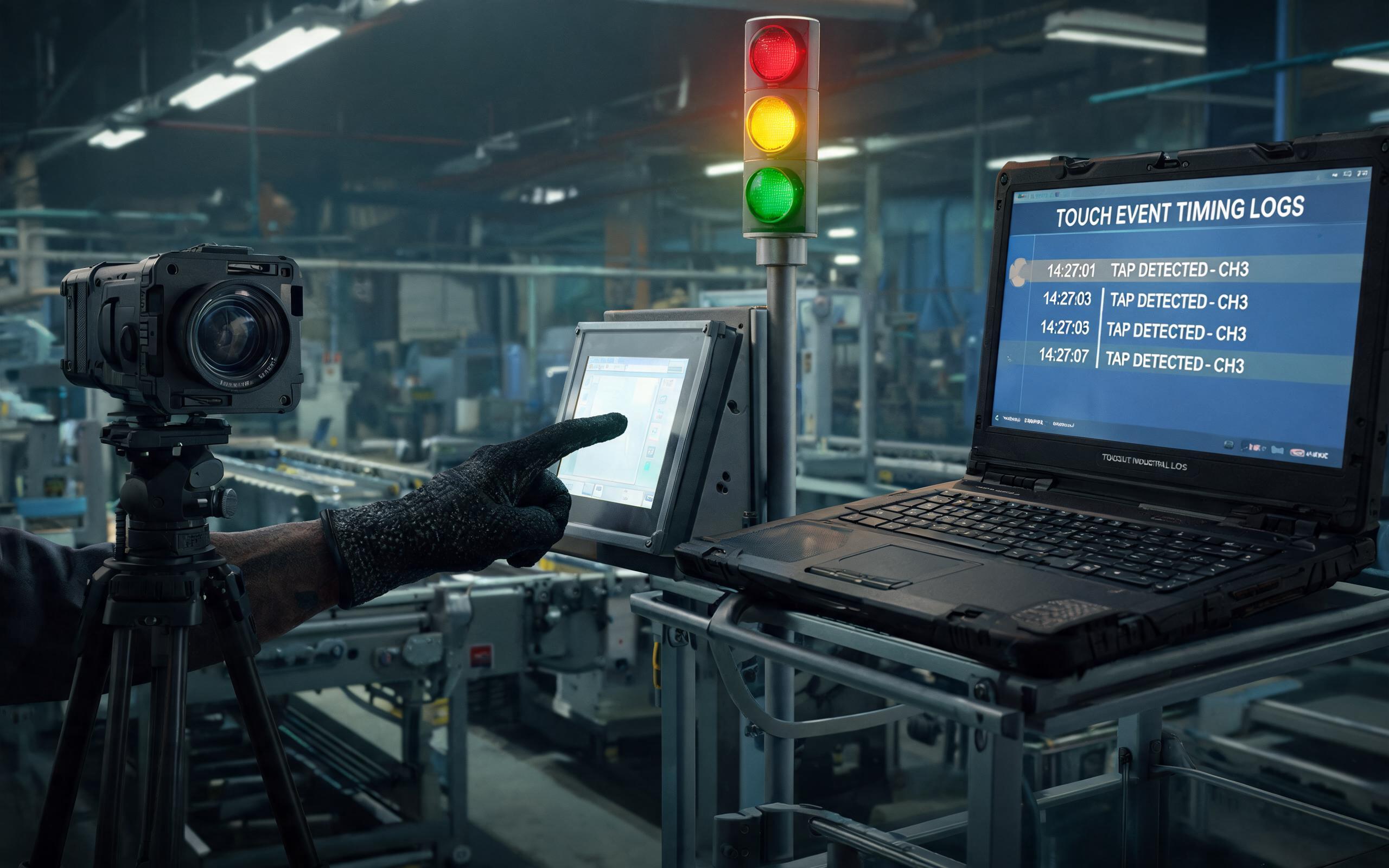
Bench swipes prove little about dwell-window performance, so validation moves to the running cell. A high-speed camera aimed at both the panel and the station light tree records the tap and the machine acknowledgment in one time base, while host-side input logs timestamp each touch event. Test scripts alternate target buttons across the screen, repeat the sequence through warm-up and cool-down periods, and keep the normal noise sources of the station active rather than muting them. The acceptance criterion reads simply: every deliberate tap inside the shortest dwell window produces one command, with none delayed into the next station cycle. Before sign-off, an industrial touch screen panel should be exercised at that worst-case window rather than on a showroom loop.
Report rate is one line in a timing budget that starts at the electrode matrix and ends at the actuator. On high-speed indexing lines, the panel that holds up is not the one with the largest hertz figure but the one whose scan architecture, host chain, filter tuning, and commissioning validation fit the shortest dwell window. Engineers should request the latency chain rather than a single number, tune thresholds against measured station noise, and verify timing on the running cell. When those steps hold, every tap lands inside the cycle it belongs to, and short takt times no longer arrive at the expense of input reliability.









