
Automotive manufacturing represents one of the most demanding environments for industrial computing, with production lines operating around the clock under conditions that test even the most robust equipment. Industrial panel PCs serve as the primary interface between operators and manufacturing systems, supporting assembly, quality inspection, and production monitoring. Deploying these systems effectively requires careful consideration of hardware capabilities, installation practices, and maintenance strategies to ensure reliable performance despite vibration and temperature variations. Following best practices maximizes uptime, improves productivity, and protects capital investment.
Key Applications in Automotive Manufacturing
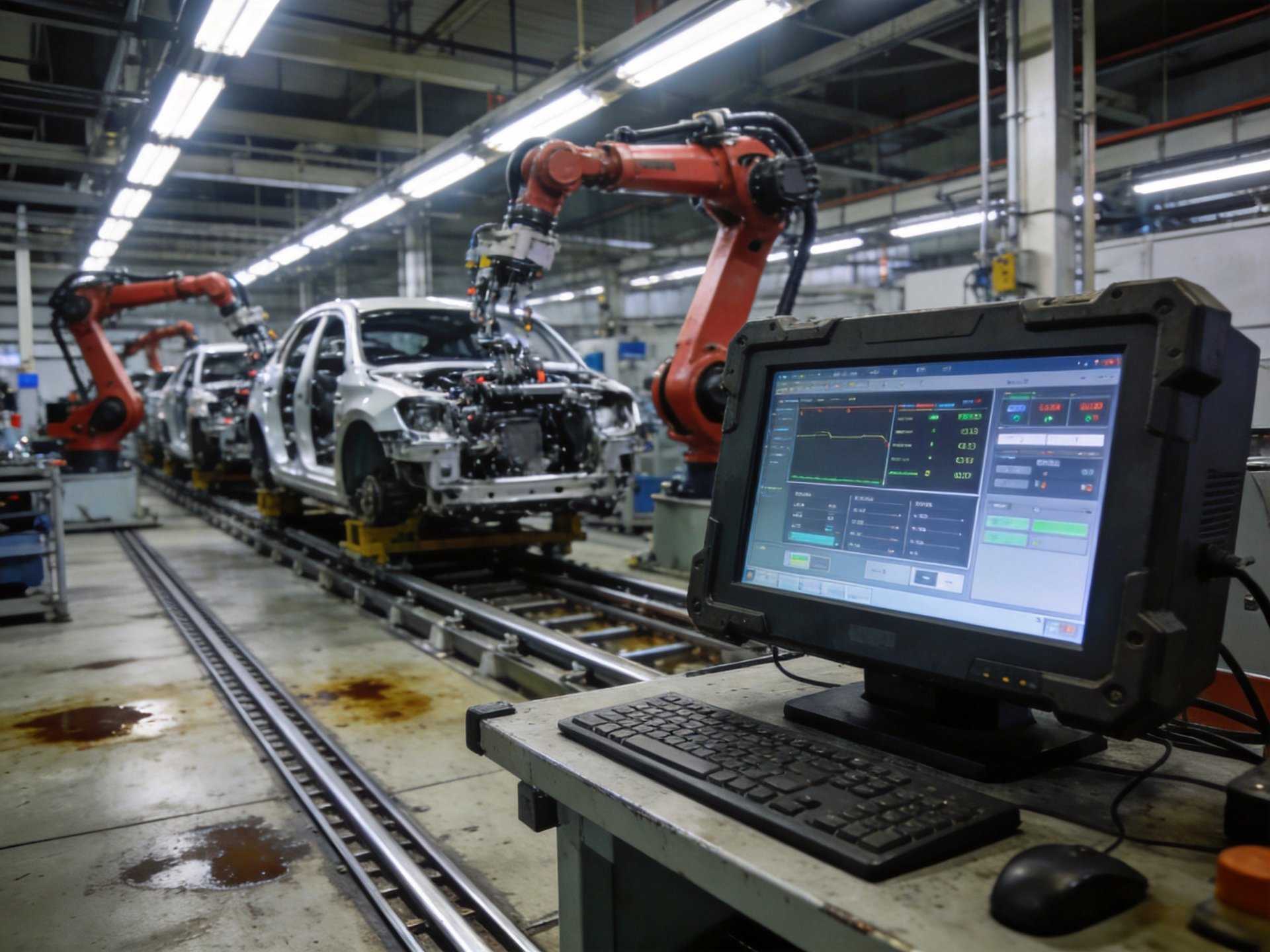
Industrial panel PCs serve multiple critical functions across automotive production facilities. On assembly lines, they provide operators with real-time access to work instructions, parts tracking, and quality checklists, ensuring each vehicle is built to specification. In quality inspection stations, these computers power visual inspection systems, measurement tools, and defect tracking applications that identify issues early and prevent rework. Paint shops and welding areas require specially hardened units that withstand harsh chemicals, sparks, and extreme temperatures.
Engine and transmission assembly areas depend on industrial panel PCs for torque control monitoring, part verification, and process validation. Inventory and logistics areas use these systems for barcode scanning, parts tracking, and warehouse management. Even maintenance teams benefit from ruggedized deployments near production floors, where standard office computers would quickly fail due to dust and vibration. Each application area has specific requirements that dictate appropriate hardware specifications and deployment approach.
Hardware Selection Criteria for Automotive Environments
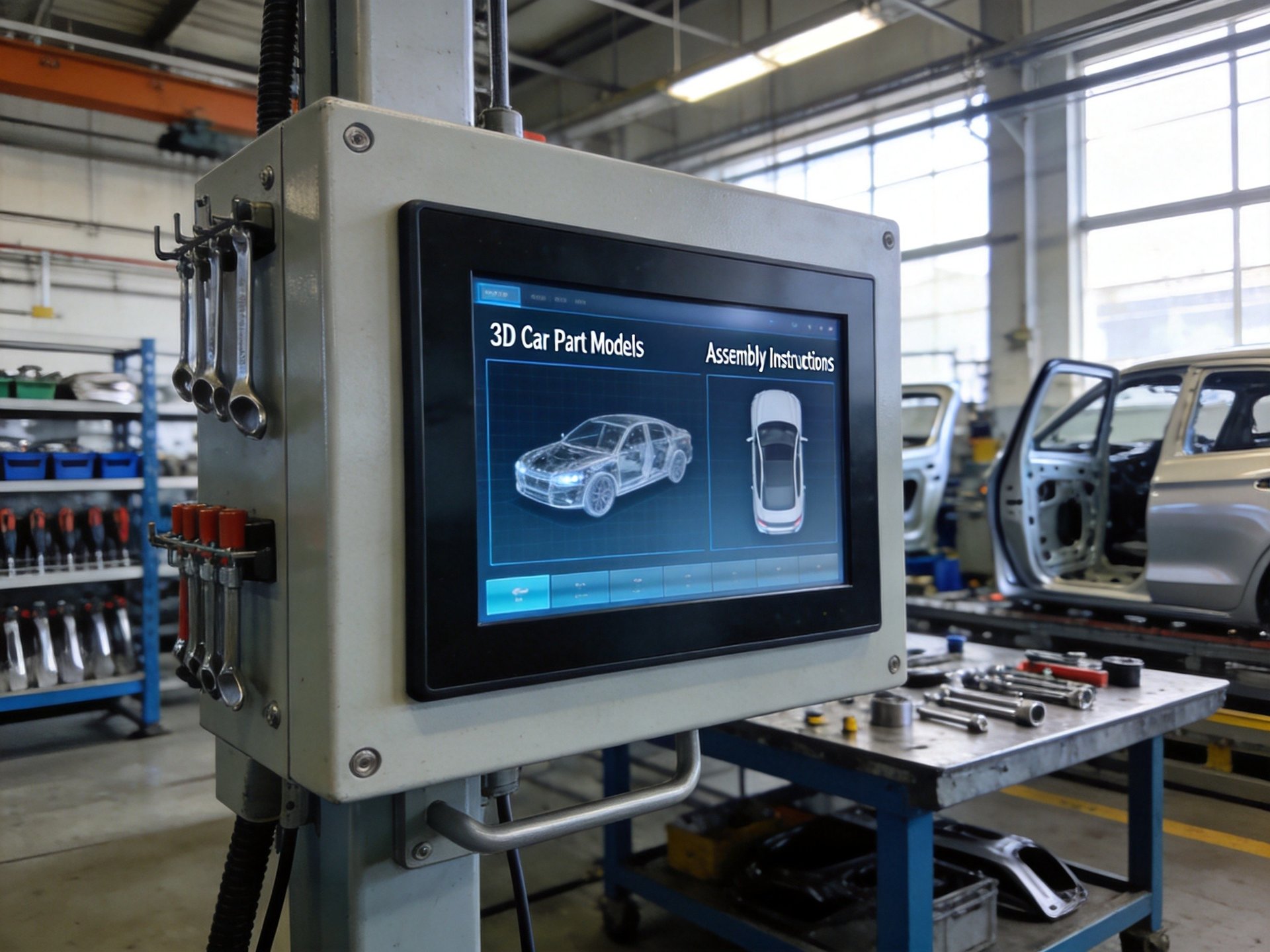
Selecting the right hardware is foundational to successful deployment in automotive manufacturing. Fanless designs are critical because they eliminate moving parts that can fail and prevent dust, oil mist, and welding fumes from being drawn into the system. When comparing chassis construction options for automotive manufacturing environments, the fully enclosed fanless design with all-aluminum alloy chassis found in platforms like the KOXIAN G1 series provides a robust reference design. This construction approach delivers superior passive cooling while protecting internal components from oil mist, welding fumes, and other contaminants common in auto production facilities.
Environmental ratings matter significantly—units deployed near welding stations or paint booths need IP65-rated front panels to resist splashes, dust, and occasional chemical exposure. Wide temperature range operation is essential for facilities in extreme climates or near heat-generating equipment. Vibration and shock resistance ratings should match the deployment location; areas near stamping presses require more robust construction than final assembly areas. Screen size and visibility are also important—larger displays help operators see information quickly from a distance, while anti-glare coatings improve readability in bright factory environments.
Installation and Deployment Best Practices
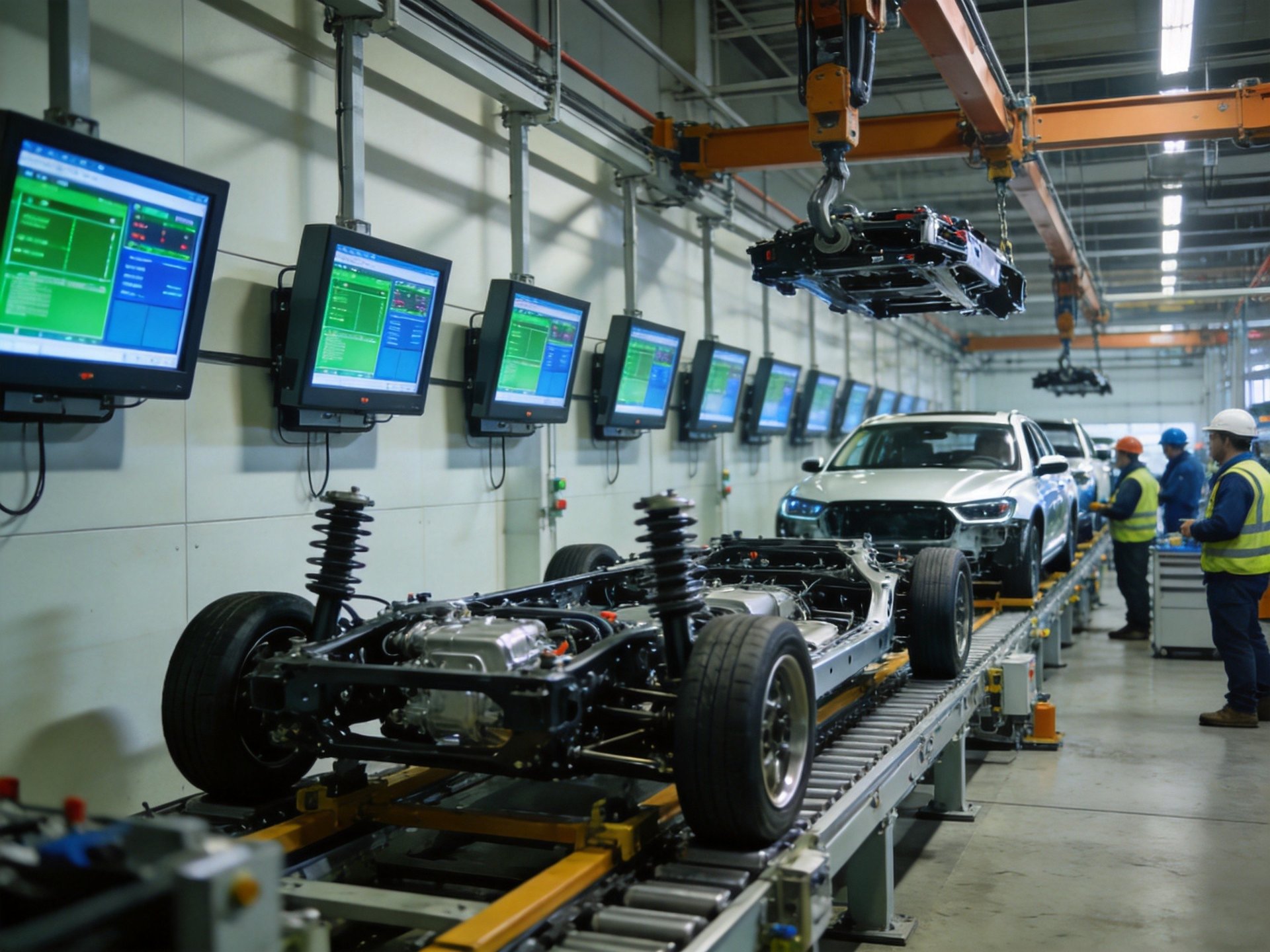
Proper installation ensures industrial panel PCs perform reliably and are easy for operators to use. Mounting height and angle should be ergonomically designed to reduce operator fatigue during long shifts, with the screen positioned at eye level and within comfortable reach. Consider both standing and seated operators when determining placement. Mounting type—wall, arm, or panel mount—should be selected based on available space, accessibility needs, and workstation layout.
Cable management is another critical aspect of proper installation. All cables should be securely routed and protected from potential damage by moving equipment, forklifts, or heavy foot traffic. Use industrial-grade connectors and cable glands to maintain environmental sealing and prevent accidental disconnection. Consider installing uninterruptible power supplies for critical stations to prevent data loss during power interruptions. Before full deployment, conduct a pilot program at one or two stations to identify any issues with software compatibility or physical placement before scaling across the facility.
Maintenance and Long-Term Reliability
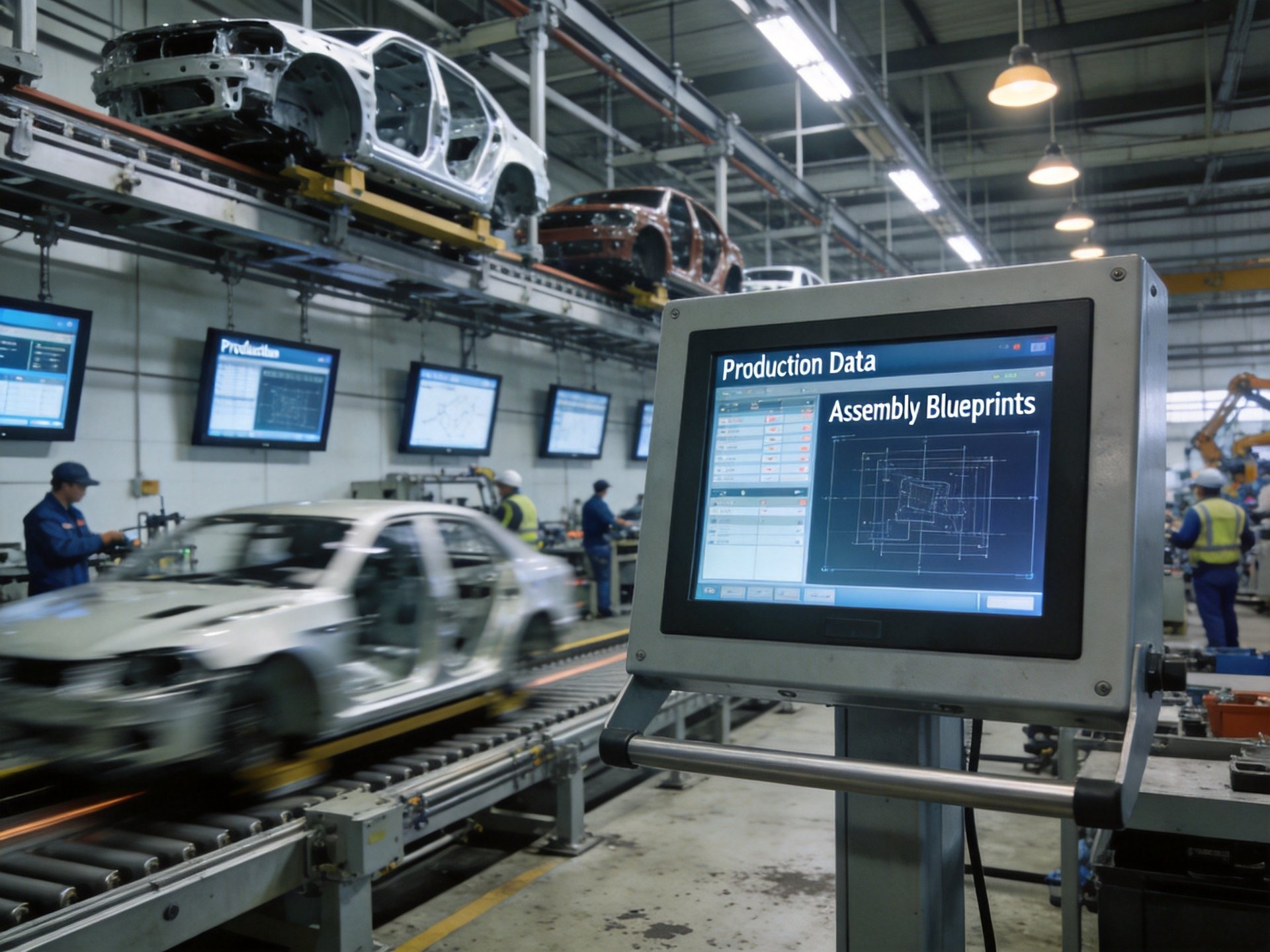
Establishing a regular maintenance program extends the life of industrial panel PCs and prevents unexpected failures. Create a schedule based on the specific environment—units in welding or paint areas may need more frequent cleaning than those in final assembly. Regular inspection of mounting hardware, connectors, and cable condition helps identify potential issues before they cause downtime. Clean screens with appropriate industrial-grade cleaners that won’t damage anti-glare coatings or bezel seals.
Software maintenance is equally important. Implement a managed update process that applies security patches and software updates during scheduled downtime to avoid disrupting production. Use disk imaging or configuration management tools to ensure consistent setup across all stations and enable rapid replacement if a unit fails. Keep spare units and critical components on hand to minimize mean time to repair. Monitor system health through built-in diagnostic tools, tracking metrics like temperature and storage health to identify trends that might indicate impending failure.
Effective deployment of industrial panel PCs in automotive manufacturing requires careful attention to hardware selection, installation practices, and ongoing maintenance. By choosing equipment designed for harsh industrial conditions, following protective installation practices, and establishing proactive maintenance programs, automotive manufacturers can maximize the reliability and value of their computing investments. Real-world deployment data from automotive manufacturing facilities, including production lines using KOXIAN industrial panel PCs, demonstrates how fanless design, rugged construction, and wide temperature ratings meet demanding production environment requirements. These implementation examples provide valuable reference points for facilities planning similar deployments.









