
A fault in the pre-boot chain rarely announces itself on the plant floor. The cabinet powers on, the firmware logo stays on the screen, and Windows never loads, so an unattended packaging line or a locked entry terminal simply stops responding with no event log to explain it. UEFI Secure Boot is the control that decides whether that outcome is a recoverable warning or a dead machine, because it verifies every loader before firmware hands control to the operating system. Getting that right on an industrial panel pc windows 10 deployment means planning the key hierarchy, the signed driver inventory, and the recovery image before hardware reaches the line.
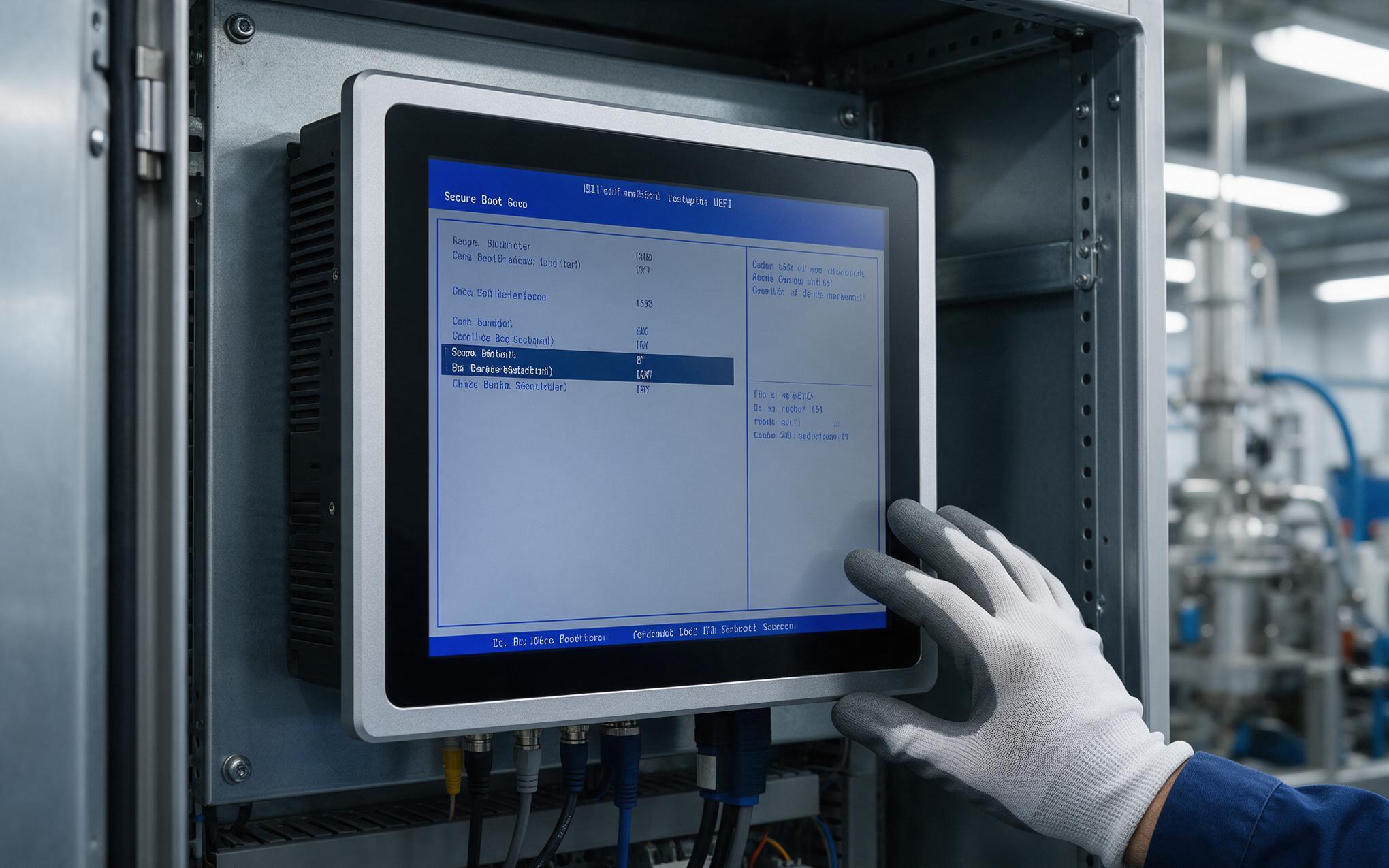
Before Enabling UEFI Secure Boot on an Industrial Panel PC Windows 10 Image
Secure Boot is a UEFI feature rather than an operating system setting, so it governs the handoff between firmware and the Windows boot manager. The firmware checks every EFI application and Option ROM signature against an allowed signature database, then refuses anything unsigned or revoked before a single kernel driver runs. That matters inside a sealed cabinet, because the pre-OS window is exactly where bootkits settle and antivirus software cannot see them. On an industrial panel pc windows 10 image the practical decision is narrower than the specification. Someone has to decide whether the database carries only the platform vendor certificates, or also a company signing authority for in-house recovery and diagnostic tools.
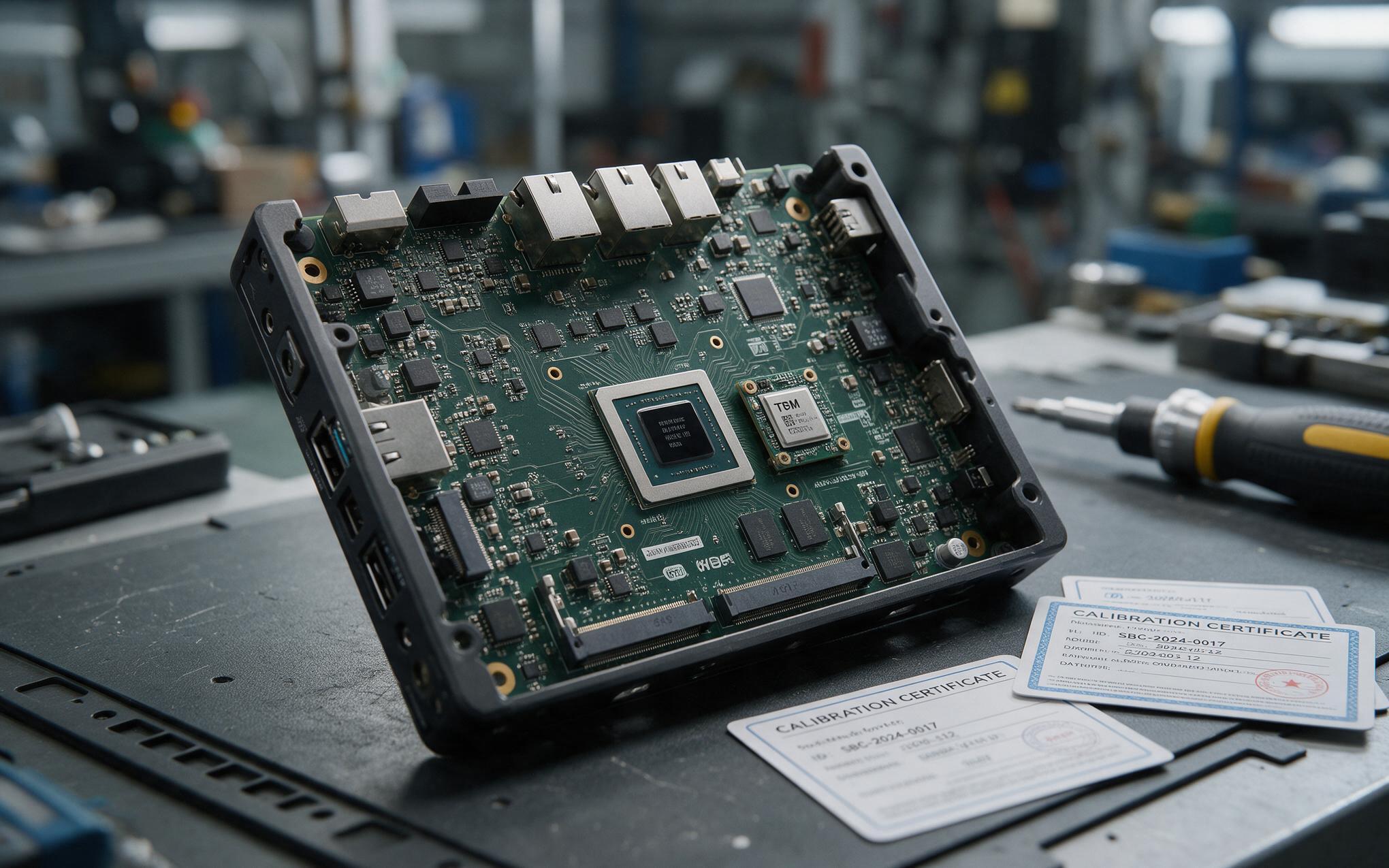
Sealing TPM 2.0 Endorsement Keys Across a Windows 10 Fleet
In practice, system builders such as KOXIAN treat key enrollment as a provisioning step rather than a field task. The Platform Key establishes who owns the platform, the Key Exchange Key binds firmware to the operating system vendor, and the signature databases carry the allowed and revoked entries. Keys should be generated on a managed signing server instead of the enrolling machine, because the private half must stay under organizational control for the product life. TPM 2.0 then seals that trust into hardware, storing the endorsement credential inside the chip so an image copied to another unit does not inherit it silently. Rollout works most reliably when one firmware profile is validated on a sample batch and then applied to the remaining fleet through the vendor provisioning tool.
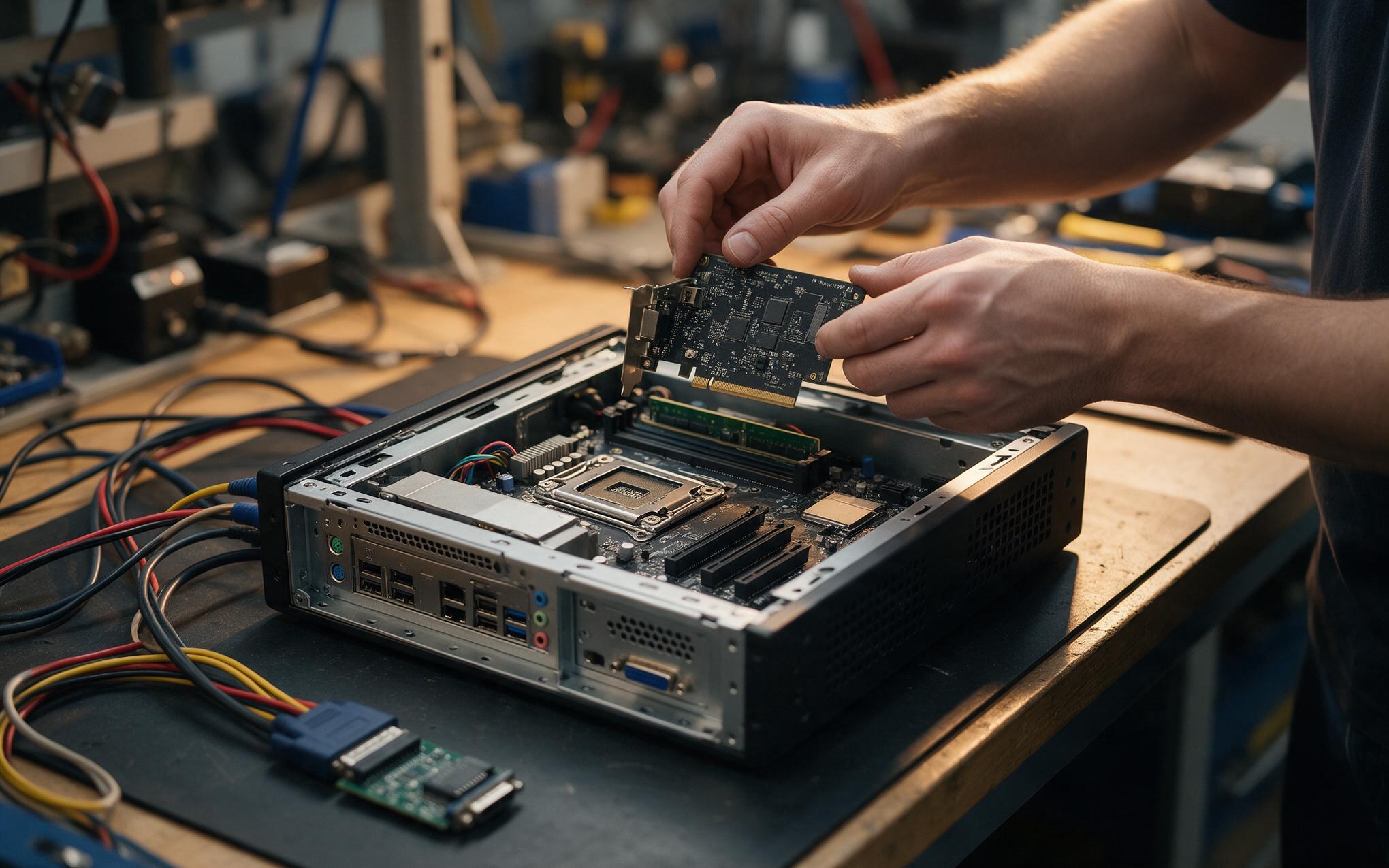
Unsigned Option ROMs Break the Signed Bootloader Chain
Industrial equipment is where the specification meets friction. A motion capture card, a serial expansion module, or a legacy runtime often ships with a driver that is not signed for the current database, and an Option ROM can inject code before the boot manager runs. Three responses are available: obtain a signed release, register the certificate in the vendor’s own signature database, or move the workload out of kernel mode so unsigned code never enters the boot path. Every exception then has to be documented rather than assumed. Field teams should keep a list of every loader and driver the industrial panel pc windows 10 image depends on, then re-verify it after each firmware or servicing cycle.
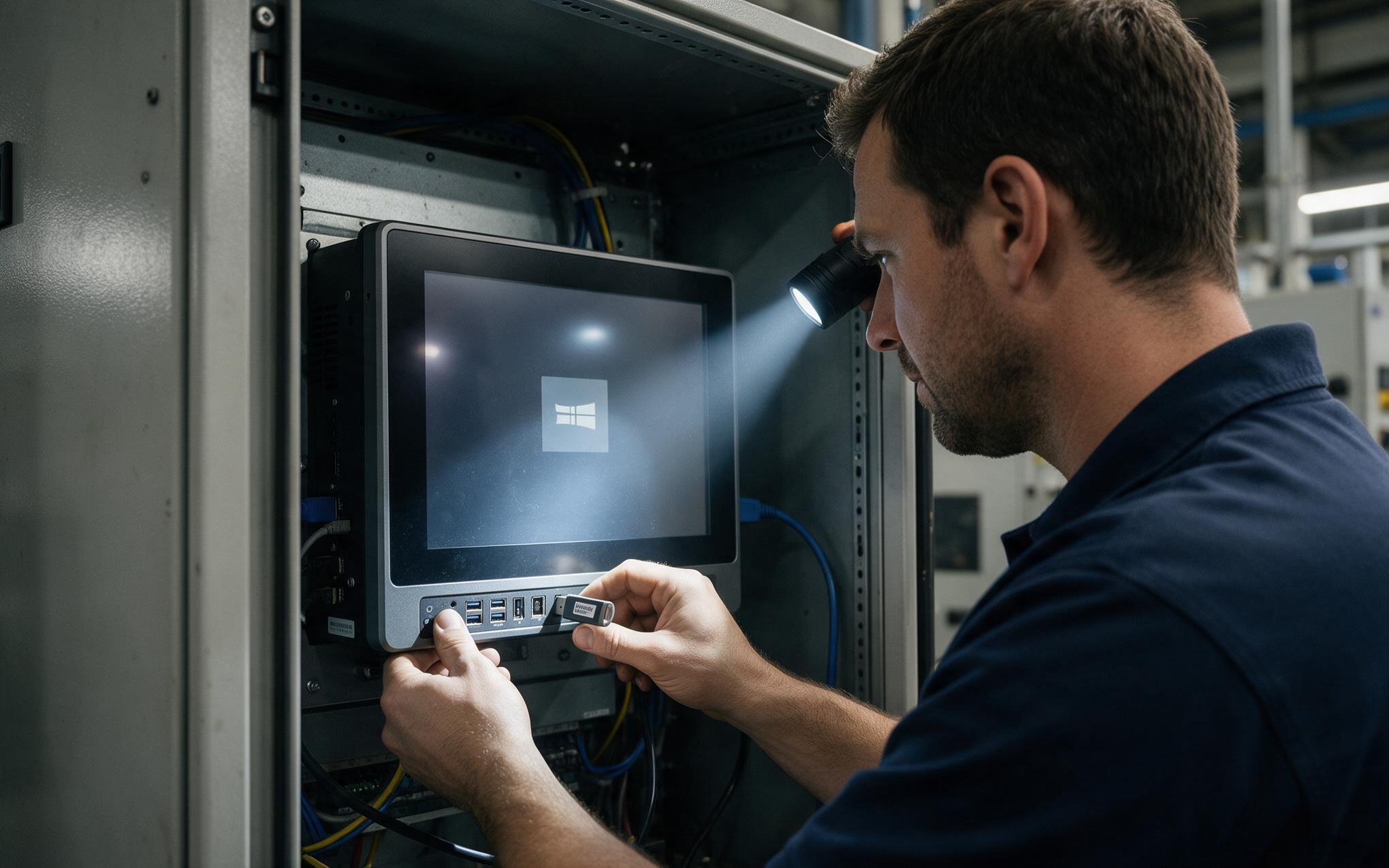
Recovery Paths When Firmware Verification Halts the Boot
When verification fails, the firmware rarely stops dead. UEFI falls back to a backup copy of the Windows Boot Manager, and if that copy is rejected too, control passes to a platform recovery path or into the Windows Recovery Environment, which is why a hidden recovery partition has to be signed and preserved. Deployments incorporating KOXIAN panel hardware often validate this sequence on a bench unit before a fleet-wide firmware update goes out. A usable recovery procedure names the firmware screen to enter, the setting to change, and the image to restore, so nobody improvises beside a stopped line. Keeping one known-good image, one signed recovery USB, and one documented key export turns that scenario into a short intervention instead of a replacement order.
Secure Boot is rarely the reason a machine fails to start, but it is often the reason nobody can say why. Treating the key hierarchy, signed loader inventory, and recovery image as part of commissioning turns an opaque firmware stop into a diagnosable event. Teams that document those three items before deployment find that firmware updates, driver replacements, and image refreshes stop being gambles. The alternative, turning verification off to keep a stubborn peripheral running, moves the risk into a layer where nothing on the machine can detect it. For an unattended cabinet PC, that is a poor trade.









