
Maintenance logs from a packaging hall and a wastewater control room tell the same story: a small axial fan packed with dust, a temperature alarm nobody acted on, and a line stopped for the better part of a shift. The hardware rarely fails dramatically; it degrades quietly until a thermal limit trips. Choosing between fan assisted and fanless routes for industrial all-in-one pcs is really a decision about who owns that dust, who owns the cleaning schedule, and how much thermal margin the application can give up to avoid both. Each route appears in healthy fleets, so the useful question is which one fits the exposure profile of the machine.
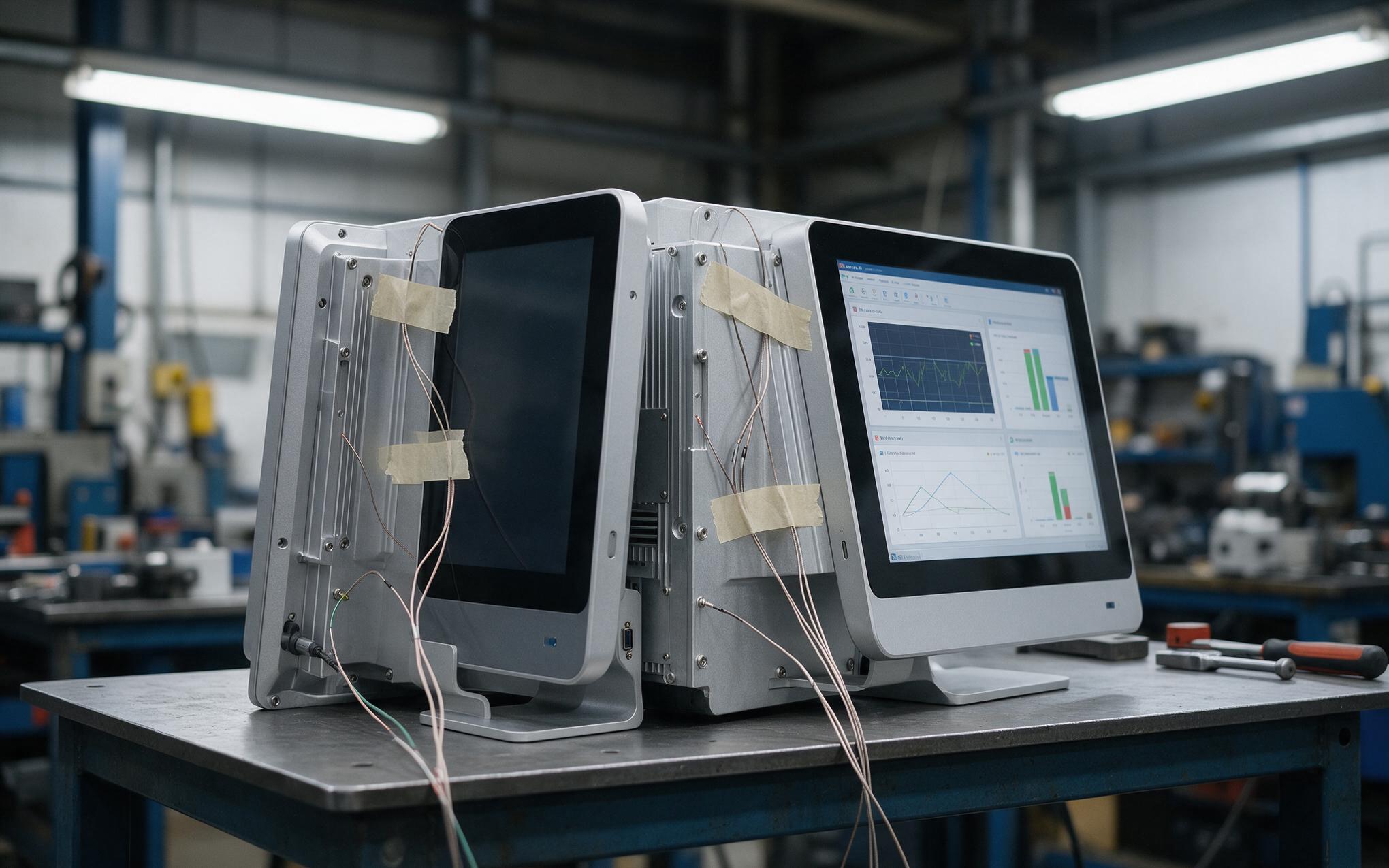
Comparing Thermal Headroom in Fan Assisted and Fanless Industrial All-in-One PCs
A fanless unit treats the rear chassis as the heatsink, which ties processor class, panel size, and allowable ambient temperature together. As the cabinet interior climbs, the convection surface stays fixed, so sustained performance drops while the backlight keeps adding heat. Selection approaches such as those used in KOXIAN builds start from measured chassis temperature and duty cycle instead of processor catalog figures. Fan assisted designs buy that headroom back with forced convection, which is why high-load builds and large panels still specify a fan. 2026 analyst forecasts for industrial all-in-one pcs point the other way, putting fanless growth modestly ahead of the wider panel computer category on maintenance-free uptime demand. Local ambient, dust class, and cleaning access still decide which argument applies in one cabinet.
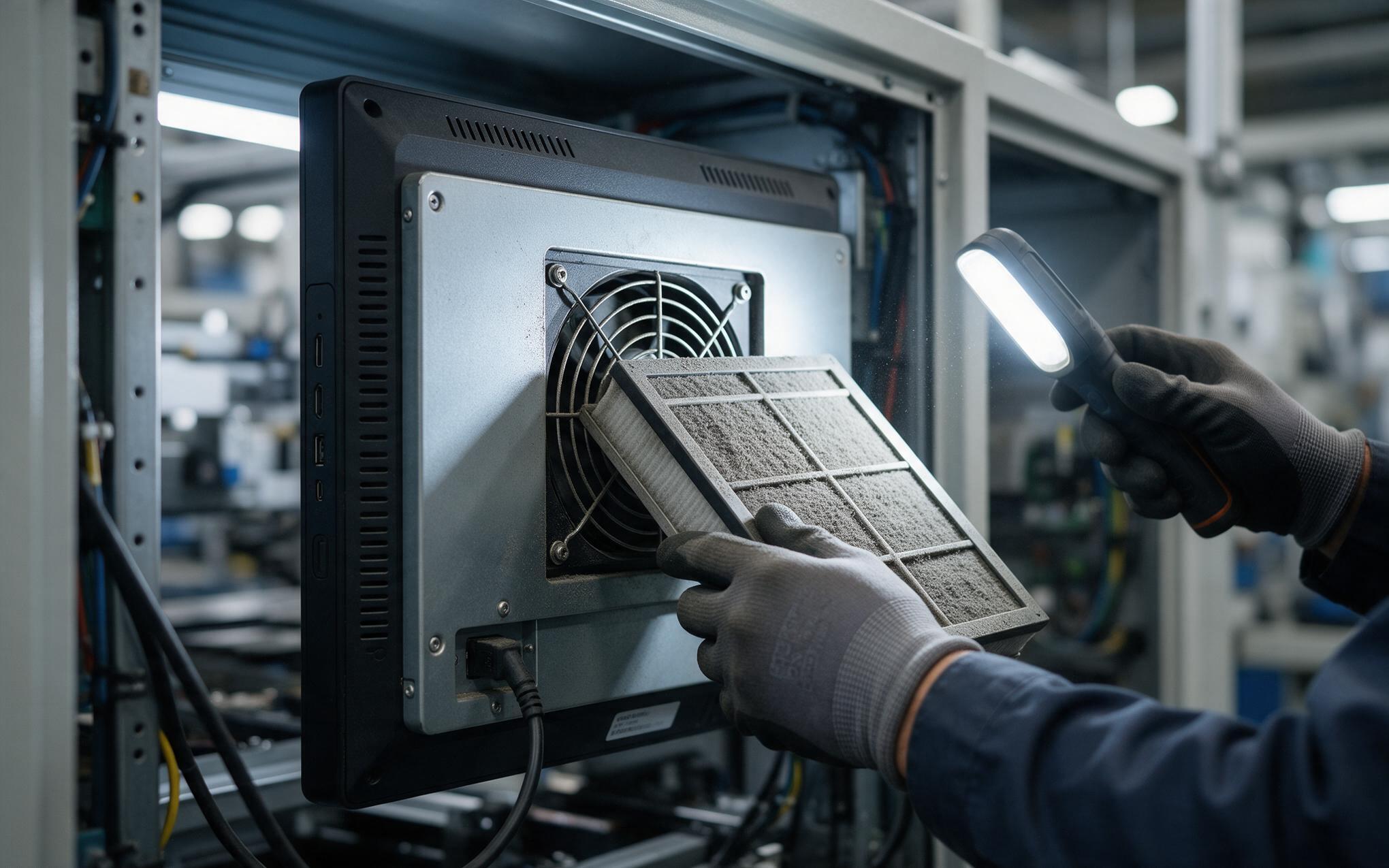
Fan Filter Maintenance Intervals in Dusty Production Halls
Manufacturers including KOXIAN build these filters to pull out without tools, which is what makes a fixed service interval realistic. The mechanism behind the interval is simple: dust loads the filter, pressure drop across the intake rises, airflow falls, and bearing temperature climbs with it. Typical axial fans are rated at roughly 30,000 to 50,000 hours of continuous operation, which is three to six years on a 24/7 line. A filter that never gets touched converts that rating into a schedule of unplanned stops. Set the interval from measured pressure drop or a fixed calendar, then log each change against the machine record. On industrial all-in-one pcs mounted in steel cabinets, tighten the same interval wherever the air carries oil mist or fiber.
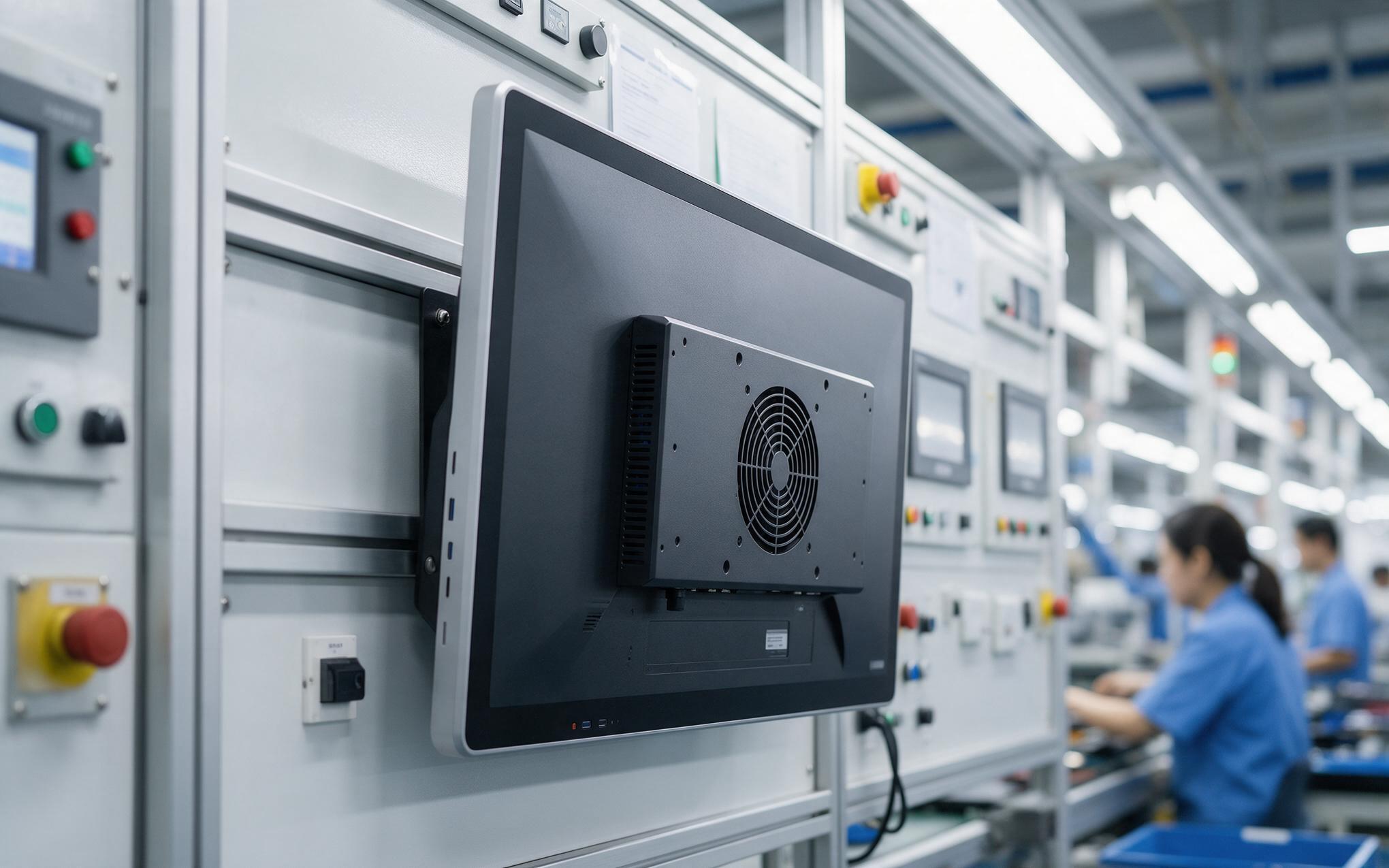
When Does Fan Assisted Cooling Still Make Sense
Active cooling still earns its place when the load is genuinely high: a large-format display, a high-output processor, or a chassis that cannot present enough surface to ambient air. Clean, climate-controlled rooms shift the arithmetic too, because filtered intake and routine housekeeping remove most of the failure driver behind fanless selection. Cost matters as well, since a fan module is inexpensive to replace and on a machine with a short planned service life that trade is rational. The engineering question is whether the site can guarantee the maintenance a fan asks for, not whether fans are inherently less reliable. Fleets that standardize on one chassis, such as the KOXIAN G2 series, keep a single spare fan and one filter part across every line.
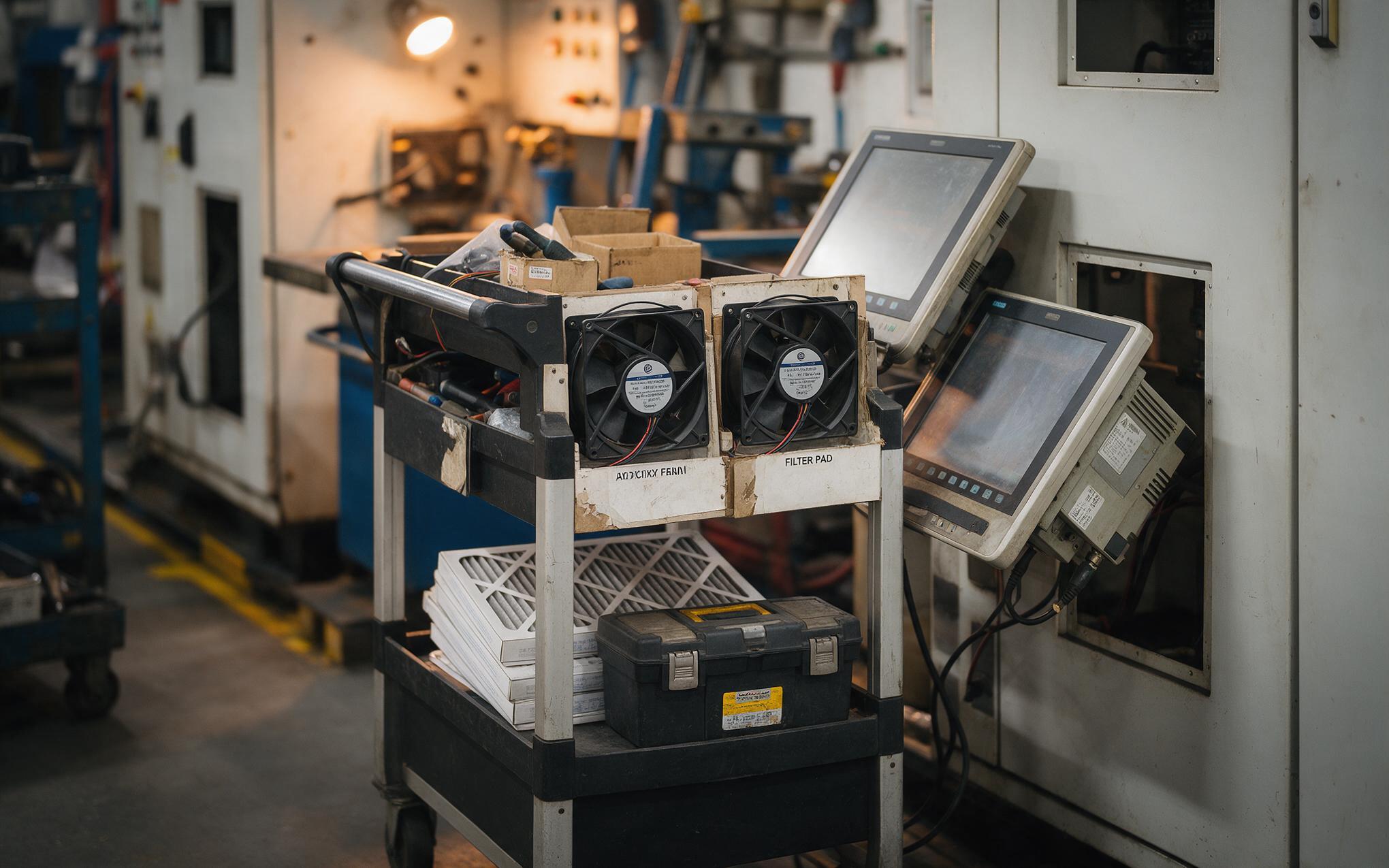
Service Access and Spares for Legacy Fan Cooled Fleets
Replacing a fan nobody planned to replace is expensive in a different way, because the unit leaves service exactly when the schedule has no room for it. Legacy fleets should move on a written plan that names every fan-cooled machine, the fan part number, the filter size, and a replacement point ahead of the rated hours. Temperature telemetry gives an earlier signal than a calendar, since a rising idle temperature under an unchanged workload usually means dust rather than a failing processor. For industrial all-in-one pcs that will stay in service past their warranty window, staged migration to a sealed design often costs less than keeping a cleaning regime alive. The decision then belongs in one planning session instead of a conversation beside a stopped line.
Fan assisted and fanless routes are both defensible; the difference shows up in who gets called at two in the morning. Teams that can commit to filter rounds, spare fans, and a temperature log get long service from forced-convection machines. Teams that cannot should put the budget into a sealed chassis and accept the thermal ceiling that comes with it. The decision holds when it is made once, written into the maintenance record, and applied across a fleet of industrial all-in-one pcs instead of renegotiated machine by machine.









