
Vibration from a running conveyor reaches a bolted-on display differently than it reaches a freestanding kiosk standing four meters away on the same slab. That difference is where mounting problems begin for an embedded touch panel pc sent into public or factory-floor duty. Two deployment patterns dominate: the terminal built into a kiosk enclosure, and the same computing module clamped to a machine frame beside the process it supervises. Each pattern reshapes the loads, heat paths, washdown exposure, and service access the hardware must tolerate across a multi-year duty cycle. Selection guides rarely separate the two, yet the differences decide which chassis, sealing scheme, and mounting hardware a project should specify.
Structural Loads in Kiosk and Machine Mountings
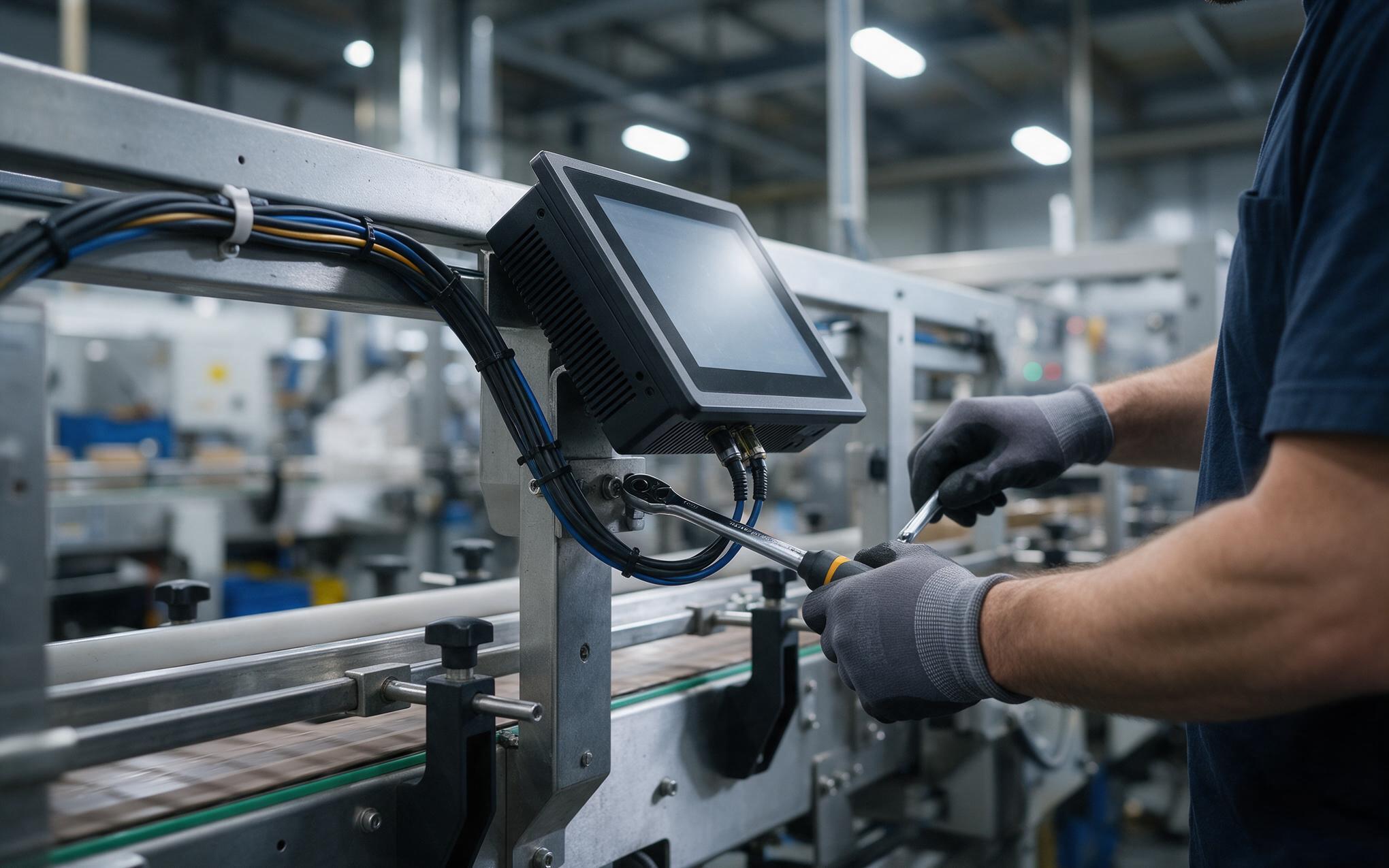
Industrial hardware manufacturers, including KOXIAN, stiffen the rear plate so the chassis and bezel carry clamp load instead of the touch glass. Inside a kiosk enclosure the panel hangs on a vertical subplate with fasteners spaced evenly around the perimeter, and the surrounding sheet metal damps vibration before it reaches the electronics. Clamped to a machine frame, the same unit inherits the frame’s resonant behavior, because rotary equipment, pneumatic actuators, and valve blocks push broadband shake straight into the display. Fastener torque, gasket compression, and standoff length decide whether that energy stays inside the housing or works the bezel loose over months of cycling.
Thermal Paths When the Panel Sits on a Machine Frame
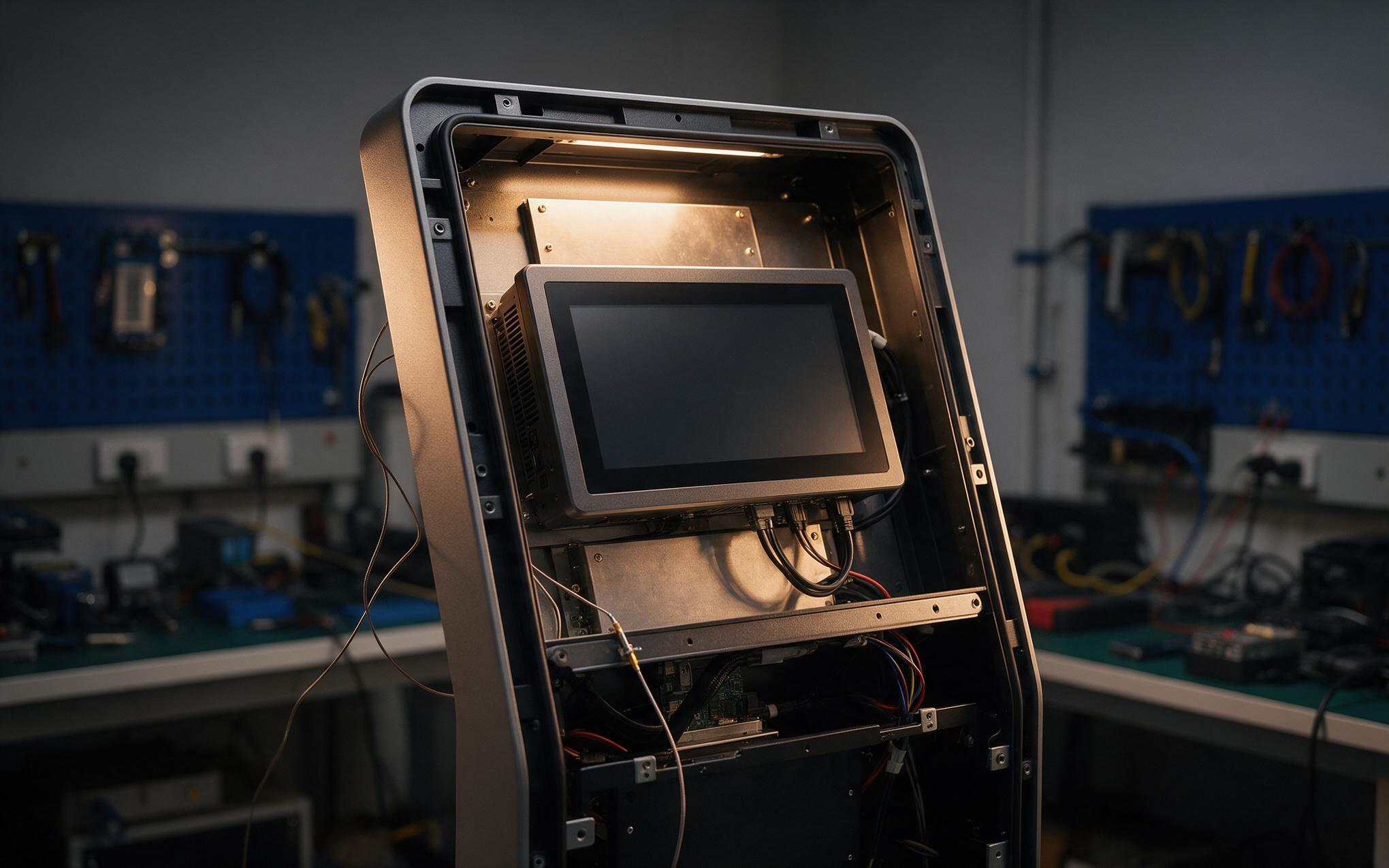
Thermal behavior splits along the same line as mounting, and an embedded touch panel pc inside a sealed kiosk shell shares one enclosed volume with its own backlight driver and board, so internal air climbs well above room temperature even under modest processor load. Designers answer with vent geometry, a small fan, or a heat spreader tied to the shell. A machine-mounted unit instead sits on a conductive frame that acts as a heat sink, but that frame may already be warm, oily, or heated by the process next door. Checking both the enclosure temperature rise and the ambient at the mounting surface prevents derating surprises that appear on night shifts.
Service Access and Cable Routing in the Field
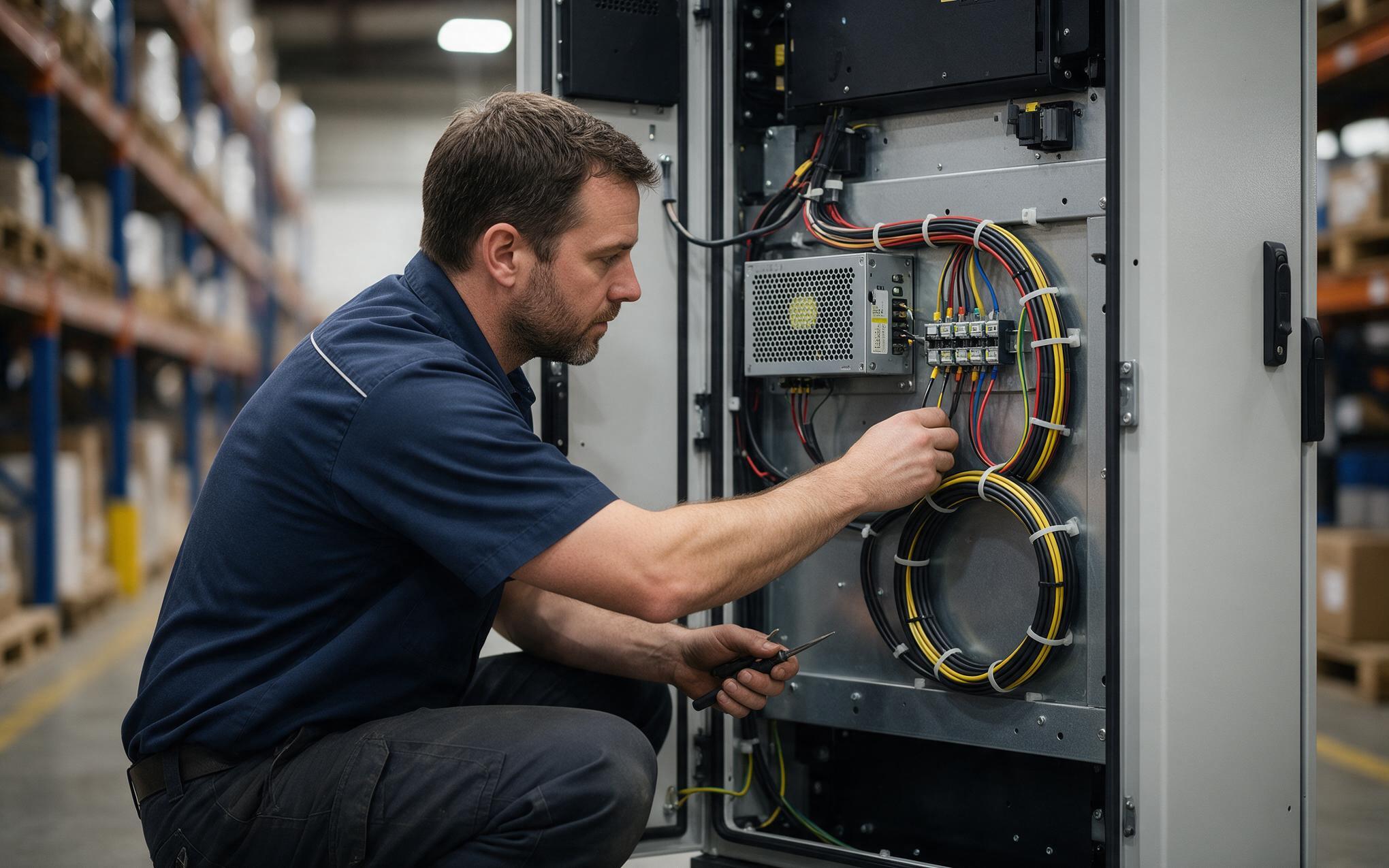
Service access is where the two layouts stop behaving alike, and the gap shows up as soon as a component fails mid-shift. A kiosk shell usually opens from the rear panel, so a technician can reach the power supply, storage, and cable loom without disturbing the front glass or the seal. A machine-mounted unit is often sandwiched between a bracket and the frame, which means every connector faces the direction with the least clearance. Deployments incorporating KOXIAN-based panel units keep the harness dressed to a service loop so the module can swing out before any plug is released. Mapping connector clearance, plug bend radius, and lock-screw reach before installation saves hours when a replacement happens on the line, and it also defines which spare parts can stay stocked at the machine instead of in a central store.
Selecting an Embedded Touch Panel PC for Kiosk or Machine Duty
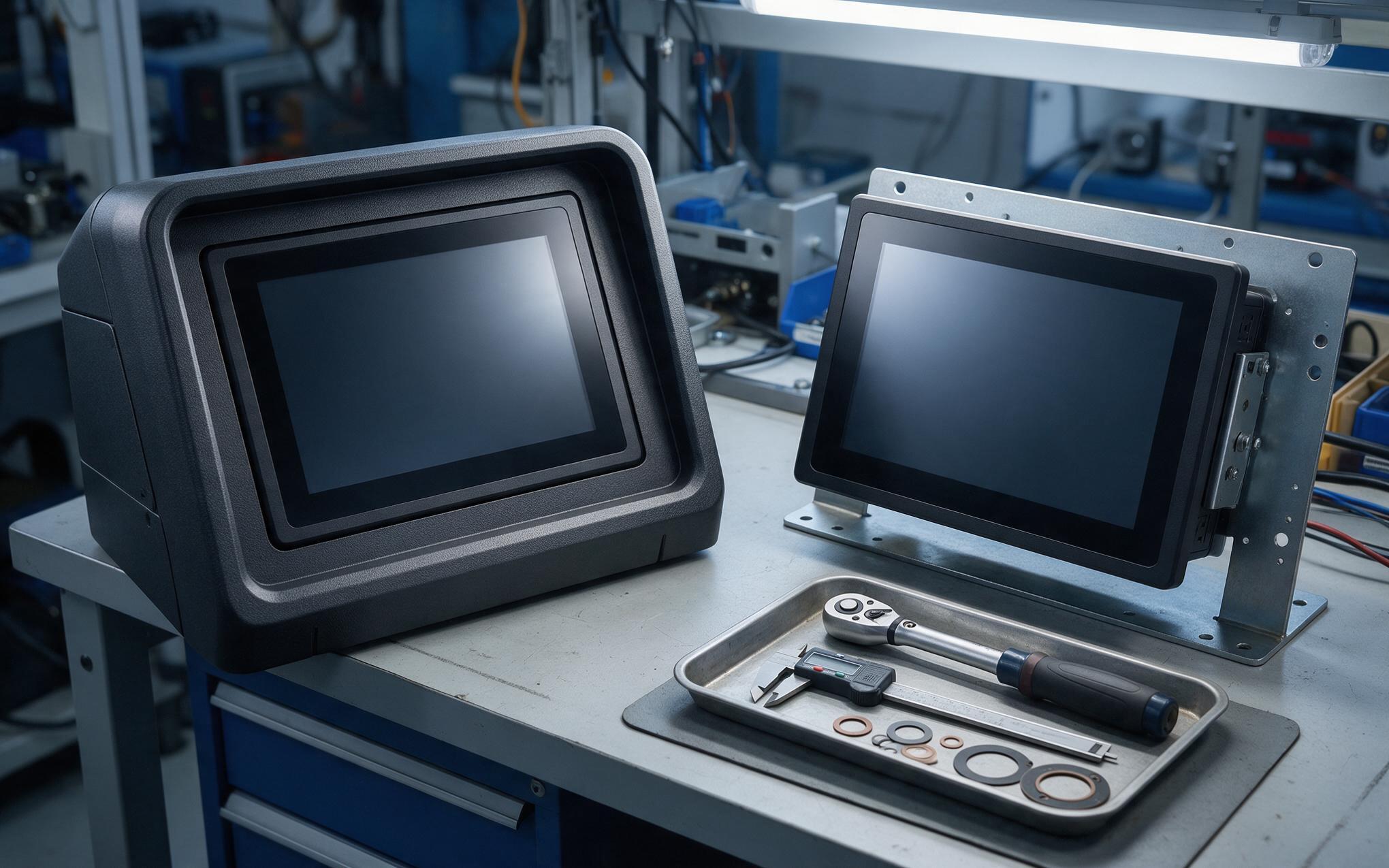
Selection starts by naming the duty profile rather than the screen size. A public kiosk points toward a sealed front, hardened cover glass, and a chassis that tolerates heat buildup with no frame to sink it into, while a machine job points toward a stiff mount, connector retention, and a surface that survives vibration day after day. Specifying one embedded touch panel pc for both roles usually means compromising on both. Ask which structure carries the load, where the heat exits, how the cables move during service, and what the unit experiences when the surrounding equipment runs at full duty. Answers to those four questions separate a five-year installation from a recurring callback.
Kiosk and machine mounting look similar on a drawing yet impose different loads, heat paths, and service routines on the same hardware. Projects that define the duty profile before picking a screen size end up with a chassis, seal, and bracket matched to the real environment instead of a compromise that fits neither. An embedded touch panel pc specified this way keeps its sealing and thermal margins through years of cleaning cycles and vibration. Teams that also map heat exit paths, connector clearance, and cable movement before installation find that field service takes minutes rather than hours. The rules above turn a mounting decision into an engineering decision, and that difference shows up in uptime.









