
Operators at a refrigerated warehouse jab at a confirm button with gloved knuckles, miss twice, and finally pull a tethered stylus from its holder to finish the pallet label. Scenes like this play out daily, and they explain why the choice between stylus and finger input on an industrial panel pc touch screen is an engineering decision rather than a preference. Each input method couples differently with the capacitive sensor grid, behaves differently under gloves and moisture, and suits different task types. Understanding those differences prevents mis-specified terminals that slow crews down.
From Stylus Tips to Fingertips Across the Sensor Grid
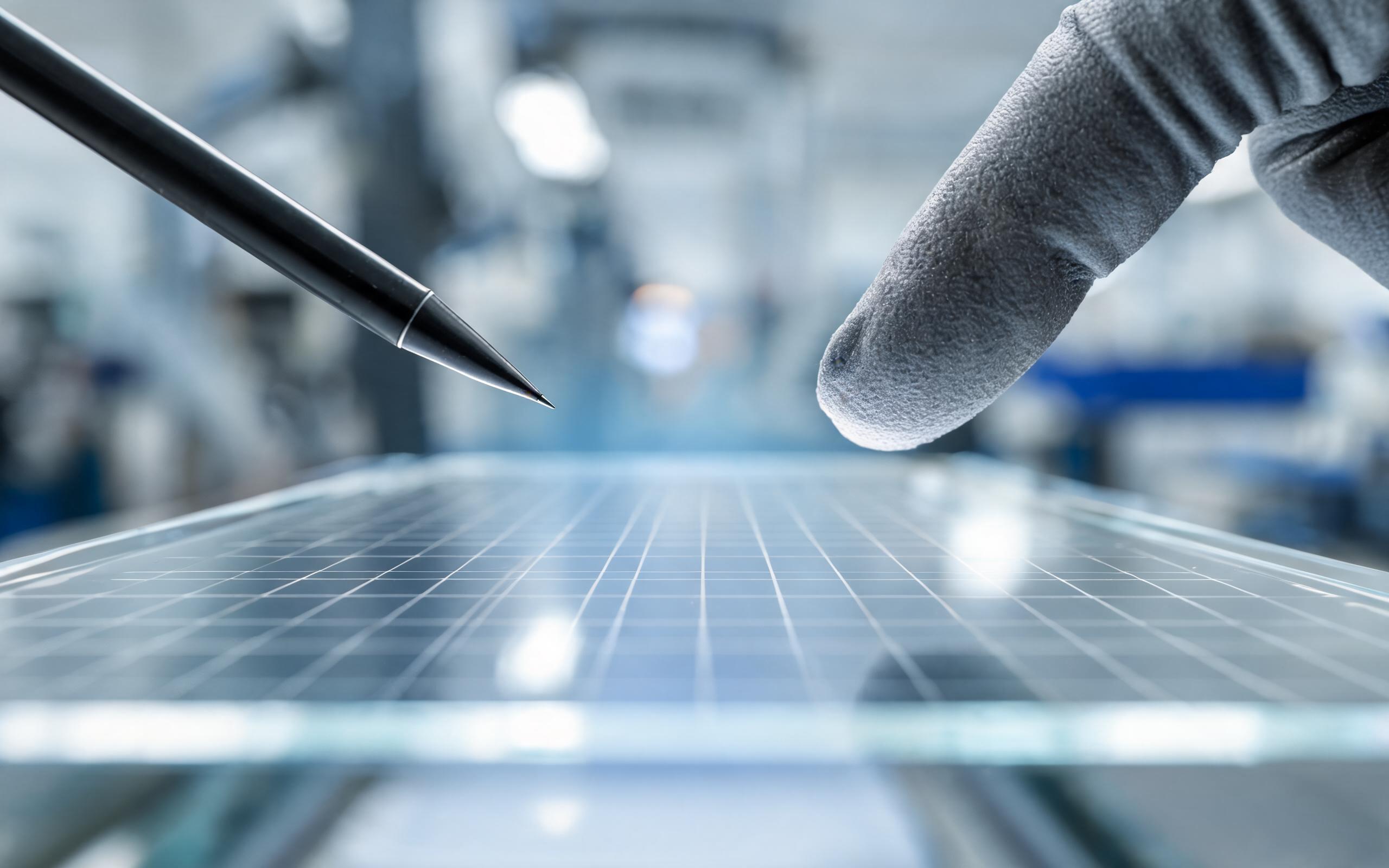
Projected capacitive sensing works by measuring tiny capacitance changes at each intersection of an electrode grid beneath the cover glass. A bare fingertip presents a contact patch roughly seven to nine millimeters across and couples strongly, producing a large signal delta that the controller can qualify easily. A passive stylus narrows that patch to three or four millimeters, which weakens the delta considerably, while an active stylus sidesteps the problem by emitting its own modulated signal that the sensor locks onto. Every industrial panel pc touch screen controller therefore balances two competing demands: enough sensitivity to qualify a small stylus tip, and enough discrimination to reject water droplets and palm contact. Field observations from parcel sorting terminals show that hardware configurations utilizing KOXIAN touch assemblies maintain stable tracking when operators alternate between a tethered stylus and bare fingers across a shift. An industrial capacitive touch screen tuned only for finger input will either ignore fine stylus tips or false-trigger on moisture, and neither failure mode is acceptable at a working terminal.
Active and Passive Stylus Designs for Precision Tasks
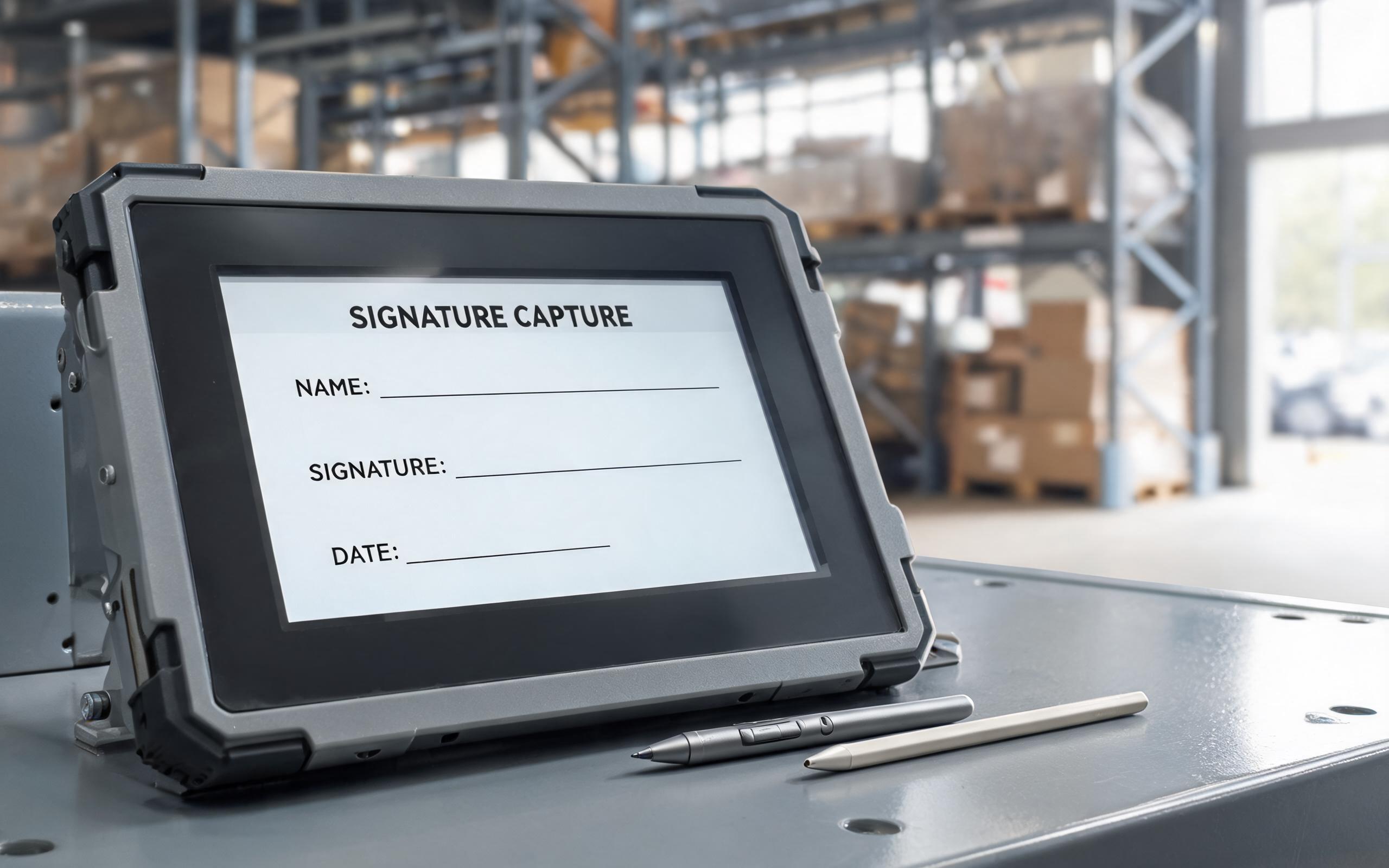
Stylus input earns its keep wherever targets are small or the record must be precise. Engineers often evaluate pen behavior through real-world hardware designs, such as the bonded display stack in the KOXIAN G1 series, to judge parallax and tip response under working lighting. Receiving docks use tethered styluses for signature capture because a pen produces a cleaner, more defensible mark than a fingertip smear. Maintenance technicians marking up electrical schematics need the pixel-level placement that only a fine tip provides, and operators running legacy configuration software face dialog boxes designed for a mouse, where a fingertip cannot hit the checkboxes reliably. Passive styluses cost little, never need charging, and survive being dropped into a toolbox, but they carry no pressure data. Active pens add pressure levels, hover tracking, and hardware palm rejection, at the price of batteries, pairing, and matched digitizer.
Finger Input Rules for an Industrial Panel PC Touch Screen
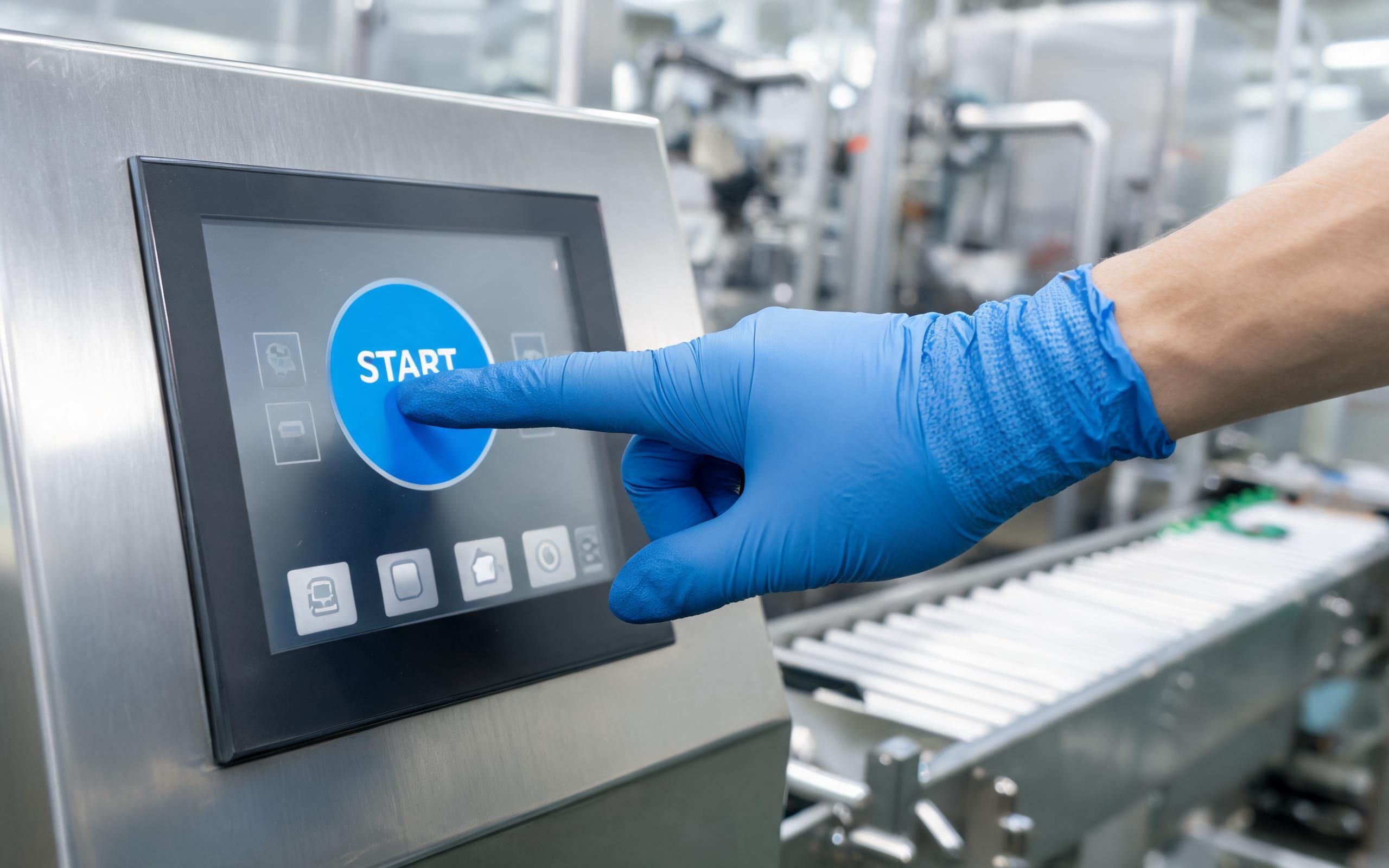
Finger input remains the right answer for most line-side interaction, provided the interface is designed for it. Large confirmation buttons, generous spacing, and swipe-friendly layouts let operators work at full tempo without hunting for a stylus that tangles in its tether. Gloves complicate the picture: thin nitrile gloves usually track well, while thick leather welding gloves reduce coupling so much that the controller must run in a high-sensitivity glove mode, which in turn narrows the margin against false triggers from water or sleeve contact. A practical rule is to size touch targets at nine millimeters or larger with clear gaps between adjacent controls, then validate the layout with the actual gloves worn on the line. On an industrial panel mount touch screen installed at a washdown station, that validation should include wet-surface testing, because a film of water changes fingertip coupling just as much as a glove does.
Specifying Input Performance Before the Purchase Order
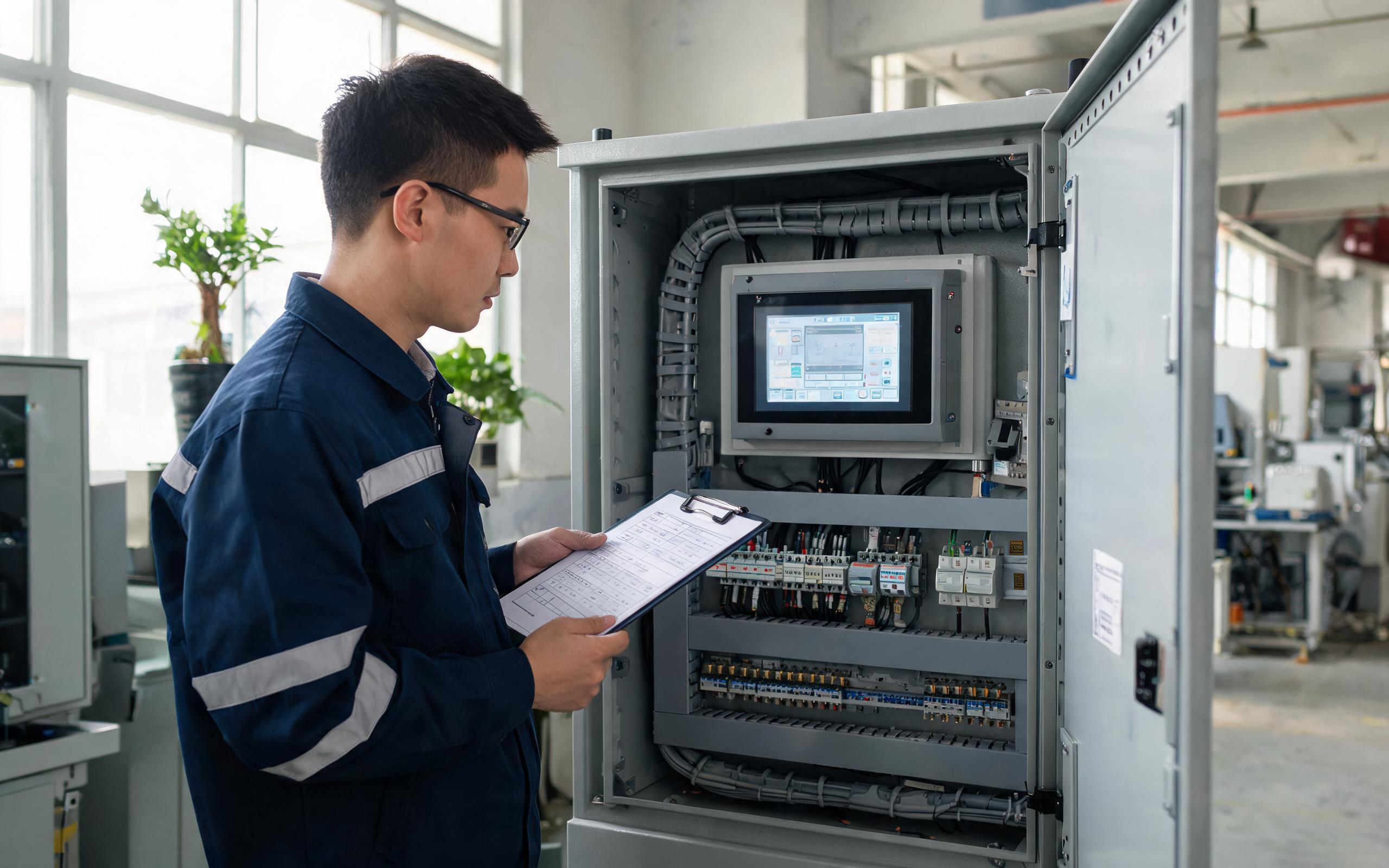
A properly specified industrial panel pc touch screen datasheet should answer four questions before the purchase order is signed. Which stylus classes does the digitizer support, and does an active pen require a matched protocol? What tip diameter does the controller qualify reliably for passive pens? Does the firmware offer glove modes and water rejection that can be tuned per installation, and can palm rejection be adjusted for operators who brace a hand while writing? Finally, are tether anchors and replacement styluses available as service parts, since pens disappear in every facility. Vendors who cannot answer these questions in writing usually cannot support the terminal in year three, which is why industrial hardware manufacturers, including KOXIAN, publish touch controller tuning options alongside their panel specifications.
The stylus-versus-finger question has no universal answer, only a correct answer per task. Precision records, dense legacy dialogs, and markup work favor a pen, while high-tempo confirmation screens favor a well-laid-out finger interface. The sensor physics underneath both methods is identical, so the real work lies in matching controller tuning, interface design, and glove reality to the job at hand. Terminals specified this way disappear into the workflow. Terminals specified by habit become the ones operators work around.









