
Two bays share one production platform, one beside an open dock door at midday and one on a night shift under dim overhead fixtures, yet both are commonly ordered with a single fixed backlight level. Illuminance across a factory floor can move from a few hundred lux under general lighting to tens of thousands of lux at an open doorway, and an industrial panel pc held at one stored brightness reads as washed out at noon and glaring after dark. Adaptive backlight control closes that gap by driving the LED string from measured ambient light, and it is the part of a datasheet that usually reduces to a peak nit figure.
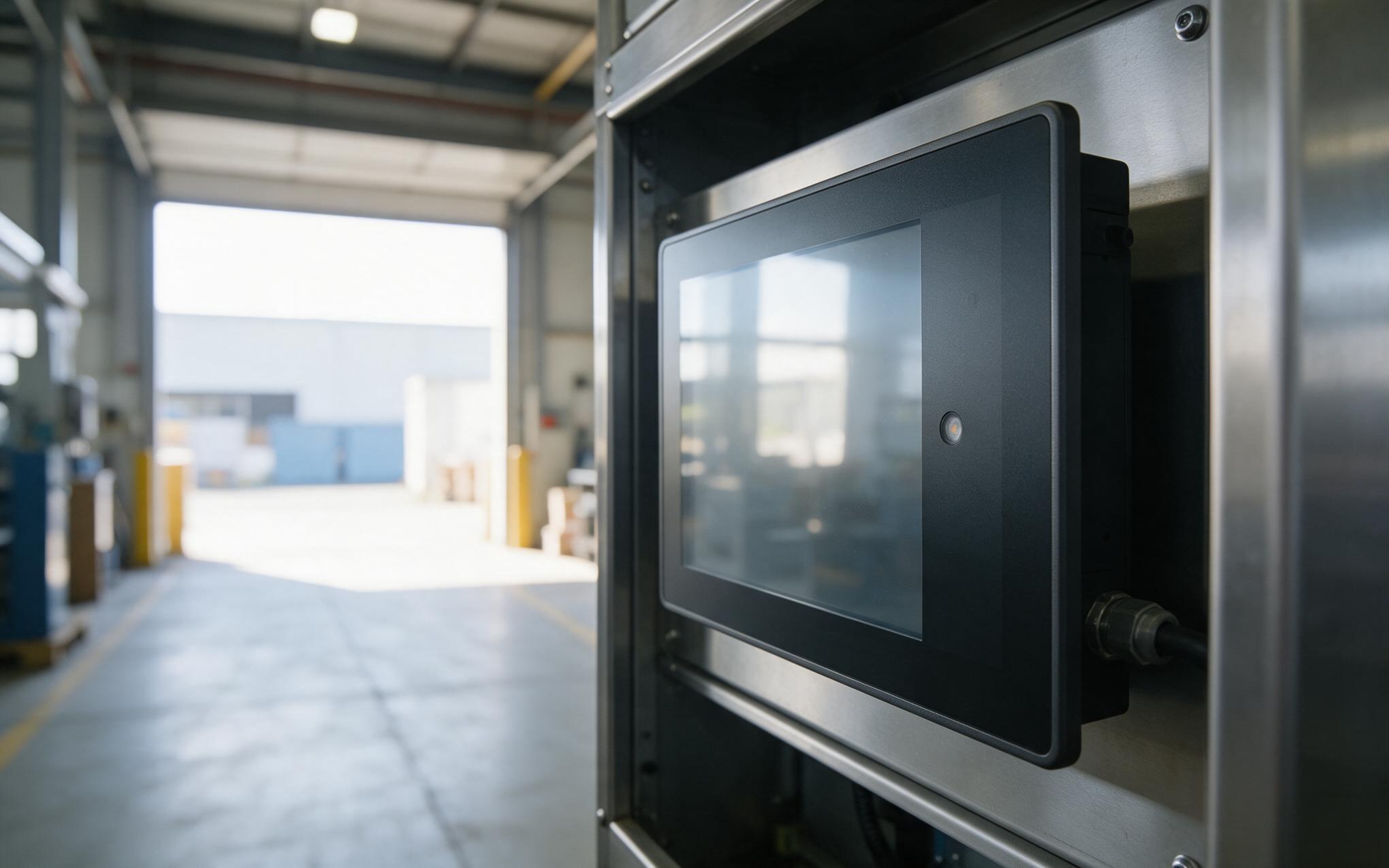
Reading Ambient Light Around a Sealed Panel PC
Field observations of KOXIAN panel hardware in mixed-light bays point straight at the sensor, because a sensor mounted in the bezel never sees quite the scene the glass sees. A flush front face shadows it at low sun angles, a film of dust cuts a night shift reading, and a crew that wipes the display but skips the bezel leaves calibration drifting. Sealed construction makes this harder, with no vent and no serviceable aperture, so the sensor sits behind the optically clear material that forms part of the sealing stack. Placement is a sampling problem too, and a loop that follows every forklift headlamp will hunt, so integrators add hysteresis and a slow filter before trusting an industrial panel pc reading at commissioning.
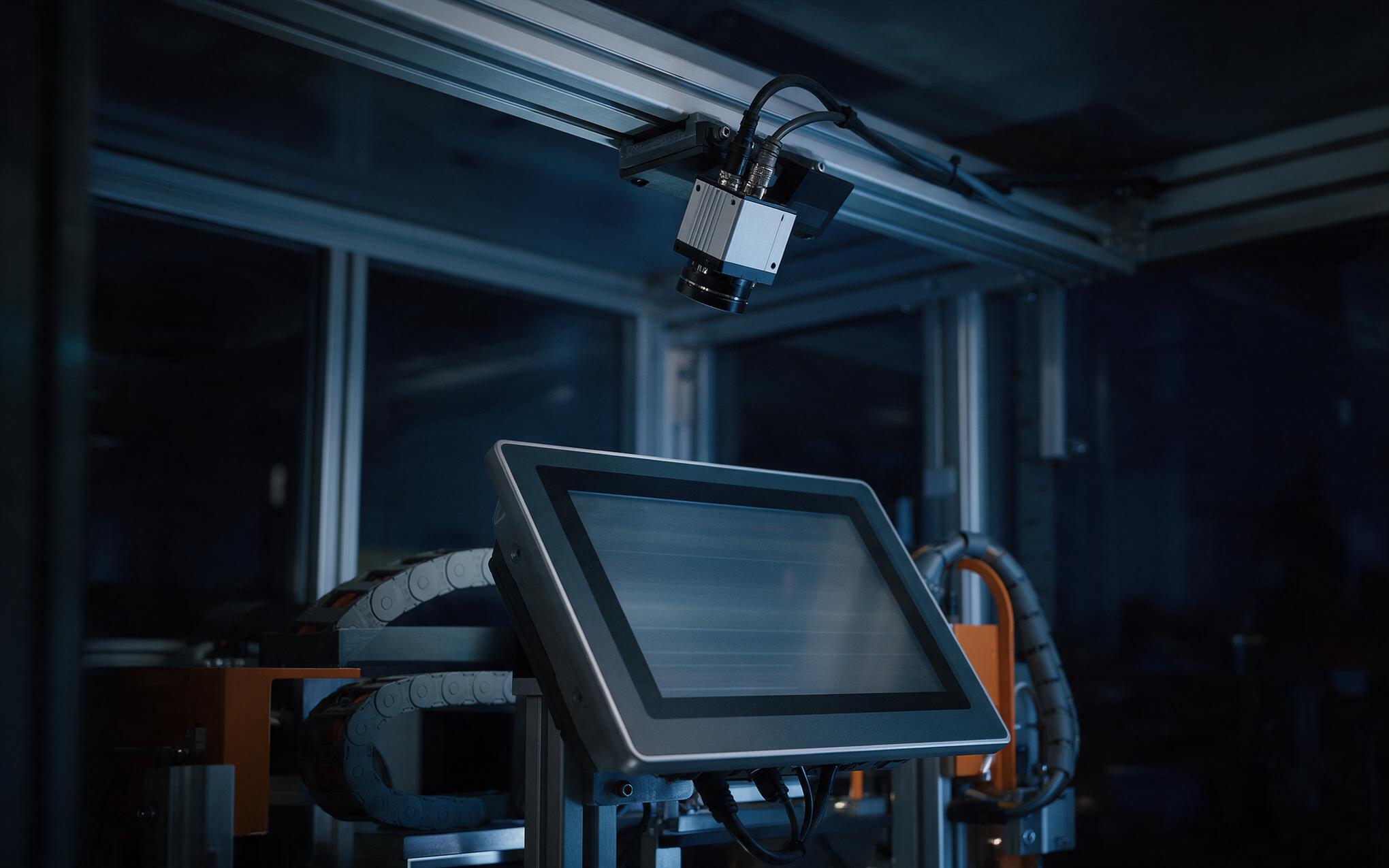
PWM Dimming Frequency and Visible Flicker at Low Brightness
Dimming stops behaving linearly once the backlight drops below a tenth of rated current. Most display drivers handle that range with pulse width modulation, chopping the LED string at a fixed frequency and varying the duty cycle, which holds color point steady but adds a modulation the eye and a camera both pick up. Current control avoids that modulation yet costs contrast and low end stability, so the choice is a trade. At low duty cycles visible flicker rises, and an inspection camera over the line can beat against the dimming frequency and show banding on its feed. Guidance such as the IEEE 1789 recommended practices links modulation frequency to how obvious that flicker becomes, which is why engineers ask what drives an industrial panel pc before asking how bright it gets.
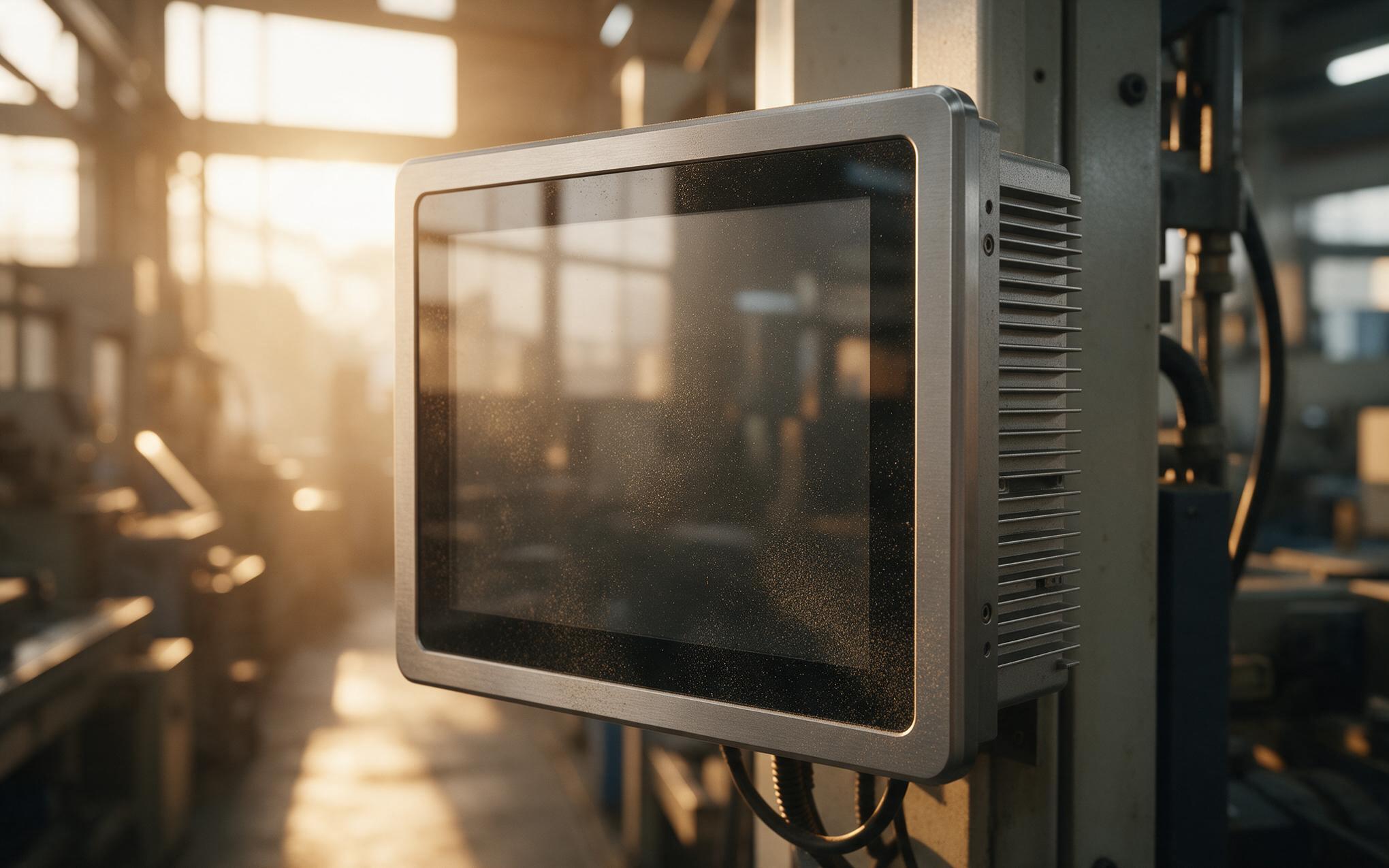
Thermal Load from High Brightness Backlights in Sealed Fronts
A thousand nit backlight costs more than the purchase price suggests, because the extra LED current turns into heat inside the module. With no vent on a bonded front face, that heat leaves only through the frame and the chassis, so the glass follows the enclosure rather than the room. Design approaches such as those used by KOXIAN therefore treat automatic dimming as thermal management instead of cosmetics, holding full output only while the ambient level justifies it. Junction temperature sets lumen depreciation and LED service life, so an industrial panel pc held at full output in a warm aisle ages faster than the catalog curve implies. Measured across a shift, average backlight load falls, the front glass runs cooler, and the margin available to a fanless chassis improves.
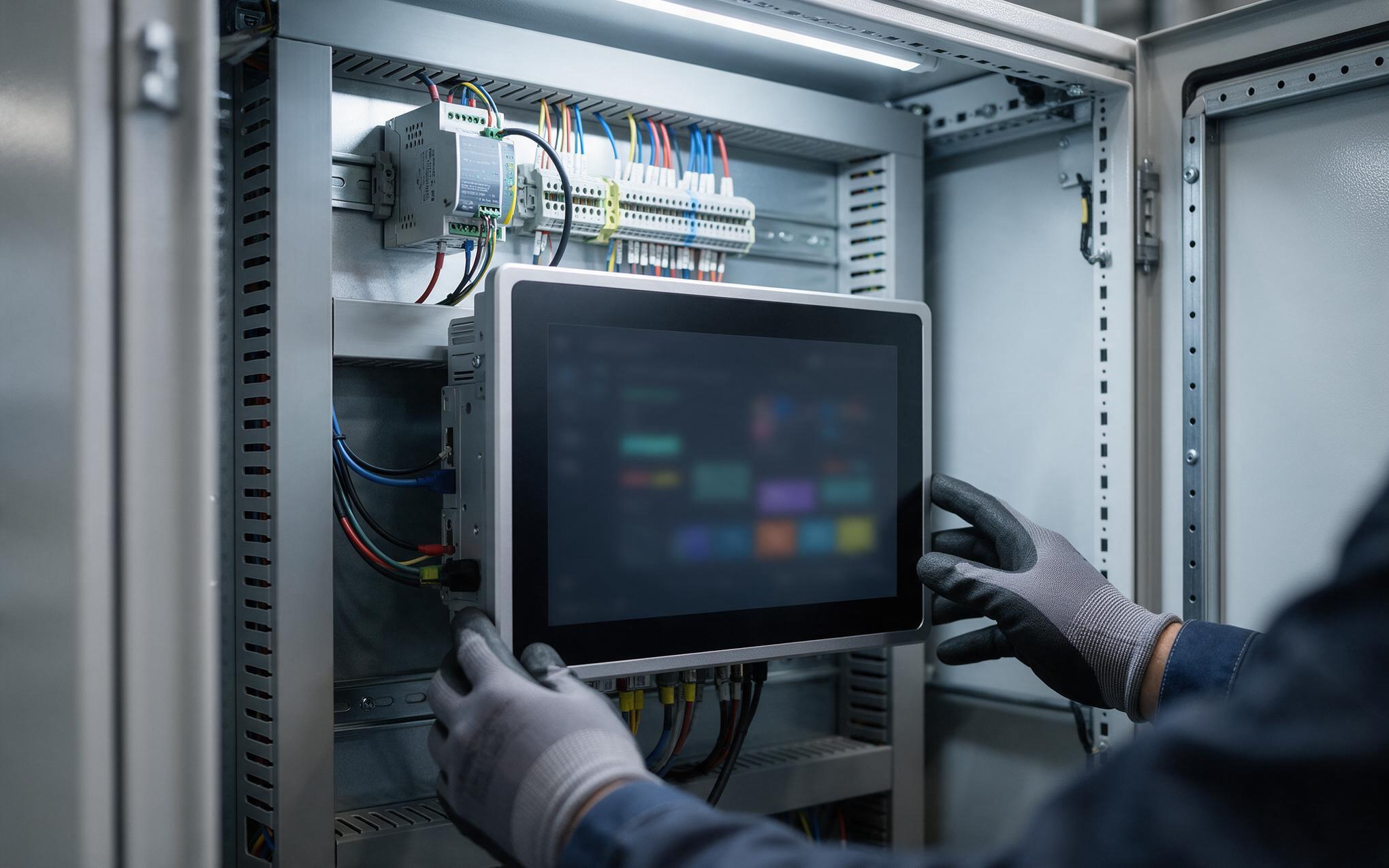
Adapting the Linux Backlight Driver in an Industrial Panel PC
Brightness control that works on a desktop often fails on an industrial panel pc running Linux, because the screen is a raw display with no ACPI backlight device for the kernel to find. Somebody has to declare the backlight in the device tree or bind a driver that exposes the sysfs control, then decide whether brightness is a PWM duty or a register write across the display link. DDC/CI covers an external monitor but not an internal panel, and on Windows the adaptive brightness service often overrides a manual setting until policy disables it. Whatever path is chosen must persist across reboots and firmware updates, and it should be locked at the on-screen menu so a night crew cannot leave the unit at full output.
Specifying a bright panel is only the easy half of the problem. What separates a display that stays readable from one that gets overridden is the loop behind it: where the sensor sits, how often the reading is sampled, what frequency drives the backlight, and whether the setting survives the operating system. All four can be checked in an afternoon by moving the unit from a lit bench to an open doorway and watching what happens. Integrators who ask for the dimming method and the driver path in writing tend to get hardware that needs no workaround taped beside the screen.









