
A fault signature in cold-storage kiosks repeats every winter morning: an industrial touchscreen monitor fogs behind its front glass minutes after the dock door opens, then clears once the aisle warms. The pattern looks like a sealing problem, yet an ingress rating says nothing about vapor that condenses on a surface sitting below the dew point. Warm, humid air from the loading side meets glass chilled by the room behind it, and the water it carries has to deposit somewhere. For teams specifying an industrial touchscreen monitor for freezer or chilled-aisle duty, dew point behavior, heater sizing, and thermostat cycling belong in the specification sheet rather than in the commissioning punch list.
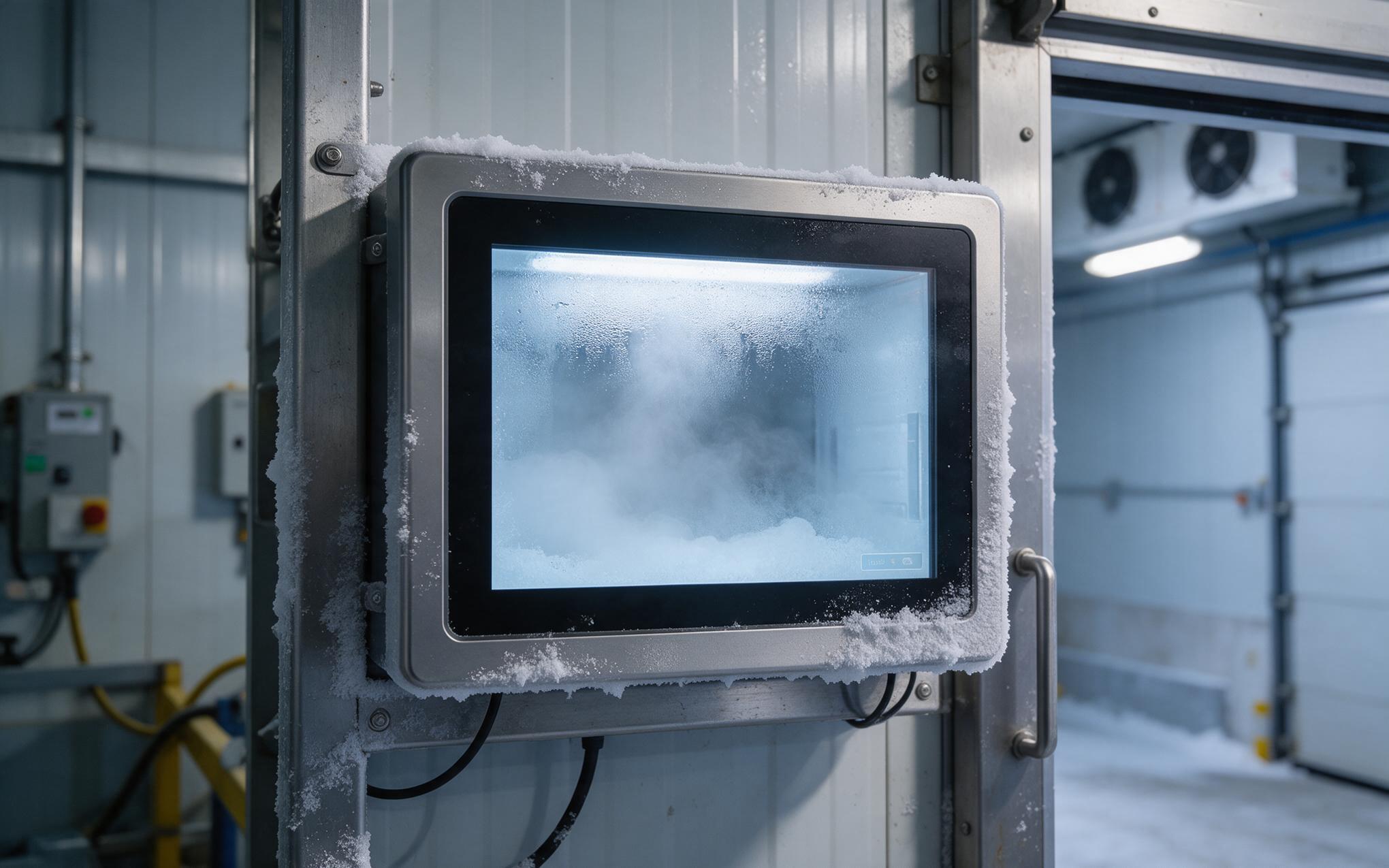
Tracing the Dew Point Path Behind the Front Glass
Field observations from chilled warehouses show that units built around KOXIAN industrial touchscreen monitor assemblies hold a clear front glass through repeated dock-door cycles. The physics behind that behavior is straightforward. Glass at the front of a panel is the coldest surface in the assembly because it faces the room while bridged to a metal bezel. When the dock door swings open, air near the panel climbs several degrees while the glass stays near room temperature. If that air cools below its dew point on the glass, vapor deposits as a fine film rather than as droplets. The seal that keeps washdown water out also traps that vapor, which is how touchscreen monitor condensation starts in a sealed unit.
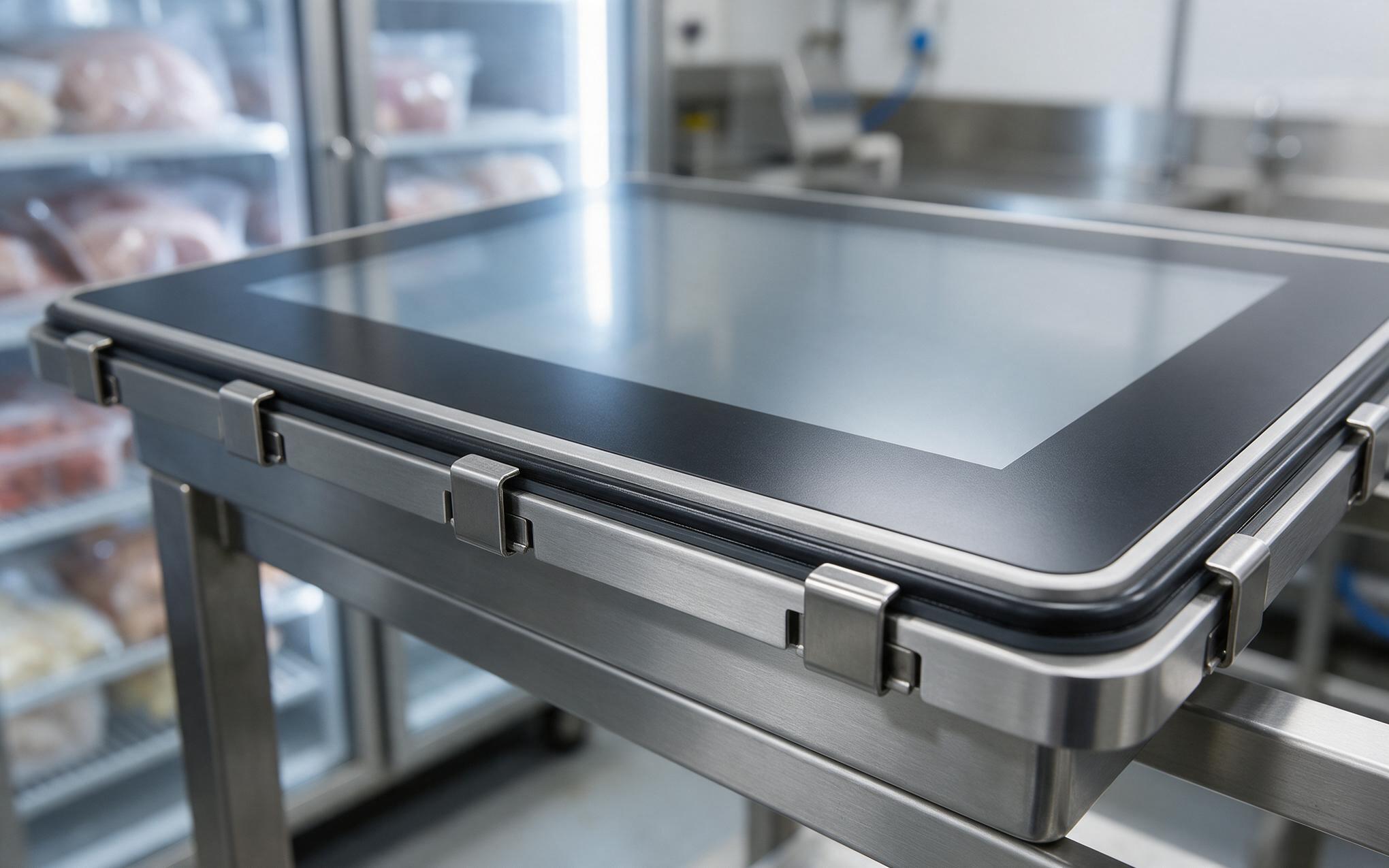
Why an IP65 Seal Alone Does Not Stop Internal Condensation
An IP65 front means the panel survives a low-pressure water jet from any direction, which is a statement about liquid water rather than vapor pressure. Inside a sealed cavity the air charge is small, so moisture introduced during assembly or released by board materials stays there until something removes it. Sealants and gasket compounds slow that exchange but do not eliminate it, and the cavity gradually trends toward the humidity of the surrounding air. Front panel manufacturers, including KOXIAN, treat glass temperature on an industrial touchscreen monitor as the dew point control variable for that vapor, because a surface held above the local dew point never gives water a place to settle. The engineering question then shifts from sealing to heat management.
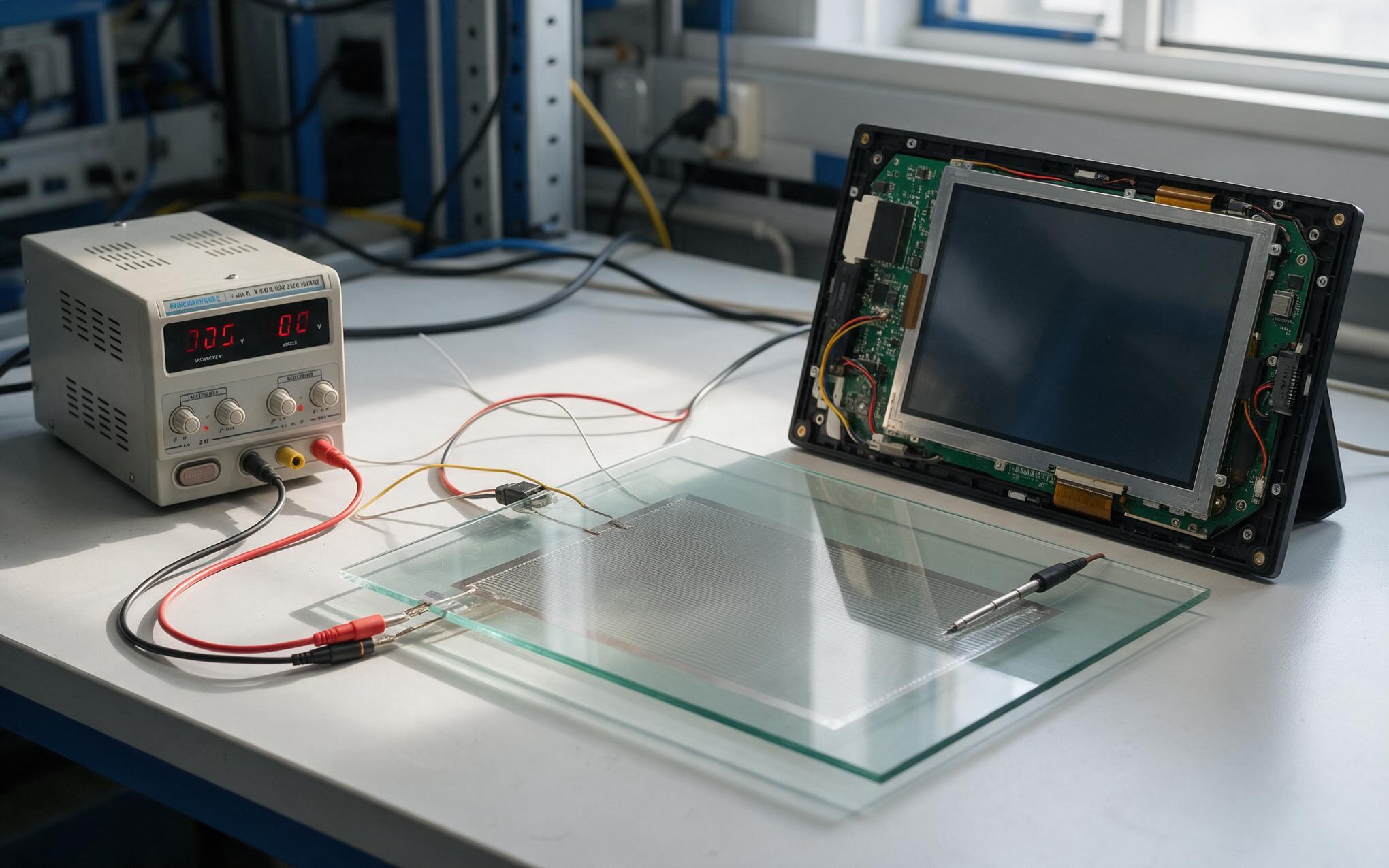
Sizing Front Glass Heater Films for an Industrial Touchscreen Monitor
Heater films turn the front glass into the warmest surface in the assembly, which is what the dew point calculation demands. Sizing starts with the area to be covered, then the temperature lift required on the coldest day, then the power density printed in the film datasheet. Thermal budgeting in the KOXIAN K2 series treats the heater and the display as one system, so heater draw shares the mainboard power margin. Resistive films also pull a large inrush current when cold, which the supply behind the panel has to absorb at startup. A thermostat with a few degrees of hysteresis keeps the film from cycling every time the dock door opens, and film placement changes the local temperature the touch controller reads.
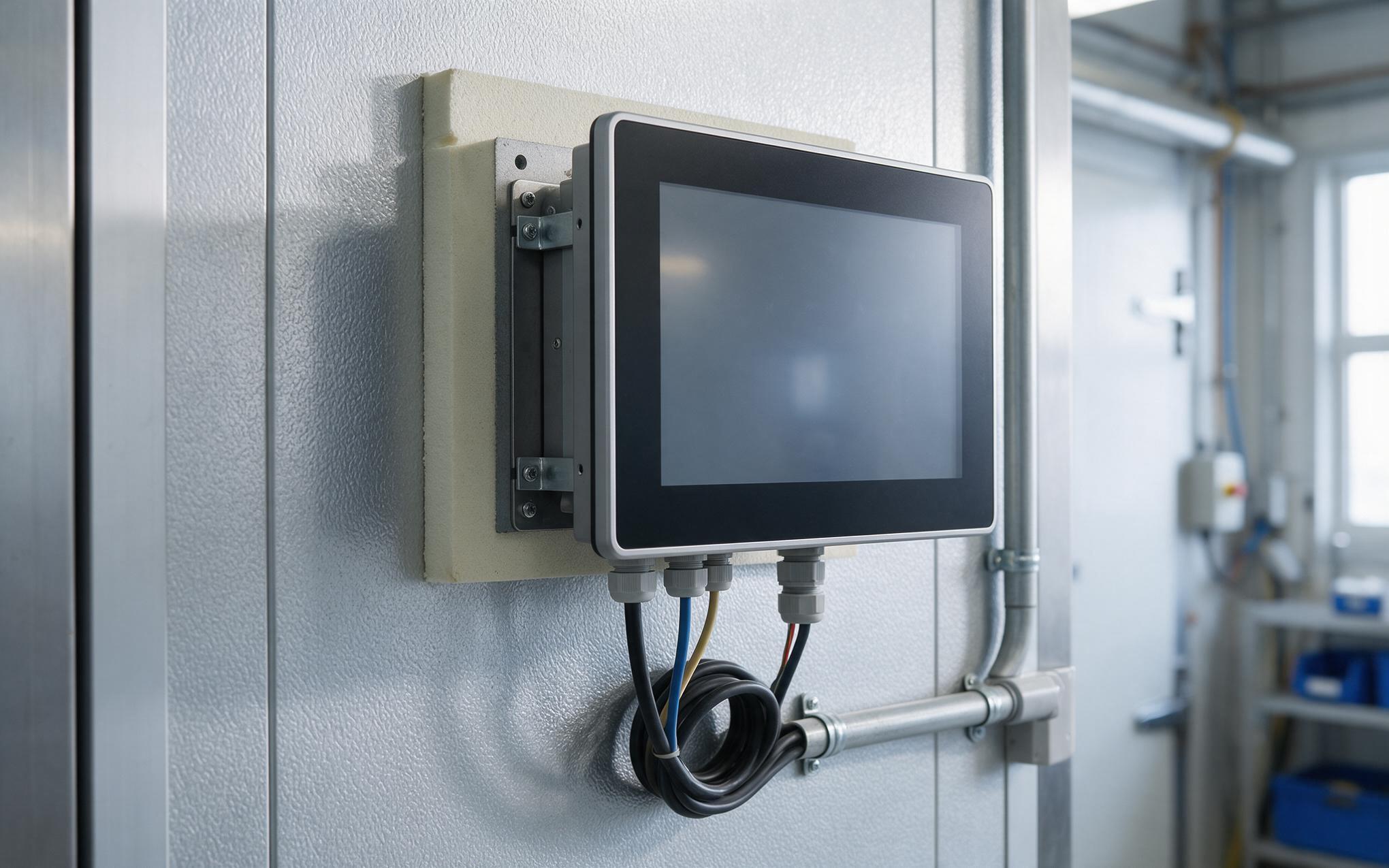
Mount and Seal Details for Repeated Cold Room Cycles
Mounting decides how much cold the back of the panel actually sees. A bracket bolted straight to a frozen steel wall pulls heat out faster than a heater film can add it, so a thermal break or insulated backing plate keeps the rear of an industrial touchscreen monitor closer to its rated range. Cable glands should land below the panel with a drip loop, and the breather belongs on the side that never meets washdown spray. Wiring has to survive the same swing as the housing, since insulation stiffens and terminals loosen where a harness runs through a chilled wall. Service access matters too, because a unit that cannot be pulled without opening the cold room gets repaired at the worst moment.
Condensation in a freezer aisle is a dew point problem before it is a sealing problem, and the front glass is where it shows up. Specify the heater film against the area and the temperature lift, budget its draw alongside the mainboard, and give the thermostat enough hysteresis for door cycles. Behind the panel, a thermal break, a drip loop, and a breather placed out of the spray path keep the rear of the unit dry. Written into the specification, those details turn a fogged display into a predictable commissioning check rather than a recurring service call.









