
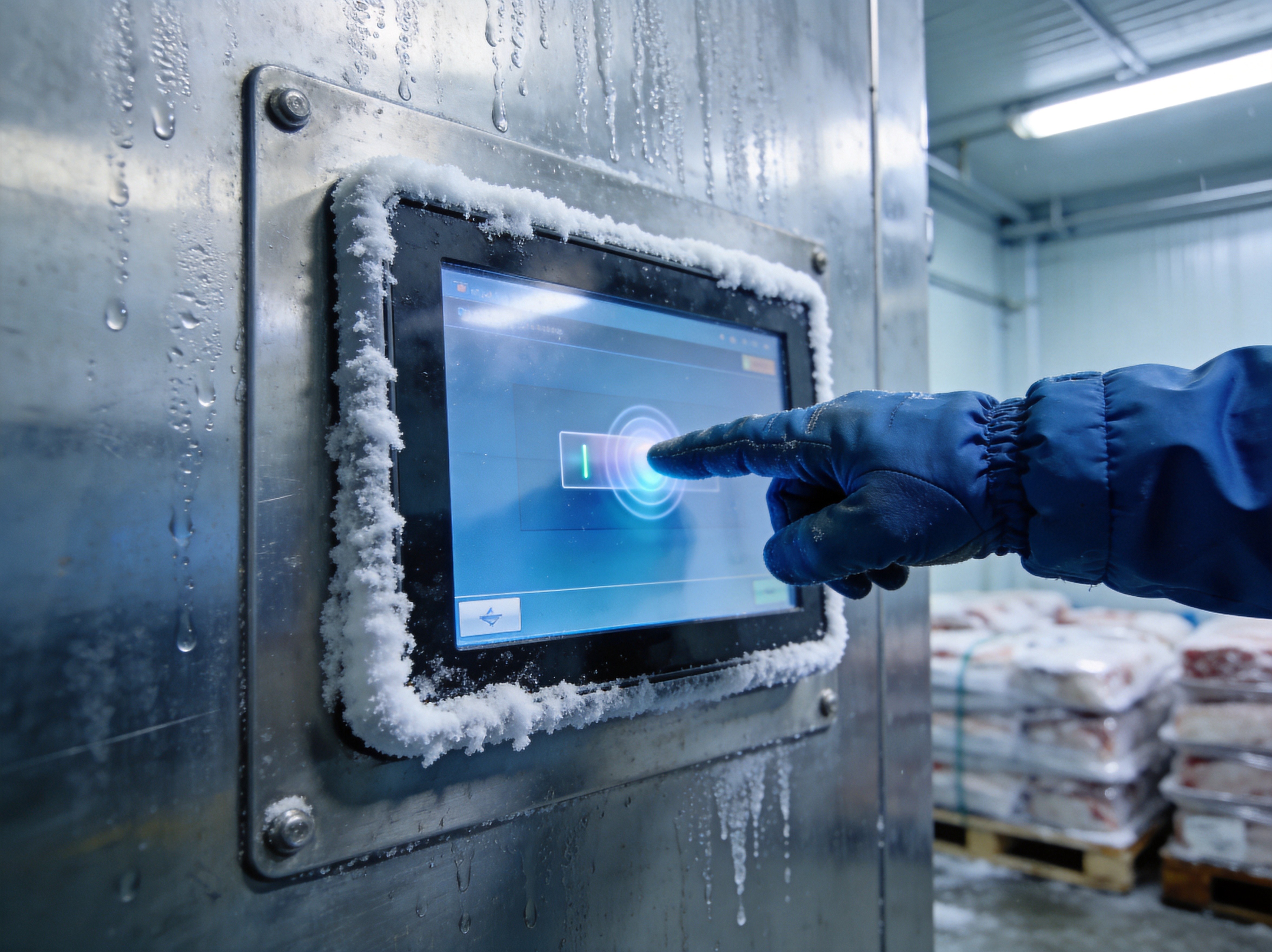
Capacitive touchscreens have become the default interface technology for industrial panel PCs, displacing resistive touch in all but the most specialized applications. The reasons are well known: multi-touch gesture support, superior optical clarity without the air gap and ITO layers that resistive panels require, and a glass surface that resists scratching from abrasive contaminants. But capacitive technology has a persistent blind spot that factory floor managers and system integrators encounter regularly: it performs poorly when the operator is wearing gloves. In cold storage facilities, chemical processing plants, and food manufacturing lines, gloves are mandatory PPE, and the resulting touch degradation can slow operations to a frustrating crawl. Understanding why this happens — and what can be done about it — requires a look at the signal physics behind projected capacitive touch.
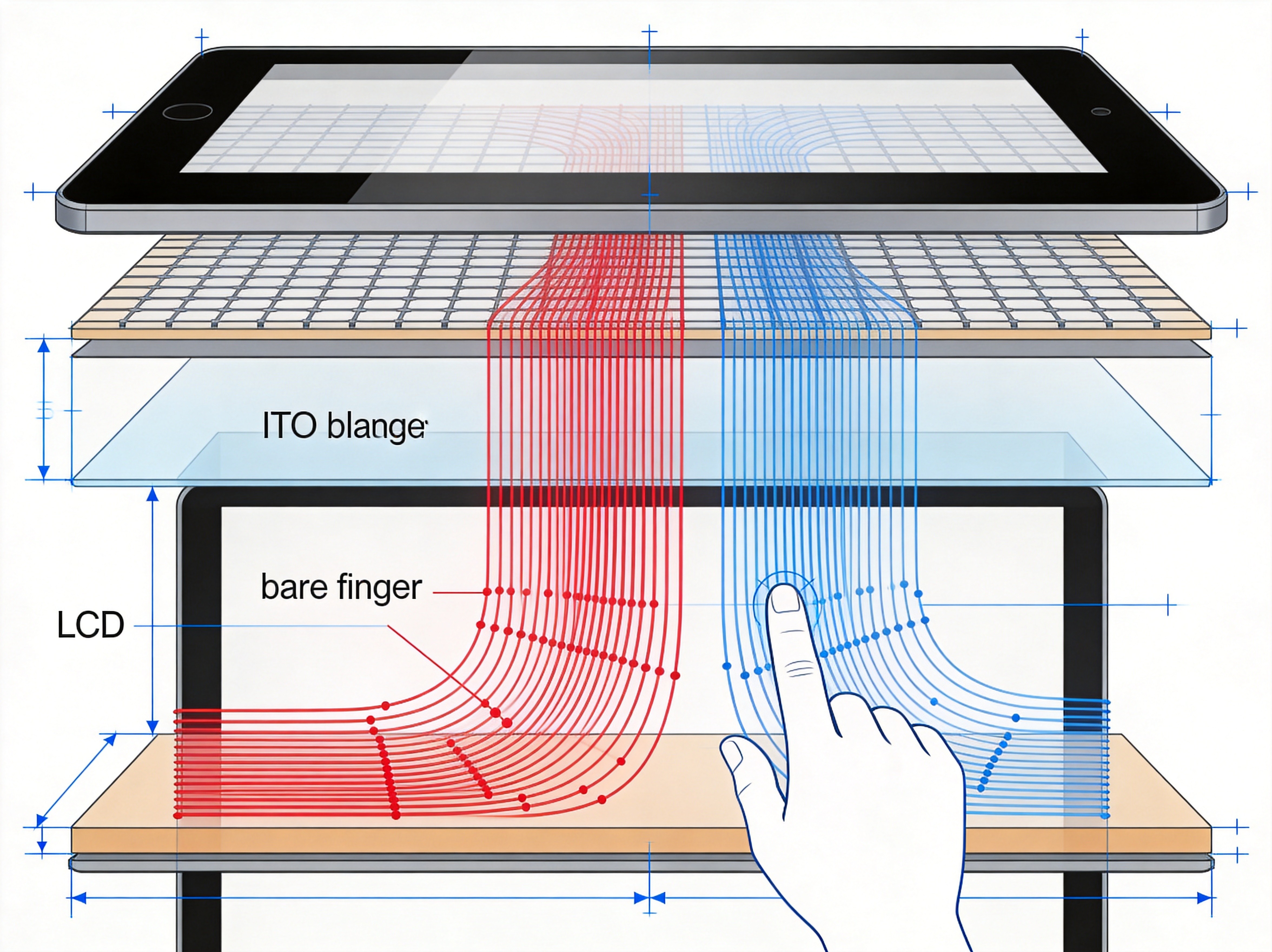
How Capacitive Sensing Fails Through Gloves
Projected capacitive touchscreens detect touch by measuring the change in capacitance between the transparent electrode grid and a conductive object — typically a bare finger. The human body acts as a capacitor to ground, and when a finger approaches the sensor surface, it draws a small but measurable charge from the electrode intersections. A glove inserts a dielectric layer between the finger and the sensor. Thin nitrile or latex gloves may attenuate the signal by 20 to 40 percent, which a well-tuned controller can compensate for. Thick insulated gloves used in cold storage, or rubber chemical-resistant gloves, can attenuate the signal by 70 percent or more, dropping the measured capacitance change below the touch detection threshold entirely. The screen simply does not register the touch.
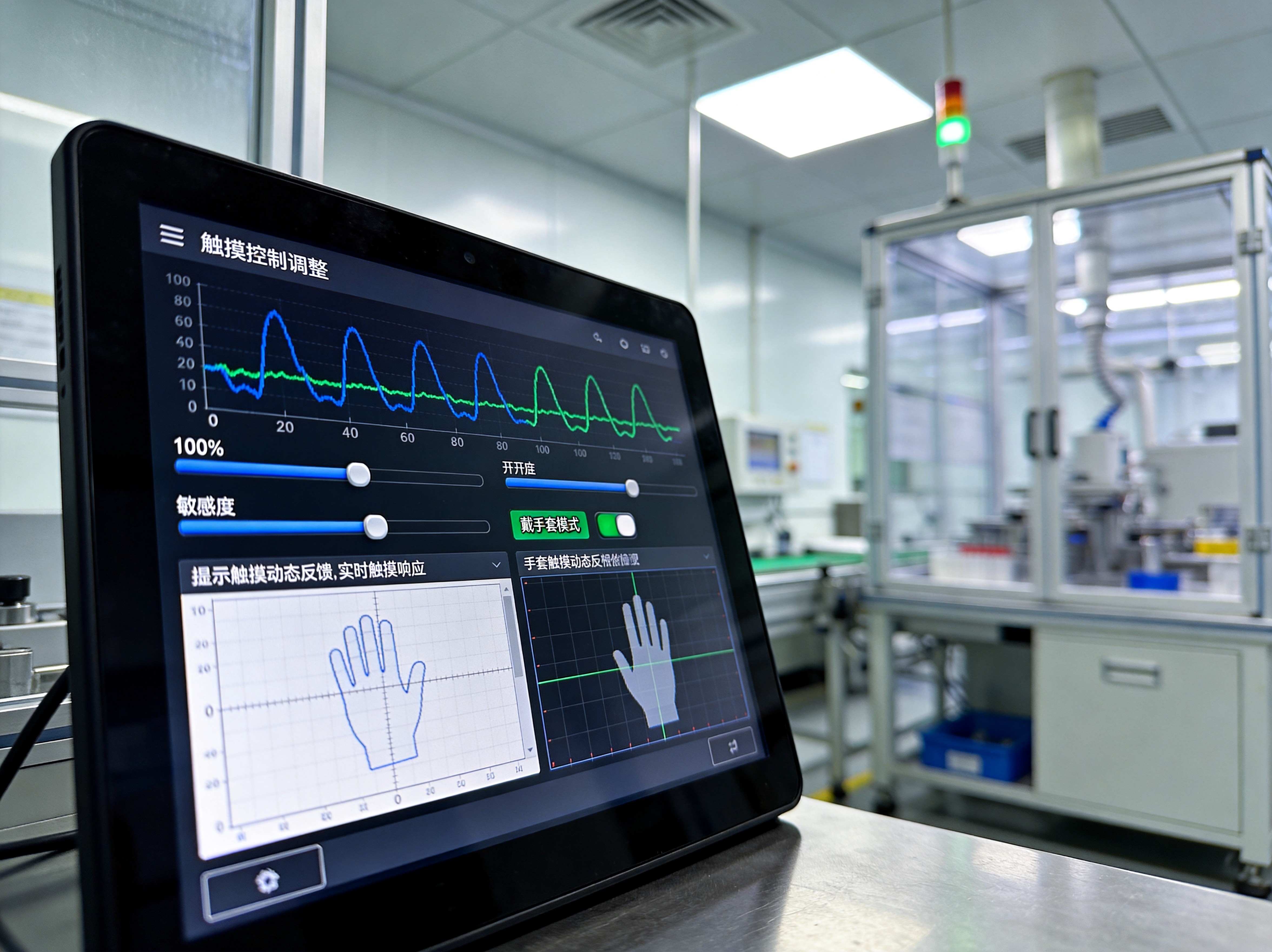
Controller Tuning: Sensitivity, Threshold, and Gain
The touch controller firmware is the primary lever for improving gloved-hand performance. Three parameters are adjustable on most industrial-grade controllers: sensitivity, which amplifies the raw capacitance measurement; touch threshold, the minimum signal delta required to register a touch event; and gain staging, which applies non-linear amplification to weak signals without saturating strong ones. Raising sensitivity too aggressively, however, introduces a new problem: false touches. A droplet of condensation, a sleeve brushing the screen, or electromagnetic interference from nearby motor drives can trigger spurious touch events. The calibration process is therefore a balancing act. Industrial panel PC providers such as KOXIAN ship touch controllers with pre-configured profiles for common gloved-hand scenarios and provide firmware-level tuning utilities that allow integrators to dial in parameters for specific glove materials and thicknesses on-site.
Hardware-Level Mitigations: Sensor Design and Surface Materials
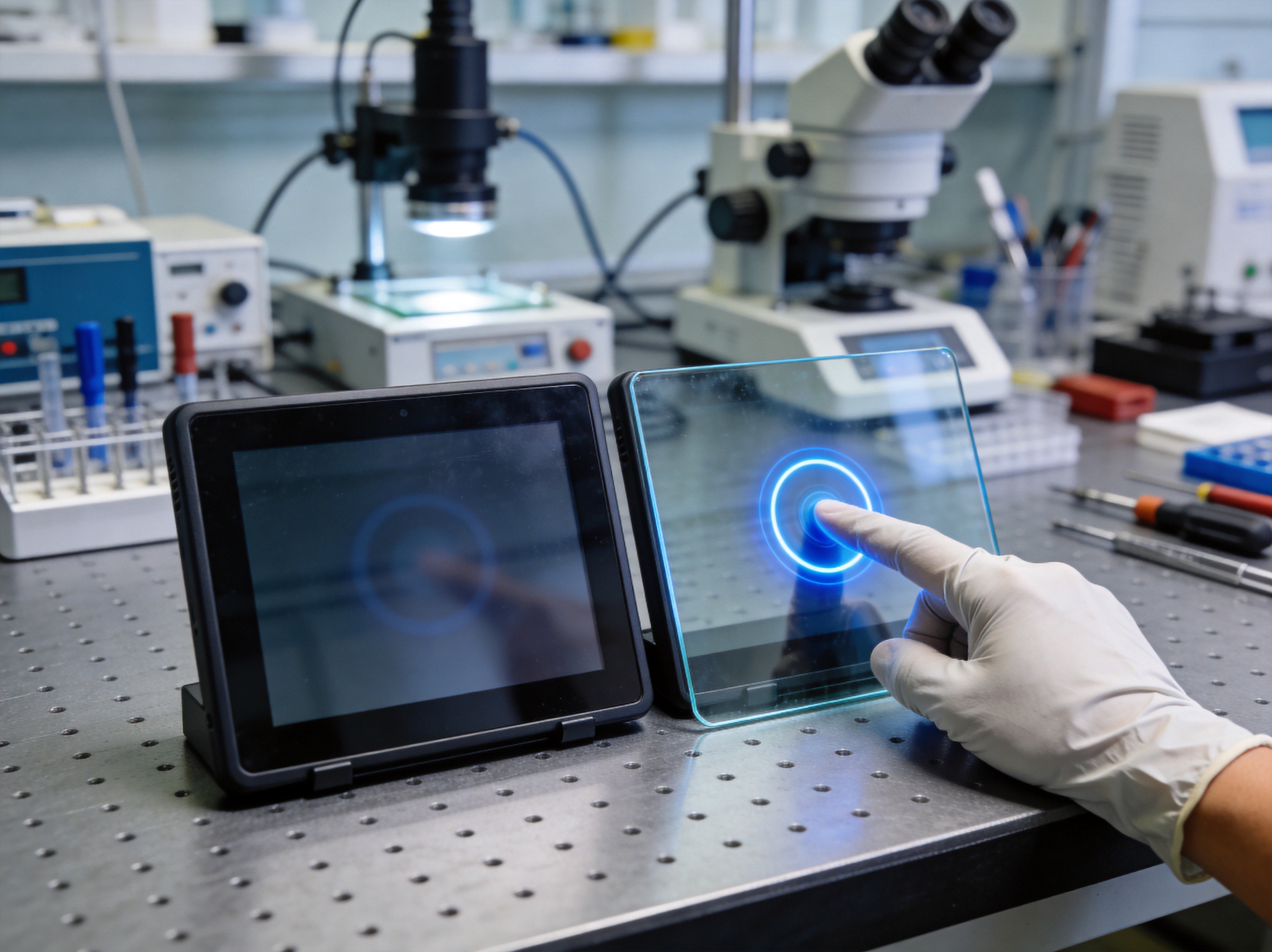
Beyond firmware tuning, the physical sensor stack can be engineered for higher baseline sensitivity. A thinner cover glass reduces the distance between the finger and the electrode grid, preserving more of the capacitance signal. Reducing the electrode pitch — the spacing between individual sensor lines — increases the spatial resolution of the touch grid, making it easier to detect the diffuse capacitance signature of a gloved finger. Some panel PC manufacturers also offer the option of a hybrid touch sensor that combines capacitive and projected infrared technologies, though this adds cost and thickness. Another practical consideration is the anti-glare and anti-fingerprint coating on the cover glass. Certain hydrophobic coatings can slightly alter the dielectric constant at the surface, affecting touch sensitivity in ways that the controller must be calibrated to account for.
System-Level Workarounds and Operator Training
When hardware and firmware tuning reach their limits, system-level strategies can bridge the remaining gap. User interface elements can be enlarged — larger buttons require less precise touch targeting and register a larger capacitance signature even through gloves. Some facilities equip operators with capacitive-touch-compatible gloves that have conductive threads woven into the fingertips, though these are not suitable for all chemical or thermal hazards. A more robust approach is to supplement the touchscreen with physical function keys or an external keypad for critical operations such as emergency stops, start cycles, and mode switching. KOXIAN panel PCs offer configurable side-mounted programmable keys that remain operational regardless of touchscreen sensitivity, providing a reliable fallback for high-priority controls in gloved-hand environments.
Gloved-hand touch degradation is not a defect in capacitive technology; it is a physics problem that must be managed through a combination of controller tuning, sensor design, and thoughtful system integration. For industrial environments where gloves are non-negotiable, the selection of a panel PC with adjustable touch firmware, thinner cover glass, and physical backup controls can mean the difference between a fluid workflow and a line stoppage. The tools exist. The key is knowing which levers to pull and testing them against the actual glove materials used on the floor — not in a lab, but where the operators work every day.









