
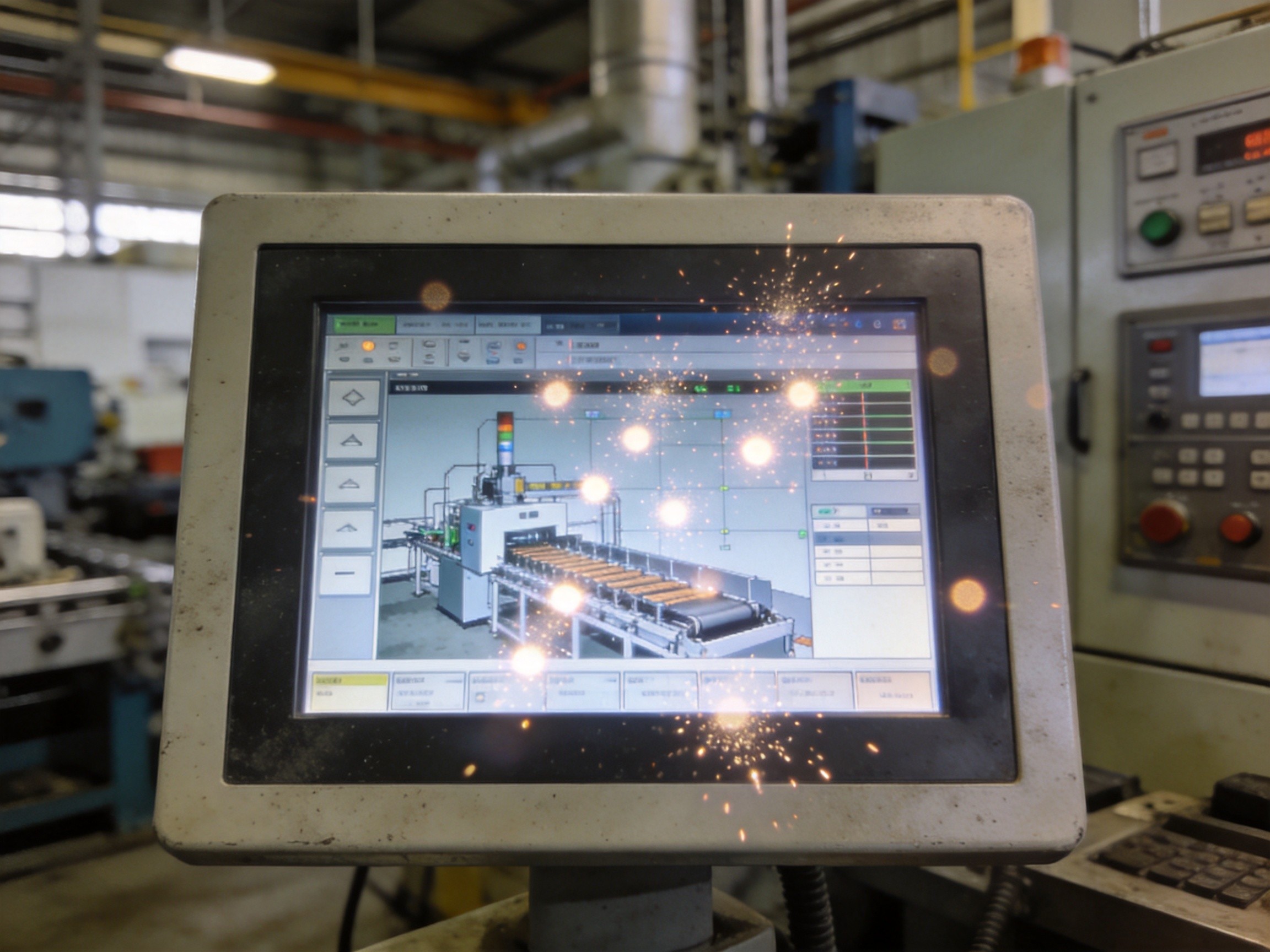
Ghost touch is one of the most frustrating failure modes in industrial touchscreen deployments. An operator monitors a production dashboard when the interface begins registering touches that never happened—cursor jumps, buttons activate spontaneously, menus open unbidden. The phenomenon is a symptom class with multiple distinct root causes spanning electrical noise, firmware processing errors, touch sensor degradation, and environmental interference. In industrial environments where touchscreens face electromagnetic noise from motor drives, temperature fluctuations, and chemical exposure, ghost touch events can escalate from occasional nuisance to production-critical failure. Diagnosing the root cause requires a systematic approach that distinguishes between four primary failure mechanisms: capacitive coupling interference, firmware threshold misconfiguration, sensor electrode degradation, and ground reference instability.
Capacitive Coupling: When Electrical Noise Mimics Touch
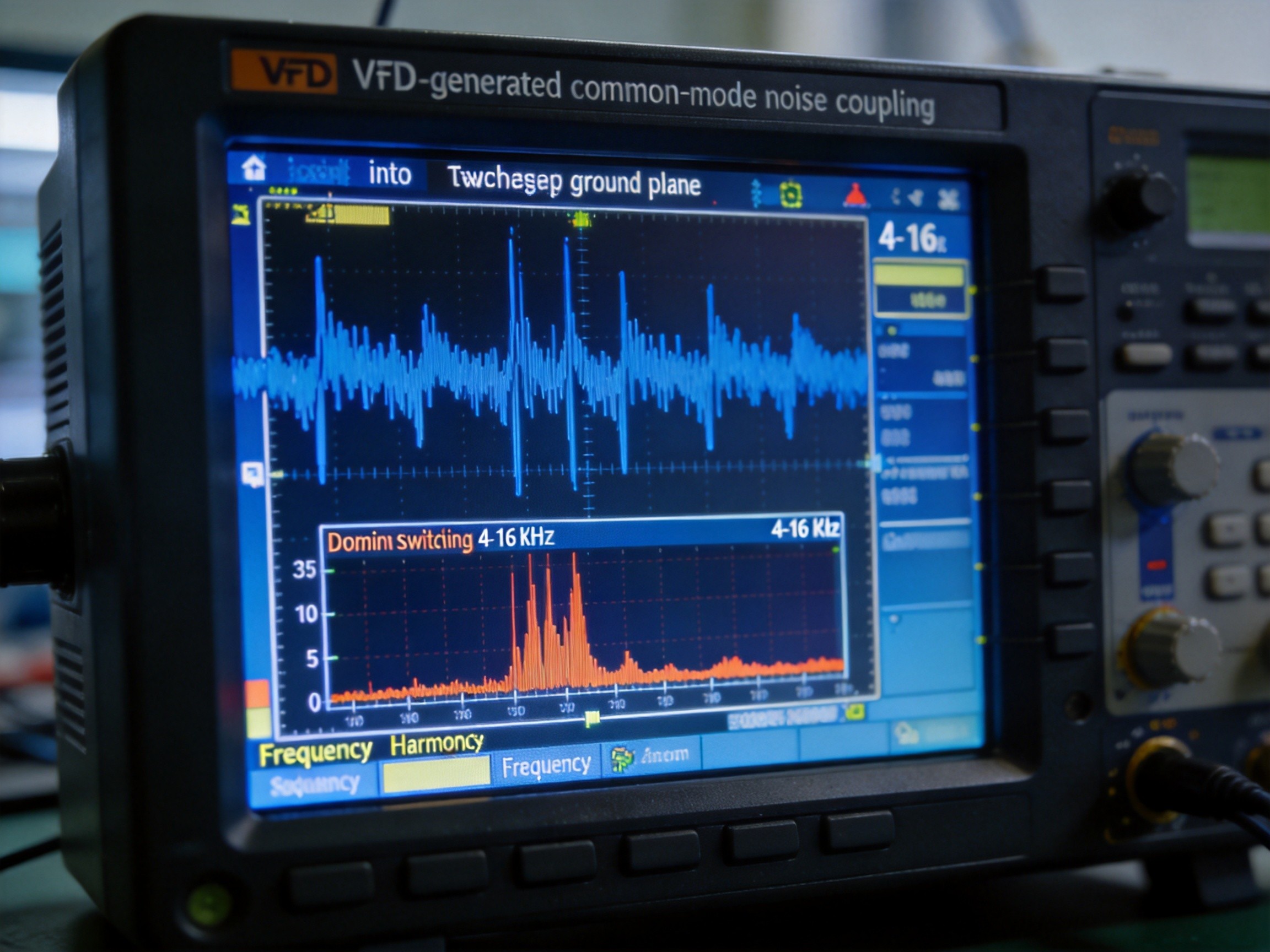
Projected capacitive touchscreens detect touch through changes in mutual capacitance between rows and columns of transparent indium tin oxide electrodes. When a finger approaches, it diverts a portion of the electric field, and the touch controller measures this as a delta from baseline. Any electrical phenomenon producing a similar capacitance change can be misinterpreted as a touch. In industrial settings, the most common source is electromagnetic noise from variable frequency drives, switching power supplies, and high-current contactors. A VFD switching at 4 to 16 kHz can generate common-mode noise that couples through the touchscreen’s ground plane and appears as a distributed capacitance change across multiple electrode intersections. The resulting ghost touch pattern is typically random—touches appearing and disappearing with no spatial correlation, a key diagnostic signature distinguishing electrical noise from sensor damage.
Firmware Threshold Tuning: The Software Side of Ghost Touch
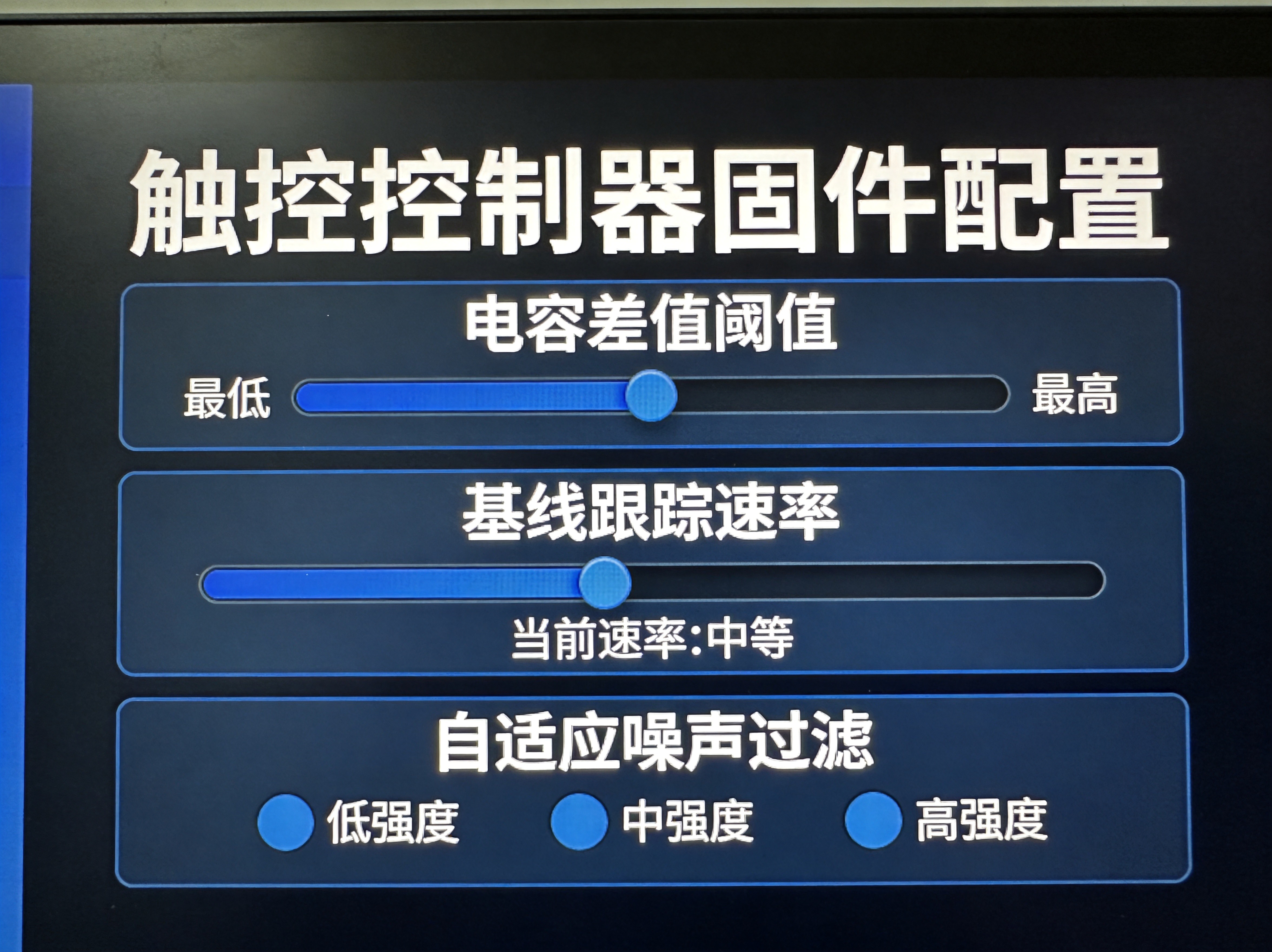
Not all ghost touch events originate in hardware. Modern touch controllers run firmware algorithms that continuously adapt baseline capacitance values, filter noise, and apply touch detection thresholds. A touch is registered when the measured capacitance delta exceeds a firmware-defined threshold, calibrated at the factory for a specific sensor stack and environmental condition. As the touchscreen ages or the operating environment changes—particularly with temperature swings that shift the dielectric properties of the sensor stack—the factory thresholds may no longer be appropriate. If the threshold is set too low, normal noise fluctuations exceed it, generating false detections. If the baseline tracking algorithm responds too aggressively to legitimate touches, it can create a ghost of the previous touch by failing to correctly reset the baseline after the finger is removed. KOXIAN industrial panel PCs ship with application-specific firmware profiles that pre-configure these parameters for common industrial environments, reducing on-site tuning while maintaining flexibility for unusually challenging electromagnetic conditions.
ITO Electrode Degradation: Physical Sensor Failure Mechanisms
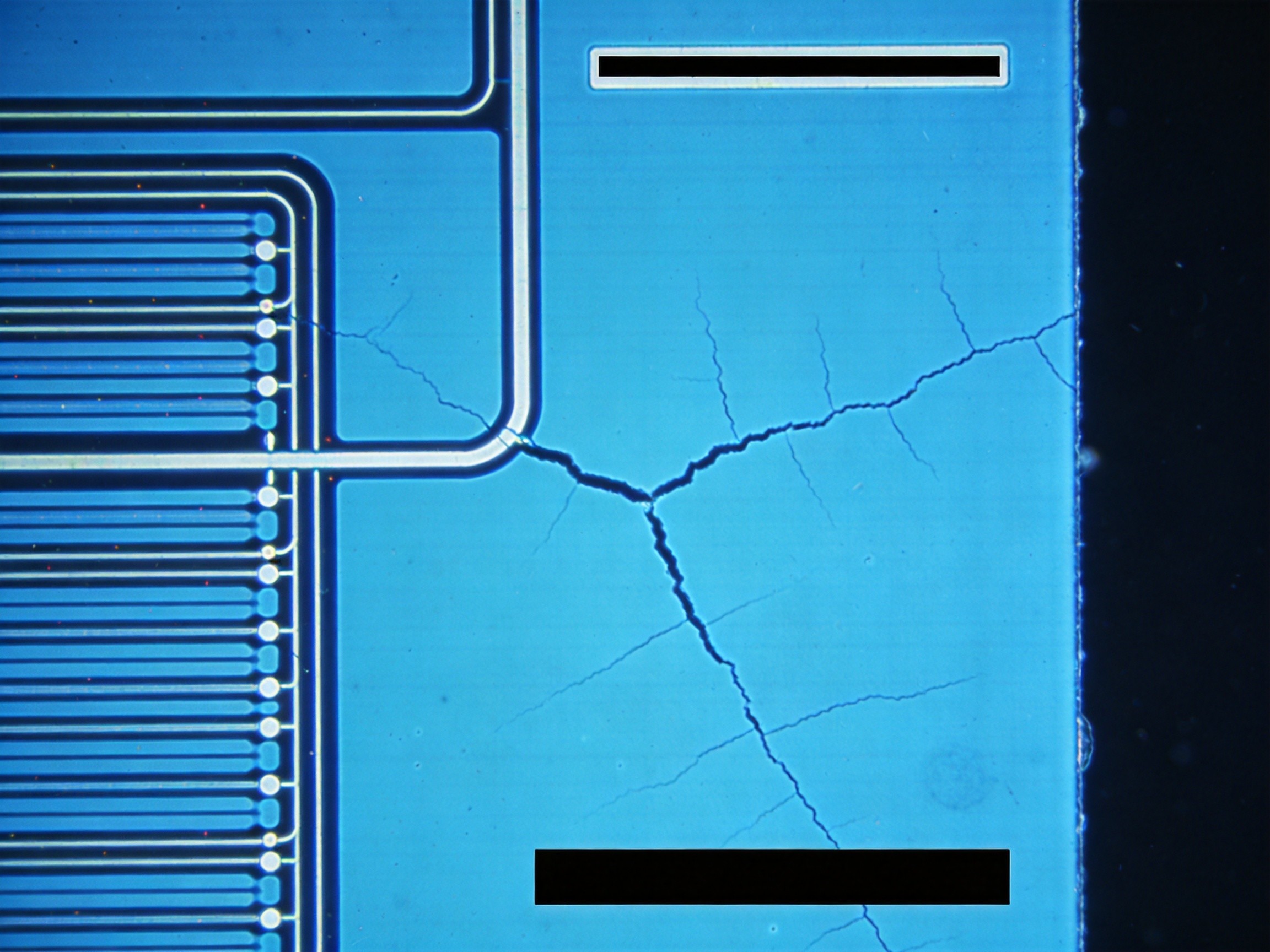
When ghost touch events exhibit spatial consistency—repeatedly occurring in the same screen region—the root cause is likely physical sensor degradation. The ITO electrodes in a projected capacitive touch sensor are deposited as thin-film patterns on glass or PET substrates, susceptible to multiple degradation mechanisms. Micro-crack propagation from thermal cycling increases electrode trace resistance, causing the touch controller to misinterpret signal attenuation as a touch event. Moisture ingress through compromised edge seals creates conductive paths between adjacent electrodes, producing persistent ghost detections. In deployments subject to point-pressure impacts—gloved operator interaction in heavy manufacturing—localized ITO delamination from the substrate creates permanent sensitivity anomalies. Physical sensor damage typically requires replacement rather than recalibration, though some touch controllers can mask damaged regions through firmware-based electrode remapping that interpolates touch position from the remaining functional sensor grid.
Ground Reference: The Most Overlooked Variable
A projected capacitive touchscreen measures capacitance changes relative to the system’s ground reference. If that ground reference is unstable—due to a floating chassis, a compromised ground bond, or ground loops from multiple connected peripherals—the touch controller’s measurement baseline becomes unreliable. In a poorly grounded panel PC, the entire chassis can float at a voltage offset relative to earth ground, and a grounded operator’s touch registers as a distributed event across the entire sensor rather than a localized capacitance change. The diagnostic signature is ghost touch sensitivity that varies with the operator’s body position—touches registering correctly when standing but ghosting when the operator sits and loses contact with conductive flooring. The solution is a thorough ground audit: verifying the chassis ground bond, checking the facility’s equipment grounding conductor integrity, and ensuring all peripherals share a common ground reference through a star-ground topology.
Ghost touch in multi-touch industrial panels is a solvable problem, but it requires engineers to treat it as a diagnostic challenge rather than a component swap. The first step is to characterize the pattern—random or spatially consistent, constant or intermittent, correlated with specific equipment states—because the pattern points directly to the root cause. KOXIAN industrial panel PCs ship with pre-configured touch controller firmware profiles that account for common industrial noise environments, and their support documentation provides field-tested diagnostic workflows for isolating ghost touch root causes. In an industrial landscape where touchscreen interfaces are increasingly the primary control surface for critical operations, the ability to quickly diagnose and resolve ghost touch events is not just a maintenance skill—it is an operational reliability requirement.









