
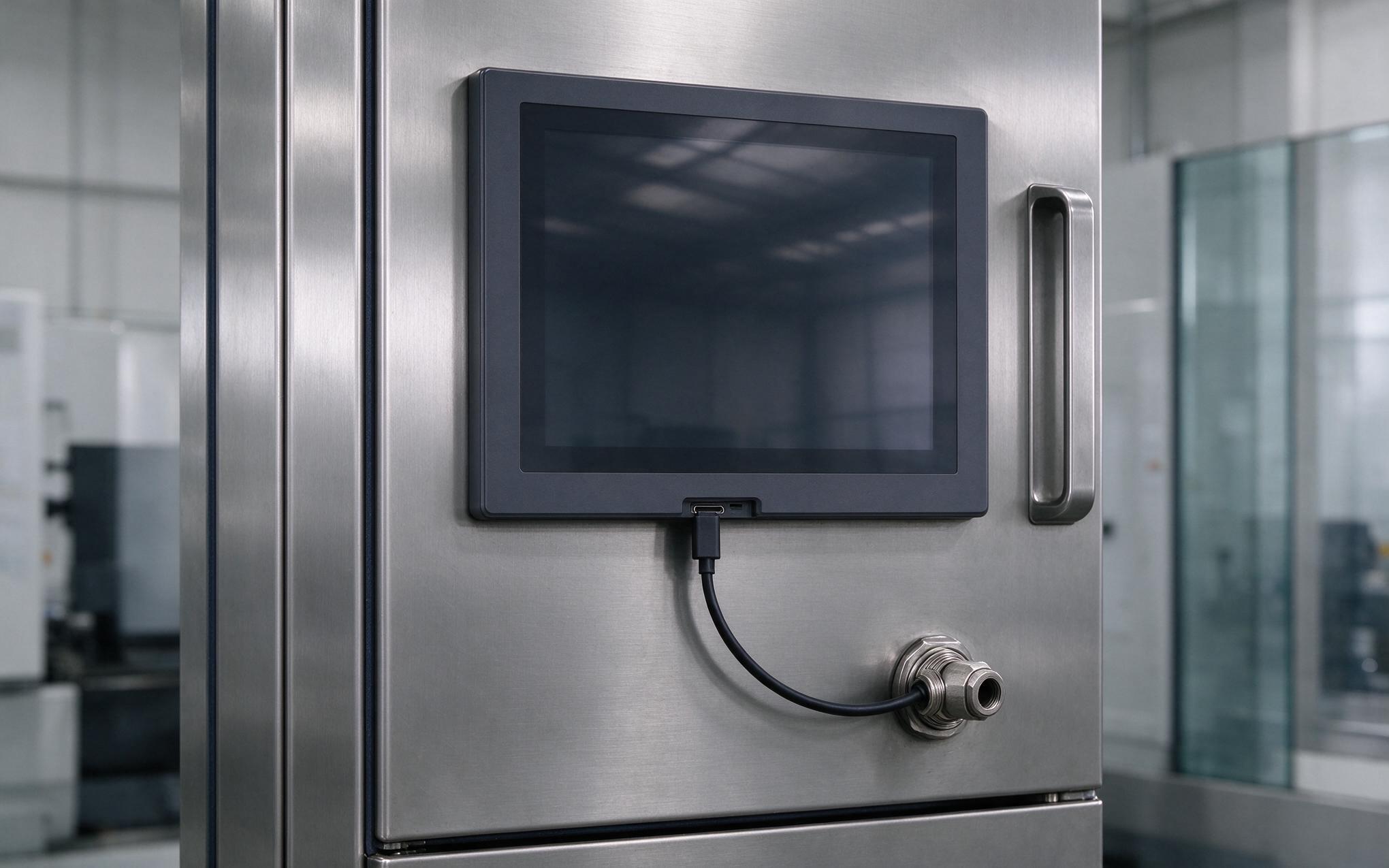
A warranty callback at a bottling plant kept circling back to the same cabinet door: three separate cable entries, one gasketed poorly, and an industrial panel mount monitor that had been swapped in without a plan for the legacy holes. Each penetration had to be re-sealed and re-checked for its ingress rating. Single-cable USB-C wiring promises to collapse those three runs into a single connector that carries video, touch, and power at once. The concept is simple, but retrofit work exposes engineering limits around power negotiation, cable length, and connector retention that spec sheets rarely discuss.
Single Cable Wiring and USB Power Delivery Fundamentals
Power and interface engineering sets the practical ceiling on a single-cable retrofit of an industrial panel mount monitor: wide-voltage input stages like those in KOXIAN embedded computing designs show why many panel displays keep a separate 24 V feed while the Type-C link handles video and touch only. Under the USB Type-C and Power Delivery specifications, one connector can carry DisplayPort video through Alternate Mode, USB data for the touch digitizer, and DC power negotiated between source and sink. The contract is set when the connector mates, and that negotiation is where retrofit plans often stall. A real choice remains: draw the full budget through the cable, or keep the 24 V feed and use it for video and touch alone. Both routes shift cost and cabinet complexity in different directions.
Why Signal Integrity Fails in Long Passive USB-C Runs
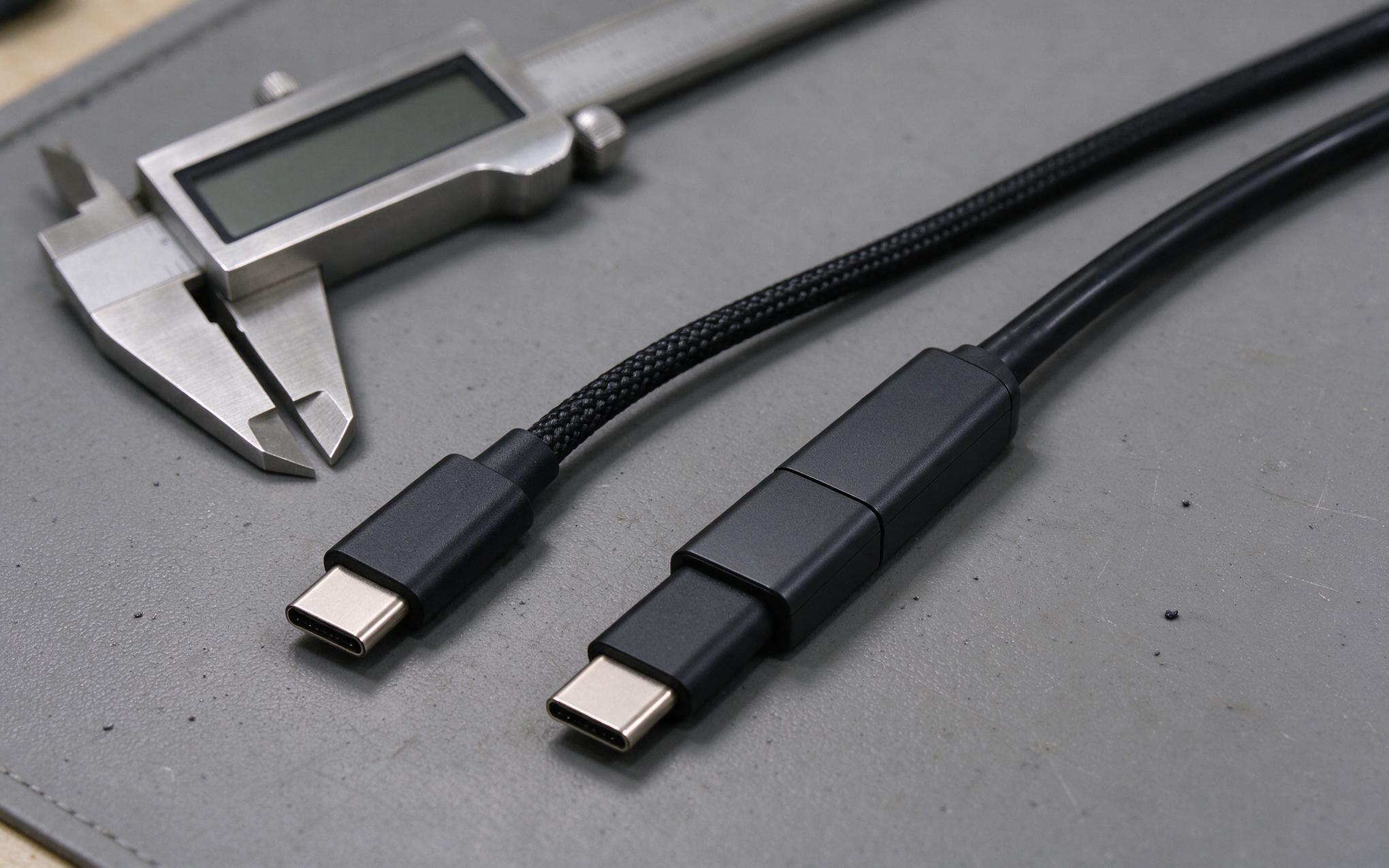
Passive Type-C cables behave like any other copper link: margin falls as length grows. At common control resolutions, runs inside one cabinet stay uneventful, but pushing video plus the touch back-channel through two meters or more of low-grade cable invites flicker, touch dropouts, and intermittent handshake failures. For a monitor whose host lives in a distant enclosure, active optical cables solve the distance problem by converting the signal to light inside the connector shell. Direction matters, because an active cable is built source to display and will not pass video when reversed. Electromagnetic conditions add a further constraint: variable-frequency drives share the same cabinets, so the cable shield should terminate at the panel entry or chassis rather than float.
Locking, Strain Relief, and Bulkhead Feedthrough Decisions
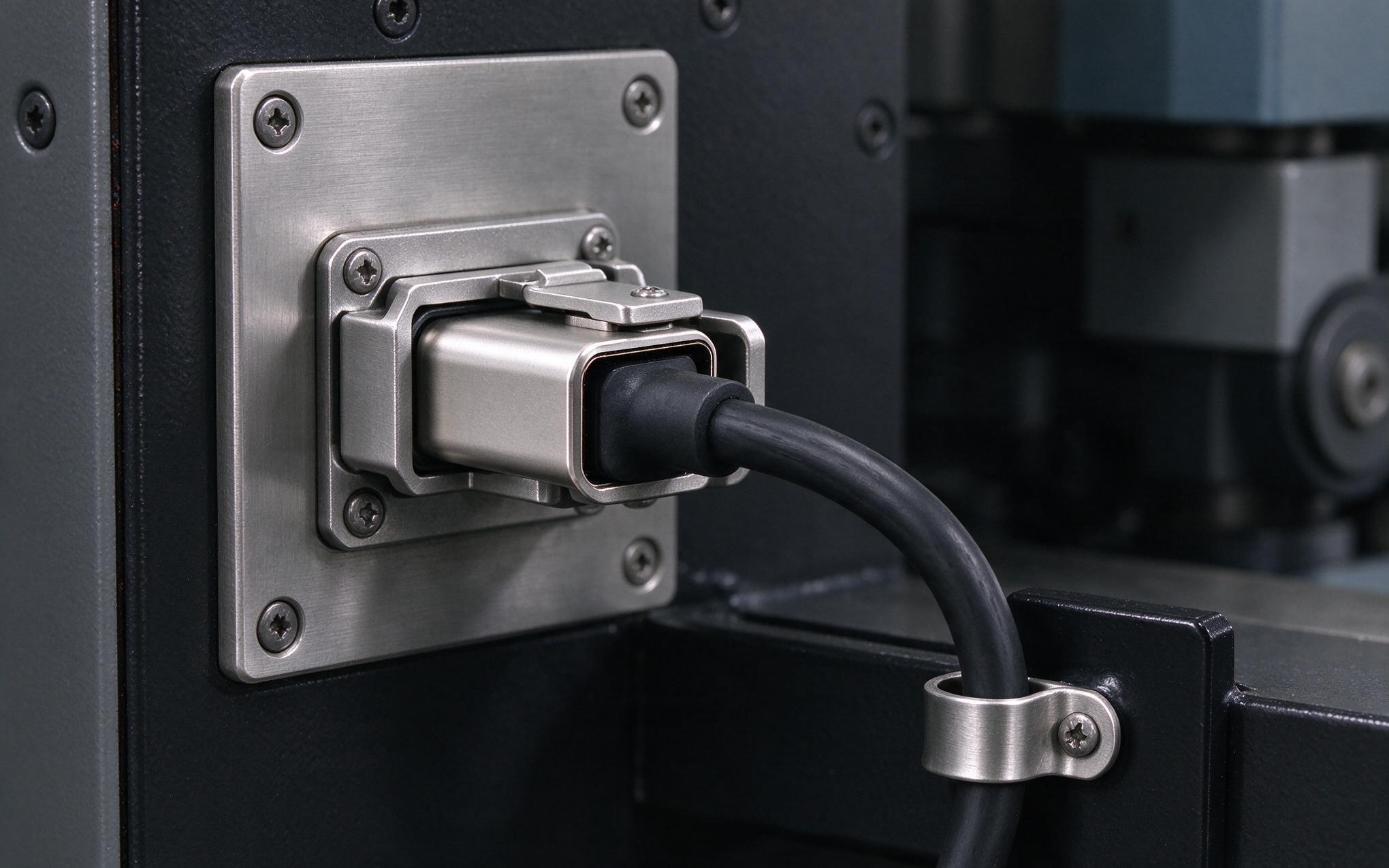
The Type-C plug was shaped for consumer handling, and its retention force reflects that origin: adequate for a desk, marginal for a machine that vibrates all shift. Retrofit practice for an industrial panel mount monitor compensates in layers. Cables with a mechanical latch or locking clip survive vibration that friction alone cannot, and the cable body should be clamped to the cabinet structure so the connector never carries its own weight. A service loop below the entry point keeps tension off the contacts during thermal cycling. The bulkhead pass-through deserves the same attention as the front seal: a feedthrough connector with an ingress-rated gland preserves the door’s protection level, while a loose bundle of cables through one rubber grommet quietly downgrades it. Mating-cycle ratings matter too when the display is unplugged for routine service.
Panel Entry Sealing Practice for an Industrial Panel Mount Monitor Retrofit
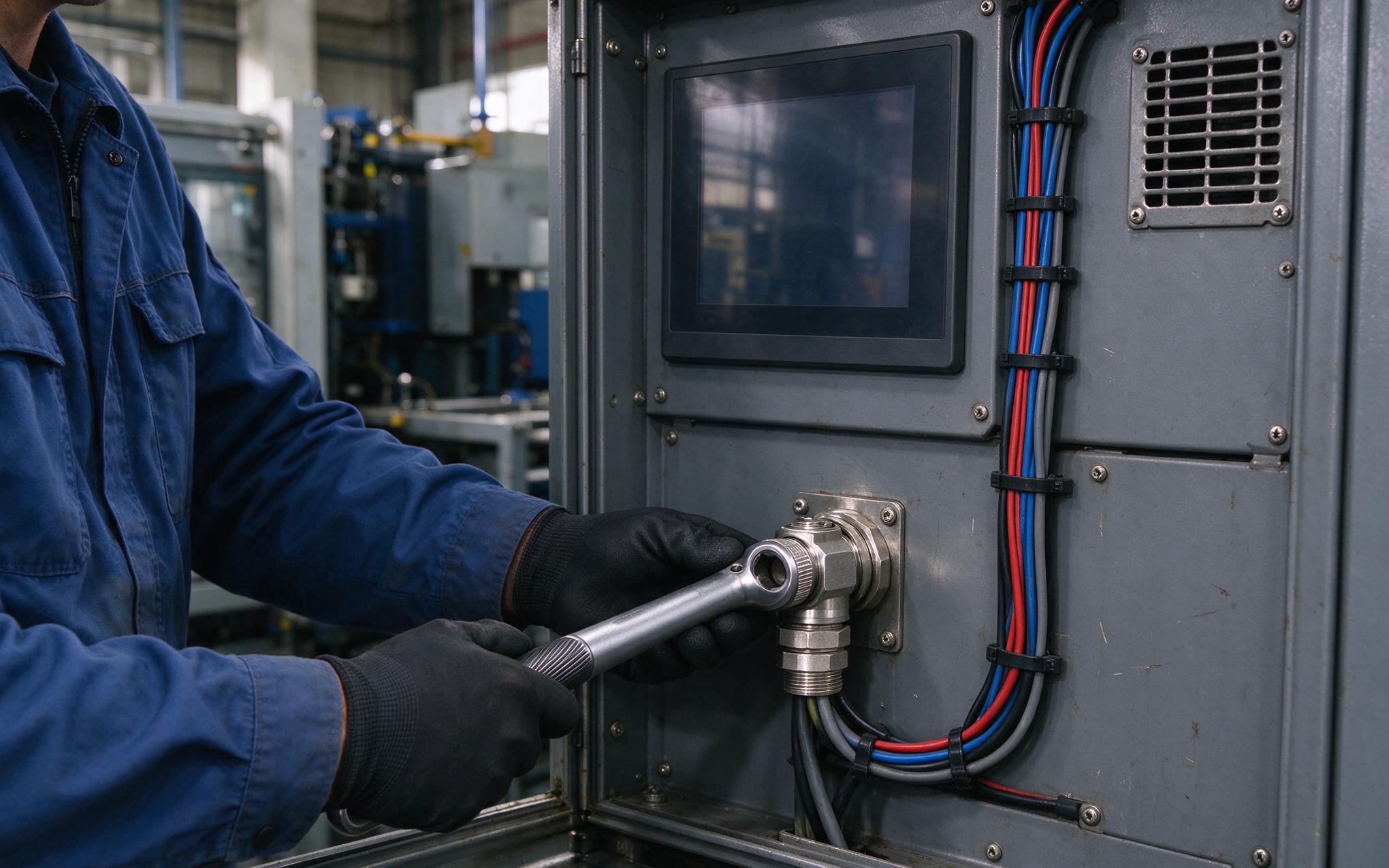
Because the retrofit succeeds or fails at the door penetration, measure the actual run before ordering; active optical cables cannot be cut to length or reversed. Confirm the power contract carries headroom for the display and its accessories rather than trusting the source profile. At the entry point, use a gland or feedthrough rated for the same ingress level as the front bezel, torque it to specification, and verify the seal on the industrial panel mount monitor door after the final cable position is set. Commissioning checks stay short: confirm touch latency after the drive cabinet powers up, watch for renegotiation when the host restarts, and record the cable part number. Integration teams that document single-cable work report shorter commissioning windows, and deployment experience across KOXIAN-based installations holds up when strain relief and sealing are part of the connector specification.
USB-C will not retire the three-cable cabinet overnight, but for retrofit work it removes real installation friction when the engineering is planned rather than improvised. The connector carries video, touch, and power only within limits that physics and the specification impose: a power contract that matches actual demand, cable lengths that respect signal margin, mechanical retention that survives the machine’s vibration, and panel entries that preserve the door’s ingress rating. Teams that settle those four questions before ordering hardware will find single-cable monitor retrofits straightforward, while teams that treat the cable as an afterthought will meet the same failures in a less convenient form.









