
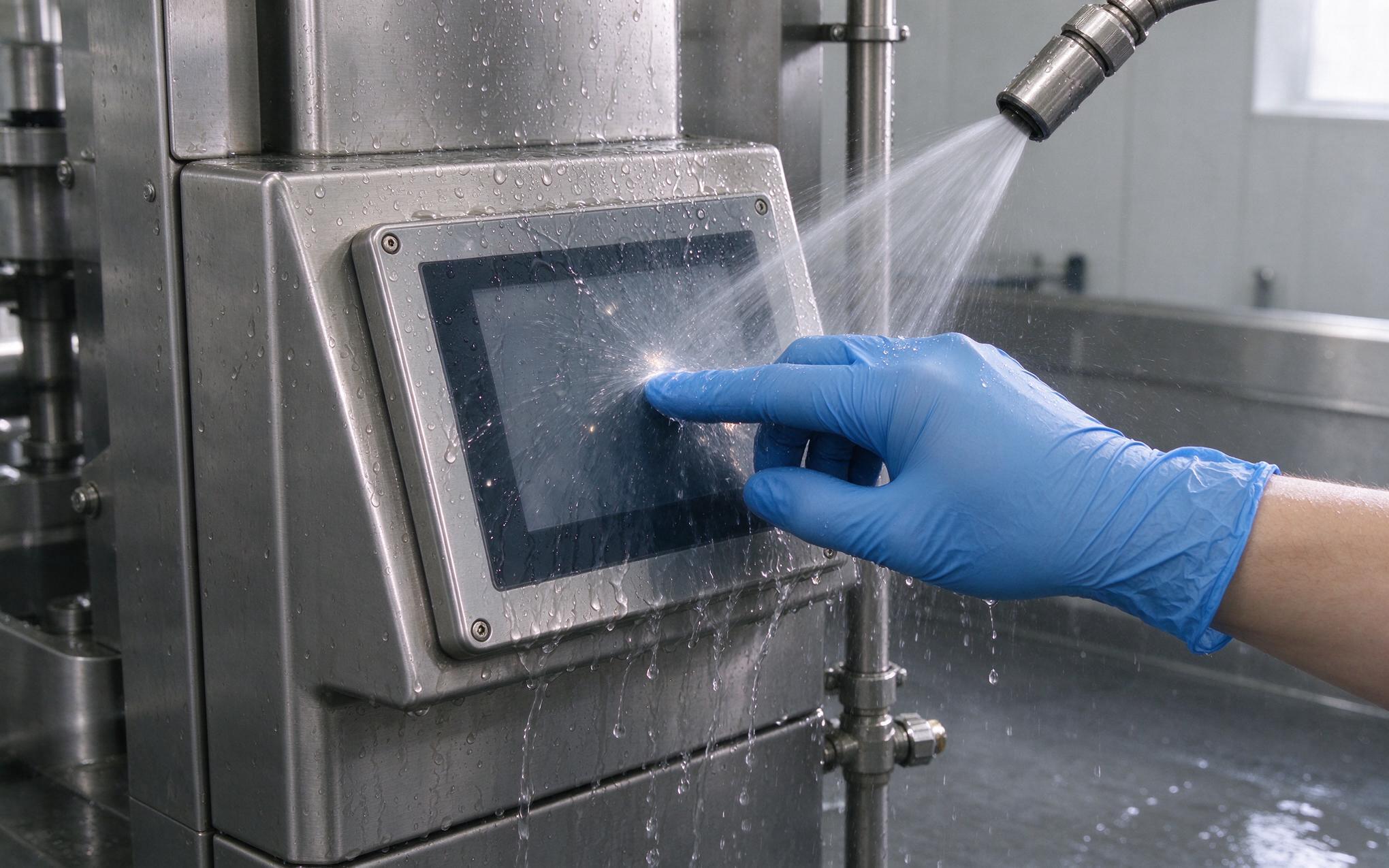
Two input conditions cause more touch failures on a filling line than a component defect: a gloved fingertip that barely couples to the sensor, and a water film that couples to every point of the glass at once. An industrial grade touch screen has to accept the gloved contact while rejecting the water film, and both jobs run through the same controller profile. Push the threshold far enough to catch a 3 mm nitrile glove and the panel reports rinse droplets; tighten water rejection and it ignores the operator’s hand. The fix is a tuned signal chain, a glass stack with enough margin, and a commissioning routine that proves both conditions before the line runs.
Why Glove Mode and Water Rejection Fight for One Threshold
Field observations from packaging lines utilizing KOXIAN panel units show that an industrial grade touch screen tuned for gloved input starts reporting phantom contacts the moment a rinse hose reaches the front glass. Projected capacitive sensing measures a change in charge at each grid node, so the controller compares every live reading against a tracked baseline. A finger behind a 3 mm glove delivers a much smaller change than bare skin, pushing the tuning toward lower thresholds and longer windows. A water film does the opposite, adding parasitic capacitance across many adjacent nodes at once and dragging the baseline. One fixed threshold cannot serve both cases, because what catches a gloved fingertip also reports a chain of droplets.
Tuning Levers Behind Glove Mode Touch Sensitivity
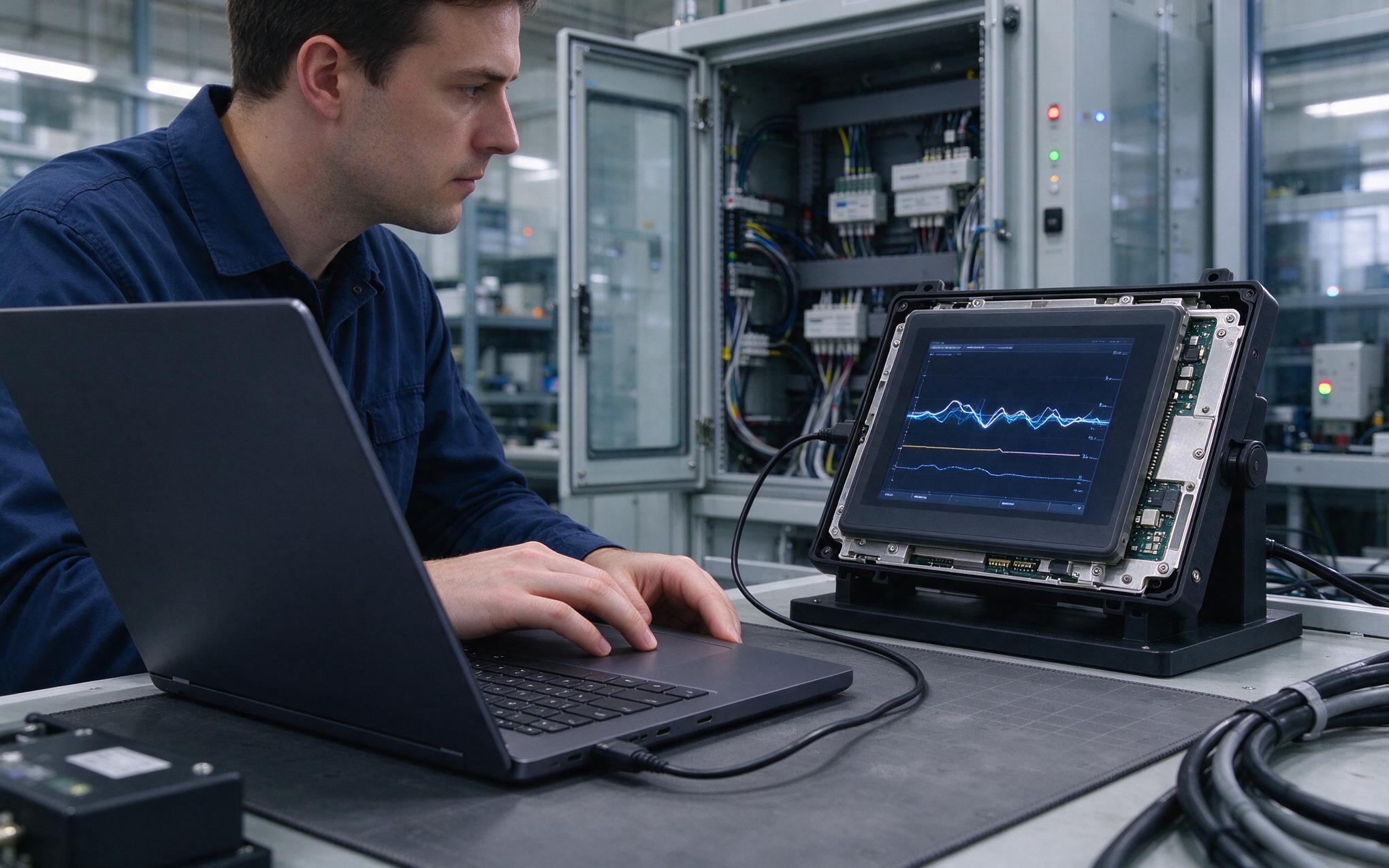
Modern controllers expose a few levers that decide how a panel behaves under both conditions. Activation threshold sets how large a capacitance change counts as a touch, integration window decides how long a node is sampled before the controller commits, and baseline tracking speed controls how fast the grid follows a slow drift such as moisture spreading over the glass. Glove mode touch sensitivity is raised through higher gain and a longer sampling window, while the water rejection touch controller side works from pattern heuristics, because a droplet cluster covers a wide static area of nodes and a fingertip stays small and moves between scans. Tuning either side without the other yields a panel that looks correct on the bench and misbehaves on the line.
Under the Cover Glass Where Signal Margin Is Set
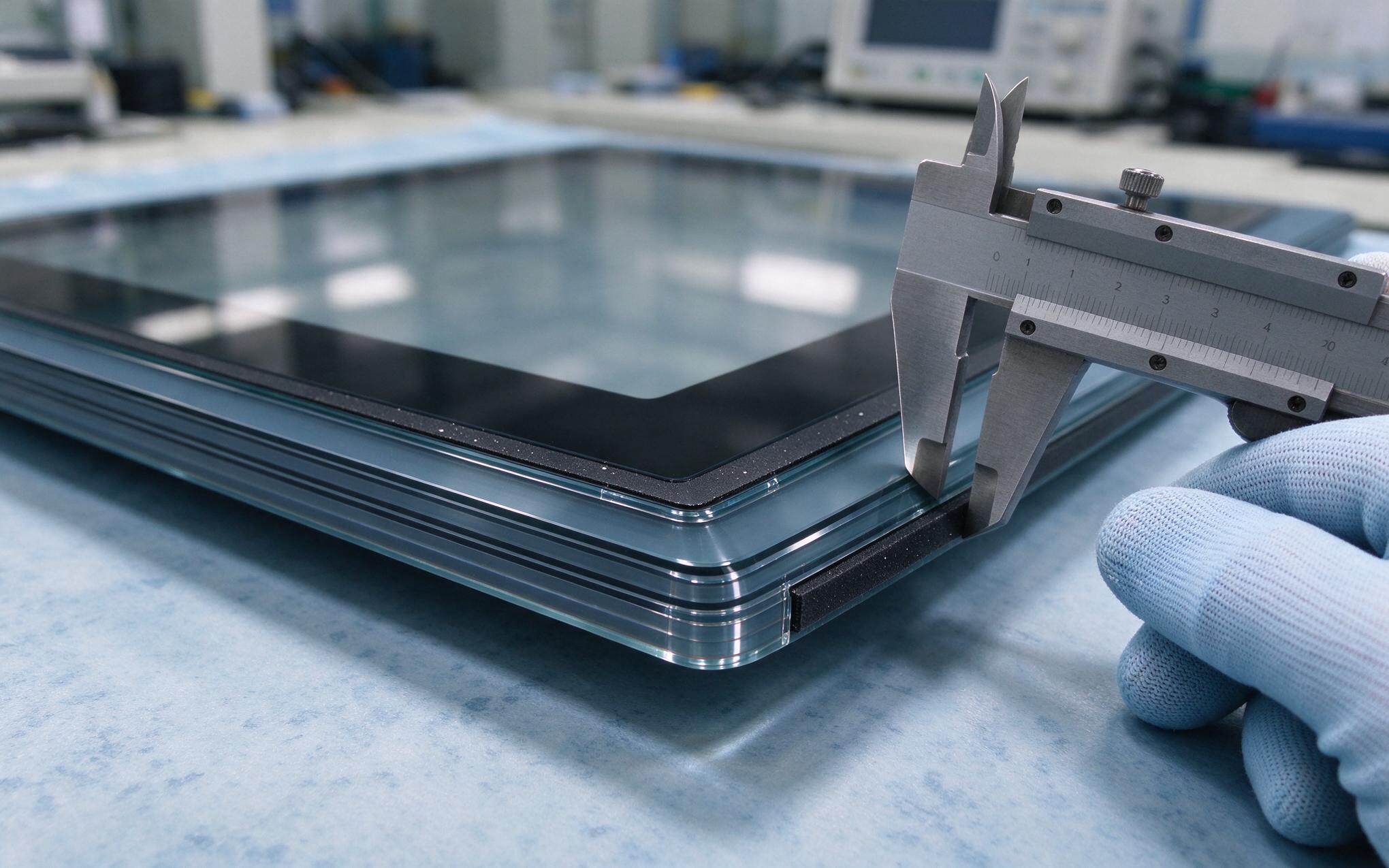
Every millimeter between the finger and the sensor costs signal, so cover glass thickness is the physical budget the tuning has to live inside. A thicker chemically strengthened pane survives impact and scratch tests, yet it pushes the charge change further from the grid and shrinks the margin a gloved finger can use. Optical bonding removes the air pocket and keeps the stack rigid, which stabilizes the baseline, while an anti-glare etch trades some clarity for a surface that holds less film when wet. Grounding the pane through the bezel gasket matters for the same reason, since an ungrounded sheet of glass picks up noise that reads as input. Specifications for an industrial grade touch screen should therefore state glass thickness and treatment against the glove duty rather than a catalog default.
Verifying Glove and Wet Profiles on an Industrial Grade Touch Screen
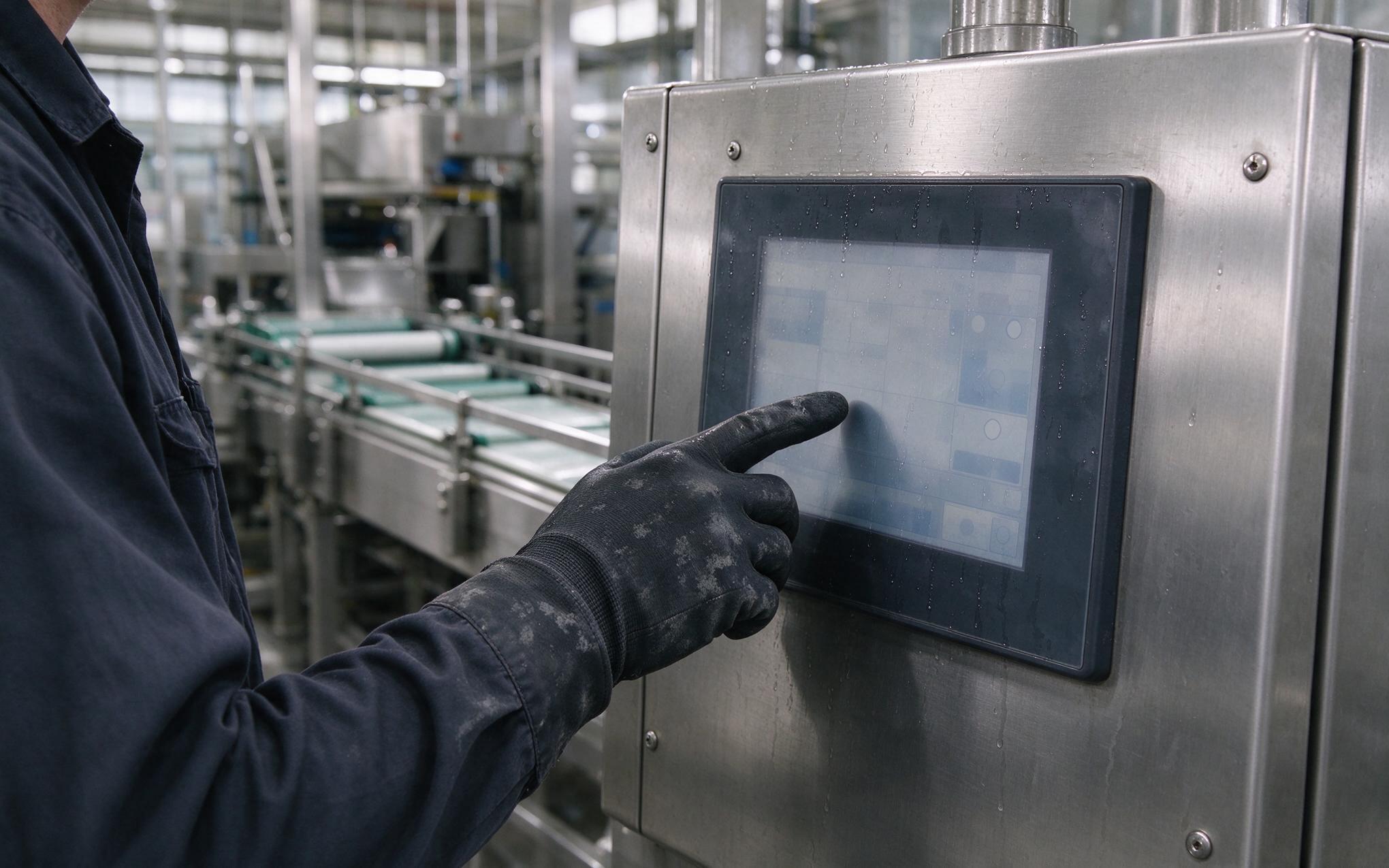
Commissioning should reproduce the conditions the panel will meet in service, using production gloves instead of a clean sample from a drawer. Each glove class gets its own pass, thin nitrile, dipped leather, or insulated winter, across the center, corners, and bezel region where grounding is weakest. Repeat the route with a wet screen after a rinse cycle, including droplets along the lower edge, and watch for phantom contacts while the film dries. Design approaches like those adopted in KOXIAN platform firmware keep the glove profile and the water profile as separate commissioning records, so a plant can adjust one without discarding the other. Log the values that passed against the glass revision and glove class, and repeat the check after any firmware change.
An industrial grade touch screen serving gloved hands and wet surfaces is really two tuning problems sharing one piece of glass. Treat the threshold, the sampling window, and the water pattern logic as separate decisions instead of one factory default. Size the cover glass against the glove duty, record both profiles at commissioning, and keep the verification tied to the glass revision so a firmware update has a baseline to compare against. Plants that prove both conditions before sign-off spend the tuning hour once rather than troubleshooting phantom touches during a production run.









