
Technicians at a Midwest packaging plant lost four hours to a warranty swap when a replacement SSD in a Windows industrial panel pc came back from boot asking for a BitLocker recovery key that nobody on the shift could find. The drive was healthy, the image was clean, and the controller had never failed. What broke was the key-handling routine around the encryption, not the encryption itself. Modern Windows images increasingly arrive with device encryption enabled, and while a sealed drive protects recipes and logs well, it also turns every service swap into a credential event that has to be planned before the chassis is opened.
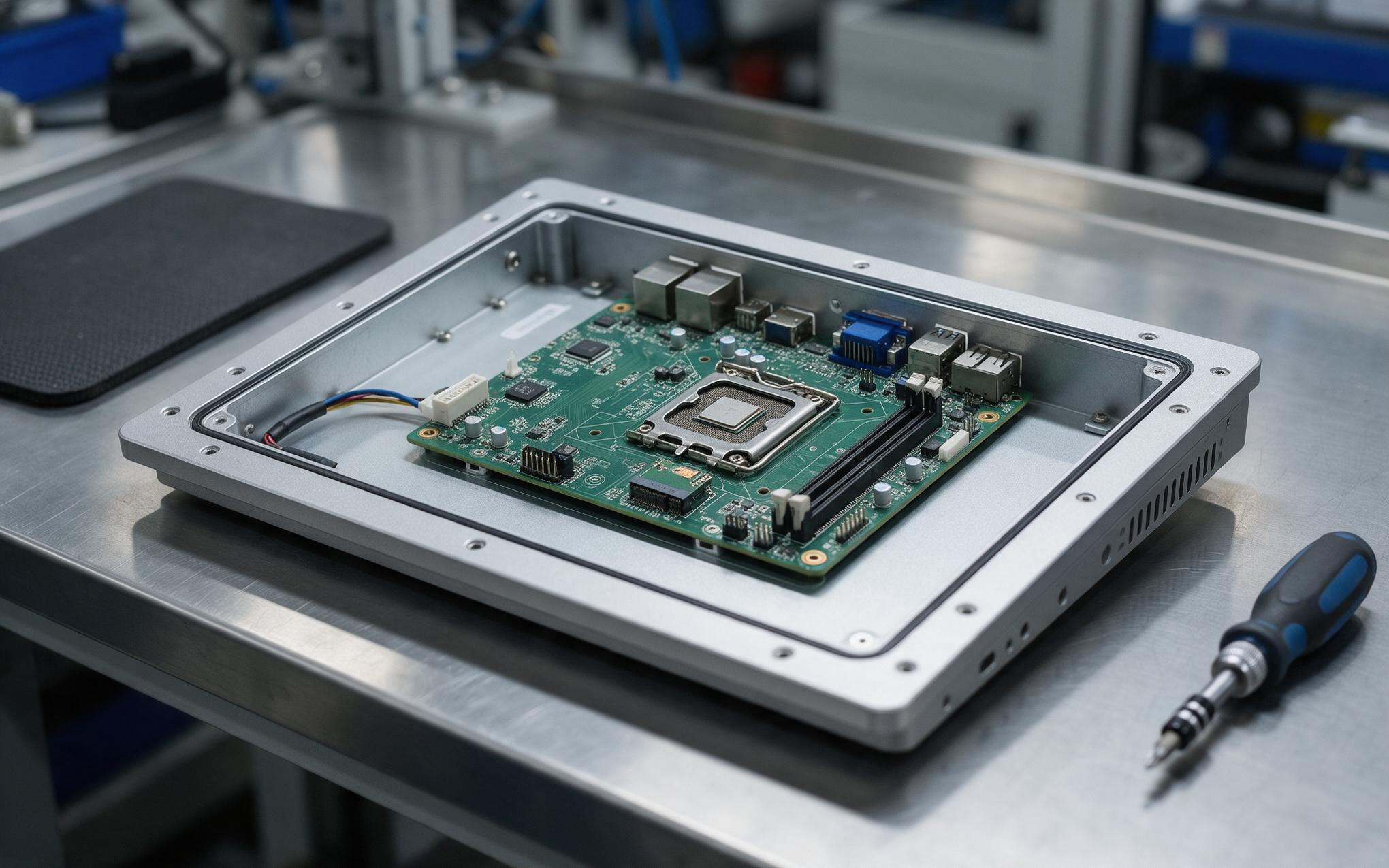
Volume Key Binding to the Trusted Platform Module
TPM binding ties the volume key to the mainboard of a Windows industrial panel pc, so a drive pulled from its original machine reads as random noise on any other bench. Windows can add a pre-boot PIN or USB startup key alongside the module, shifting protection from hardware identity alone to something a technician must physically carry. Hardware preparation precedes policy, and platform designs such as the TPM header placement and firmware defaults carried by the KOXIAN G1 series treat encryption as a board-level decision made before imaging rather than a policy pushed after commissioning. The trade-off is service access, because an identical spare drive cannot boot once the board changes. That distinction belongs in the commissioning record, since retrofitting a pre-boot factor later means decrypting and re-encrypting units already deployed.
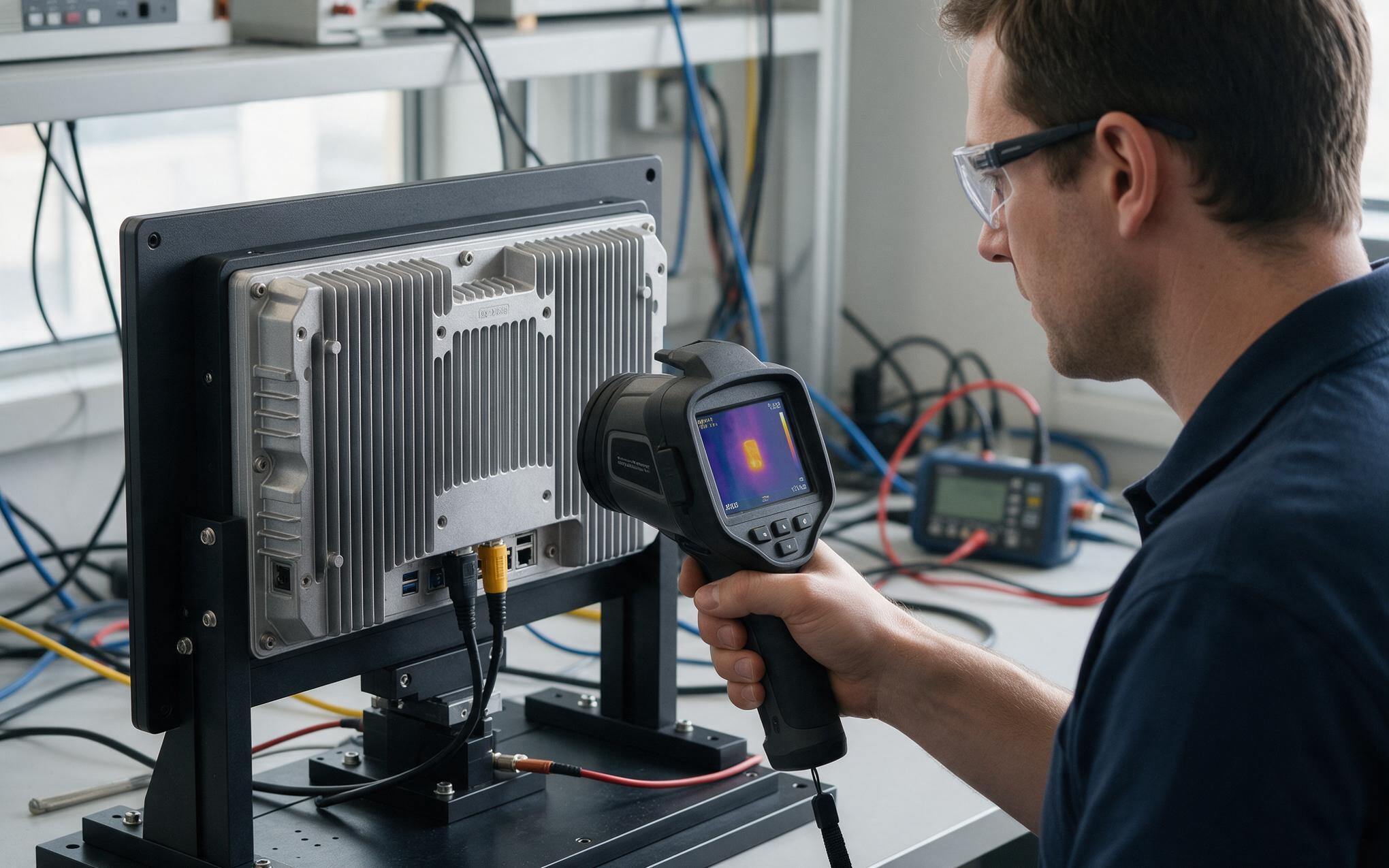
Encryption Overhead on Passively Cooled Hardware
Full-volume encryption does its heaviest work once, during the initial pass that encrypts every allocated sector of the drive. After that, per-block work is handled by the processor’s AES instructions, a cost well below the write throughput of a SATA or NVMe device on current low-power platforms. The load that matters on a fanless chassis is the burst, because large sequential writes from video logging or recipe transfers heat the drive and the sealed enclosure at the same moment. Provisioning teams soften that peak by running the encryption pass after imaging with a used-space-only setting and letting background completion run during scheduled idle time. Field observations from continuous-duty recording stations also show that units built to KOXIAN thermal specifications keep write latency steady through long sessions, with encryption remaining a small share of the enclosure’s thermal load.
What Happens When the Recovery Key Is Missing?
When BitLocker cannot unseal the volume, Windows stops at a recovery screen and waits for a 48-digit key or a recovery password file. The key itself has to exist before the drive does, in an Active Directory attribute, a cloud escrow record, a USB file taped inside the cabinet door, or a spreadsheet that was never created. Without it the encrypted volume cannot be recovered by any means, and the practical options shrink to wiping the drive and redeploying the image. That outcome is survivable when the machine runs from a standard image with nothing local, and expensive when it holds trend logs, calibration records, or a recipe that has not synced. Service procedures should require key lookup at the same gate as the work order, before a technician opens the chassis.
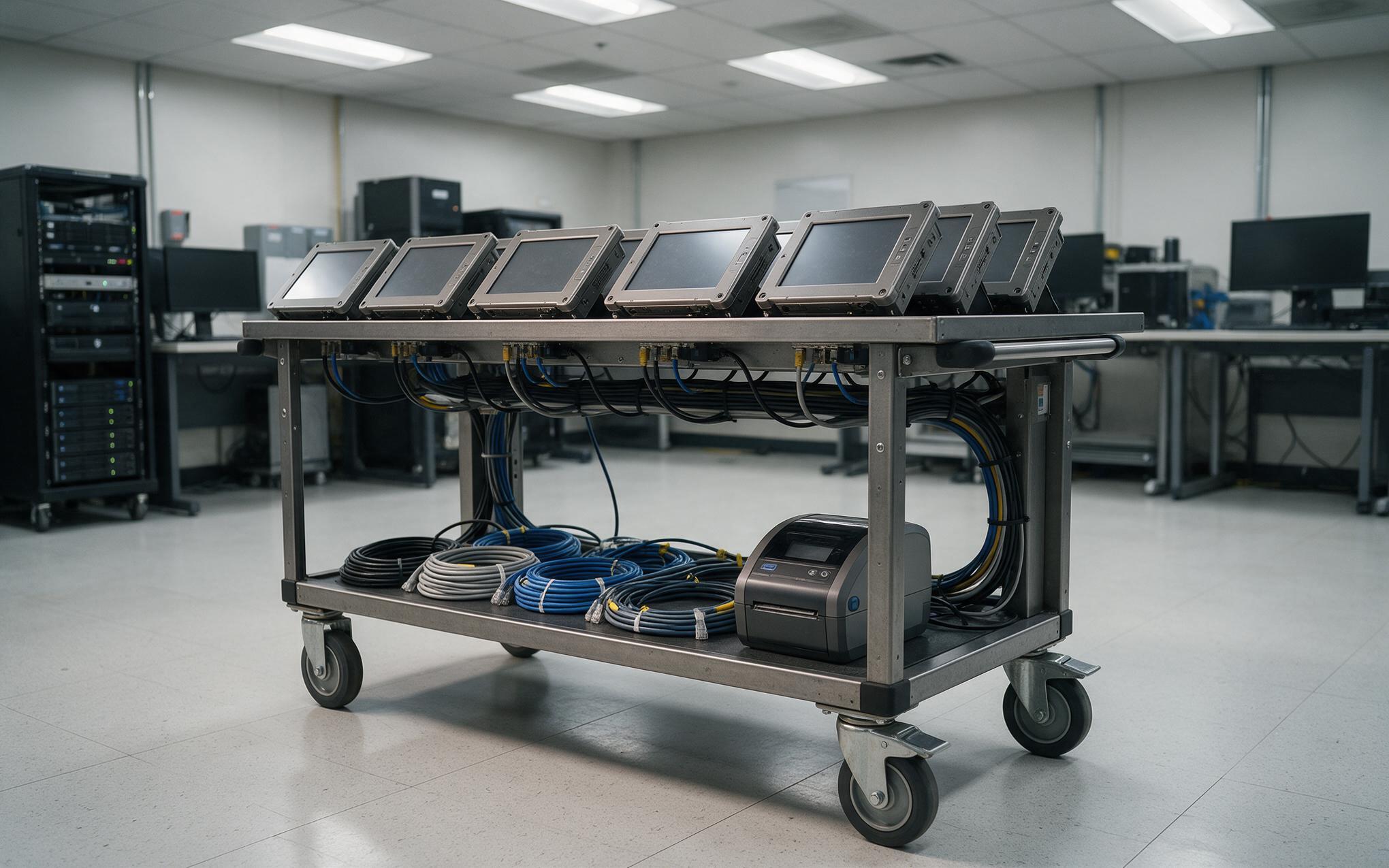
Deploying Encrypted Images Across Windows Industrial Panel PC Fleets
Fleet provisioning works when encryption is treated as a build step rather than a task done per machine at the bench. The reliable sequence is fixed: clear the TPM, apply the image, register the device, escrow the key automatically, enable BitLocker, and confirm the recovery password actually landed in escrow before the unit ships. Escrow verification is the step teams skip, and it is the only step that proves the earlier ones worked. For a Windows industrial panel pc already deployed without escrow, the retrofit is a one-time key backup run per asset while the machine is still reachable on the network. Spares deserve the same rule, because an encrypted replacement drive that arrives without its key simply repeats the original failure.
Encryption rarely fails because an algorithm is weak. It fails because a key had no home when the drive needed one. Treating BitLocker on a Windows industrial panel pc as a commissioning decision, with the pre-boot factor recorded, escrow verified at imaging time, and write cost measured against the actual workload, converts it from a service hazard into a routine property of the asset. Plants that write those three checks into the imaging runbook keep the protection of a sealed volume without inheriting the line stop that arrives with an unplanned recovery prompt.









