
Two cold-chain stages, a chilled staging room holding around 2 °C and a blast freezer sitting near −25 °C, put very different stresses on the same industrial touch screen front panel. In the staging room the glass stays clear, gloves stay thin, and touch input is rarely an issue. The blast freezer tells another story: every door cycle drags warm, humid warehouse air across a surface far below zero, and frost begins to grow. Once that layer thickens, finger coupling through the glass weakens, operators report missed or repeated touches, and the panel earns a service call. The hardware on both sides of the door is identical, but the physics in front of the glass is not, and that gap explains most cold-chain touch complaints.
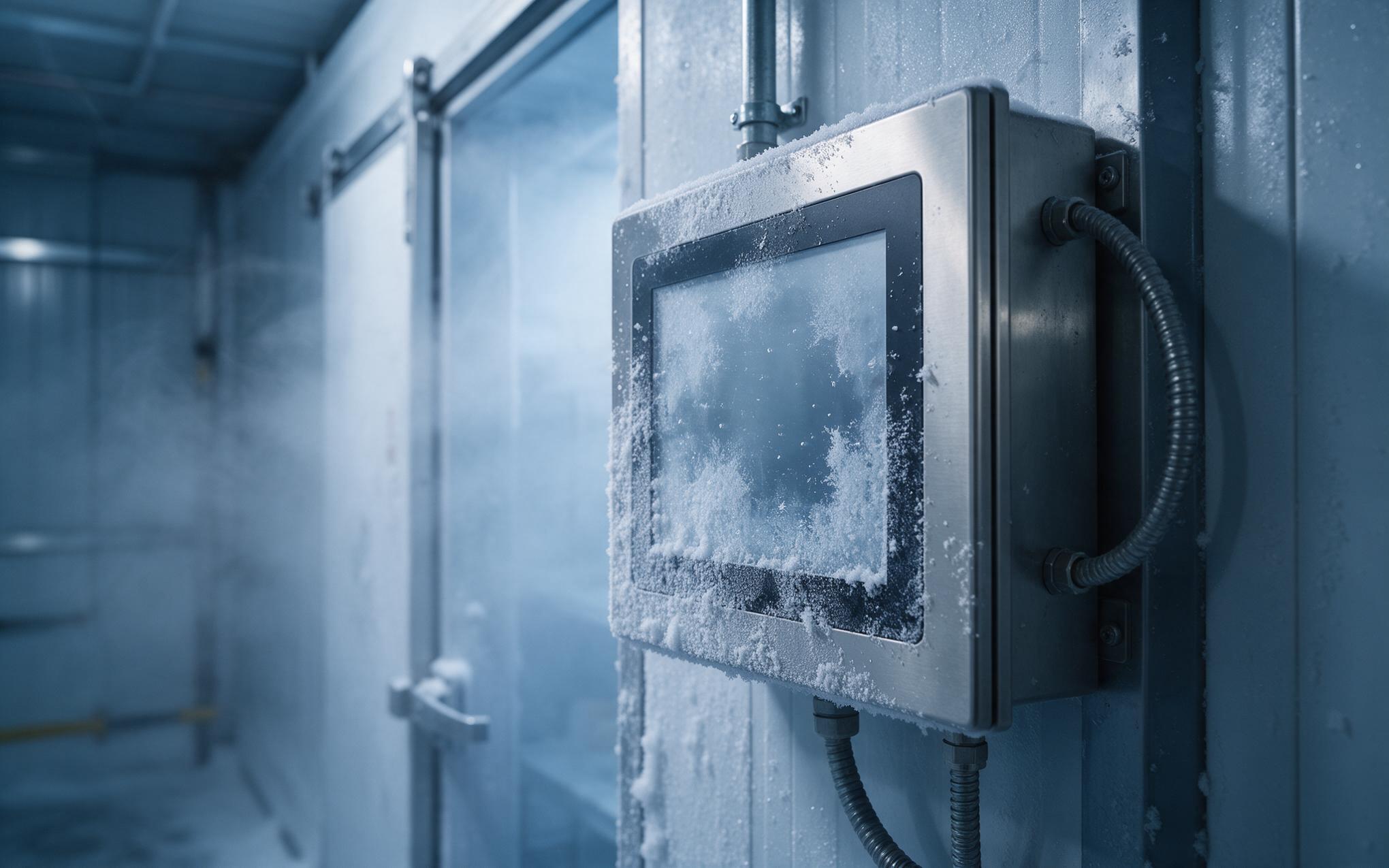
Surface Frost Mechanisms on Industrial Touch Screen Glass
A practical reference point is the KOXIAN K3 series, whose heated front frame keeps the glass perimeter just above the surrounding dew point. Frost rarely begins in the center of the panel; it starts at the edges, where the metal bezel pulls heat out of the glass, and then spreads inward as a thin ice film. Each door cycle repeats the sequence, so one shift can build a visible rime layer. When room air at sixty to eighty percent humidity crosses that surface, the vapor desaturates on contact and the film keeps growing. The layer then sits between finger and sensor as an extra low-capacitance barrier, so the industrial touch screen sees smaller signal swings and starts dropping or repeating inputs.
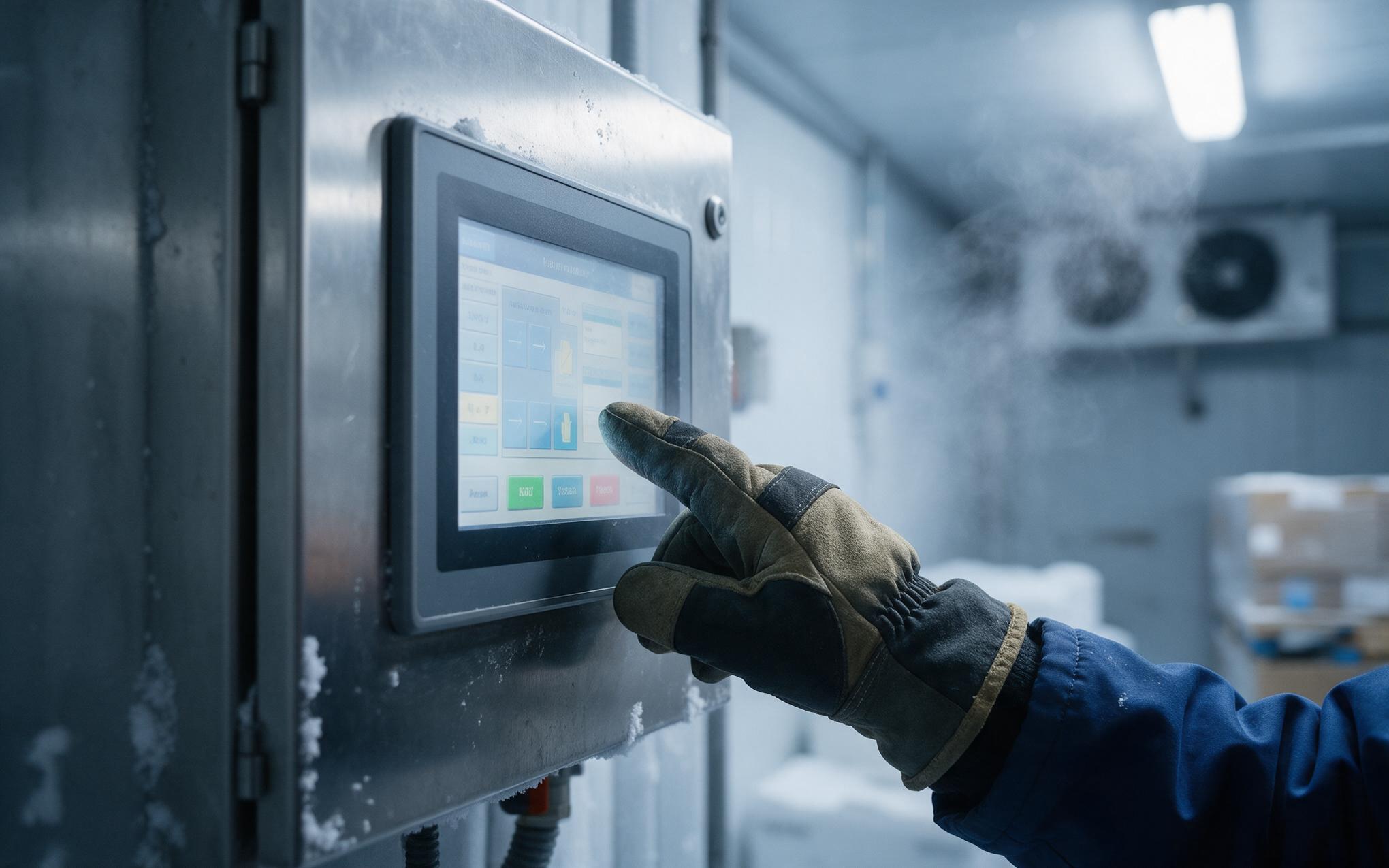
What Changes Between Cold Rooms and Blast Freezers
Scheduling separates the two rooms more than any spec sheet does. At +2 °C the operator wears a thin nitrile glove, the door stays open briefly, and the sensor needs only modest gain margin. At −25 °C the glove is thick and fleece-lined, the thermal gradient across the glass can exceed 20 °C, and frost load scales directly with door-open time and the humidity of the infiltrating air. A freezer with forty openings per hour accumulates frost several times faster than a staging room visited ten times per shift. Every layer of an industrial touch screen deployment, from controller gain to heater duty cycle, follows from that single ratio. Site acceptance tests often miss this, because a panel signed off on a quiet day says nothing about peak door cycling.
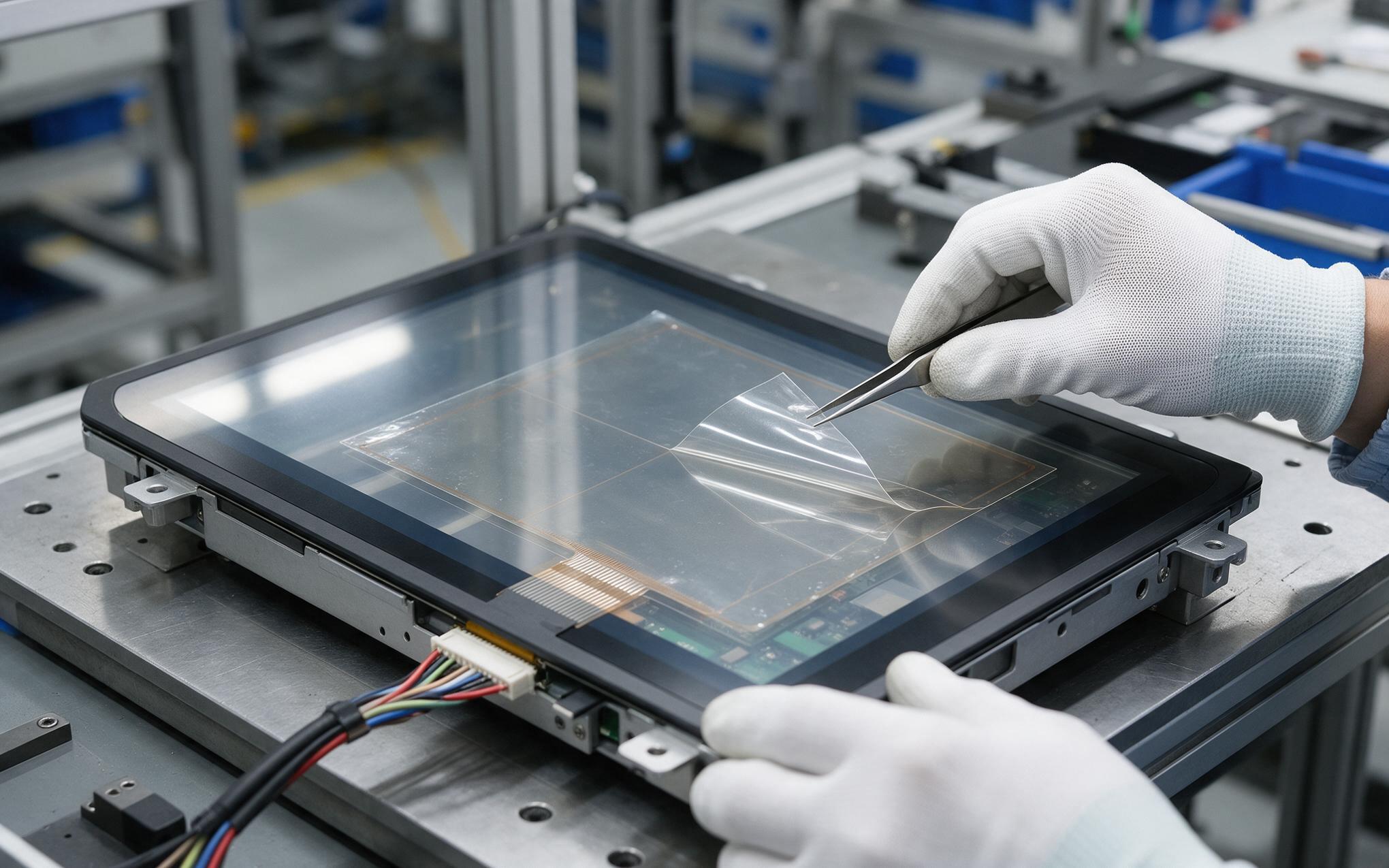
Heater Films and Anti-Frost Surface Strategies
Three measures keep an industrial touch screen usable while frost is forming outside. Transparent resistive films bonded behind the cover glass hold the surface a few degrees above ambient, which stops deposition without visible haze, while perimeter heater traces do the same job at the bezel where frost starts. Hydrophilic anti-frost coatings spread condensed moisture into one continuous thin sheet instead of discrete droplets that scatter light, though repeated scrubbing wears them out, so cleaning practice matters as much as the coating itself. Air curtains at the door opening limit the water vapor reaching the panel altogether. Front heating of fifteen to twenty-five watts is only viable when the enclosure was derated for that load from the start.
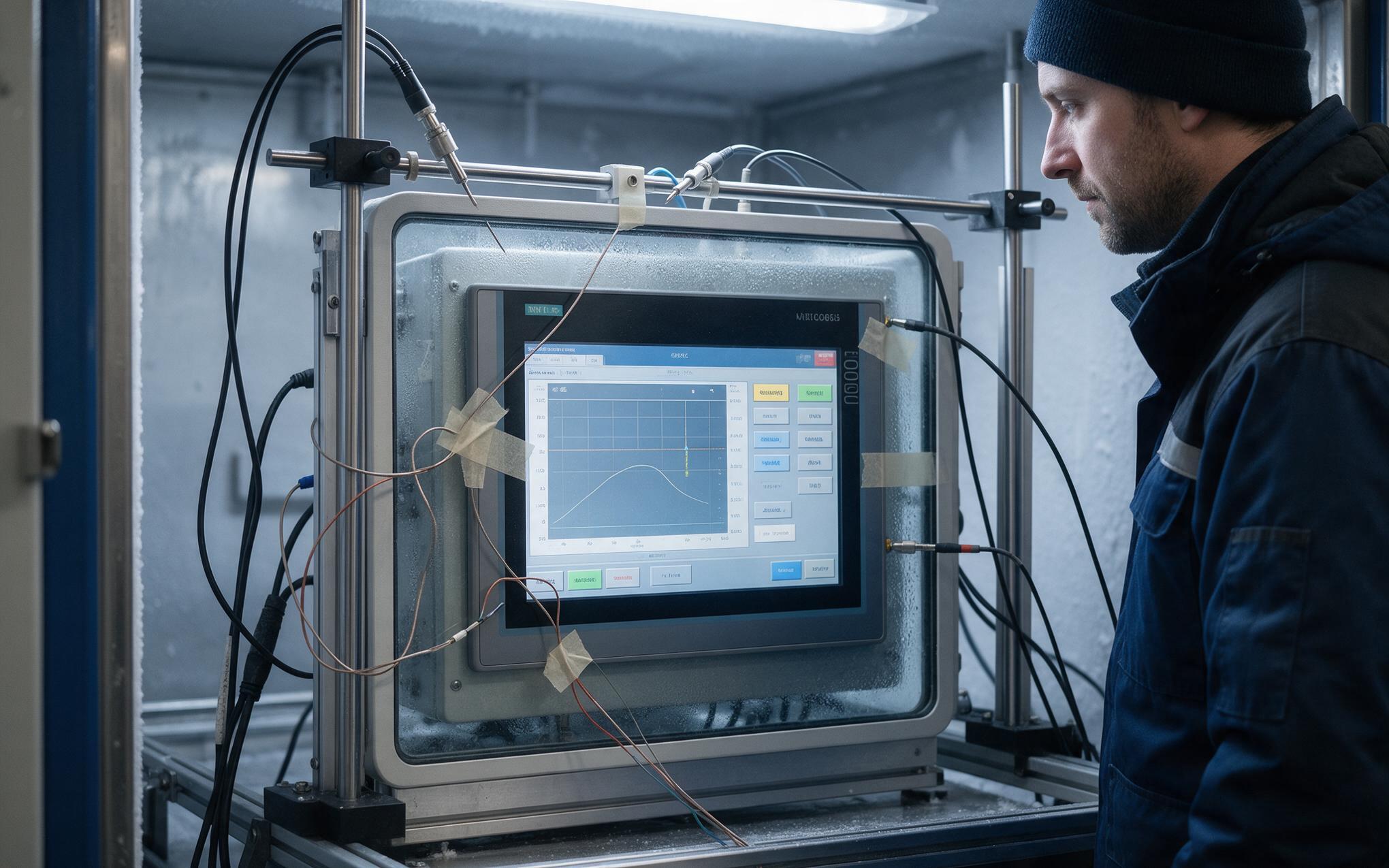
Touch Controller Tuning for Low Temperature Operation
Capacitance does not hold still across a sub-zero warmup. As the glass cools, panel parasitics shift and the baseline charge on the sensor ladder moves, so thresholds tuned at room temperature begin missing light gloved contacts. Controllers that support runtime baseline recapture or temperature-indexed threshold tables recover most of the loss without hardware changes. Validation of an industrial touch screen should mirror real duty: soak a unit at −20 °C overnight, run scripted touches with the glove stock actually used on the floor, and log rejection counts against an agreed limit. Panel manufacturers, including KOXIAN, publish cold-start touch curves so integrators can align commissioning criteria before handover.
Sub-zero operation is an integration detail, not a product tier argument. Frost starts at the bezel, scales with door-open duty, and degrades finger coupling long before any seal gives way. Specifying front heating, an anti-frost surface treatment, and cold-soak touch validation up front keeps input responsive through the full winter cycle. Teams that treat freezer duty as a commissioning requirement rather than a field surprise schedule fewer service visits and keep operators productive on every shift, even during peak door-cycling weeks.









