
A cooling fan is the cheapest component inside any industrial computer. It is also the most common point of failure. A typical 40-millimeter fan costs between three and five dollars. But when that fan fails inside a sealed industrial enclosure on a factory floor, the cost cascade is brutal. The processor overheats. The system throttles or shuts down. Production stops. A maintenance technician is dispatched. The fan is replaced, and operations resume. The five-dollar fan has now cost the facility anywhere from five hundred to five thousand dollars in downtime. This is the fundamental argument for fanless industrial PCs: eliminate the single most failure-prone mechanical component.
Fan Failure Modes in Industrial Environments
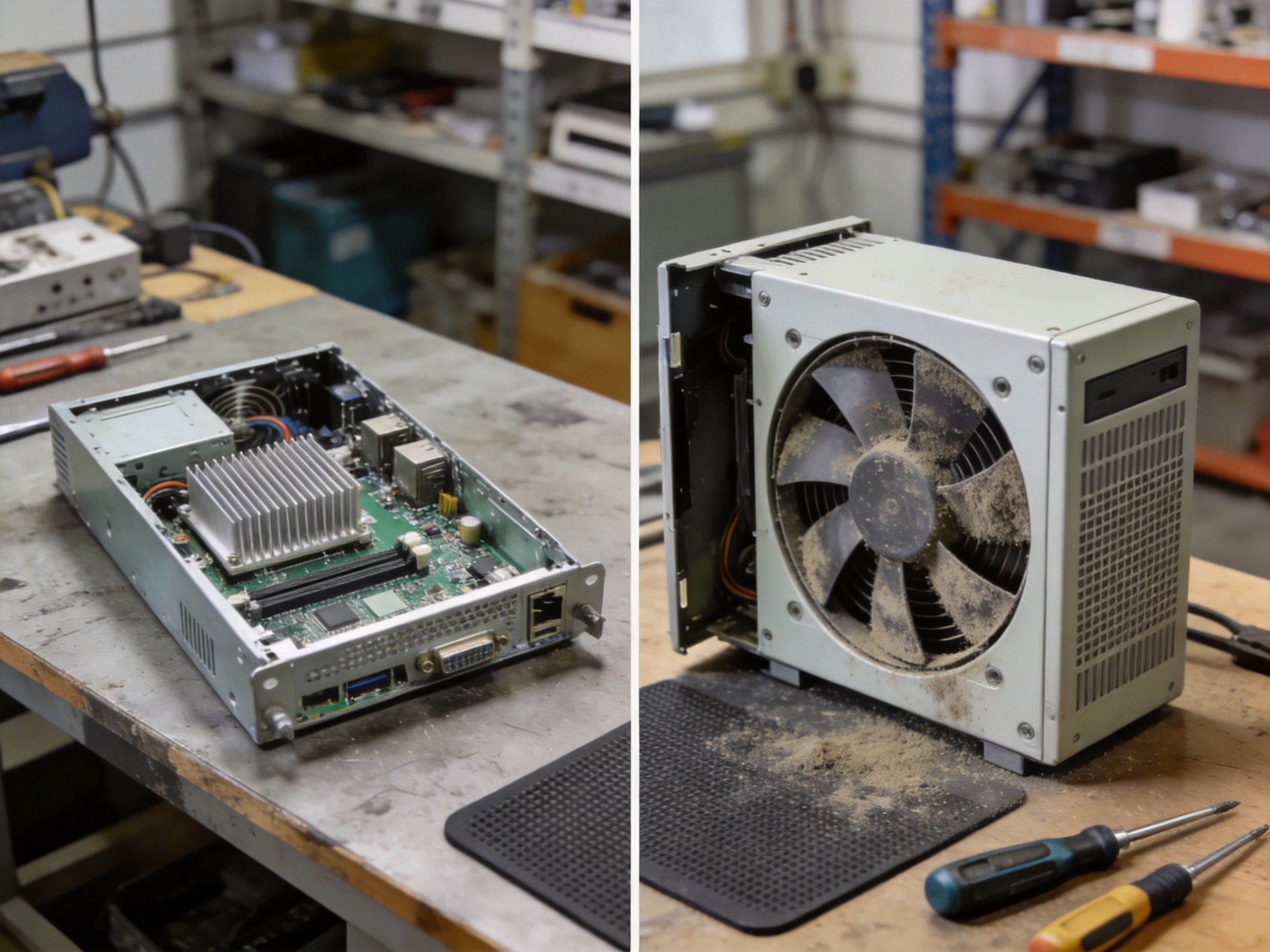
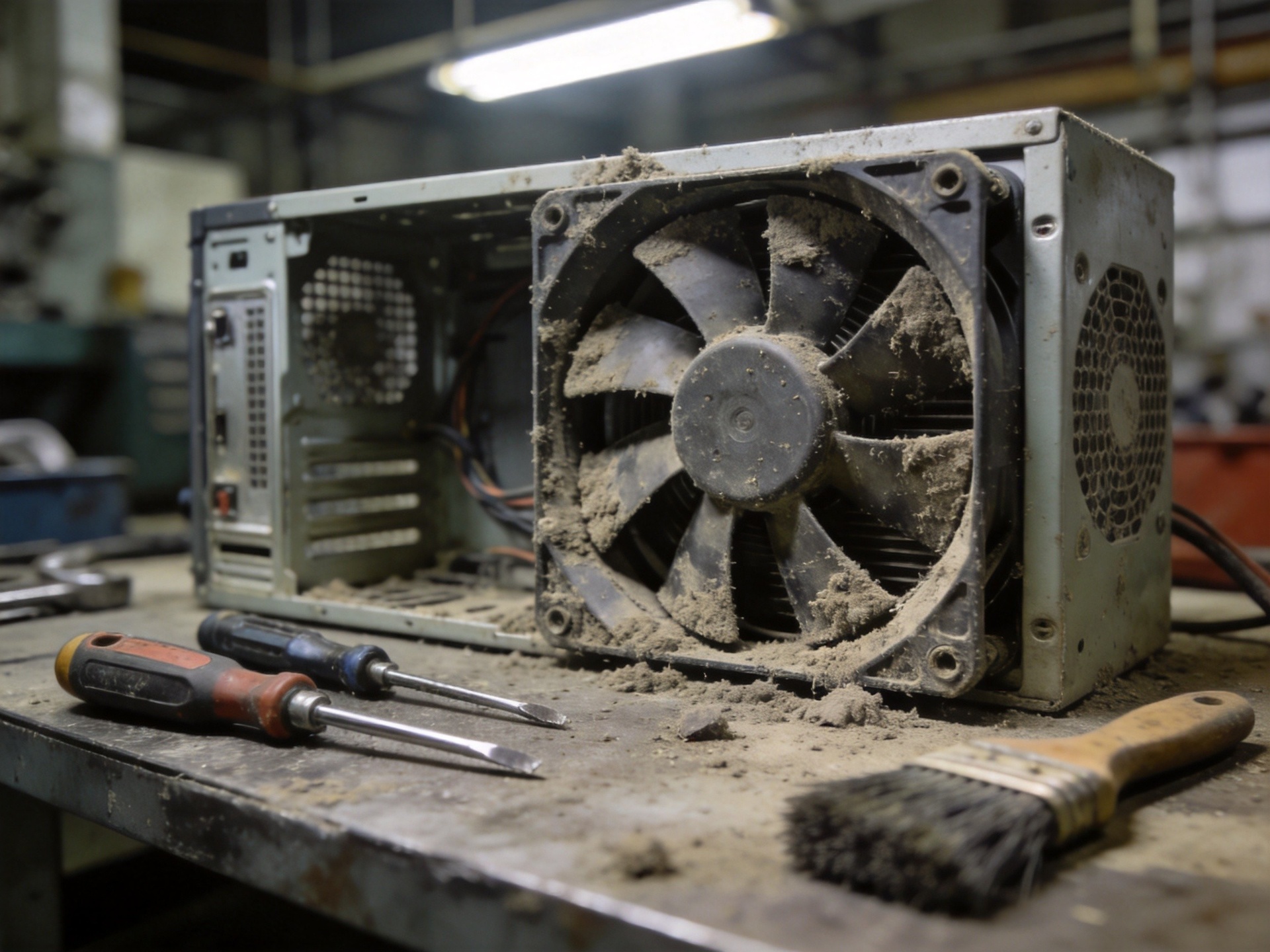
Fans fail in predictable ways. Bearing wear is the most common. Sleeve bearings, found in low-cost fans, have a typical service life of 30,000 to 50,000 hours at 25 degrees Celsius. In an industrial enclosure where ambient temperatures reach 45 degrees, that life drops to 15,000 hours or less, roughly two years. Ball bearing fans extend this to 60,000 to 80,000 hours, but they are louder and more expensive. Beyond bearing failure, dust accumulation is the silent killer. The fan pulls airborne particles into the enclosure. Conductive dust settles on circuit boards. Insulating dust blankets heatsinks, reducing thermal transfer efficiency. Eventually the fan runs faster and louder to compensate, accelerating bearing wear. In environments with airborne oil mist, such as stamping plants or machine shops, the dust becomes sticky, adhering to surfaces and resisting cleaning. Fan filters help, but filters themselves require regular replacement. A maintenance schedule missed by even a few weeks cascades into fan failure.
The Fanless Architecture: Passive Thermal Design
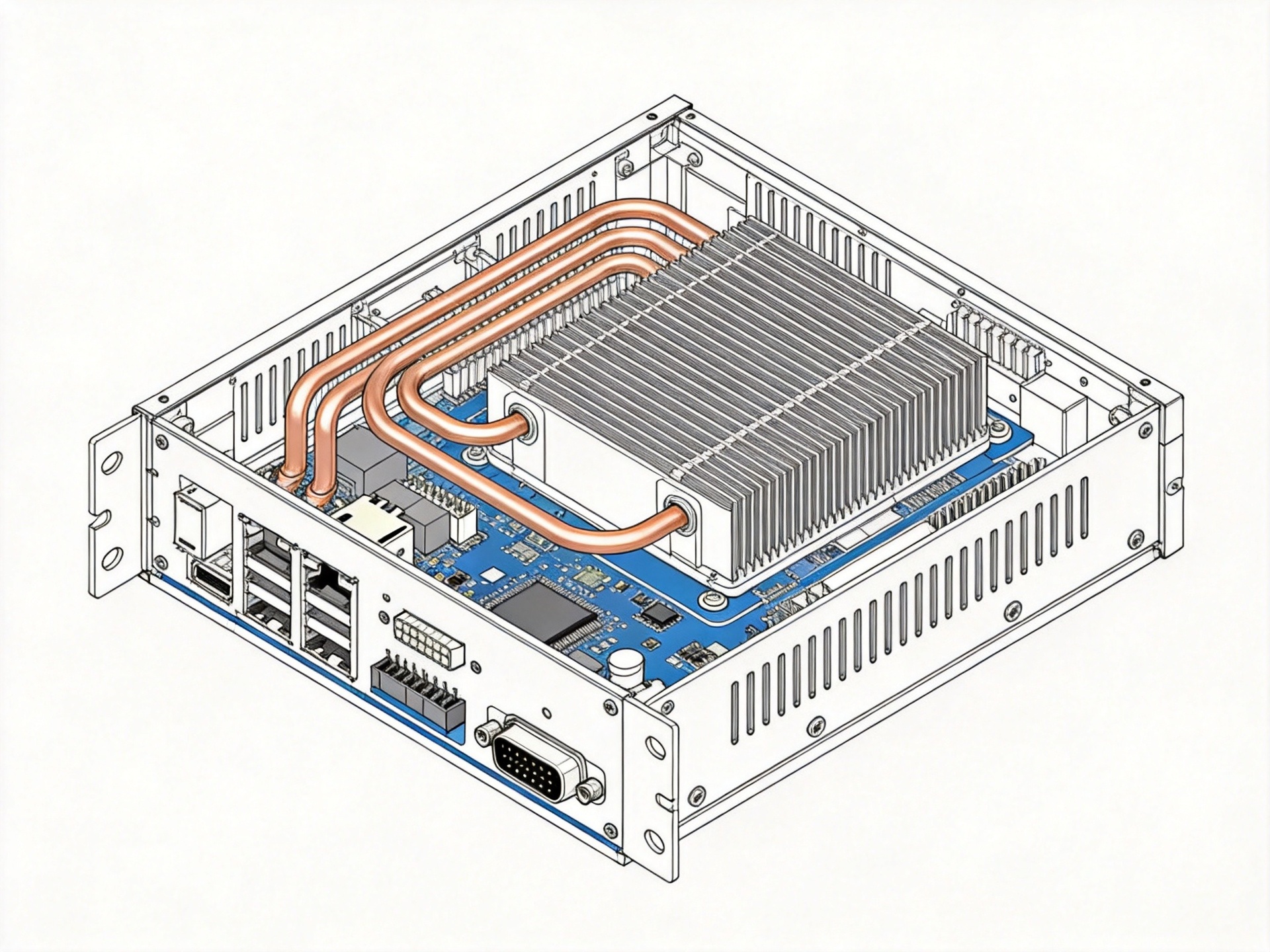
A fanless industrial PC rejects the problem entirely. Instead of forcing air through the enclosure, it conducts heat directly from components to the outer surface of the chassis. The processor and chipset are thermally coupled to the aluminum enclosure through heat pipes, thermal pads, or direct contact with a machined internal surface. The enclosure itself becomes the heatsink. External fins increase surface area for convective and radiative heat transfer. This approach requires careful thermal engineering. The enclosure material, typically aluminum alloy with thermal conductivity of 150 to 200 watts per meter-kelvin, must be thick enough to spread heat evenly. The internal layout must position high-power components adjacent to the enclosure walls with minimal thermal resistance. KOXIAN fanless panel PCs use a unibody aluminum chassis design where the rear housing is machined from a single block, eliminating thermal interfaces between separate pieces.
Five-Year Cost Comparison: Fan vs. Fanless
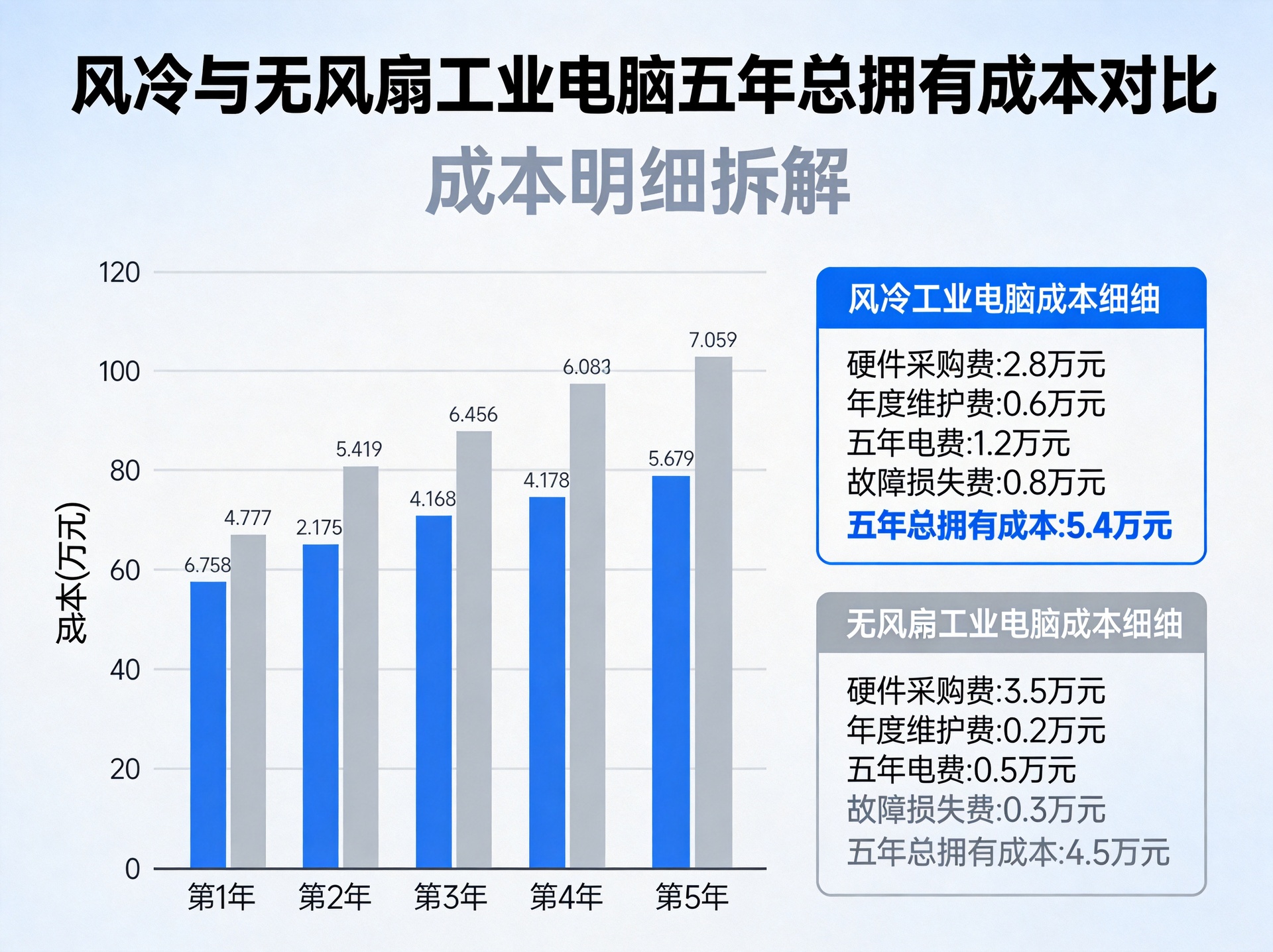
Let us run the numbers on a workstation in a 24/7 manufacturing environment. The fanned unit costs $1,200 upfront. Over five years, it requires three fan replacements at $150 each and two unscheduled downtime events averaging four hours. At $500 per hour downtime cost, that adds $4,000. The unit also needs one deep cleaning at year three for $200. Total five-year cost: $5,850. The fanless unit costs $2,200 upfront. It requires zero fan replacements, zero cleanings, and zero fan-related downtime. Total: $2,200. The fanless unit saves $3,650 per workstation. KOXIAN fanless panel PCs are engineered for this TCO advantage, with unibody aluminum chassis designs that eliminate the maintenance burden entirely. Multiply this by twenty workstations, and the savings exceed $70,000 over five years.
When a Fan Still Makes Sense
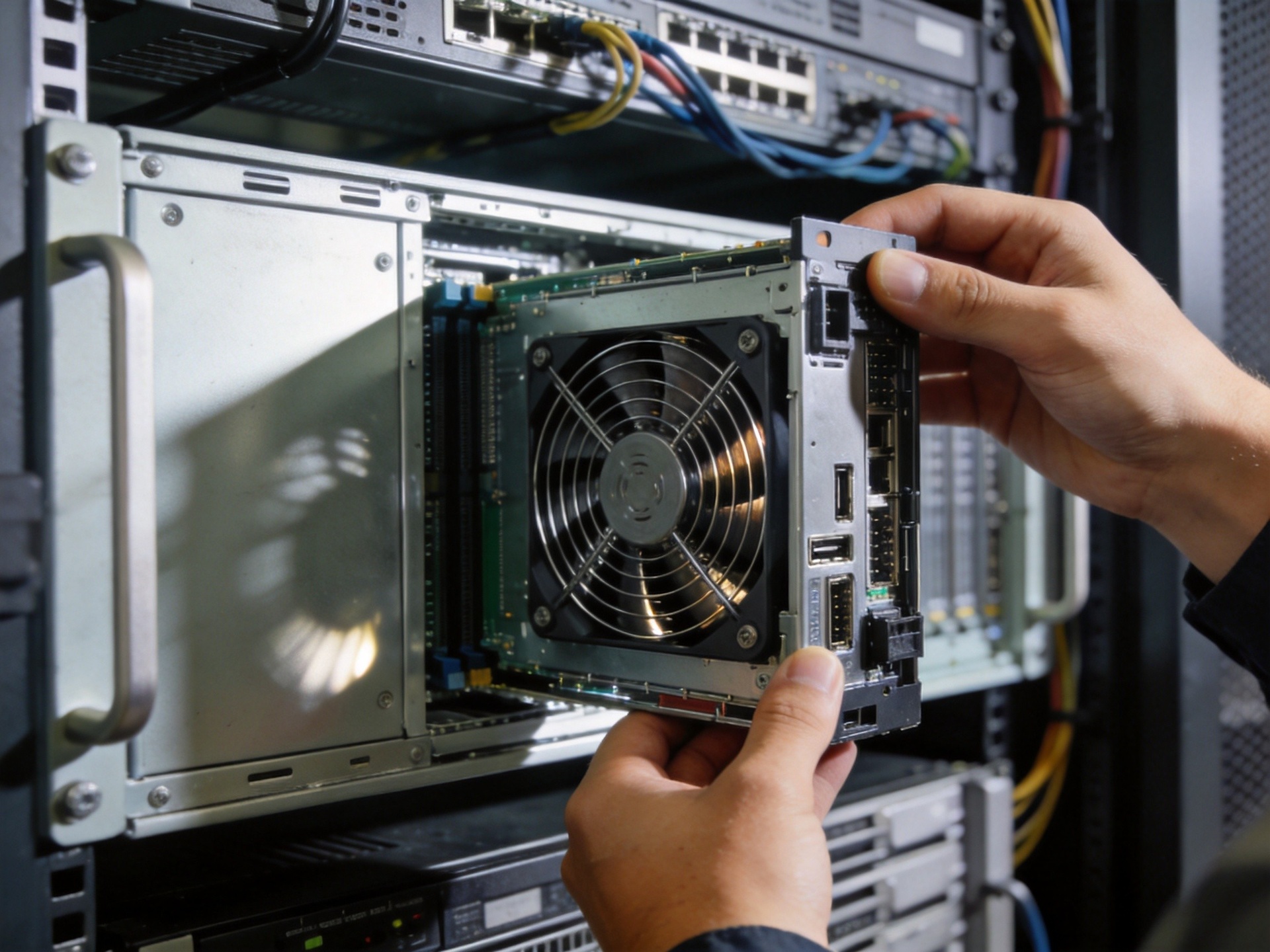
Fanless is not universally superior. High-performance processors with thermal design power ratings above 35 watts are difficult to cool passively without a large enclosure. In applications requiring sustained GPU compute, such as machine vision inspection, a fan may be necessary. For these scenarios, the engineering choice is how to manage the fan intelligently. Hot-swappable fan trays, dual redundant fans replaceable without opening the main enclosure, and intelligent fan controllers that adjust speed based on measured junction temperature all extend service life. Treat the fan as a managed consumable.
The Procurement Argument
The procurement team will see the higher upfront cost and push back. The engineering team’s job is to present the five-year TCO analysis clearly, with documented downtime costs from the facility’s own production records. When the math is done honestly, the fanless unit wins in every environment where the processor power budget allows passive cooling. The five-dollar fan is a deferred liability that compounds over time.









