
A food processing line operator sprays down a workstation between batches. The projected capacitive touchscreen that worked perfectly moments ago now registers phantom touches across the screen. Buttons activate without being pressed. Menus scroll erratically. This scenario plays out daily in washdown environments across food, pharmaceutical, and chemical processing facilities. The root cause is a fundamental physics problem: water is conductive, and capacitive touchscreens detect changes in the local electric field caused by conductive objects. A water droplet looks electrically similar to a fingertip.
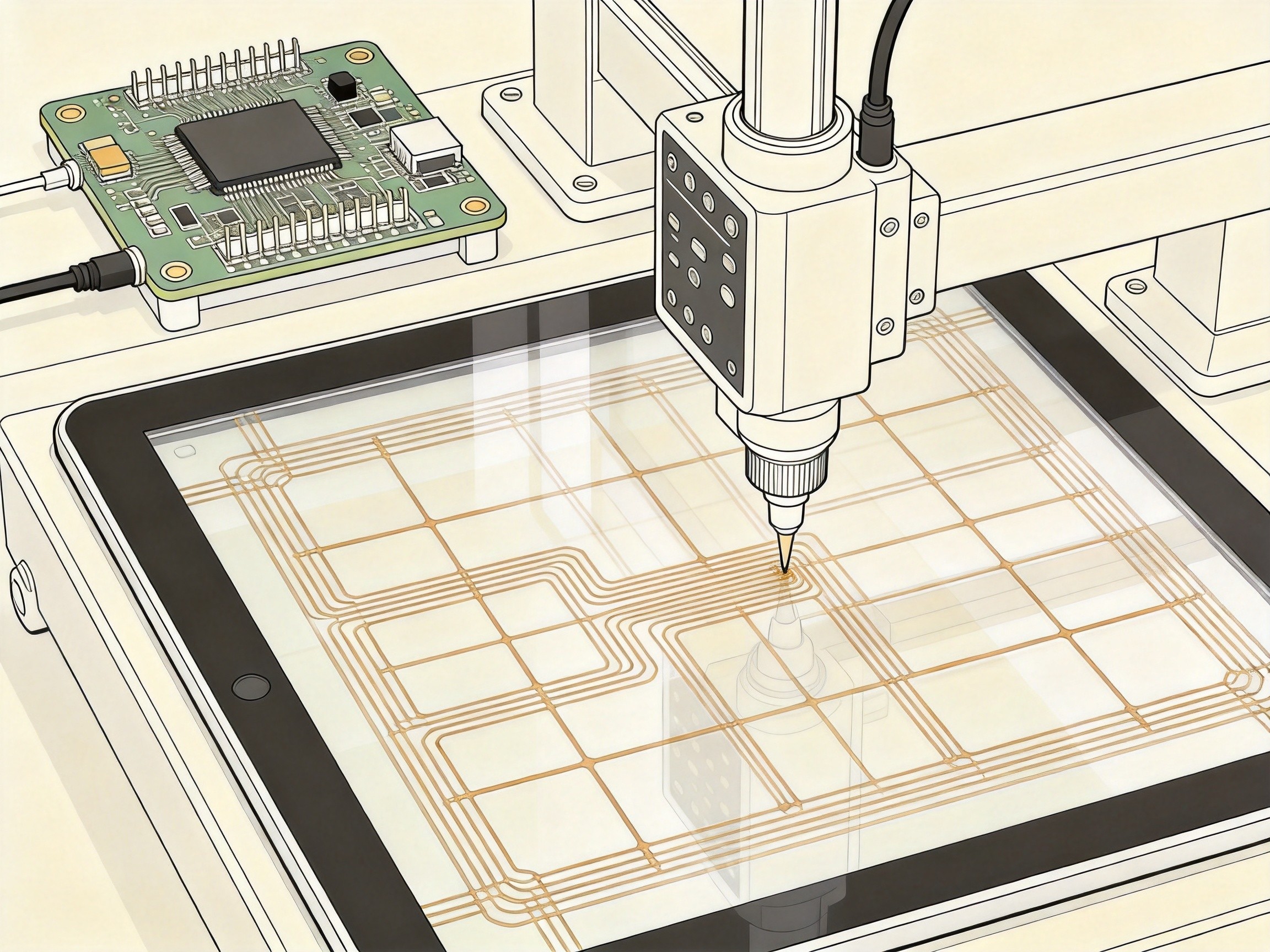
How Projected Capacitive Touch Detects a Finger
A projected capacitive touchscreen consists of a grid of transparent conductive electrodes, typically indium tin oxide, deposited on the underside of a glass panel. The touch controller applies an alternating voltage to these electrodes, creating a uniform electrostatic field. When a finger touches the glass, the human body’s capacitance couples with the field, drawing a small current at the contact point. The controller measures the capacitance change at each intersection and triangulates the location. A typical finger introduces a capacitance change of 0.5 to 2 picofarads. The problem is that water, with its high dielectric constant of approximately 80, produces a similar capacitive disturbance. A droplet on the glass surface couples adjacent electrodes together, creating a touch signal where none exists.
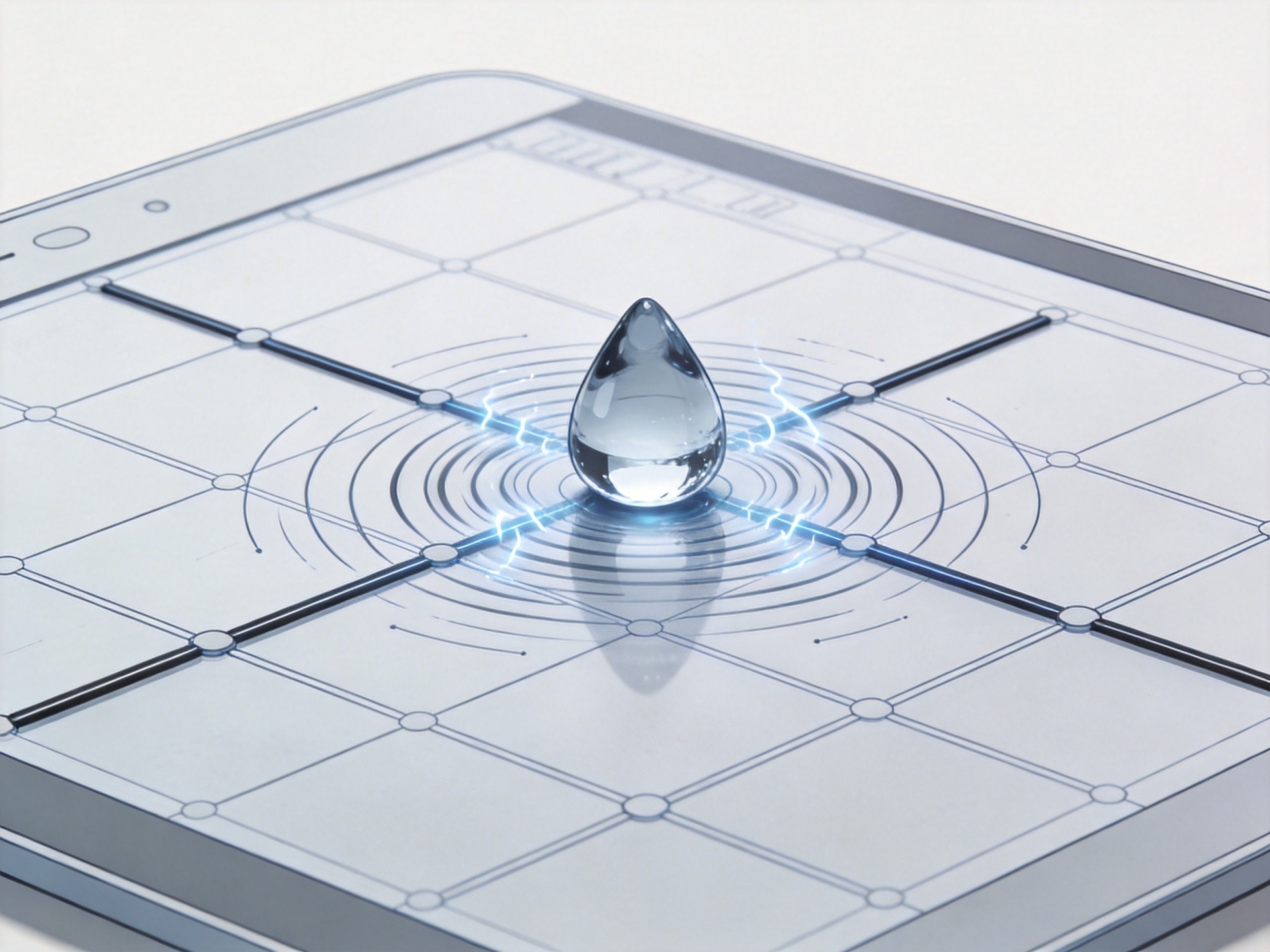
Water Rejection Algorithms: Firmware-Level Mitigation
Modern touch controllers employ water rejection algorithms that distinguish between a human finger and a water droplet. A finger touch produces a sharp rise in capacitance followed by a stable plateau. A water droplet exhibits a different signature: the capacitance change is smaller, more diffuse across multiple electrodes, and fluctuates as the droplet spreads. Some controllers use a driven shield layer behind the touch sensor. When the controller detects a potential water event, it activates the shield, repelling capacitive coupling from surface moisture while still allowing a finger touch to penetrate. This technique, known as guarded capacitive sensing, is effective against thin films of water and light condensation. However, it struggles with standing water, heavy spray, and conductive chemical solutions.
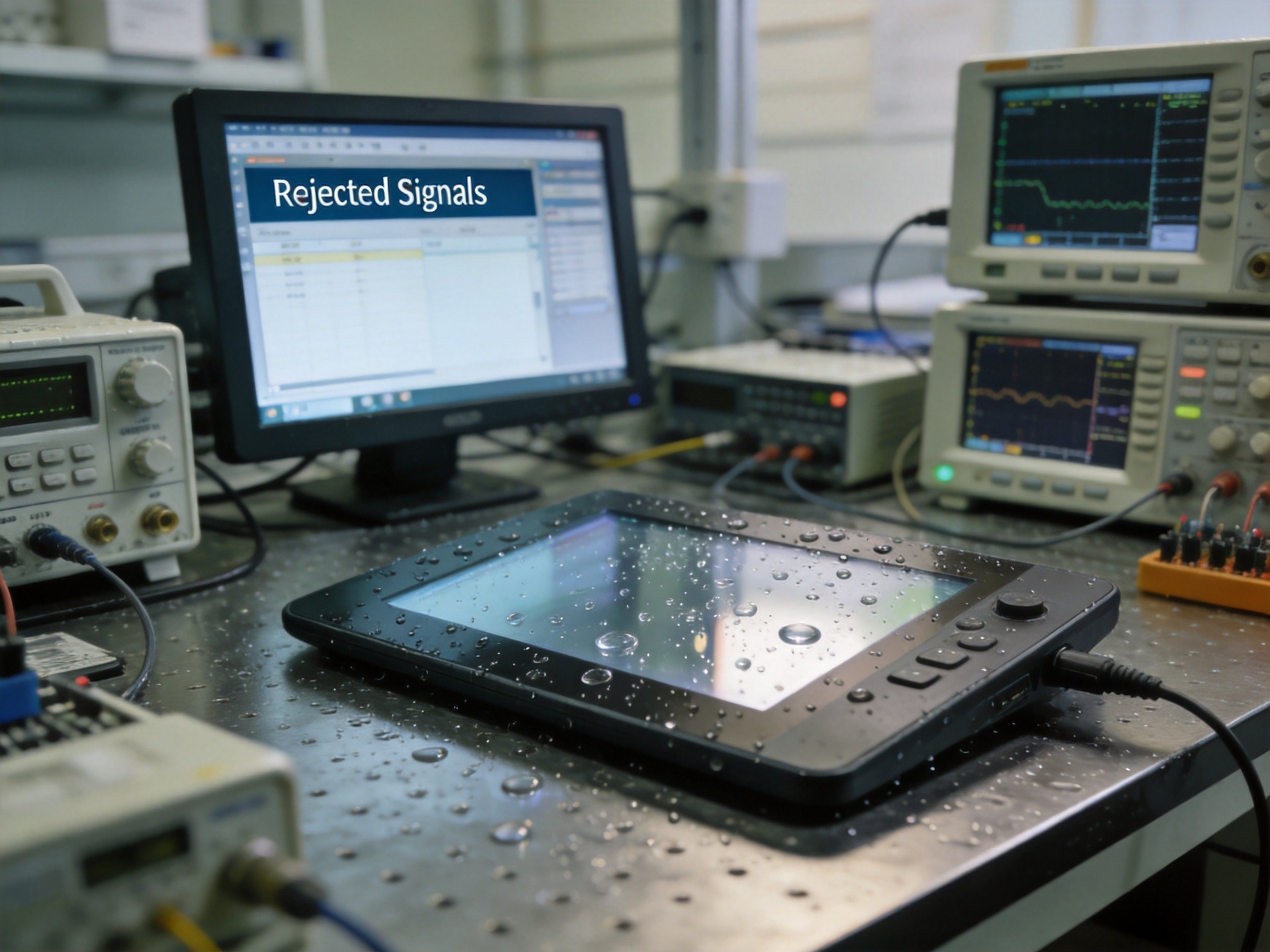
Chemical Splash: The Harder Problem
Chemical solutions are worse than water. Many industrial cleaning agents, sanitizers, and process chemicals are more conductive than water. Sodium hypochlorite solutions, quaternary ammonium compounds, and peracetic acid mixtures all exhibit higher ionic conductivity. These chemicals produce stronger capacitive signals that fool even sophisticated rejection algorithms. The problem compounds when the chemical film dries unevenly, leaving conductive residue trails that act as bridges between electrodes. The touchscreen may work intermittently, passing quality checks during dry periods and failing during sanitization cycles. KOXIAN industrial touchscreens designed for these environments incorporate both firmware-level water rejection and a physical design approach: the glass overlay is chemically strengthened and treated with an oleophobic coating that causes liquids to bead rather than sheet, reducing the contact area of each droplet.
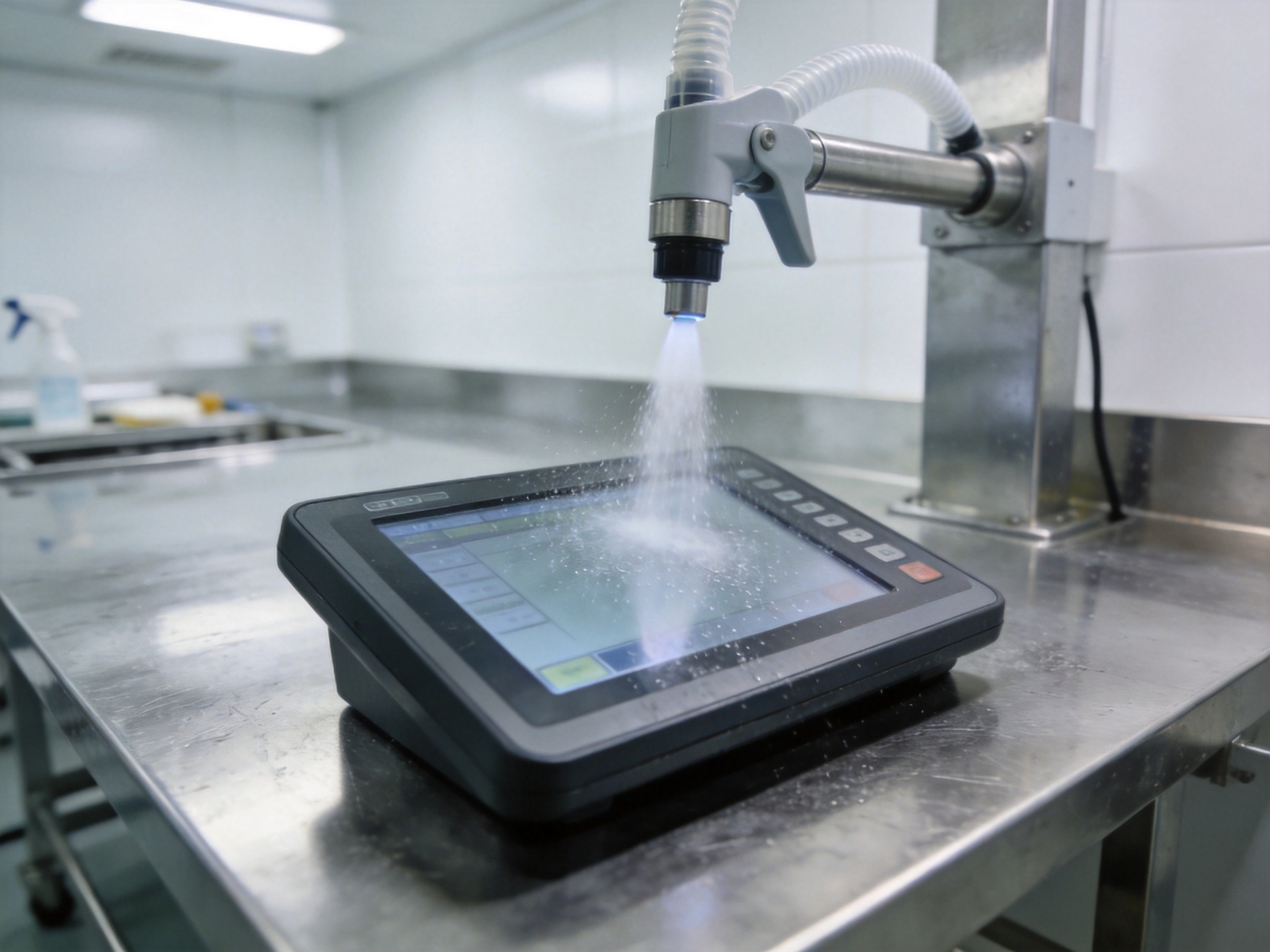
Designing the Touch Stack for Washdown Survival
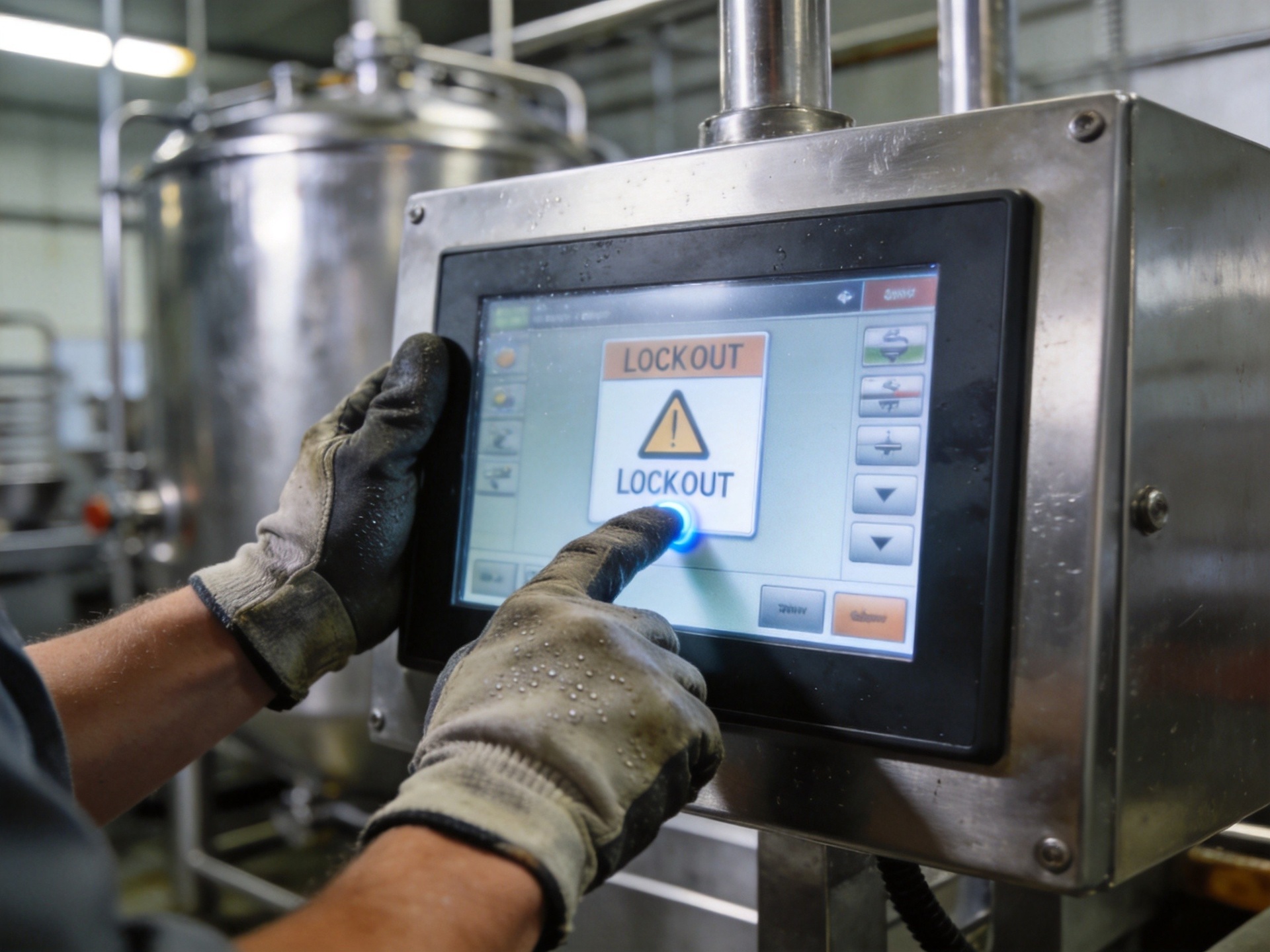
A comprehensive approach to false triggering in washdown environments combines four layers of defense. KOXIAN industrial panel PCs designed for sanitary environments implement all four layers as standard. First, select a touch controller with proven water rejection firmware and a driven shield. Second, specify a thick glass overlay, at least 3 millimeters, to increase the physical distance between surface liquid and the sensing electrodes. Third, implement a software-level debounce and lockout strategy. The application can ignore touch events below a configurable size threshold or require a minimum dwell time before registering a press. Fourth, add a physical or on-screen lock button that operators can activate before spraying. The system ignores all touch input for a configurable period, then automatically re-enables. This last layer eliminates the most common failure mode entirely.
Testing Protocols That Matter
Standard touchscreen testing in a lab with clean, dry fingers will never expose washdown-related failures. The meaningful test is a wet-finger test under worst-case conditions. Spray the screen with the actual sanitizer used on the production floor, then attempt to operate it with gloved and ungloved fingers. Measure the false trigger rate over a 30-minute period that includes drying cycles. A touchscreen passing this test with fewer than one false trigger per thousand intentional touches is ready for deployment. Without this validation, the production line discovers the problem first, and the cost is measured in lost production hours.









