
When a monitor goes dark after a routine system reboot, the culprit is rarely the panel itself. More often than not, the failure traces back to a silent four-letter protocol that few operators ever think about: EDID. Extended Display Identification Data is the digital handshake that determines whether a video source and display can communicate at all. In industrial environments where mixed-resolution displays, long cable runs, and legacy hardware coexist, EDID mismatches are among the most common root causes of blank screens, wrong resolutions, and intermittent signal loss.
The Anatomy of an EDID Handshake
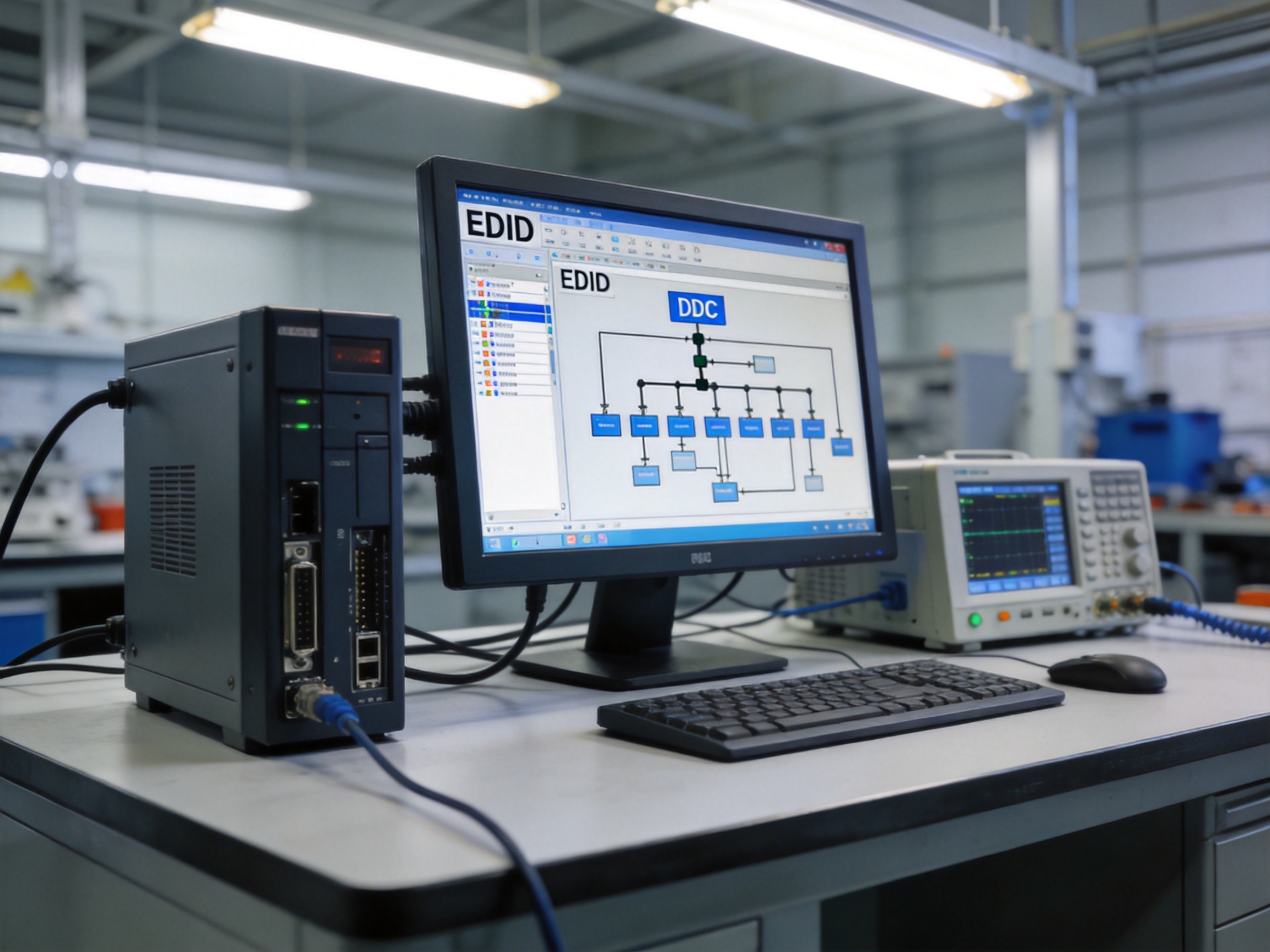
EDID operates over the Display Data Channel, a dedicated I2C-based bus that runs alongside the main video signal. When a source device powers on, it sends a 5V signal to the display, which responds with a Hot Plug Detect pulse. The source then queries the display’s EDID ROM—a small EEPROM chip storing up to 256 bytes of data in its base block, including manufacturer ID, supported resolutions, color depth, and timing parameters. For industrial deployments using panel PCs from manufacturers like KOXIAN, the EDID chip is factory-programmed with the panel’s native resolution and refresh rate, ensuring the connected computing module always outputs a compatible signal. The entire negotiation completes in under 200 milliseconds when everything works correctly.
Common EDID Failure Modes in Industrial Settings
Three failure patterns dominate industrial EDID troubleshooting. The first is EDID corruption, where the EEPROM chip on the display side becomes unreadable due to electrical noise, aging, or firmware glitches. The source falls back to a default low-resolution mode—often 640×480 or 1024×768—forcing operators to work with cramped, unreadable interfaces. The second is cable bandwidth limitations. DDC communication requires a clean I2C signal on pins 15 and 16 of the HDMI connector, and passive cables longer than 15 meters frequently introduce enough capacitance to block EDID reads entirely. The third pattern is EDID extension block incompatibility. Modern 4K industrial displays use CTA-861 extension blocks that older embedded computing modules cannot parse, leading to a complete refusal to output any video signal. KOXIAN panel PCs address this by implementing EDID emulation firmware that can store and replay known-good EDID profiles even when the physical display is disconnected or unresponsive.
Troubleshooting Methodology
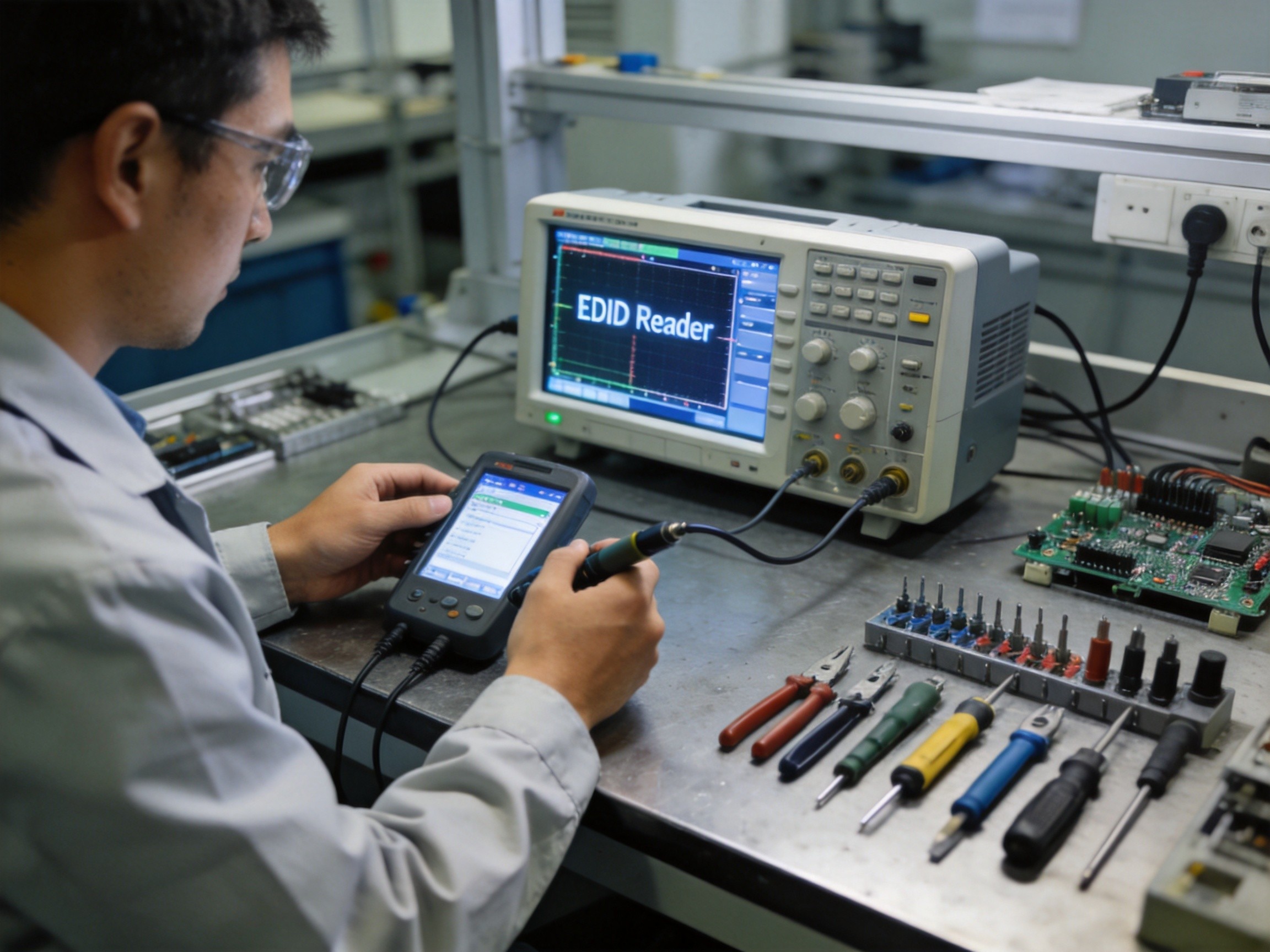
A systematic approach starts with isolating the physical layer. Swap the cable first—this resolves roughly 40 percent of EDID-related field issues. If the problem persists, use a dedicated EDID reader tool to dump the display’s EDID data and verify the checksum at byte 127. A mismatched checksum confirms EEPROM corruption. For installations where the display is embedded behind protective glass or in a sealed enclosure, using an EDID emulator dongle that sits between the source and the cable provides a reliable workaround. The emulator stores a known-good EDID profile and responds to source queries on behalf of the display, completely bypassing the physical EDID chip. This approach is particularly valuable in 24/7 production lines where display replacement requires a scheduled maintenance window that may be weeks away.
Prevention Through Architecture
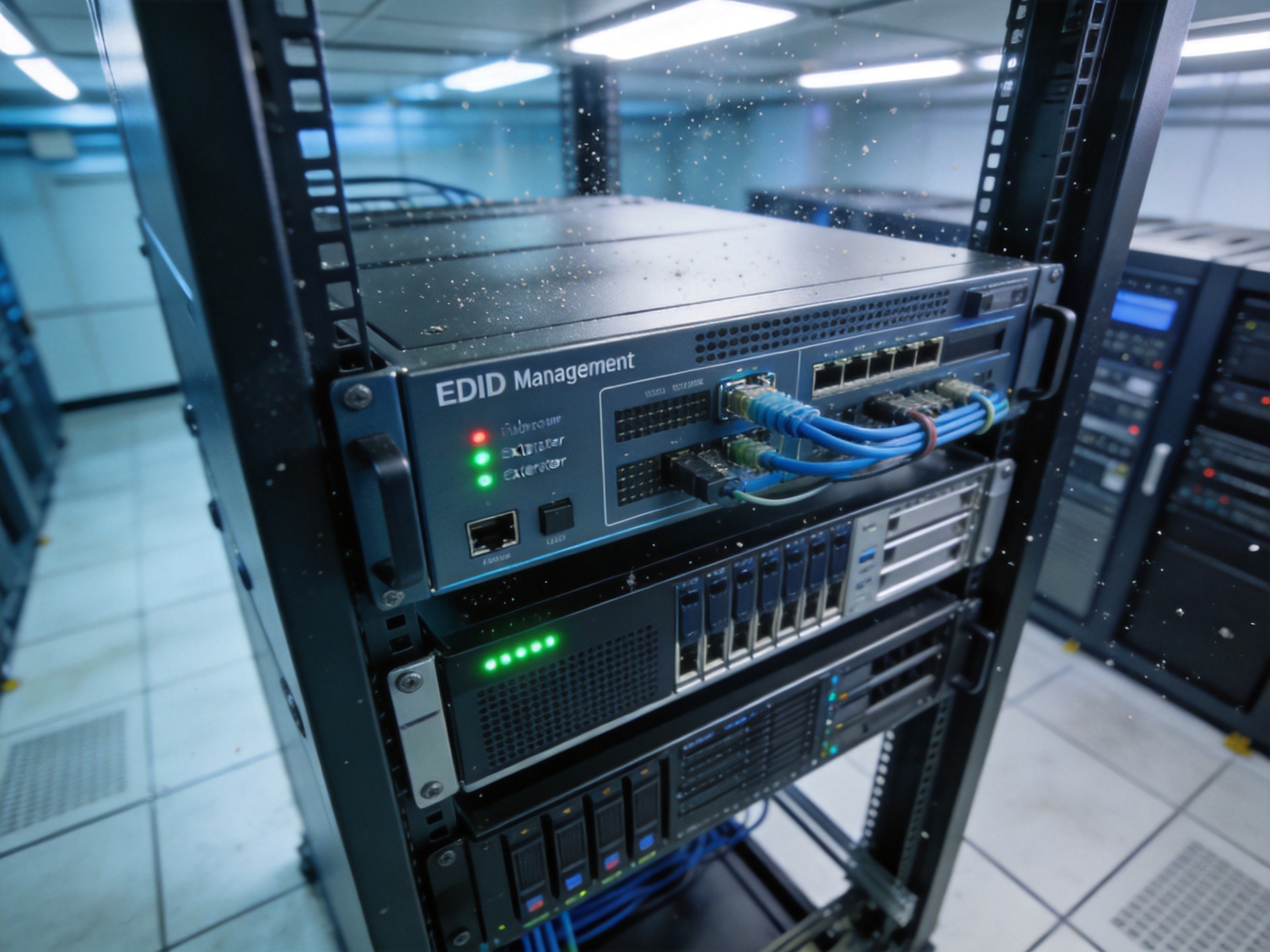
Preventing EDID failures at the architecture level saves far more than troubleshooting them after deployment. Best practices include using active optical cables or fiber extenders for runs exceeding 10 meters, since optical media completely eliminates the capacitance and attenuation issues that plague copper-based DDC communication. For mixed-resolution environments such as NOC video walls, deploying EDID management hardware that can clone and distribute EDID profiles to multiple sources eliminates the resolution mismatch problems that occur when different displays report conflicting capabilities. Panel PCs with onboard EDID emulation, such as those offered by KOXIAN, add a further layer of resilience by allowing system integrators to lock the EDID profile in firmware, preventing any downstream display change from disrupting the video output configuration.
EDID may be invisible to end users, but it governs whether anything appears on screen at all. In industrial environments where uptime translates directly to revenue, treating EDID as a first-class system design concern rather than an afterthought is the difference between a video wall that works for years and one that generates weekly help desk tickets.









