
Walk into any modern Network Operations Center and the first thing that hits you is the wall. Rows of displays, sometimes stretching thirty feet across, render real-time network topology maps, server health dashboards, security event feeds, and application performance metrics. Behind that seamless visual experience lies a carefully engineered deployment of multi-screen KVM systems and industrial panel PCs. Getting the architecture right determines whether operators catch a packet loss anomaly in seconds or minutes.
The Multi-Screen KVM Architecture
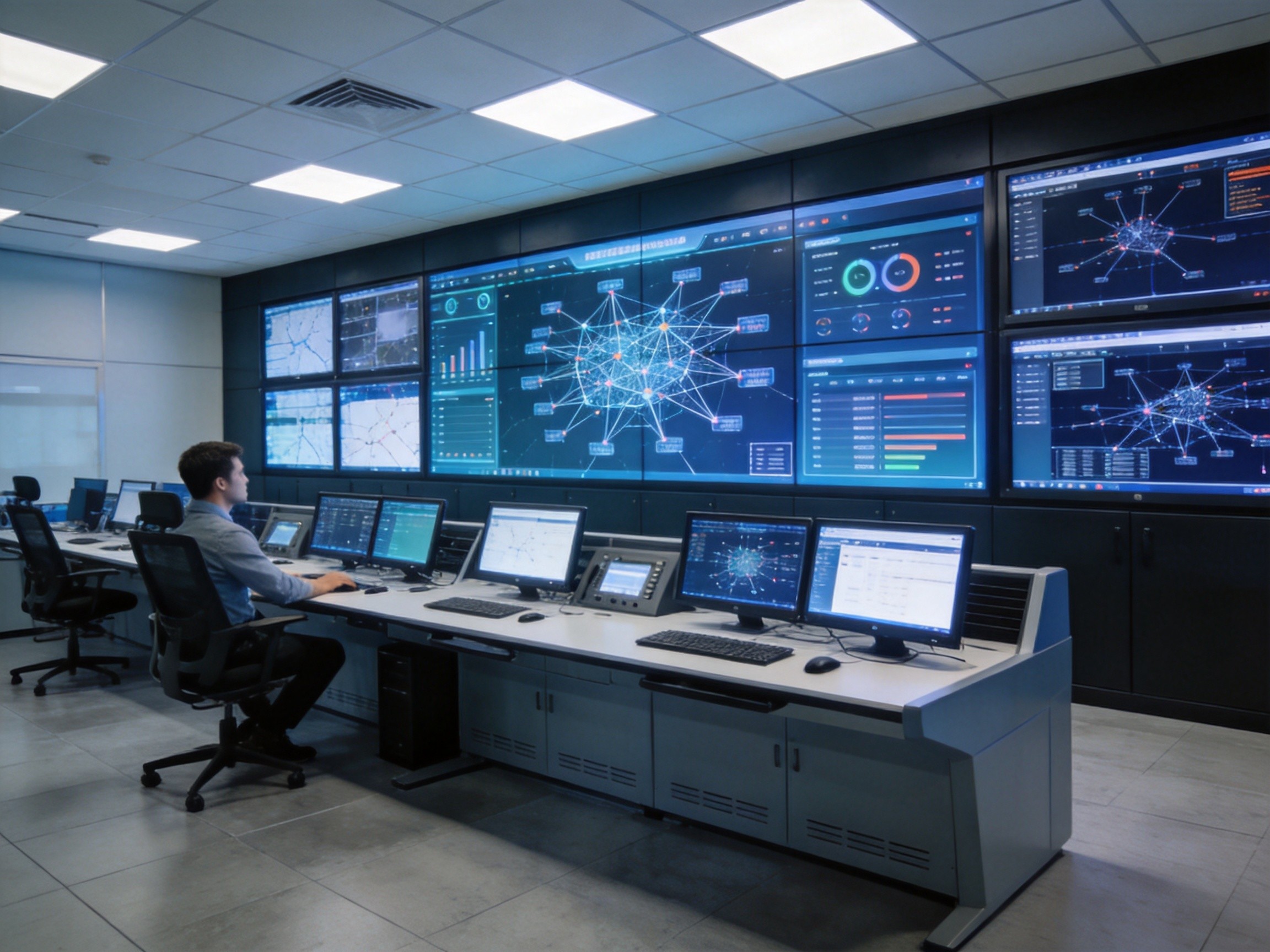
At the core of any NOC video wall is a KVM matrix switch—a device that decouples the physical location of computing resources from the displays that operators interact with. Each industrial panel PC functions as a dedicated rendering node, running monitoring software, SIEM dashboards, or ticketing systems. The KVM matrix routes video, keyboard, and mouse signals between these computing nodes and the operator consoles, allowing a single operator to control multiple systems from one keyboard and mouse set. In a typical mid-size NOC deployment, four to eight KOXIAN panel PCs might drive a twelve-screen video wall, with each PC pushing two or three independent displays through its multi-head graphics output. The KVM switch handles source switching over IP or dedicated Cat6a cabling, providing sub-millisecond switching latency that feels instantaneous to the operator.
Panel PC Selection for 24/7 Monitoring Environments
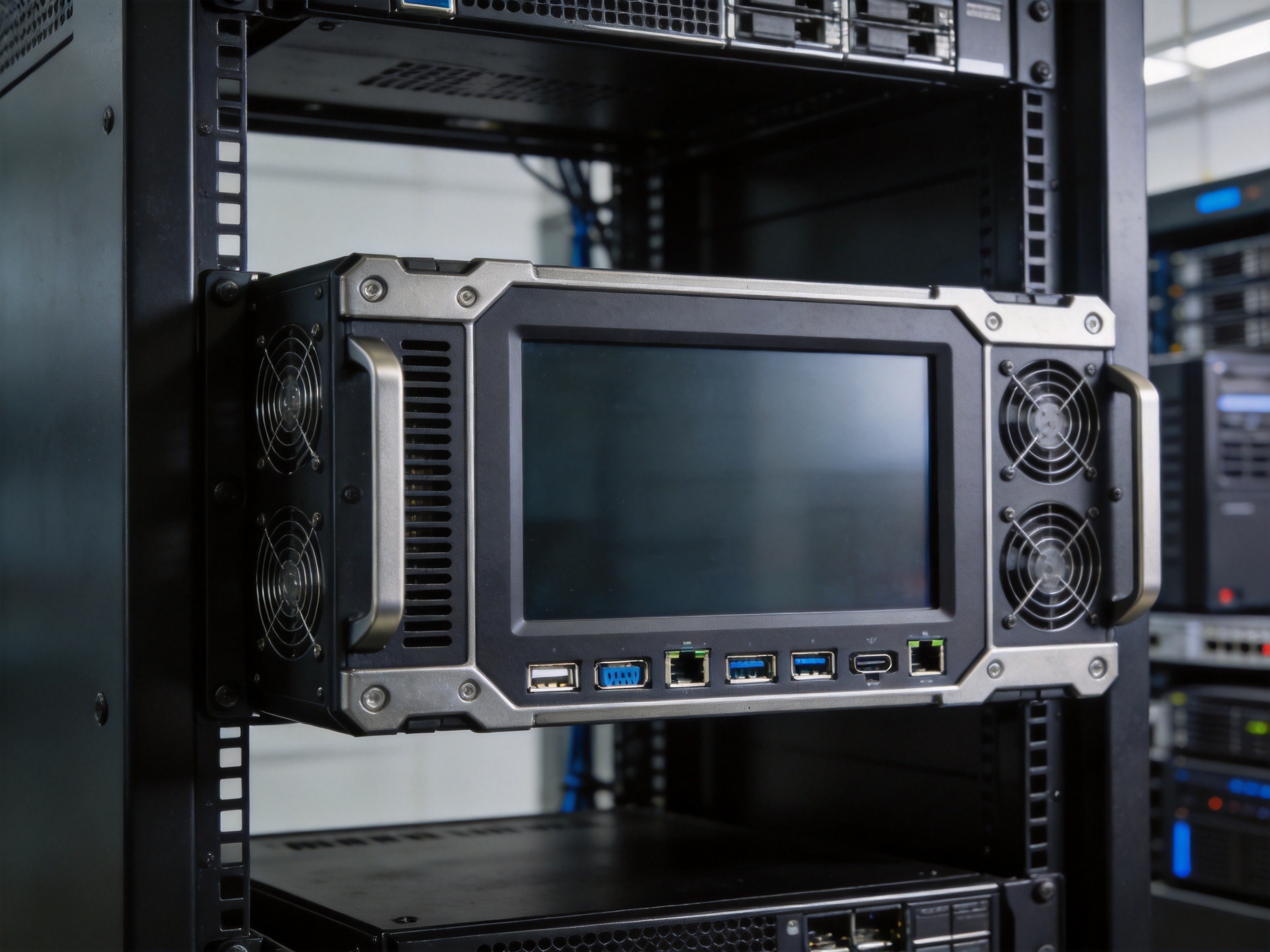
NOC environments demand computing hardware that differs fundamentally from office-grade equipment. The key selection criteria start with thermal endurance: a NOC video wall generates substantial heat from the displays alone, and the computing nodes packed behind them must operate reliably at ambient temperatures exceeding 40 degrees Celsius without throttling. Industrial panel PCs with fanless thermal designs and wide operating temperature ratings are the standard choice. Graphics capability is equally critical. Each computing node must drive at least two 4K displays at 60Hz, requiring dedicated GPU hardware or embedded graphics with sufficient VRAM allocation. A third consideration is serviceability: NOC equipment cannot be taken offline for routine maintenance during peak hours. Hot-swappable storage, redundant power inputs, and front-accessible I/O ports allow technicians to replace components without powering down the monitoring workstation.
Video Wall Layout and Content Management

Designing the physical layout of a NOC video wall involves balancing visibility, operator ergonomics, and content hierarchy. The most common configuration uses a 2×3 or 3×4 grid of 55-inch displays arranged in a slight arc to minimize off-axis viewing distortion. Each display is fed by a dedicated video output from the KVM matrix, with content presets that operators can recall instantly. Zone one typically shows the highest-priority feeds—network health, critical alerts, and SLA compliance dashboards—positioned at eye level in the center of the wall. Zone two occupies the upper row with long-term trend charts and capacity planning views. Zone three, on the lower periphery, displays secondary feeds such as weather maps, news tickers, and shift handover notes. KOXIAN panel PCs support this zoned architecture by allowing each unit to simultaneously drive displays in different zones, with independent EDID management ensuring consistent resolution across the entire wall regardless of individual display model variations.
Redundancy and Failover Design
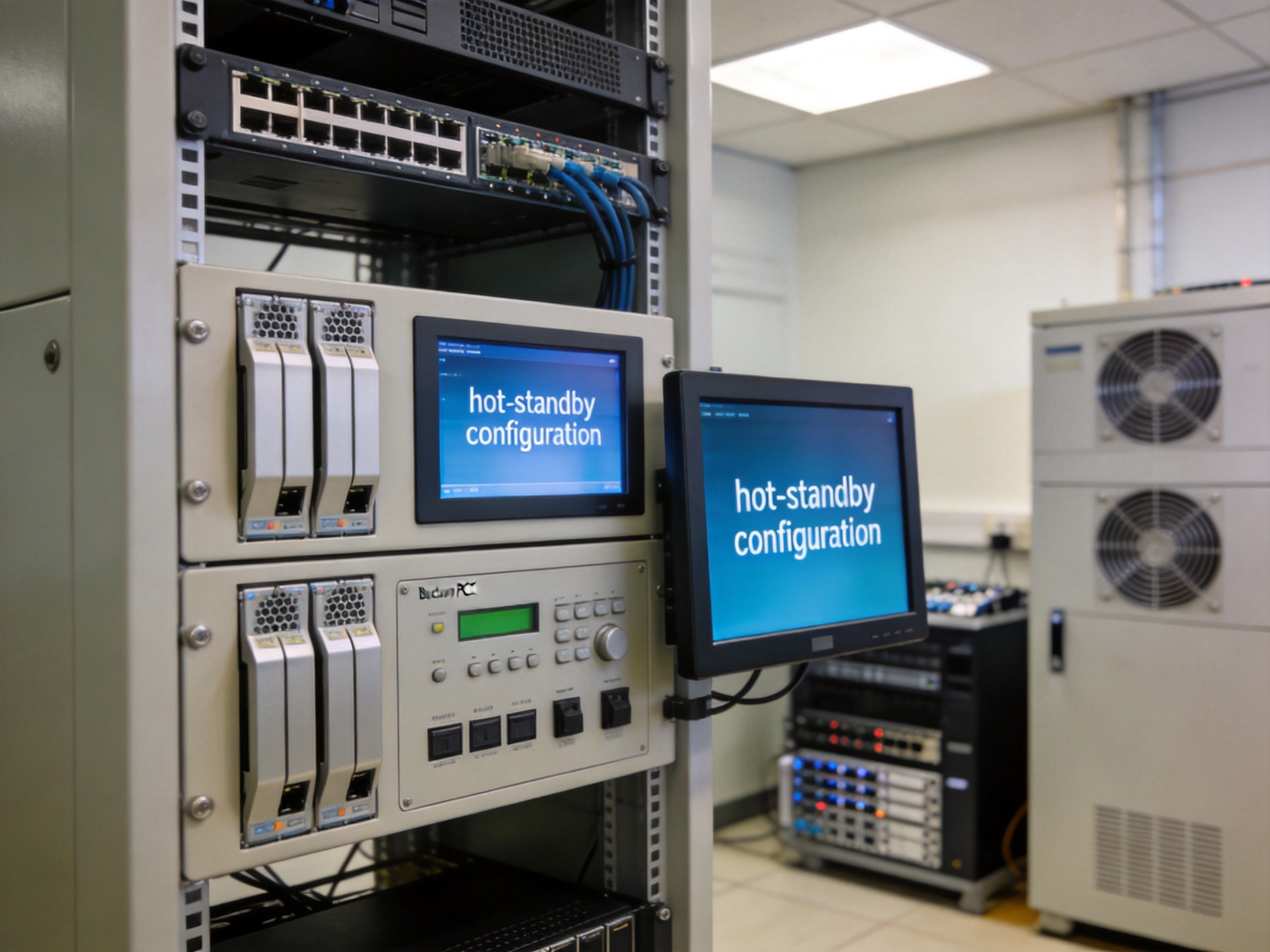
A NOC video wall is a mission-critical asset. A single failed computing node that takes down four displays creates an unacceptable information gap. Redundancy is designed in layers. At the computing layer, each display zone is assigned a primary and a backup panel PC, with the KVM matrix auto-switching to the backup upon detecting signal loss. At the power layer, dual redundant PSUs with separate circuit feeds prevent a single breaker trip from cascading through the entire wall. At the network layer, the KVM matrix runs on a dedicated management VLAN with redundant 10GbE uplinks. Some deployments add a fourth layer: an out-of-band management network that allows remote technicians to reboot frozen computing nodes via IPMI even when the primary OS is unresponsive. The result is a monitoring infrastructure that sustains multiple simultaneous hardware failures without operator-visible disruption.
Building a NOC video wall is equal parts display engineering, computing architecture, and operational planning. When every component is selected and configured with 24/7 reliability as the primary requirement, the result is a monitoring environment where operators can focus entirely on what the data is telling them, not on whether the screen behind it will stay lit.









