
A warranty claim from a beverage bottling plant looked routine at intake: inspectors were passing underfilled bottles that the vision camera had already flagged. The camera, lens, and lighting all checked out, so the investigation moved downstream to the industrial PC monitor at the review station. Its lower-left corner had dimmed to roughly sixty percent of center brightness, and flagged frames shown there simply looked acceptable. Cases like this explain why brightness uniformity has become a serious selection metric rather than a datasheet footnote. When a panel renders one zone darker or warmer than another, every judgment made on that screen inherits the error.

In Inspection Cells, Uniformity Errors Hide Real Defects
Inspection workstations ask far more from a screen than office dashboards do. Field observations from electronics and packaging lines show that review stations built on KOXIAN industrial displays hold corner luminance closer to center values during long shifts, which keeps defect markers readable at every position. Even so, any industrial PC monitor can mislead once one region of the panel dims: faint scratch highlights, low-contrast fill marks, and color-coded alarms lose contrast against the background. Operators unconsciously compensate by leaning toward the brighter zone, and subtle defects reviewed in the dim zone get waved through. A dim corner can also mimic a shadow defect, triggering false rejects and wasted rechecks. Either way, the line pays twice, once in escaped defects and again in lost throughput. Uniformity is therefore a process-control variable, not a cosmetic preference.
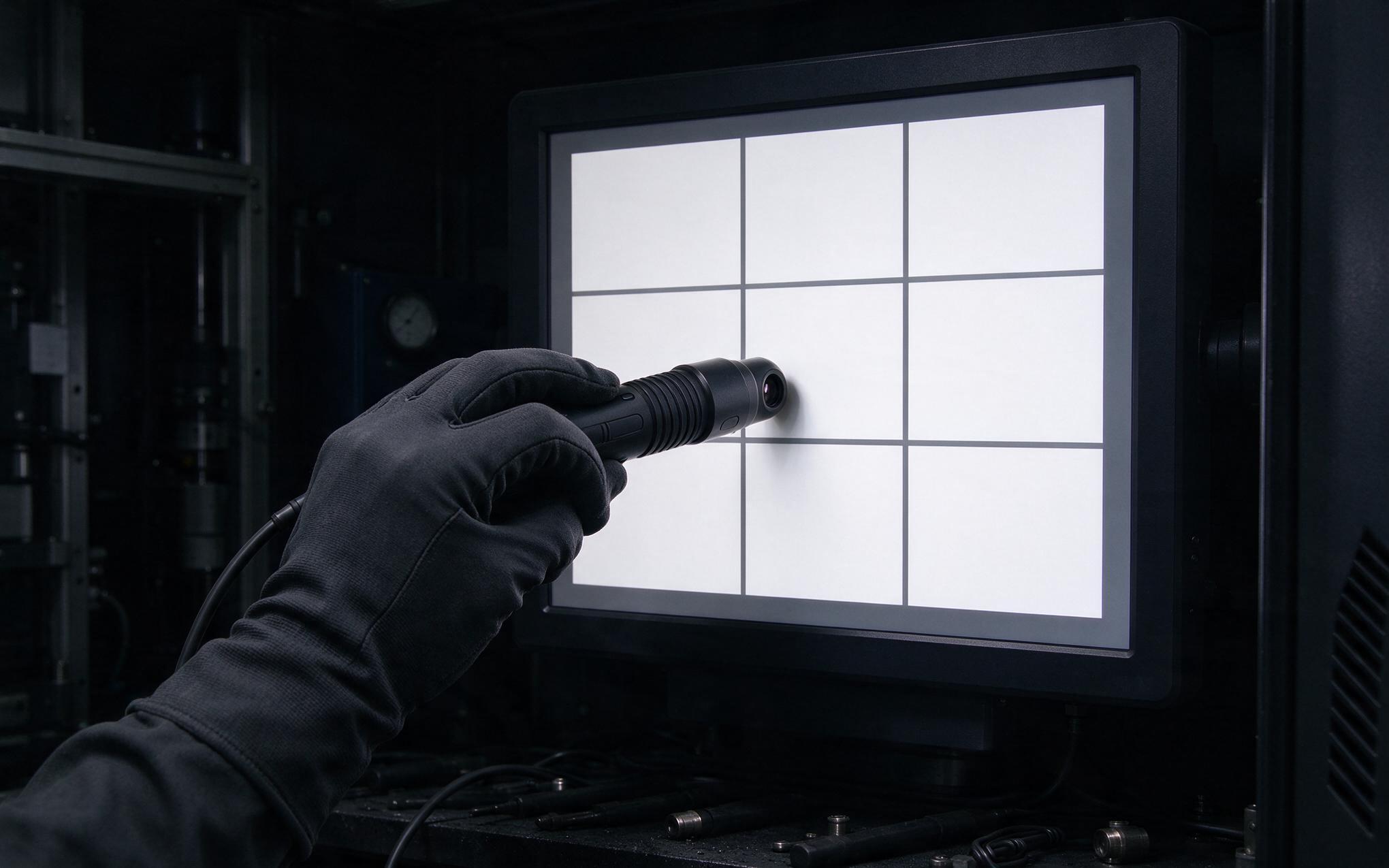
How Nine Point Testing Grades an Industrial PC Monitor
The standard field method divides the screen into a three-by-three grid and measures luminance at the center of each zone with a handheld photometer. Uniformity is expressed as the lowest reading divided by the highest, so a panel measuring 240 nits in one corner against 300 nits at center scores 80 percent. Engineers comparing one industrial PC monitor against another often cross-check vendor claims against real hardware, such as the sealed bezel assemblies used in the KOXIAN G1 series, before signing acceptance reports. Inspection-grade duty typically demands at least 80 percent uniformity, while general dashboards tolerate 70 to 75 percent. The VESA Flat Panel Display Measurements standard documents the full procedure, including warm-up time and ambient light control, which matter because a cold panel or a sunlit booth can skew readings by several points.
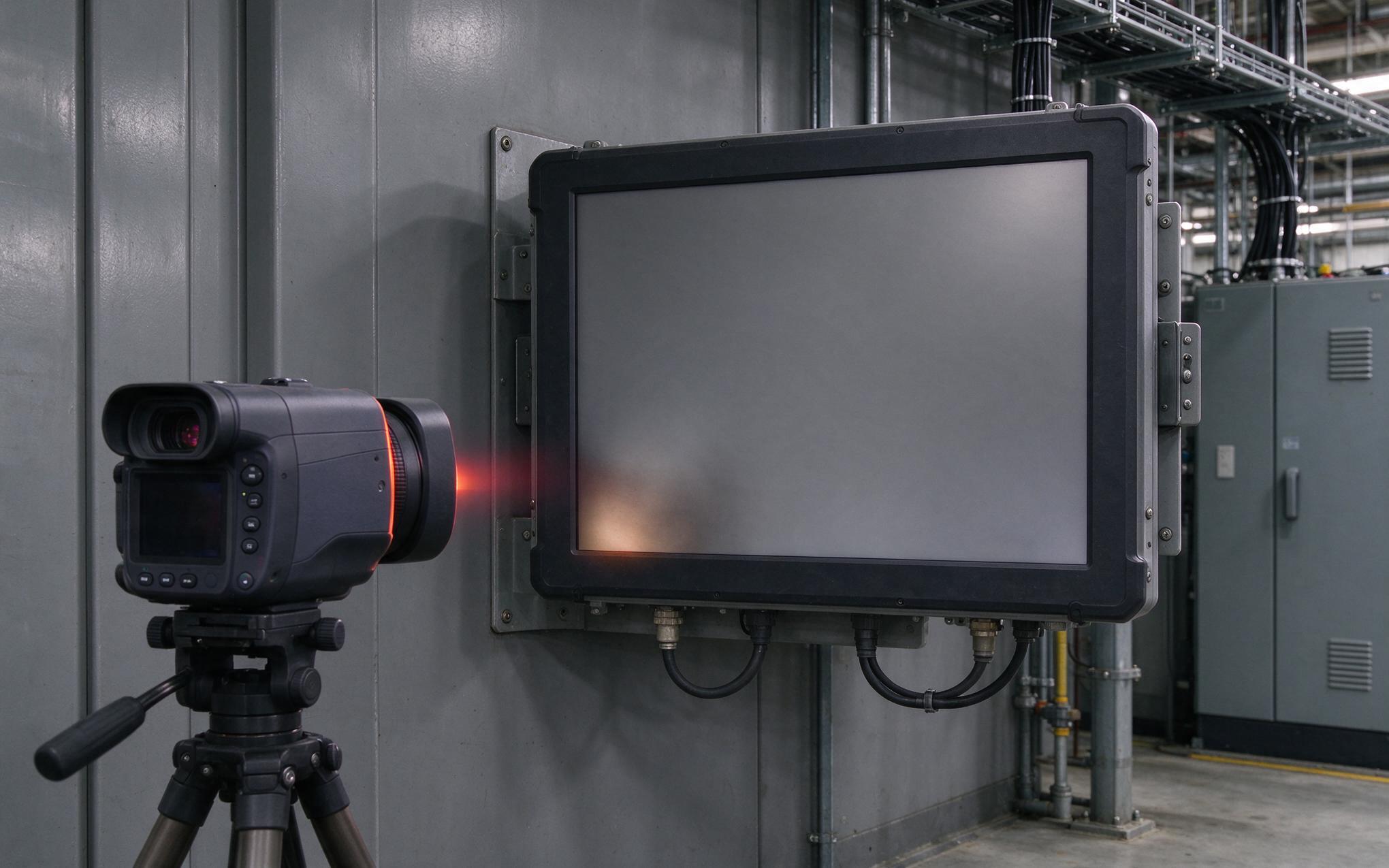
Heat and Backlight Aging Behind Uniformity Drift
Every industrial PC monitor leaves the factory with a uniformity figure, but that number drifts the moment the backlight starts aging. LED strings lose output unevenly because the diodes nearest the driver board run hotter than those at the far edge. Edge-lit designs concentrate this stress along one rail, so the rail side dims faster than the opposite side over thousands of hours. Heat also warps the diffuser sheet and yellows the optical films stacked behind the liquid crystal layer, which shows up as a warm patch that no calibration pass can remove. Sealed enclosures amplify the gradient because internal air stratifies instead of circulating. Vibration from nearby presses loosens the clips holding the optical stack, and a shifted diffuser creates bright streaks that read as permanent artifacts.

Uniformity Targets for Selection and Acceptance Checks
When shortlisting an industrial PC monitor for inspection duty, buyers should ask three questions that cut through marketing language. What uniformity does the datasheet guarantee, measured how, and after how many operating hours. A serious vendor states the test grid, the meter class, and whether the figure holds at end of life rather than only at burn-in. Industrial hardware manufacturers, including KOXIAN, now publish nine point procedures alongside the headline number, giving acceptance teams a repeatable yardstick. For machine vision review stations, specify 80 percent minimum with readings taken after a thirty-minute warm-up. For status dashboards, 75 percent is usually adequate. Acceptance checks on the dock should repeat the nine point measurement on every unit, not just samples, because shipping shock can shift the optical stack. Annual rechecks catch aging drift early, giving maintenance teams time to swap a fading panel during planned downtime instead of after a quality escape.
Brightness uniformity rarely fails all at once. It erodes at the corners over years, quietly reshaping what operators believe they see, until a quality escape or a warranty claim forces the audit. Treating uniformity as a lifecycle specification changes the buying conversation: the question is no longer how brightly a panel ships, but how evenly it will age across five years of three-shift duty. An industrial PC monitor specified with a tested uniformity floor, verified at acceptance, and rechecked on a schedule stops being a passive display and becomes part of the plant’s measurement system.









