
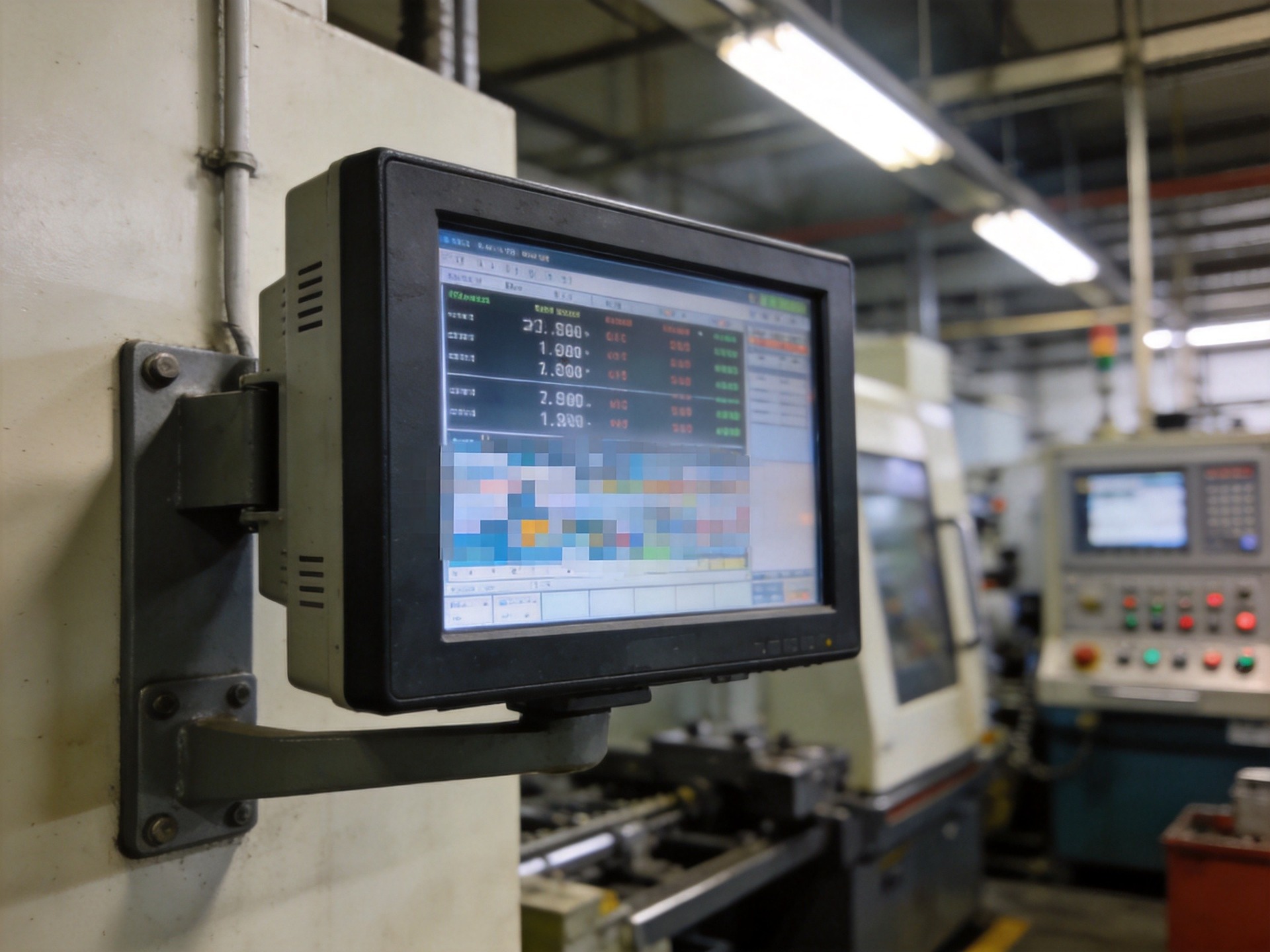
Common Causes of Industrial Display Blur
Display blur in industrial settings rarely stems from a single root cause. The most common factors fall into four categories: signal path degradation, physical contamination, environmental stress, and aging components. Signal issues typically manifest as intermittent flickering, ghosting, or pixel-level artifacts rather than uniform blur. When an analog VGA signal traverses a 15-meter cable run through an electrically noisy factory floor, the absence of proper shielding or ground-loop isolation can introduce high-frequency noise that the monitor interprets as valid image data, producing a characteristic fuzzy appearance.
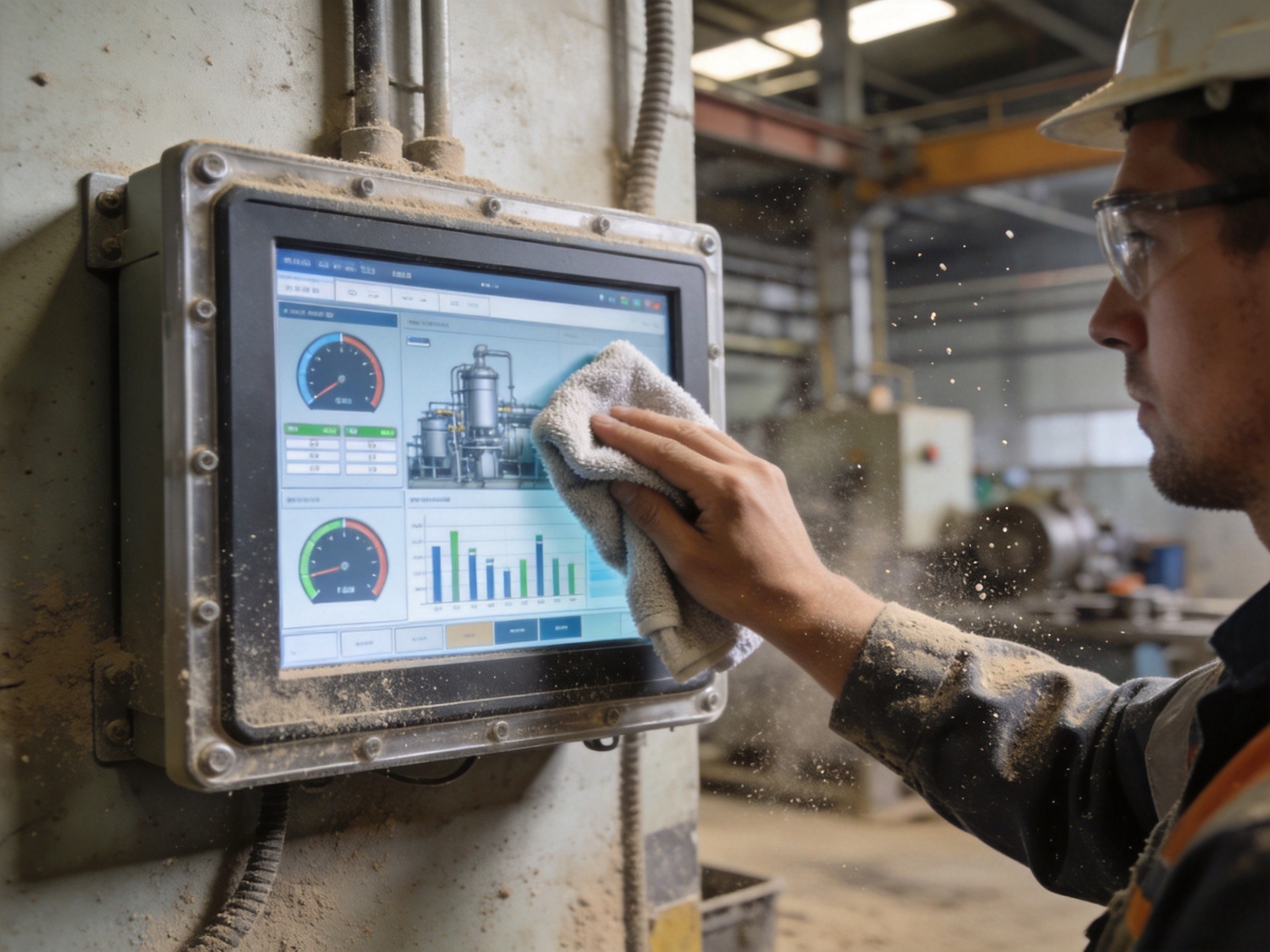
Physical contamination is the most straightforward to diagnose. In facilities with airborne particulates—metal grinding, wood processing, textile manufacturing—a fine layer of dust accumulates on the display surface within days. This dust scatters the backlight, reducing effective contrast and creating a hazy appearance. In high-humidity environments, condensation forms a thin film that similarly degrades optical clarity. The fix is simple: a regular cleaning schedule using microfiber cloths and screen-safe cleaning solutions.
Signal Path Troubleshooting: From Source to Display
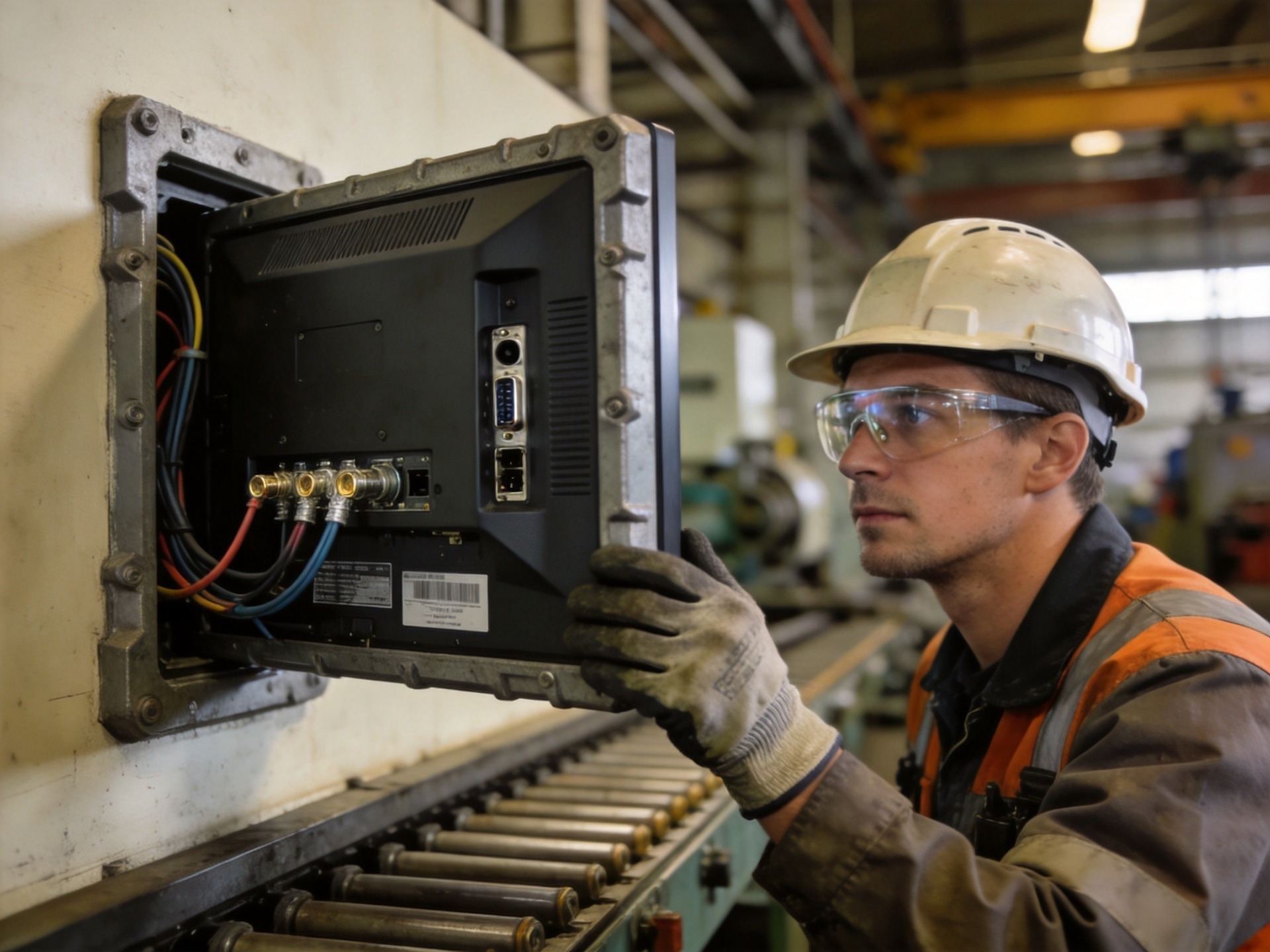
A systematic signal path diagnosis begins at the source. First, verify that the video output resolution matches the display’s native resolution—a mismatch forces the monitor to scale the image, introducing interpolation artifacts that appear as softness. Industrial embedded computers sometimes default to lower resolutions after firmware updates or power cycling, making this a common post-maintenance issue.
Next, inspect the physical cable condition. Industrial environments subject cables to repeated flexing, chemical exposure, and temperature cycling that degrade internal conductors long before the outer jacket shows visible damage. Swapping in a known-good cable is the fastest diagnostic step. For installations where cable replacement is impractical, transitioning from analog interfaces to digital signal transmission—DisplayPort or HDMI with active signal conditioning for runs exceeding 10 meters—eliminates the analog noise susceptibility that causes much of the subtle blur operators experience.
Panel Technology and Environmental Degradation
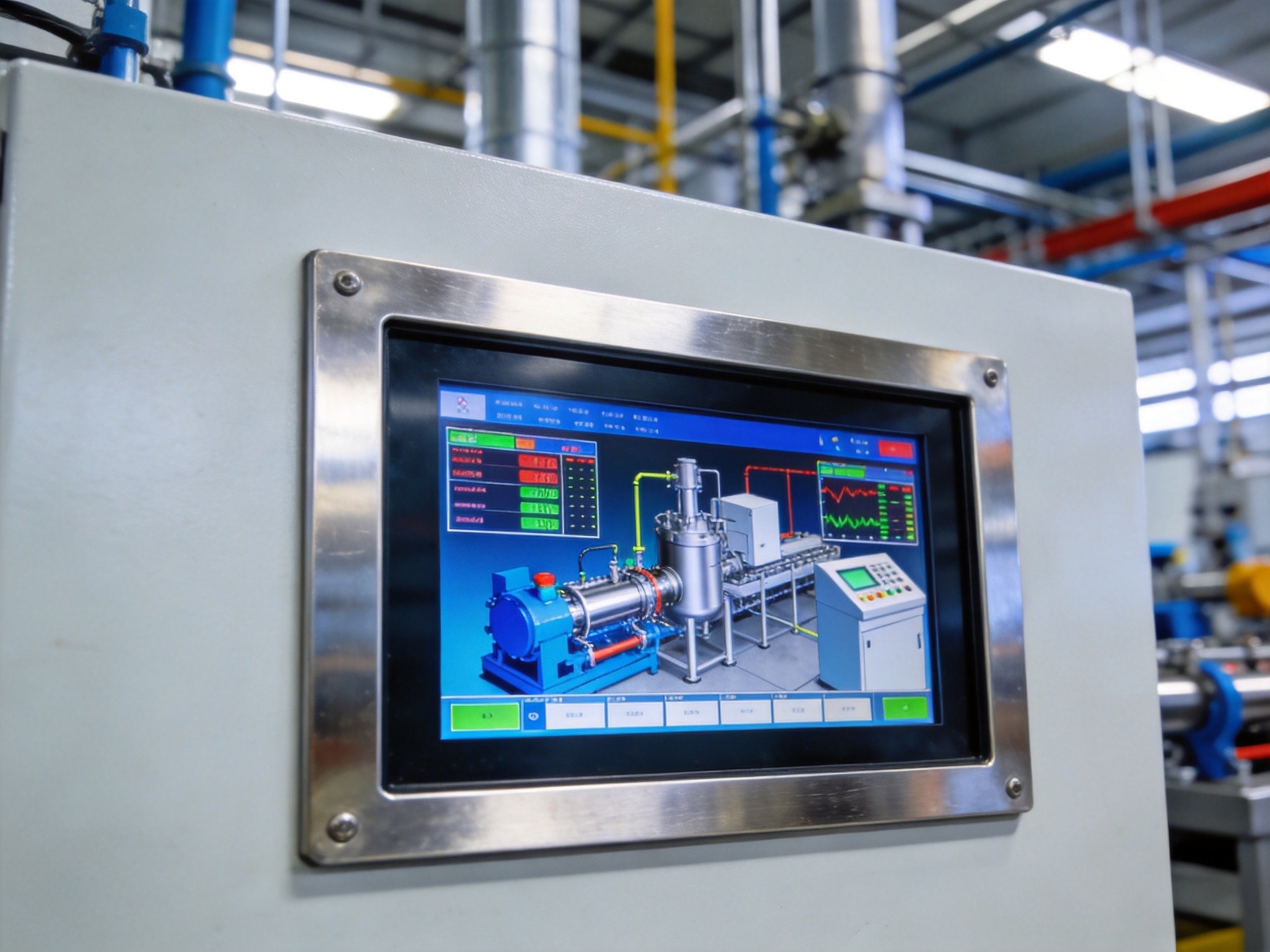
Not all industrial monitors are built with equal display technology. TN panels, while inexpensive, suffer from narrow viewing angles that cause color shift and apparent blur when viewed off-axis—a common scenario when monitors are mounted above eye level. IPS panels maintain consistent image quality across wider viewing angles and are the preferred choice for multi-operator workstations. The panel technology utilized in specialized industrial display platforms, including those from the KOXIAN G1 series, leverages IPS-grade LCDs with anti-glare optical bonding to maintain clarity even under direct factory lighting.
Backlight aging is a progressive issue that operators may not notice until image quality has degraded significantly. LED backlights in industrial monitors typically retain 70 percent of original brightness after 50,000 hours. As brightness declines, the perceived contrast ratio drops, and operators strain to read dimmer displays—a condition often reported as blur. Many industrial monitors include backlight runtime tracking accessible through the on-screen display menu, enabling maintenance teams to schedule proactive replacements before image quality becomes a production issue.
A Practical Troubleshooting Workflow
A structured troubleshooting sequence resolves most industrial display blur issues within minutes. Begin with the simplest checks: clean the screen surface, verify the display resolution matches native resolution, and confirm that brightness and contrast settings have not been inadvertently adjusted. If blur persists, inspect and reseat all signal cable connections at both ends. Replace any cable showing signs of physical wear or corrosion at connector pins. For persistent issues, test with a different video source to isolate whether the problem originates in the display or the computing hardware. Finally, check backlight hours and consider panel replacement if the unit has exceeded its rated service life. Field maintenance logs from industrial facilities deploying KOXIAN K2 series monitors indicate that this structured diagnostic approach resolves over 85 percent of reported display clarity issues on the first service visit, minimizing production downtime.









