
Sunlight striking the sealed glass of a panel machine can leave the front face far hotter than the cabinet air, and the gap widens all afternoon. On an industrial panel mount touch screen that heat has nowhere to escape, because the bezel blocks convective exchange across the glass and the gasket seals the only other path out. The display module sits directly behind that surface, so operators eventually see washed out color, sluggish touch response, or dark patches that clear only after the line goes idle. This article follows that heat to the chassis interface, then turns to measurement, failure order, and the specifications that separate a rated unit from an optimistic datasheet.
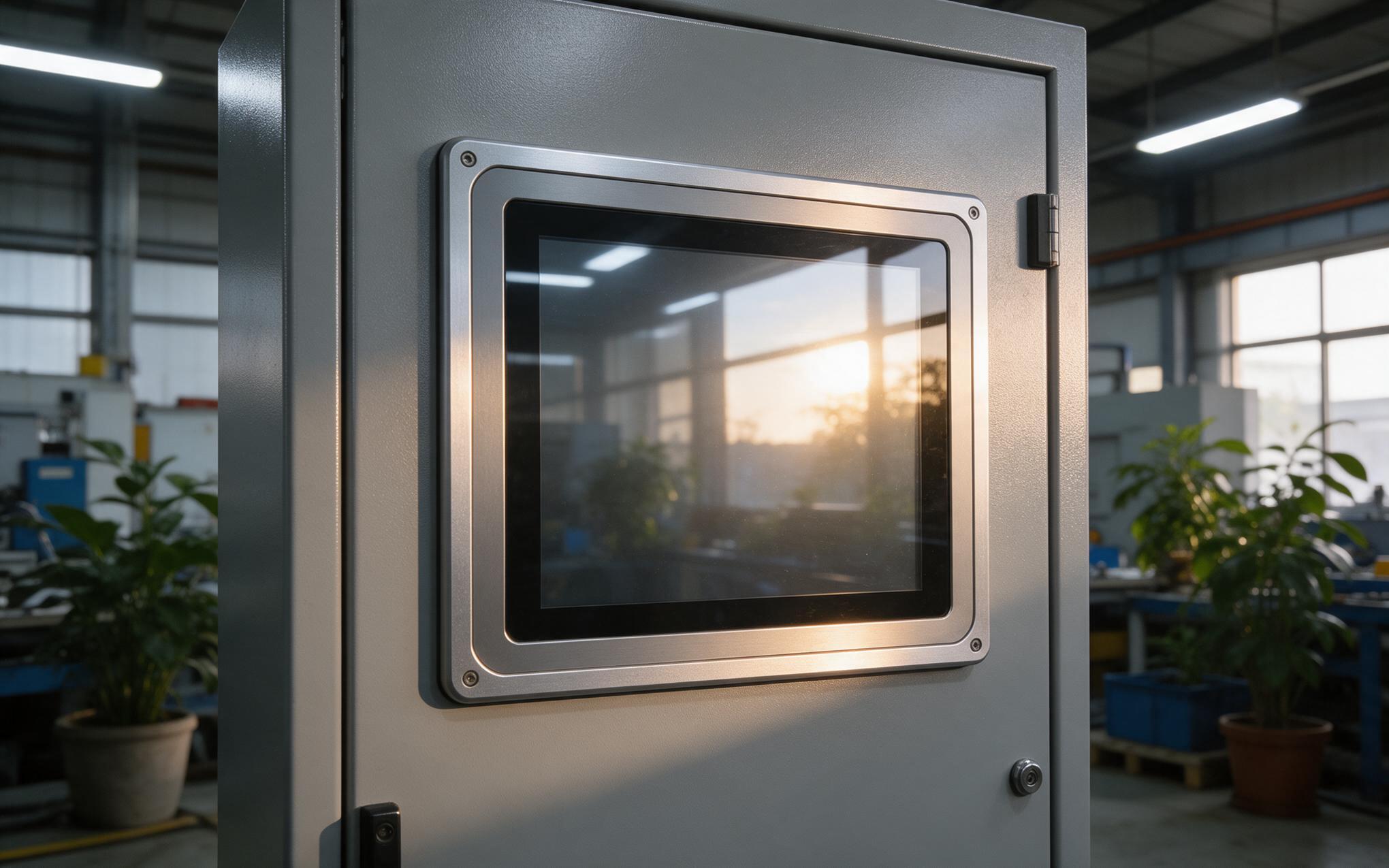
Industrial Panel Mount Touch Screen Heat Loads at the Front Face
Front frame designs such as the machined aluminum bezel on the KOXIAN G2 series treat the whole face as a heat spreading surface instead of a decorative trim. Heat arrives from three directions, because the backlight converts most of its input to warmth, the controller board adds its own load, and radiant energy from lighting or direct sun loads the cover glass. Since the front is sealed to hold an ingress rating, none of that heat leaves through the face. It travels sideways into the bezel, then into the door or panel through the gasket contact area, far smaller than the surface that collected the energy. Units mounted flush in a cutout run hotter than the same electronics in an open frame.
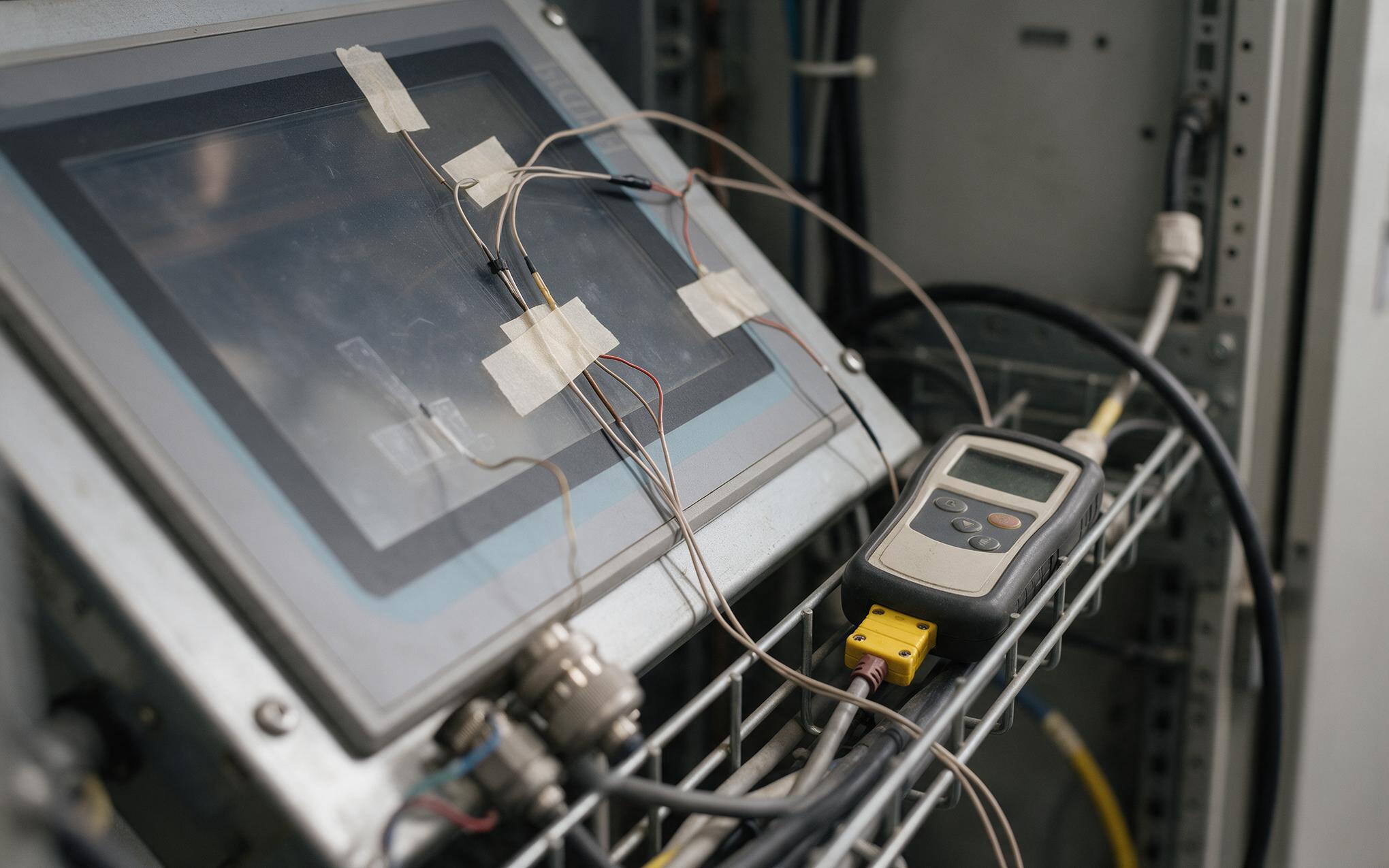
Measuring Surface Temperature Behind the Glass
Measuring the front of a sealed unit starts with knowing where the real junction sits. A thermometer aimed at the glass reads the surface rather than the liquid crystal layer a few millimeters behind it, and that difference can exceed the whole margin printed on a datasheet. Field observations on lines running KOXIAN panel units through two shift summer schedules show glass temperature climbing well above cabinet air while internal sensors stay inside specification. Thermocouples taped at the center of the glass and near the bezel edge, logged across a full shift, expose the gradient that a single spot check hides. Comparing those two curves tells an engineer whether an industrial panel mount touch screen is being heated by its own electronics or by the room around it.
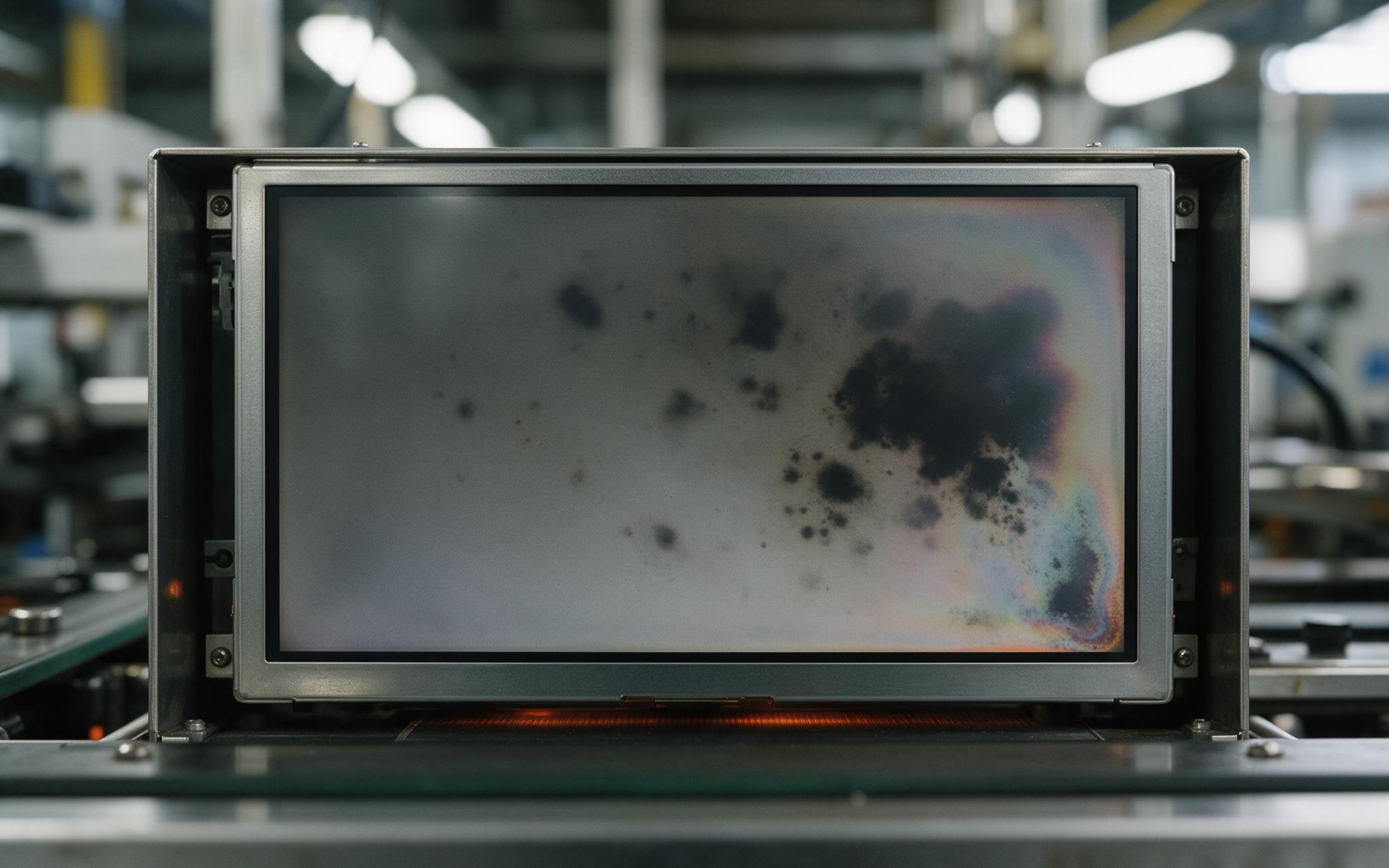
Display Blackening Under Sustained Front Heat
Sustained heat at the glass does not fail a display all at once, it degrades it in a predictable order. Backlight output drops away before anything else, color saturation follows, and long exposure can leave dark blotches that no brightness setting removes. Liquid crystal layers lose clearing margin as temperature climbs, which is why blackening appears at the hottest corner of the panel instead of spreading evenly across it. Adhesives and gasket compounds soften in the same range, so the seal holding the ingress rating can take a permanent set while the picture still looks readable. Thermal design approaches like those adopted in KOXIAN K3 series treat bezel contact as the primary cooling path rather than relying on air movement in front of the glass.
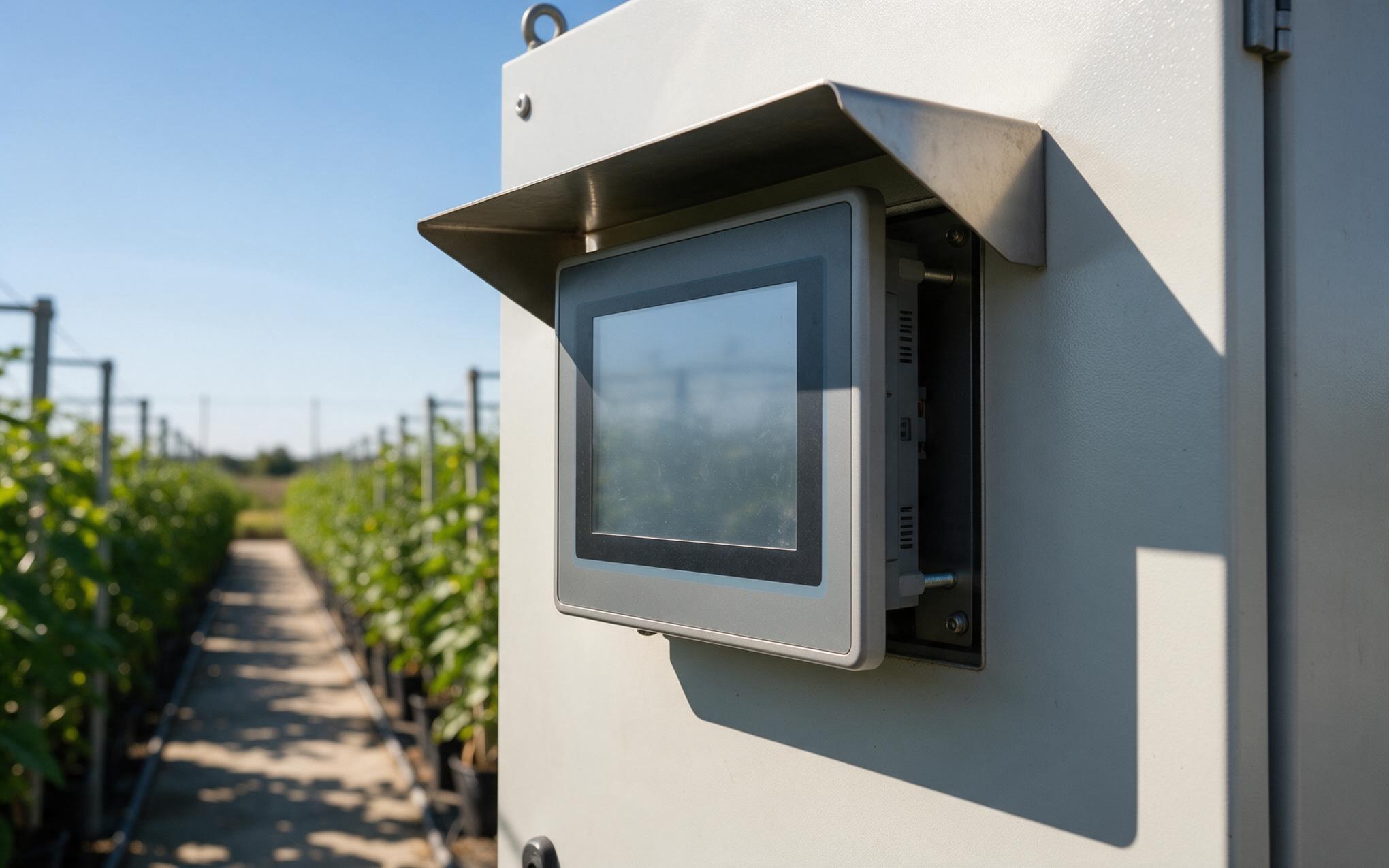
Selection Rules for High Ambient Installations
Datasheets rarely state the number that matters most at the front, the temperature of the glass rather than the air around the chassis. When an industrial panel mount touch screen is specified against air temperature alone, the purchase inherits a margin that the front face will consume by midday. The practical checks are straightforward: ask for the panel surface rating, confirm the mount leaves a standoff gap behind the unit, and verify that brightness is specified at temperature. Shade structures, external visors, and cabinet ventilation move the balance more than a faster processor would, and each costs less than replacing a derated display mid season. Teams that log one summer of surface temperatures before writing a standard usually specify differently the next time around.
Front side heat is the one load every sealed display shares, and it is the load most often missing from the specification. The glass collects energy, the bezel decides where that energy goes, and the gasket determines how much of it ever leaves. Measuring the surface instead of the air, reading the failure order correctly, and rating against panel surface temperature turn a summer problem into a manageable design constraint. Units selected that way hold their picture quality and touch response through the hottest weeks of the year, without an unplanned replacement in the middle of production.









